Back To School Trackball Mice
Shop back-to-school trackball mice for a study setup where desk space is limited. A trackball lets you move the cursor without sliding the mouse across your desk, making it a practical option for compact workspaces. Compare connection type, hand orientation, and compatibility with your laptop or desktop to find a fit for everyday coursework.


FAQ
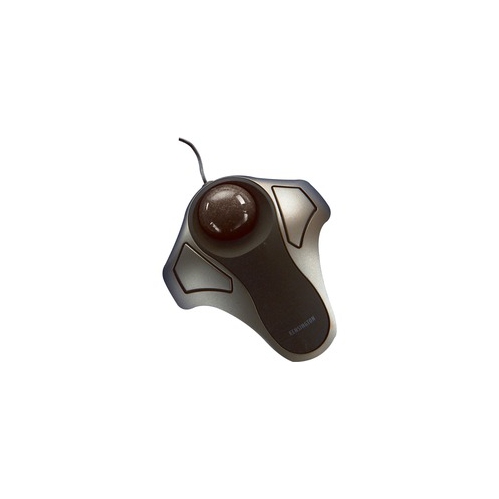
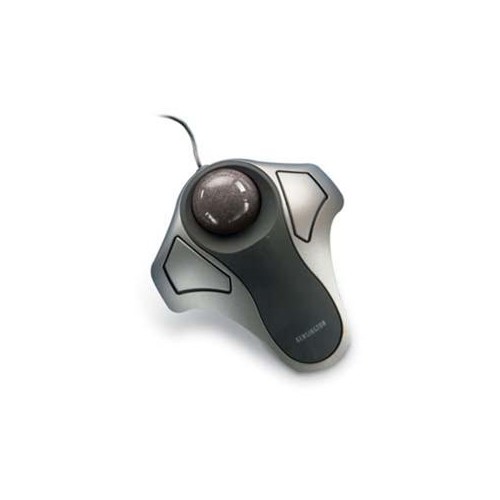
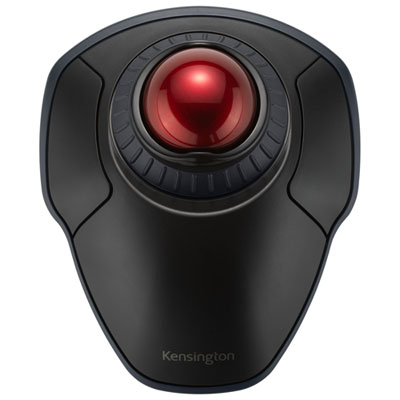
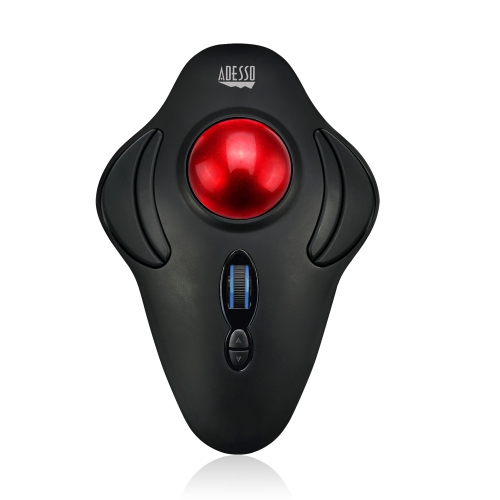
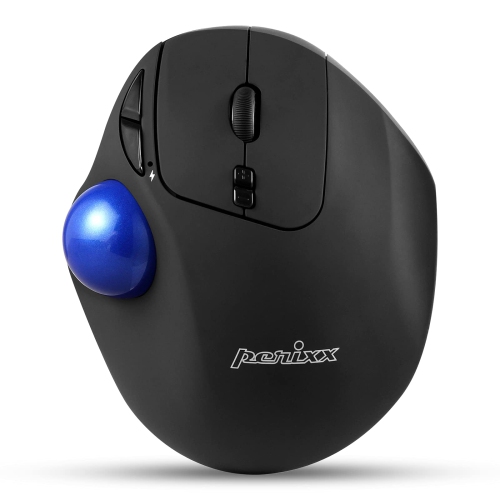
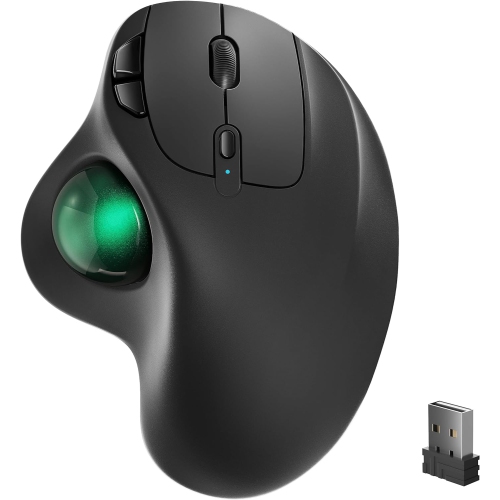
A trackball mouse stays in place while you rotate a ball to move the pointer. A regular mouse moves across a surface to control the pointer. Trackball mice also include buttons for clicking, and many offer a scroll wheel or scroll ring for navigating course readings and documents.
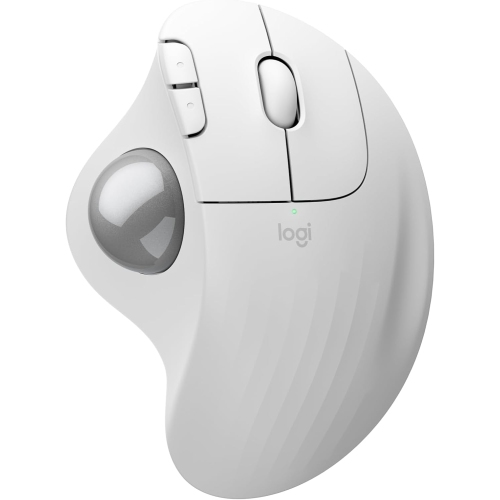
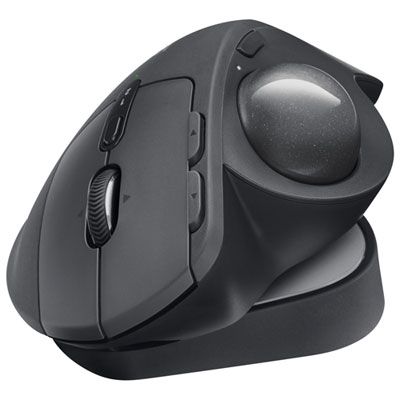
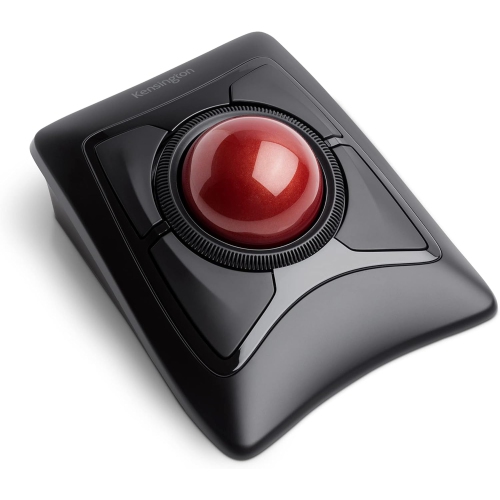
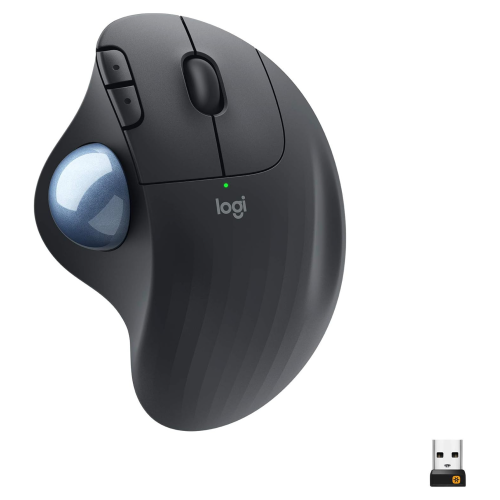
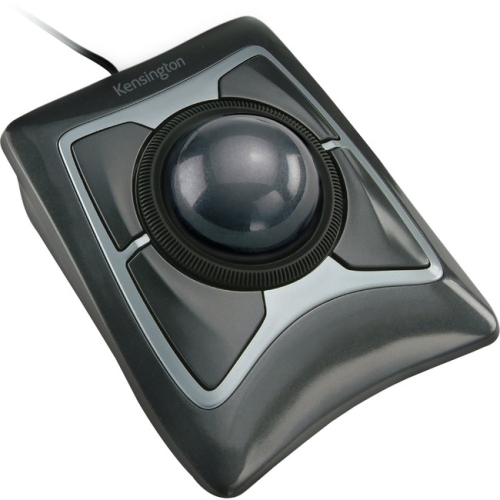
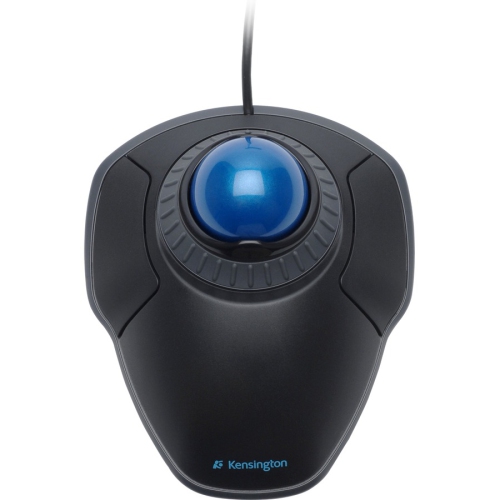
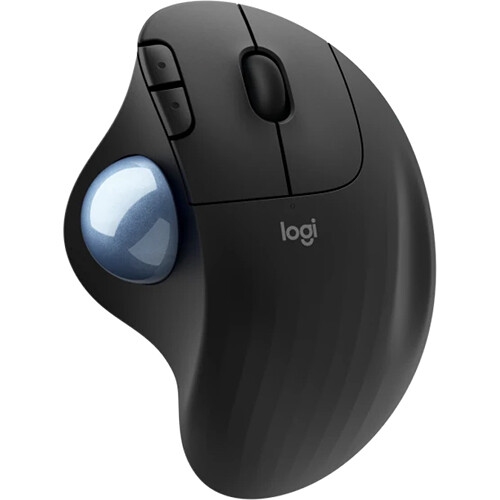
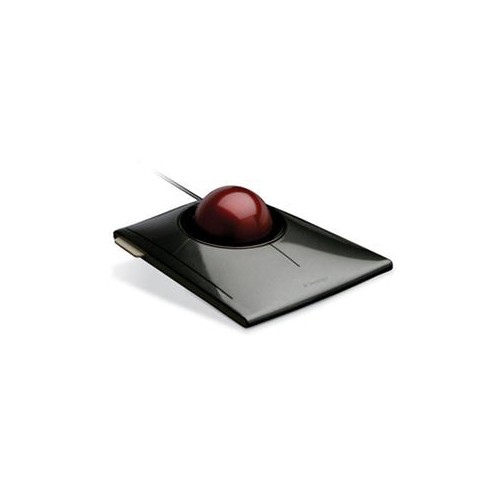
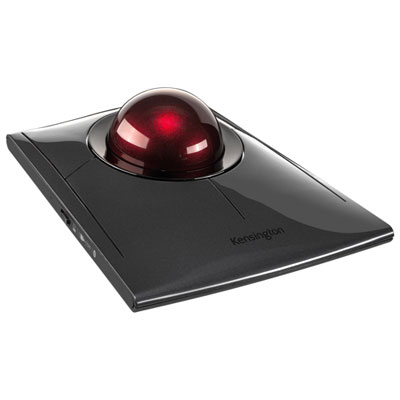
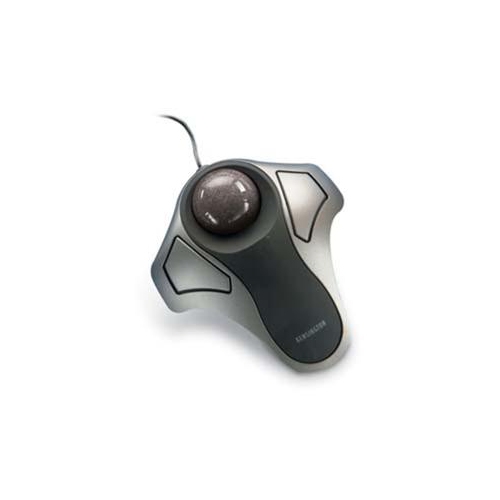
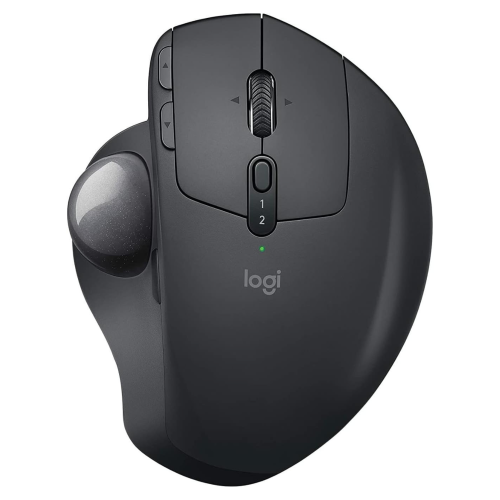
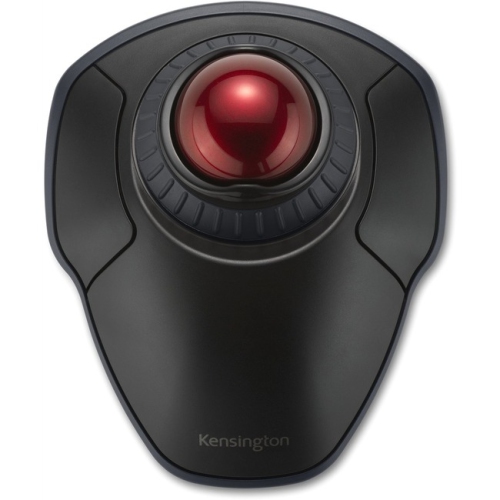
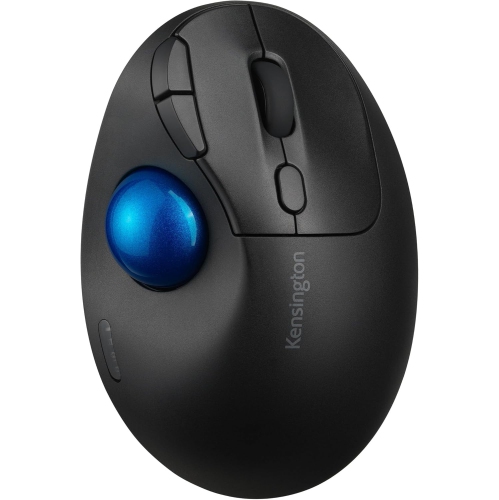
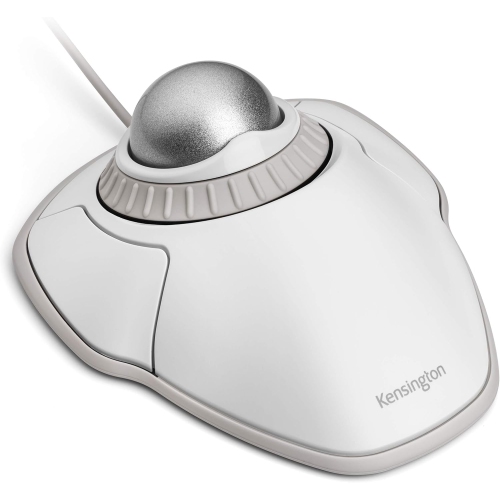
The main types are thumb-operated and finger-operated trackball mice. Thumb-operated models position the ball beside the buttons, while finger-operated models typically place it near the centre. Some designs are made for a particular hand, while others support either left- or right-handed use.
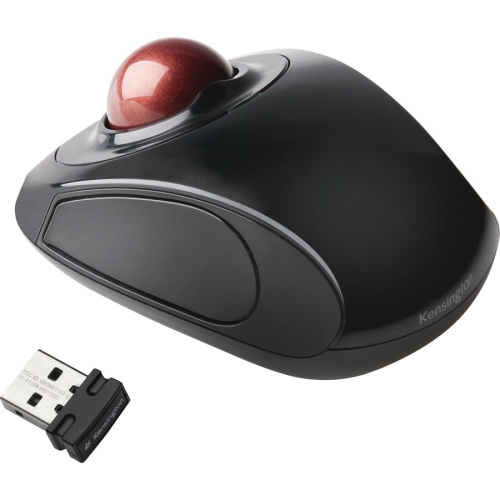
Trackball mice can connect through a wired USB connection, a wireless USB receiver, or Bluetooth, depending on the model. Check your computer’s available ports and Bluetooth support before choosing a connection type. Wireless models may use replaceable batteries or a built-in rechargeable battery.
Compatibility depends on the trackball mouse and the computer’s operating system. Check for stated support for Windows, macOS, or ChromeOS. Basic pointer and click functions may work without extra software, while button customisation may require software that cannot be installed on a school-managed computer.
Depending on the model and its software, programmable buttons can be assigned to actions such as copying and pasting, switching applications, or moving back and forward in a browser. Some trackball mice also support separate button profiles for different applications used during coursework.
Top selling and popular products
Discover more categories related to Back To School Trackball Mice

Some products may be subject to Environmental Handling Fees (EHF) depending on your province. Learn more about EHFs.