Back To School Trackball Wireless Mice
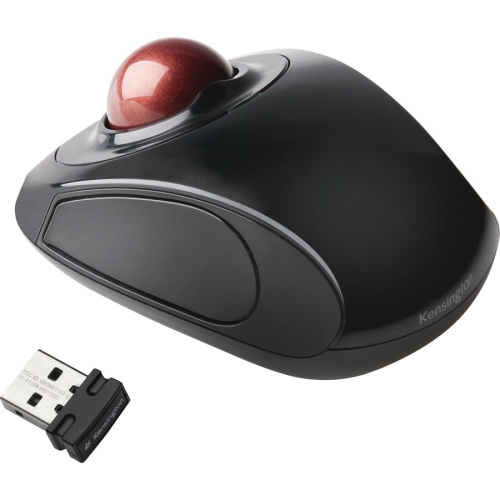
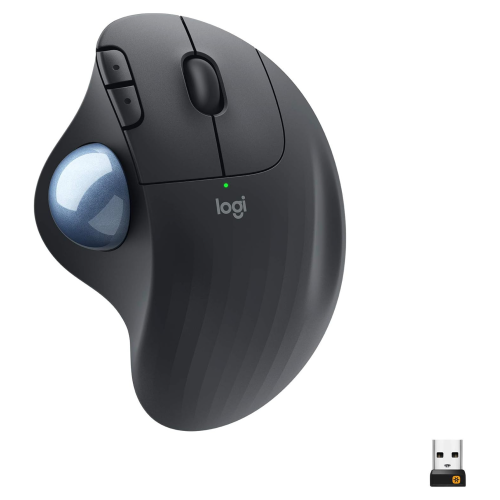
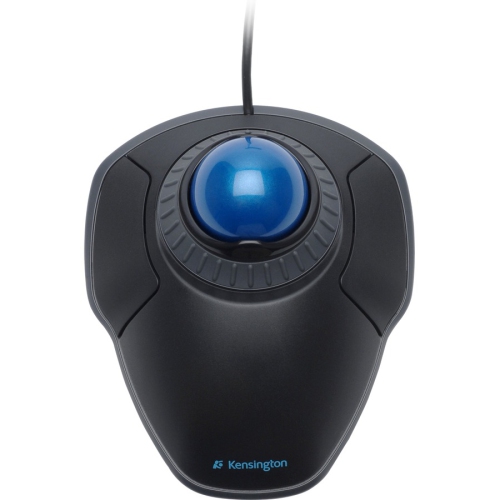
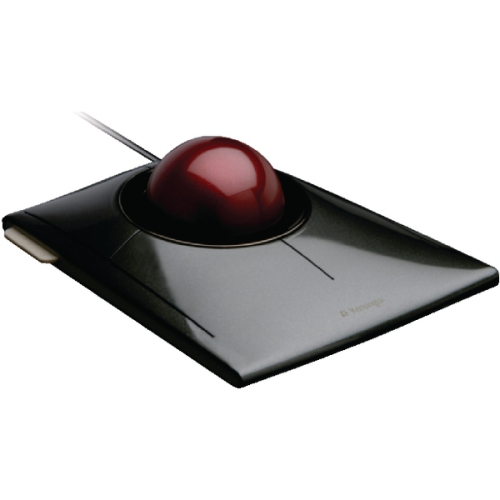
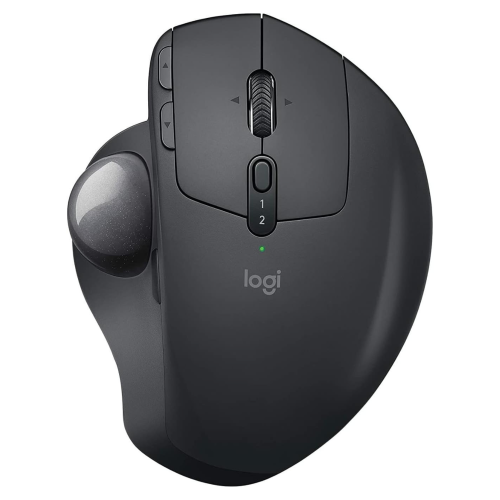
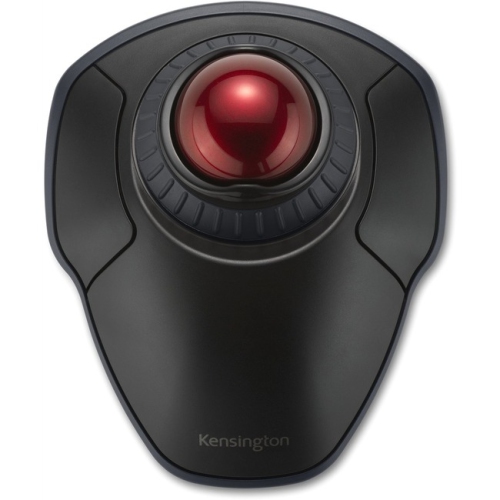
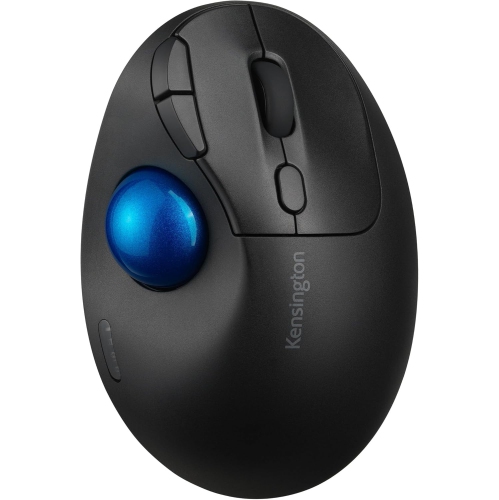
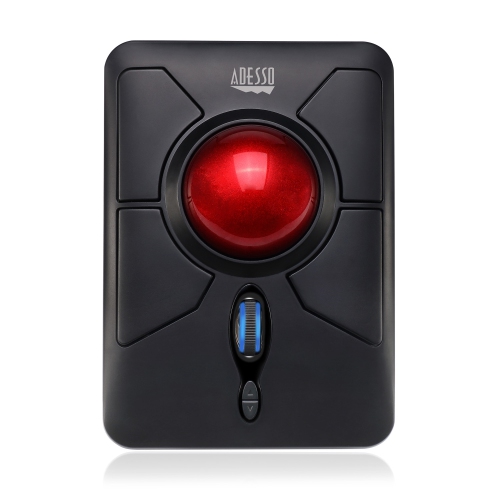
Shop back-to-school wireless trackball mice for a study setup with cursor control that doesn’t require moving the mouse across your desk. A trackball can be a practical option for smaller workspaces; compare connection types, device compatibility, and hand orientation to find a fit for your laptop or desktop.

FAQ
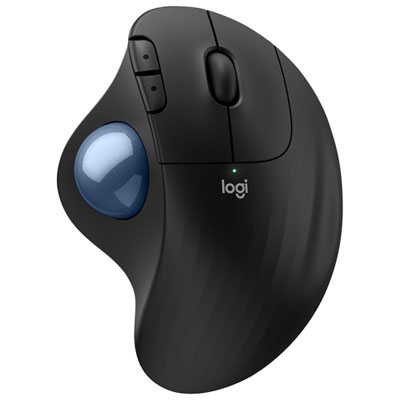
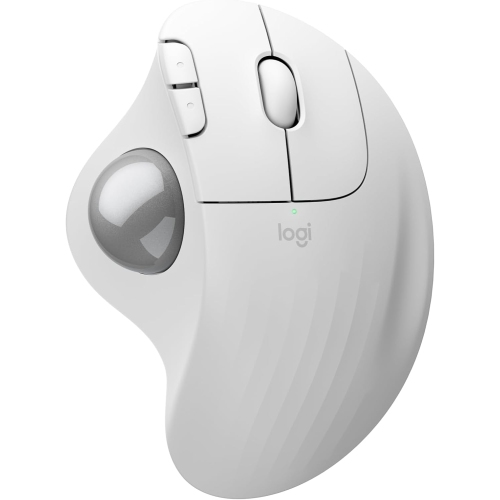
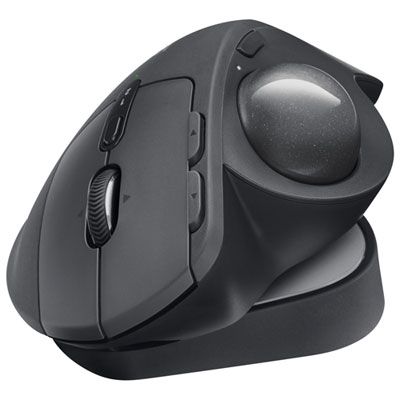
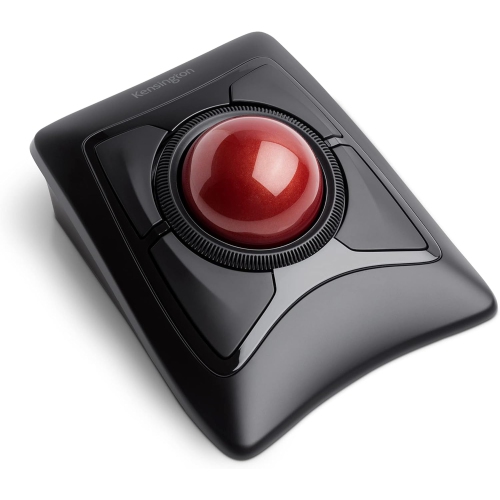
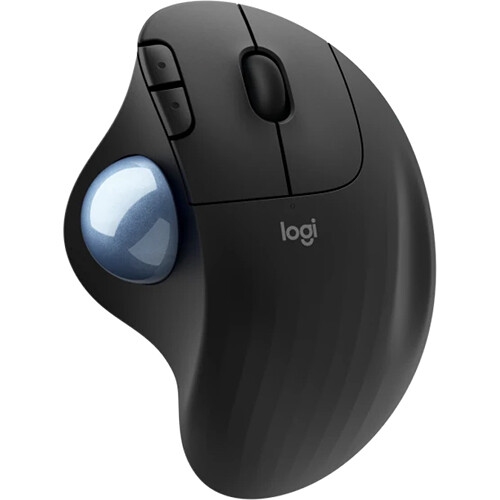
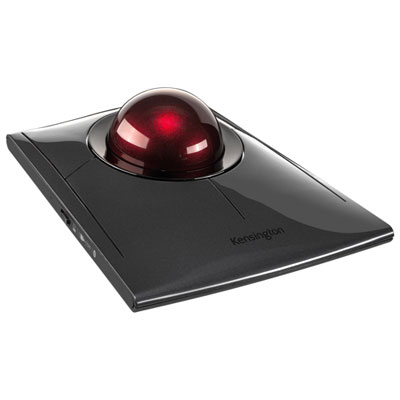
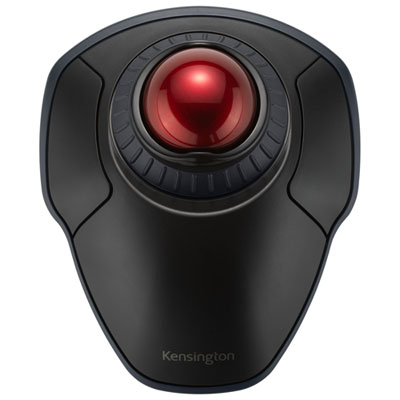
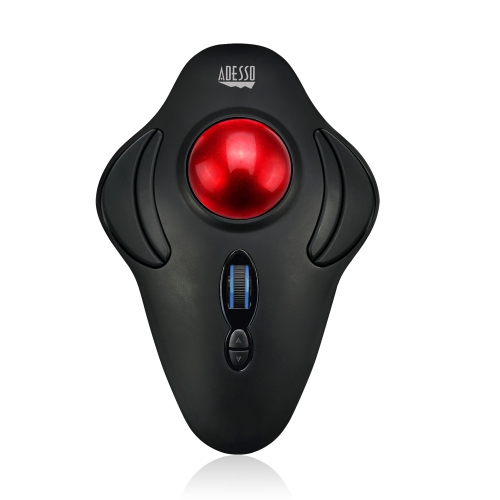
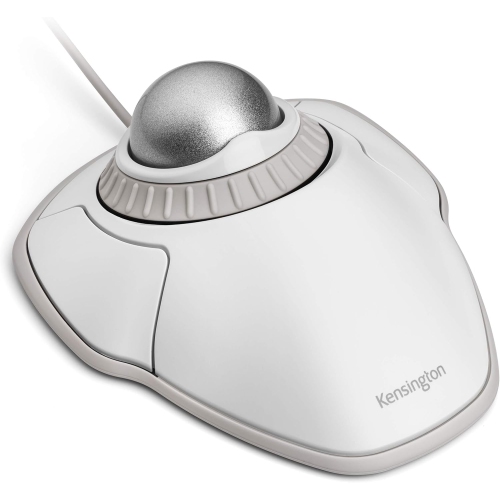
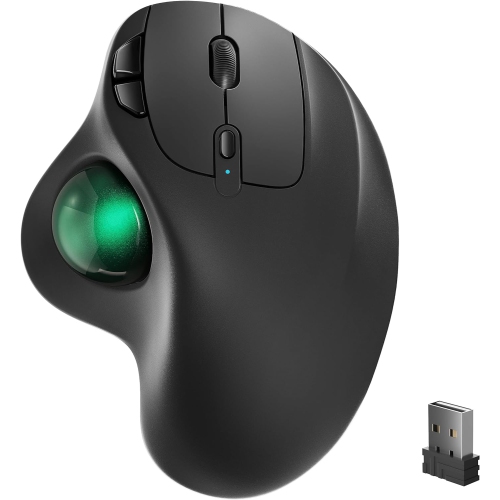
A wireless trackball mouse lets you move the cursor by rotating a ball with your thumb or fingers while the mouse itself stays stationary. It connects to a compatible computer through Bluetooth or a USB wireless receiver.
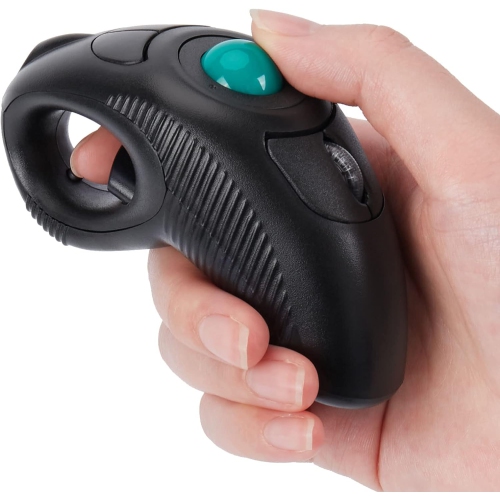
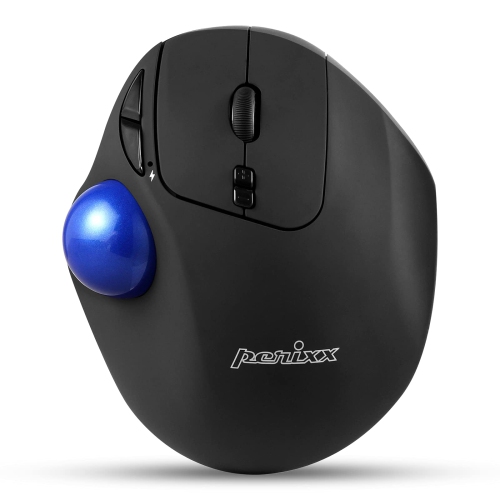
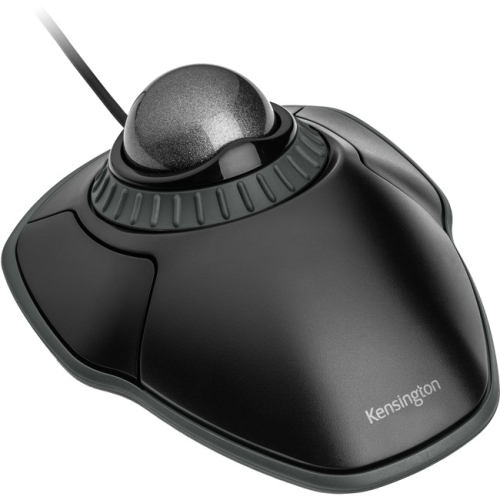
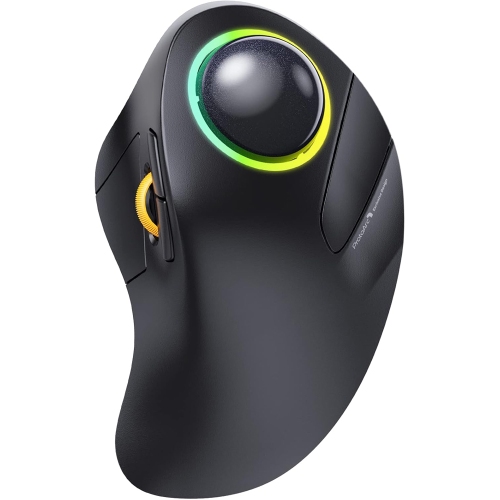
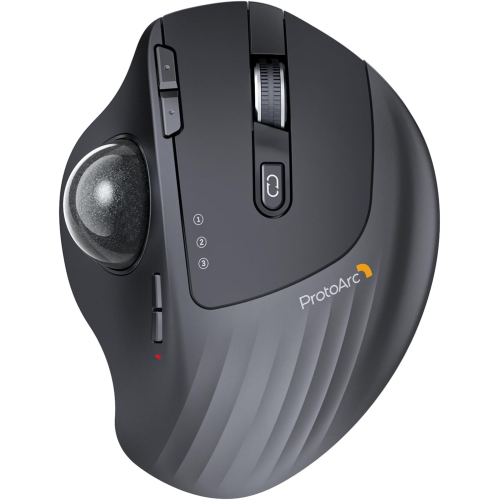
Thumb-operated models place the ball beside your thumb, with the main buttons under your fingers. Finger-operated models position the ball where you can roll it with your index or middle fingers. Button layouts and left- or right-handed designs vary by model.
Compatibility depends on the mouse’s supported operating systems and connection type. Check for support for your laptop’s operating system, such as Windows, macOS or ChromeOS, along with Bluetooth connectivity or a suitable USB port. Custom button settings may require software that is not supported on every system or permitted on school-managed devices.
Consider the connection type, scrolling controls, button layout and battery type. Some models offer programmable buttons for shortcuts, adjustable cursor sensitivity or multi-device pairing for switching between compatible computers. Check whether any customization features require additional software.
Follow the manufacturer’s cleaning instructions and turn the mouse off before cleaning. If the trackball is designed to be removable, take it out as directed and use a soft, dry cloth to wipe the ball and accessible contact points. Reassemble the mouse according to its instructions.
Top selling and popular products
Discover more categories related to Back To School Trackball Wireless Mice
Some products may be subject to Environmental Handling Fees (EHF) depending on your province. Learn more about EHFs.