Back To School Video Editing Software
Find back-to-school video editing software for class projects, presentations, and student films. Compare editing tools by operating system compatibility, licence type, and features such as trimming clips, adding titles, and adjusting audio to choose software that fits your coursework, skill level, and budget.








FAQ
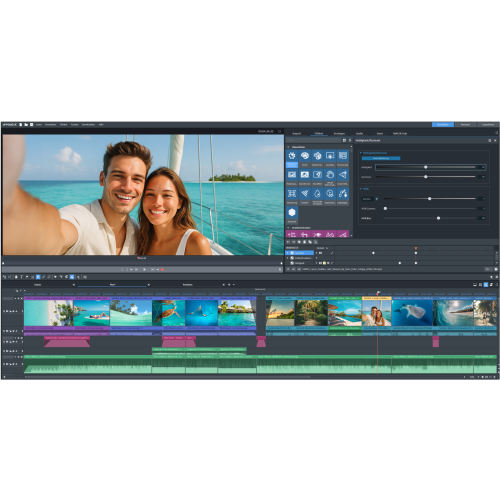
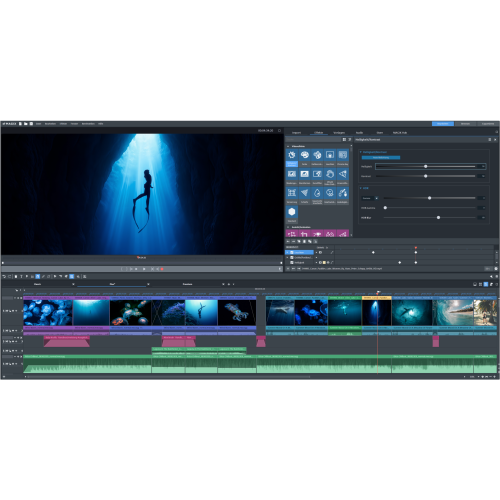
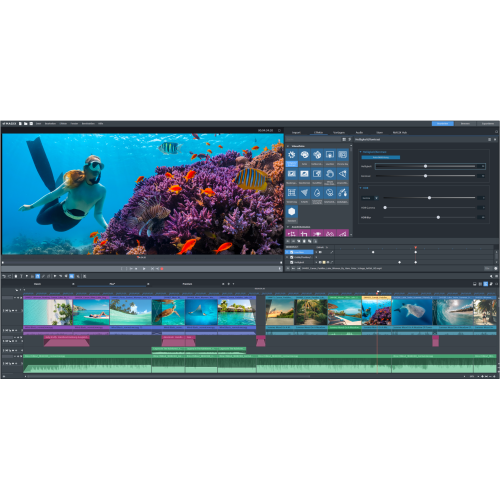
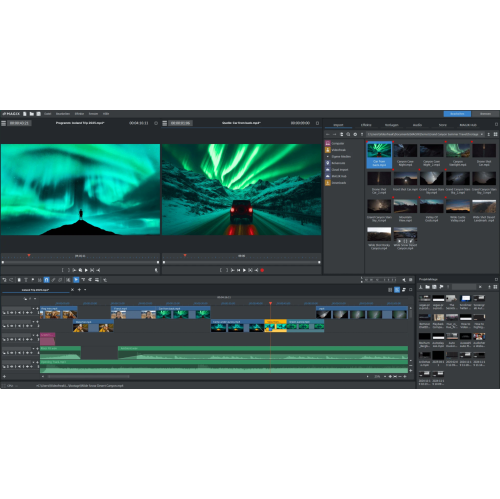
For school projects, look for timeline editing, clip trimming, titles, transitions, audio controls and captions. Screen recording and voice-over tools are useful for presentations, while multiple video and audio tracks support projects that combine interviews, music and footage.
Check the software’s supported operating systems, processor requirements, graphics requirements and memory requirements against your computer’s specifications. Some editing tools run in a web browser, while others require installation on a compatible Windows or Mac computer.
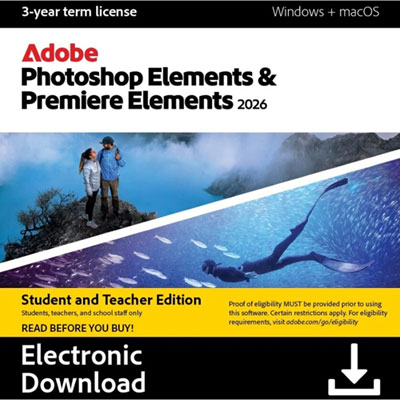
A subscription provides access for an ongoing term and typically includes updates while it remains active. A perpetual licence allows continued use of a particular software version under its licence terms, but future major upgrades may be separate. Check whether the licence permits installation on both a personal computer and a school device.
MP4 with H.264 video is a common choice for sharing assignments and uploading to learning platforms. Video editing software may also support formats such as MOV and AVI. Confirm your teacher’s submission requirements and check that the software can import your source footage and export the required format.
Create a dedicated folder for each assignment, with separate folders for footage, audio, images and exported videos. Name files clearly and keep source files in the same location after importing them into the editor. Saving numbered project versions can also make it easier to revisit earlier edits.
Top selling and popular products
Discover more categories related to Back To School Video Editing Software

Some products may be subject to Environmental Handling Fees (EHF) depending on your province. Learn more about EHFs.