Back To School Video Editing Tech for Creators
Find back-to-school video editing tech for creators, from laptops and monitors to storage and accessories for student projects. Whether you’re editing class presentations or short films, compare options based on editing software requirements, display resolution, storage capacity, and connectivity to build a setup that fits your coursework and budget.









FAQ
A video editing setup typically includes a laptop or desktop, editing software, headphones and external storage. A dedicated microphone is useful for voiceovers, while a memory card reader makes it easier to import camera footage. Choose equipment that supports your course requirements and the types of videos you plan to create.
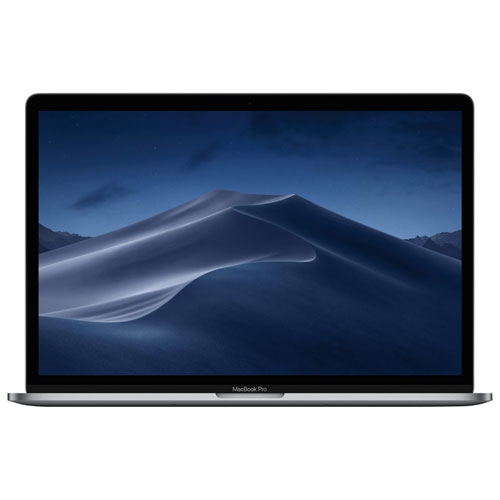
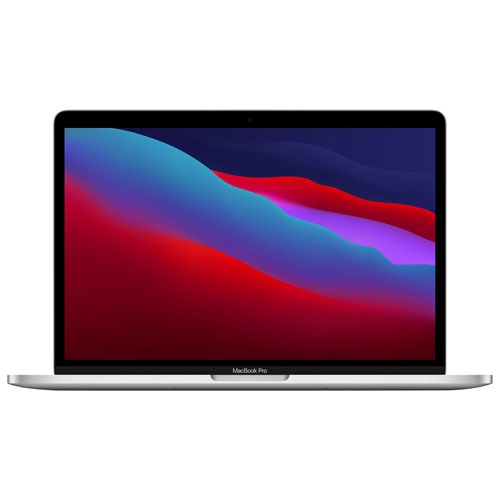
Look at the processor, graphics hardware, RAM and storage type. A multi-core processor and dedicated graphics can support demanding editing tasks, while 16 GB of RAM is a common starting point, with 32 GB worth considering for more complex projects. An SSD provides fast access to footage and project files. Check your editing software’s system requirements before choosing a computer.
A laptop suits students who edit between classes, in shared workspaces or while travelling. A desktop suits a dedicated workspace and often offers more component upgrade options. Consider your editing software, connection needs and whether you need to bring your computer to class.
Headphones help you listen closely to dialogue and music, while an external microphone captures voiceovers separately from your camera or computer. An external monitor gives you another display for timelines and previews. A mouse, keyboard, memory card reader and USB hub can also support your workflow, depending on your computer’s ports.
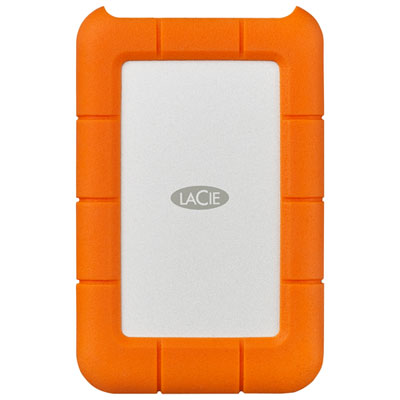
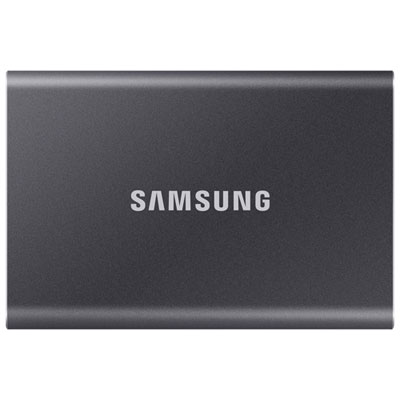
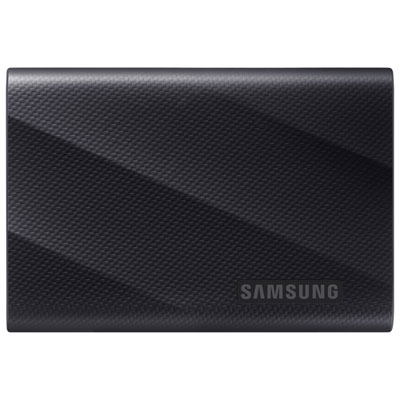
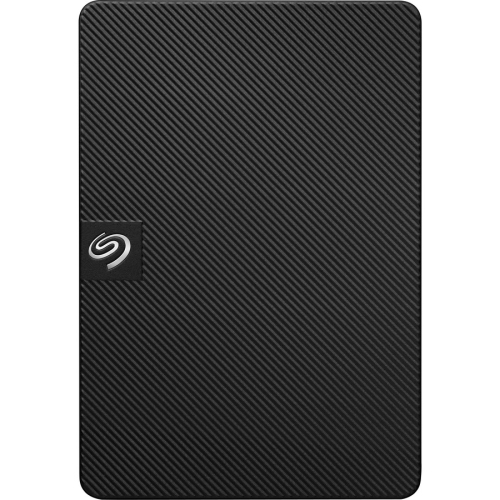
Create a folder for each assignment, with separate subfolders for source footage, audio, graphics, project files and exports. Use consistent file names and keep source files in place after importing them into your editing software. Maintain a separate backup on an external drive or cloud storage, and check your course guidelines for export formats and submission requirements.
Top selling and popular products
Discover more categories related to Back To School Video Editing Tech for Creators


Some products may be subject to Environmental Handling Fees (EHF) depending on your province. Learn more about EHFs.