Back To School Wireless Keyboards For Tablet Notes
Back-to-school wireless keyboards for tablet notes make it easier to type lecture notes, draft assignments, and keep study materials organized. Browse keyboards for tablet use, checking device compatibility, connection type, and layout to find an option that suits your classes and fits comfortably in your school bag.


FAQ
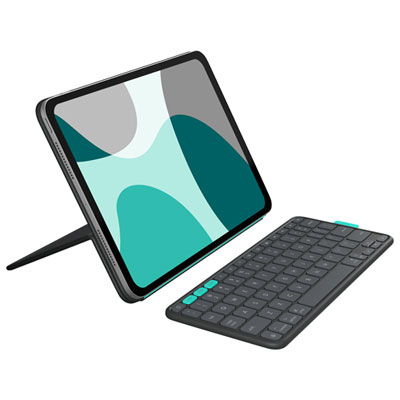
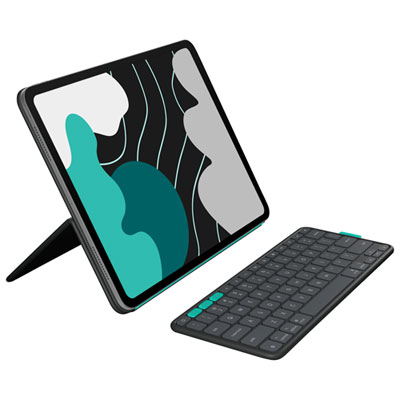
Look for compatibility with your tablet’s operating system, a comfortable key layout, and shortcut keys for common tasks such as search and volume control. A built-in tablet stand, multi-device pairing, and rechargeable battery are other features to consider for your school routine.
Many wireless keyboards connect through Bluetooth. Put the keyboard in pairing mode, open your tablet’s Bluetooth settings, and select the keyboard from the available devices. Some models may ask you to type a pairing code. Keyboards that use a USB receiver require a compatible tablet port or adapter.
Wireless keyboards with multi-device pairing can store connections to more than one device. Depending on the model, you can switch between a tablet and laptop using a dedicated button or key combination. Check that the keyboard supports both devices’ operating systems.
Many tablet note-taking apps support shortcuts for actions such as copying, pasting, undoing edits, and formatting text. Available shortcuts depend on the app and operating system, and may use the Control or Command key. Check your app’s help menu for supported key combinations.
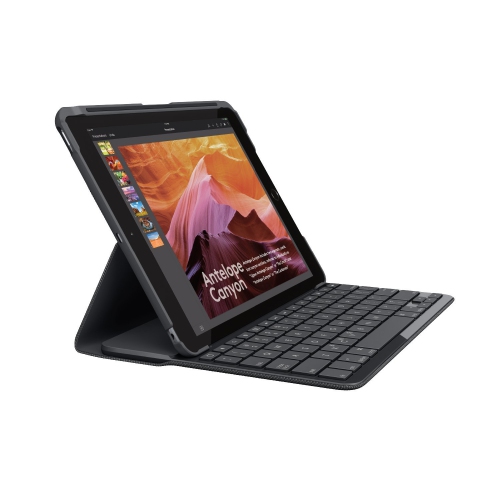
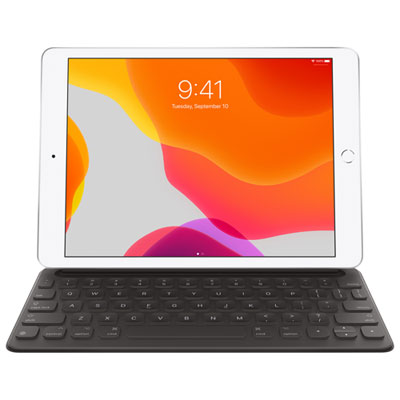
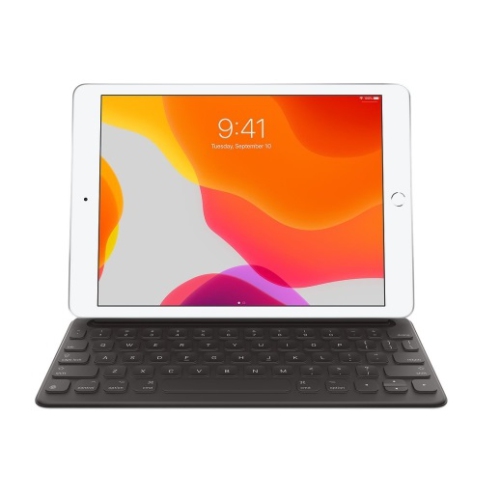
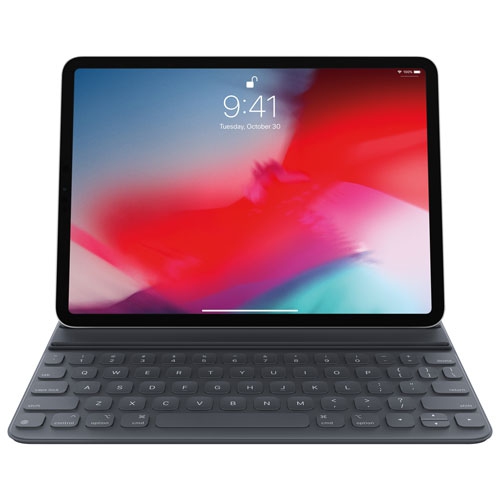
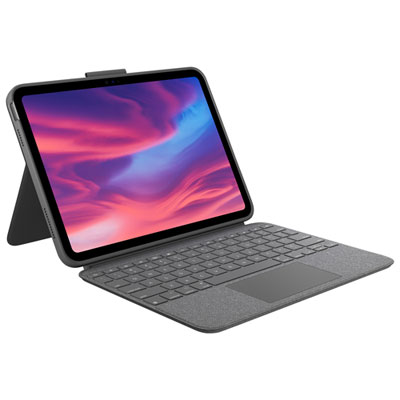
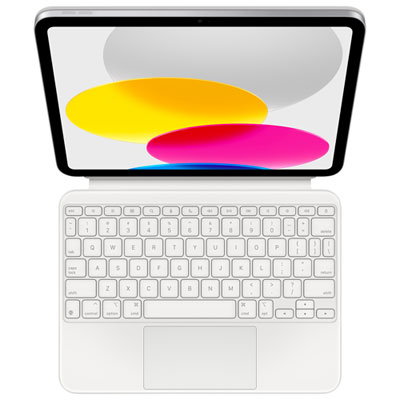
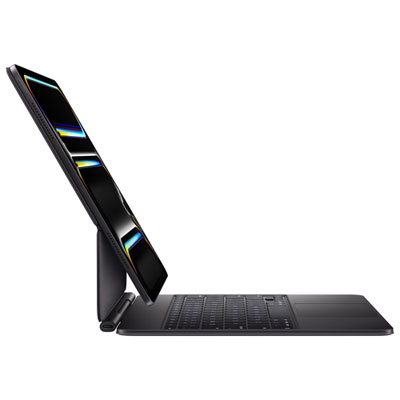
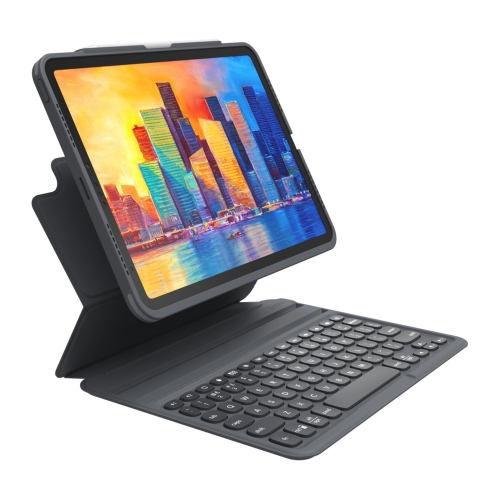
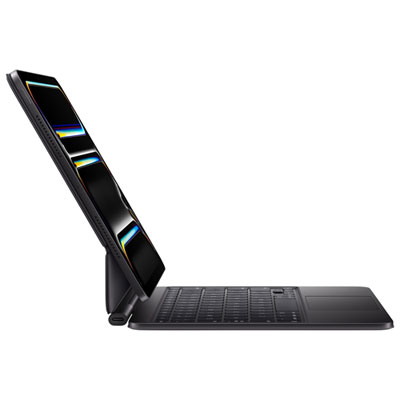
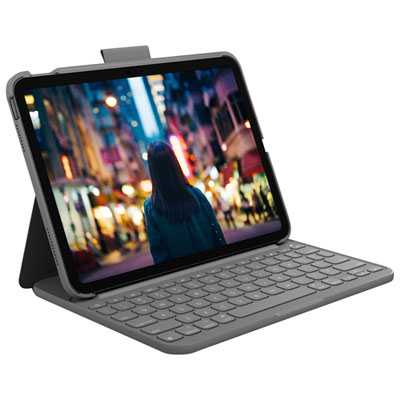
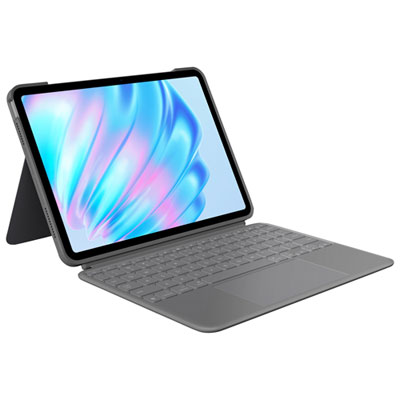
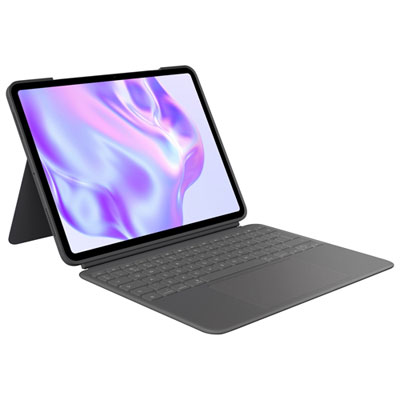
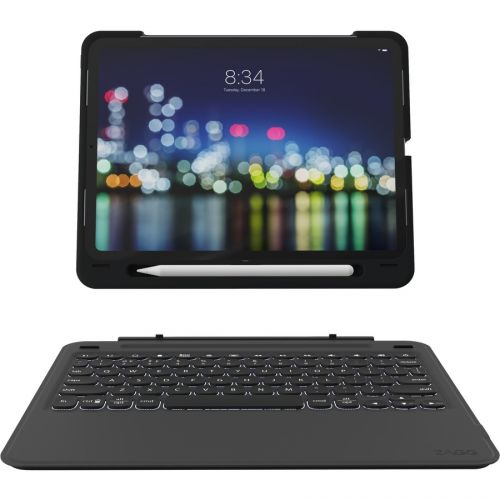
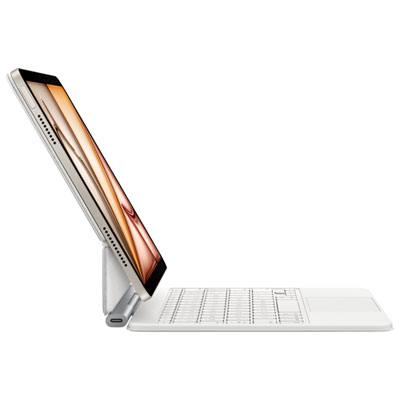
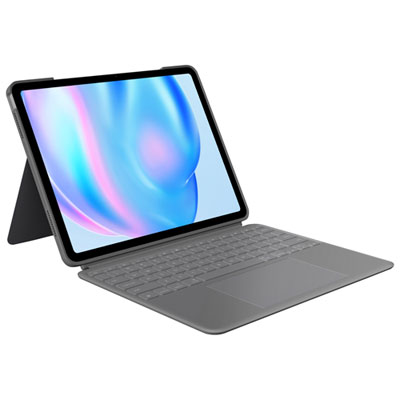
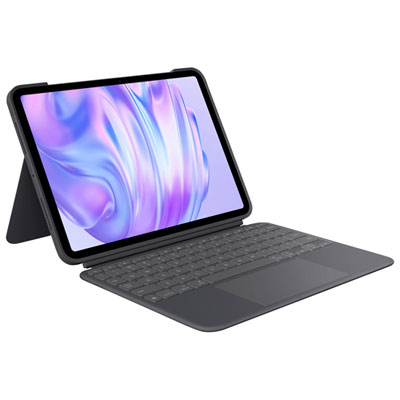
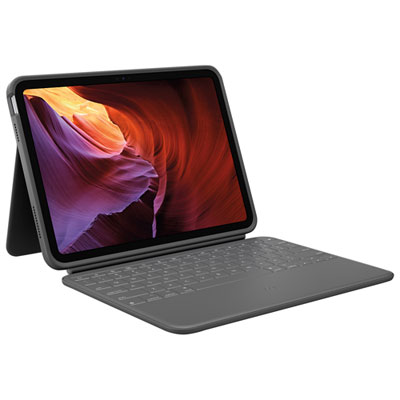
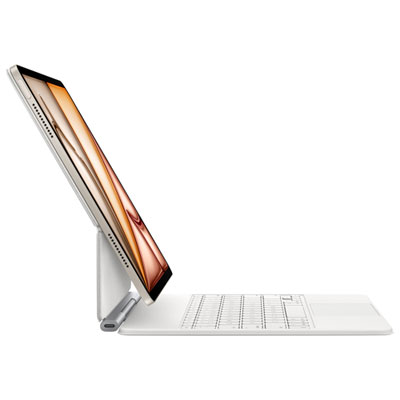
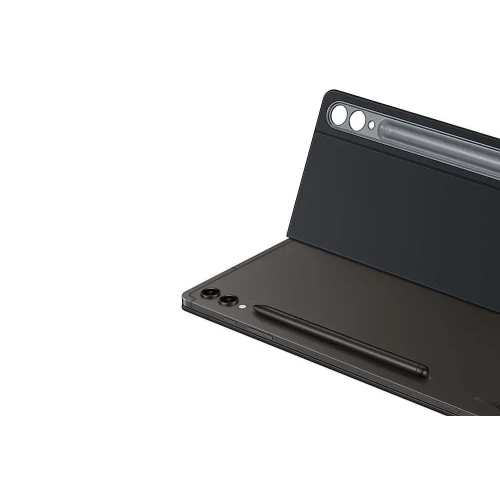
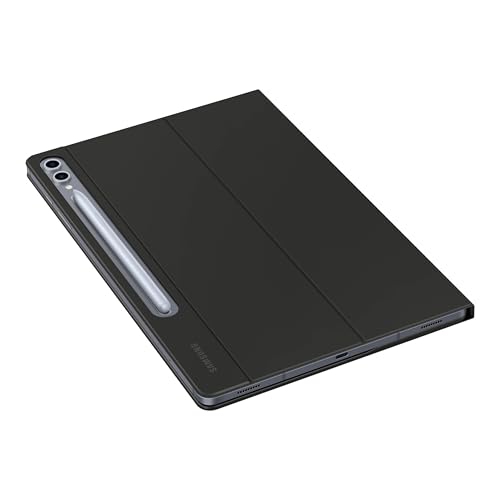
A standalone wireless keyboard is separate from your tablet, giving you flexibility to position it independently or pair it with other compatible devices. A tablet keyboard case combines a keyboard with a case and often a stand. Keyboard cases are typically designed for particular tablet models, and some use a direct connector rather than a wireless connection.
Top selling and popular products
Discover more categories related to Back To School Wireless Keyboards For Tablet Notes

Some products may be subject to Environmental Handling Fees (EHF) depending on your province. Learn more about EHFs.