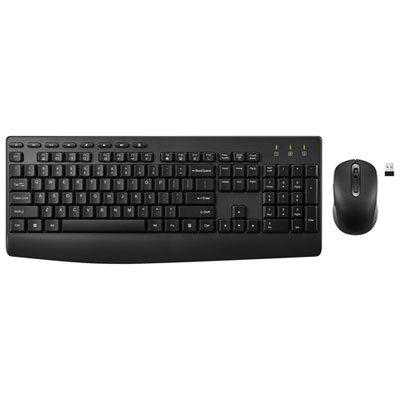
Back To School Wireless Mouse For Campus Use

Find a wireless mouse for back-to-school campus use that suits your laptop, study space, and daily routine. Compare wireless mice by connection type, size, and battery requirements, and check compatibility with your device before choosing one for lectures, library sessions, and coursework.

Read More

Sort

Back To School Wireless Mouse For Campus Use
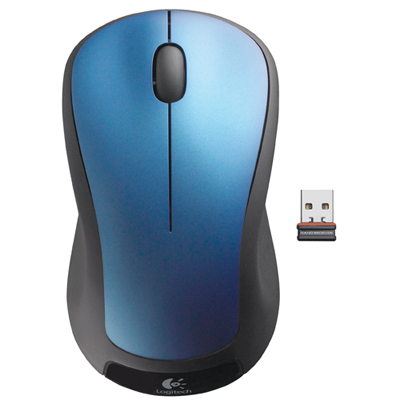
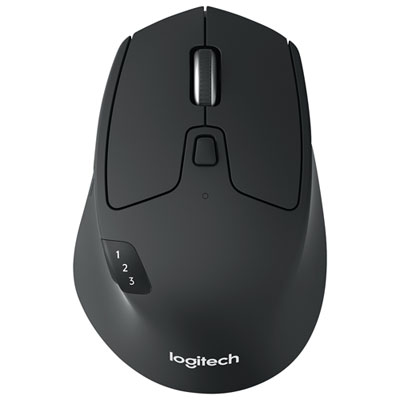
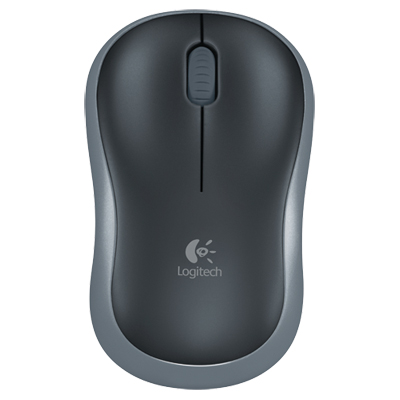
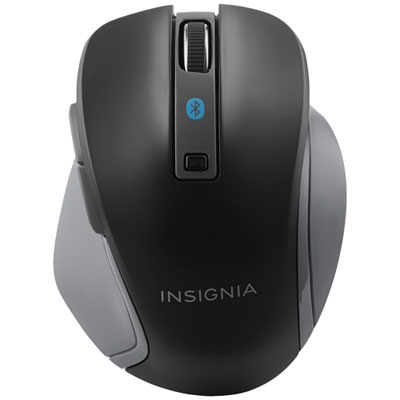
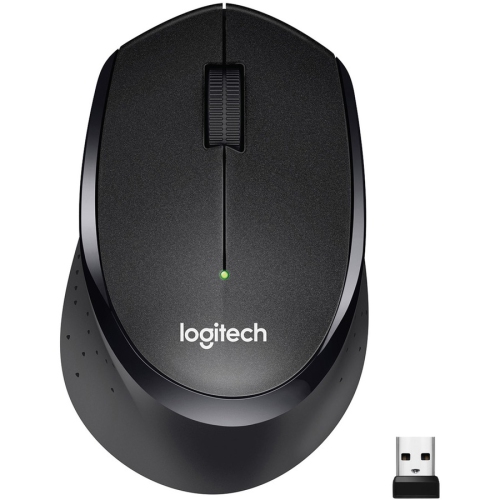
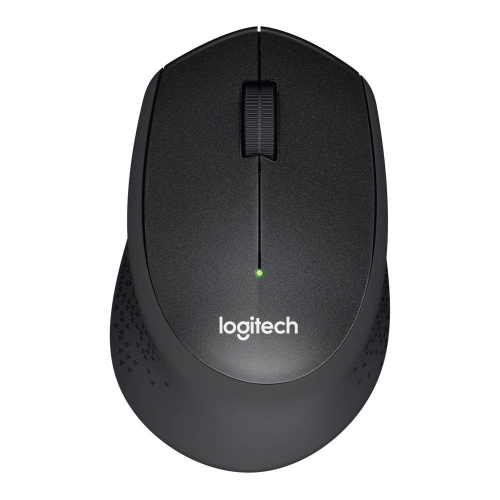
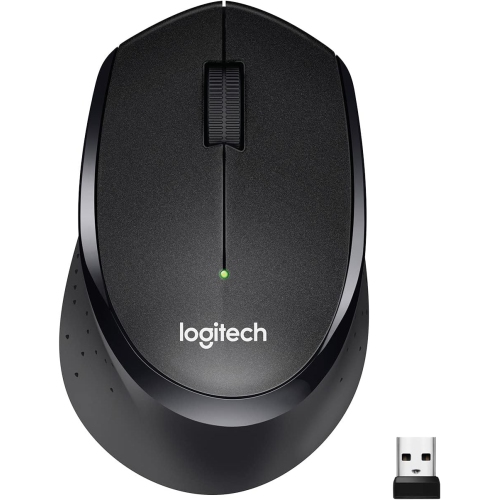
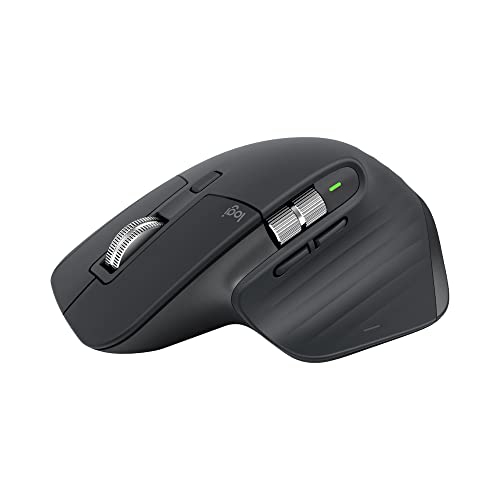
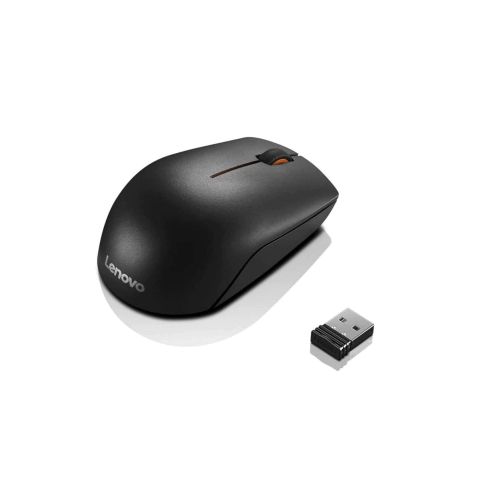
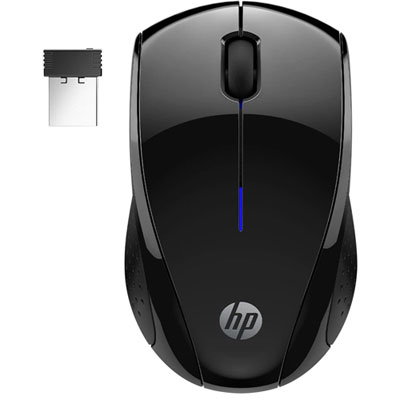
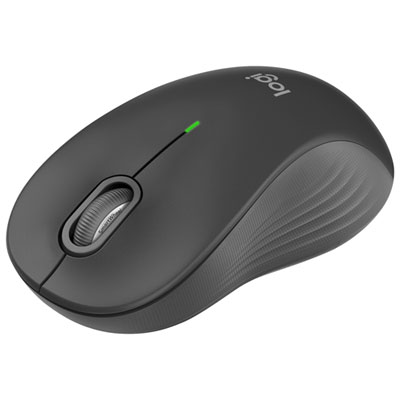
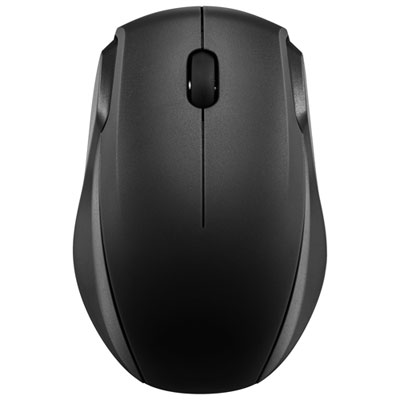
The Back to School Wireless Mouse for Campus Use selection brings together practical options for students who move between lecture halls, library desks and shared study spaces. A wireless mouse can make everyday coursework more comfortable, whether you’re highlighting passages in a reading, arranging slides for a group presentation or working through a spreadsheet with more columns than your laptop screen can comfortably display. Without a cable stretching across your notes, it’s easier to settle into a small desk and keep your workspace manageable. Compact designs slip neatly into a backpack pocket or laptop sleeve, while larger shapes may offer a more relaxed grip during longer assignments. Think about where most of your work happens: a mouse that feels convenient for a quick lecture break may not be the one you’d choose for an evening of research at your residence desk. For students balancing classes, part-time work and frequent trips across campus, the right fit comes down to comfort, portability and a connection that works with the devices they already carry.

Connection type is worth checking before choosing a wireless mouse for school. Bluetooth models can connect to compatible laptops without occupying a USB port, which is useful when those ports are already needed for a charger, external storage or other accessories. Models that use a USB receiver need a compatible port, so check whether your laptop has USB-A or USB-C connections and whether an adapter would be necessary. A built-in receiver storage compartment is a small detail that can save a scramble through a backpack before class. If you regularly switch between a laptop and another compatible device, models with multi-device pairing may make that routine simpler. Compatibility still matters, particularly for programmable buttons and custom settings that may rely on software with specific operating system requirements. Adjustable pointer sensitivity can help you find a comfortable pace for navigating documents or moving across a larger monitor, while a well-defined scroll wheel is handy for lengthy readings. For library sessions and shared rooms, quieter buttons may also be worth prioritizing, especially when repeated clicks would otherwise stand out in a quiet space.

Comfort and day-to-day upkeep deserve just as much attention as connection features. Consider the mouse’s dimensions, weight and shape in relation to your hand and how you tend to hold it; a low-profile travel design feels different from a contoured model that supports more of your palm. Left-handed students should check the shape and button placement rather than assuming every symmetrical-looking mouse will suit them equally well. Battery choices affect your routine, too. A rechargeable mouse may fit naturally into an evening charging habit, while a model with replaceable batteries lets you keep a spare on hand for a busy week. Check the stated battery life and charging requirements for each option, since usage and settings can affect how often power needs attention. Surface compatibility also varies, so a slim mouse pad can be a useful companion when campus tables are glossy or uneven. As a back-to-school gift, a wireless mouse is a thoughtful, everyday accessory for a student starting college or university, returning for another term or building a more comfortable study setup at home. Match it to their laptop, preferred hand and usual study habits, and it can become one of those small essentials they reach for as soon as the notebook opens and the coursework begins.

Read More

FAQ

Some products may be subject to Environmental Handling Fees (EHF) depending on your province. Learn more about EHFs.