Back To School Wireless Mouse For Study Desks
Find a wireless mouse for your back-to-school study desk to keep navigation comfortable and your workspace free of mouse cables. Browse wireless mice for everyday coursework, from taking notes to working on assignments, and compare connection type, size, and battery requirements to find a fit for your laptop or desktop computer.






FAQ
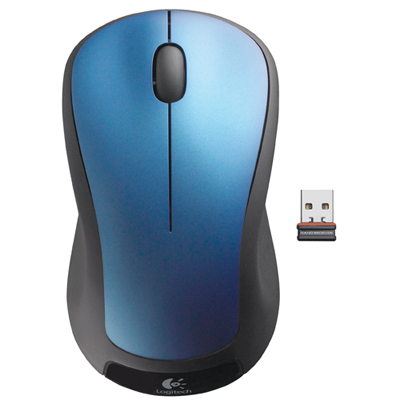
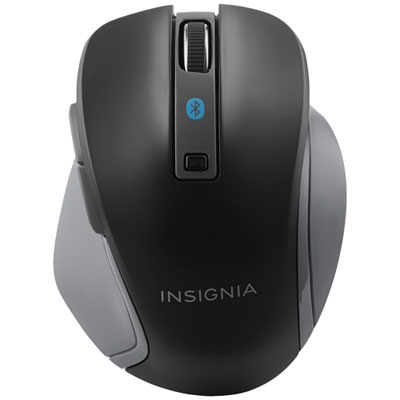
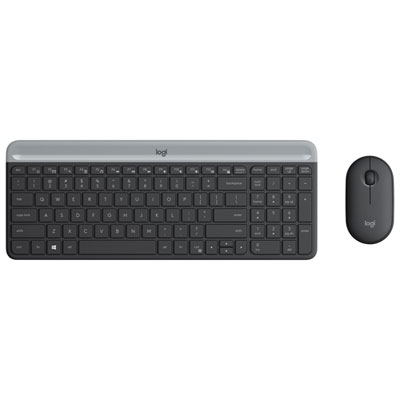
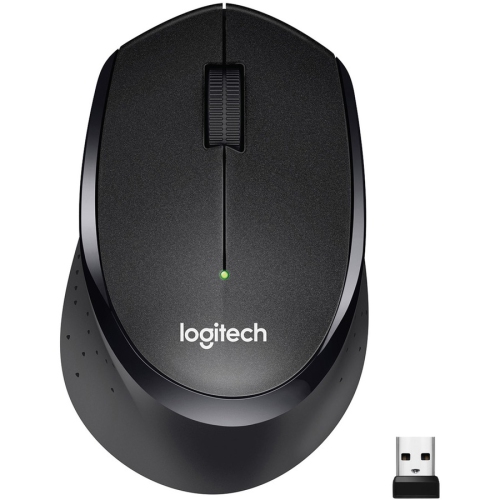
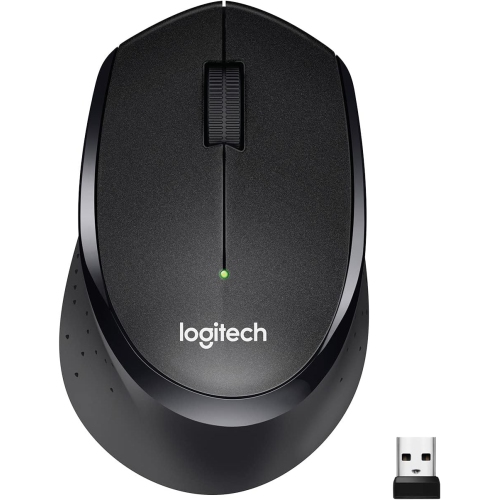
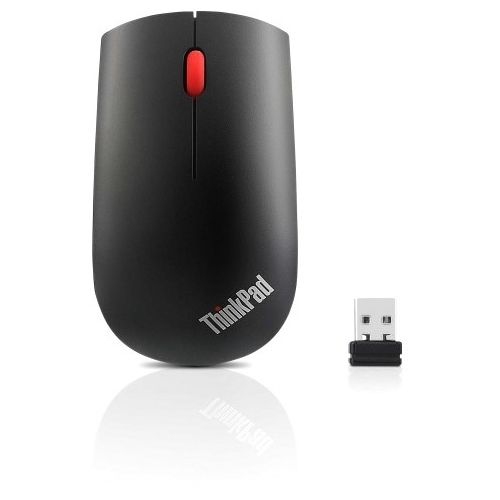
Wireless mice typically connect through Bluetooth or a USB wireless receiver. Bluetooth models pair with compatible computers without a separate receiver, while receiver-based models require a compatible USB port. Some mice offer both connection methods.
Check the mouse’s supported operating systems, connection type and any software requirements. For a receiver-based mouse, confirm whether the receiver uses USB-A or USB-C. Basic pointer functions may work across several operating systems, while custom controls may require specific software.
Wireless mice use either replaceable batteries or a built-in rechargeable battery. Rechargeable models typically charge through a USB cable, although charging methods vary. Some models include a power switch, an automatic sleep mode or a battery-level indicator.
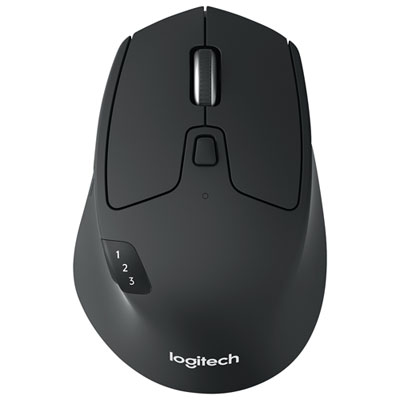
Some wireless mice support pairing with multiple devices and include a button for switching between them. Others connect to only one device at a time. Look for multi-device pairing in the specifications if you plan to use the same mouse with different computers.
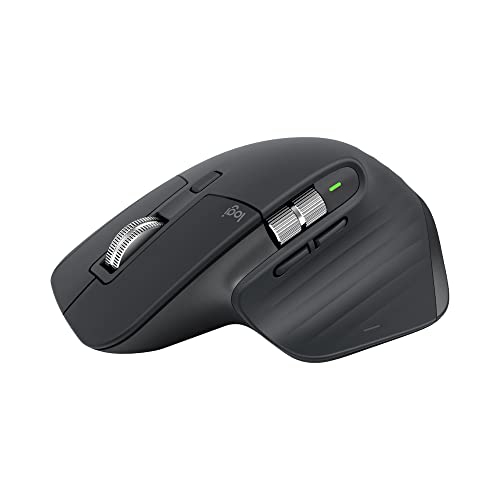
Depending on the model, wireless mice may include side buttons, a clickable scroll wheel, horizontal scrolling or programmable controls. Compatible software may let you assign actions such as opening an app, moving between browser tabs or using keyboard shortcuts. Available options depend on the mouse and operating system.
Top selling and popular products
Discover more categories related to Back To School Wireless Mouse For Study Desks

Some products may be subject to Environmental Handling Fees (EHF) depending on your province. Learn more about EHFs.