Backlit Keyboard Laptops
Backlit keyboard laptops offer added convenience for working or gaming in low-light environments, making it easier to see the keys at any time of day. Whether you’re typing up reports, enjoying your favorite games, or streaming movies, these laptops provide a comfortable and efficient experience. Discover a wide selection of backlit keyboard laptops designed to fit your needs at home, school, or on the go.
Sort
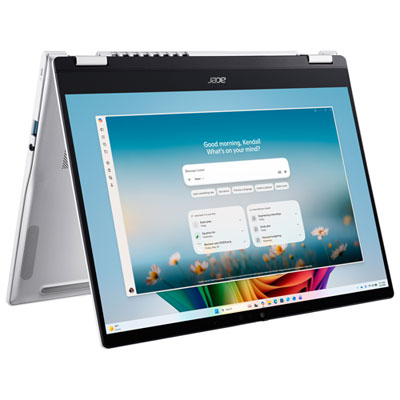
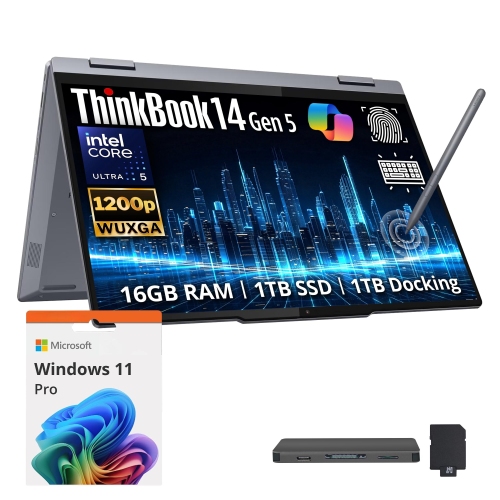
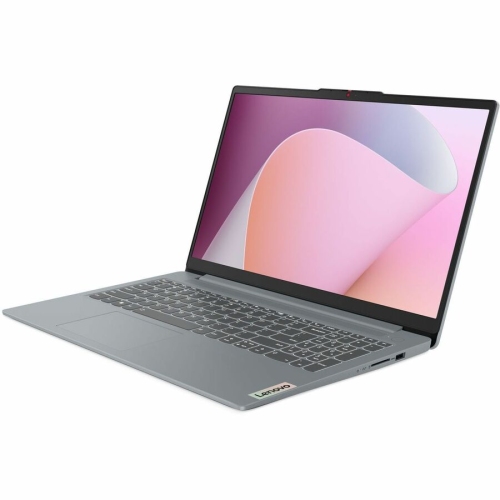
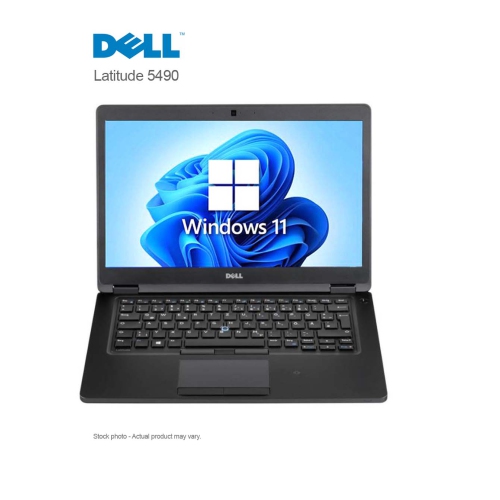
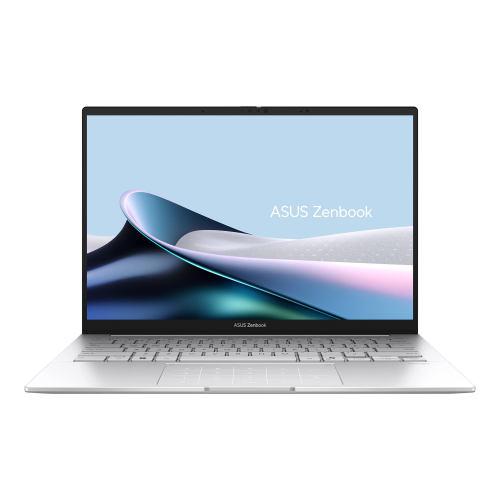
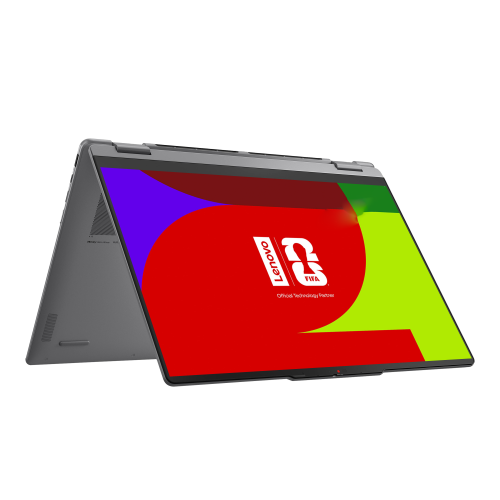
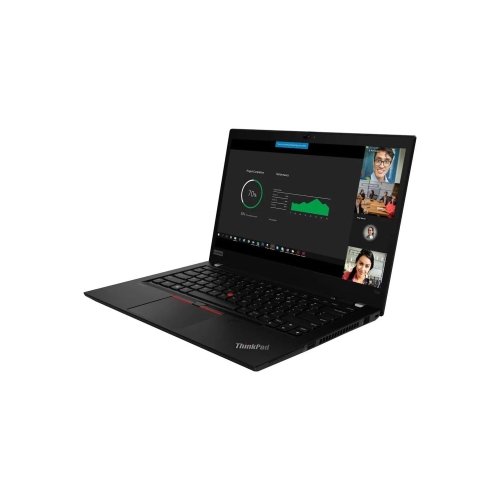
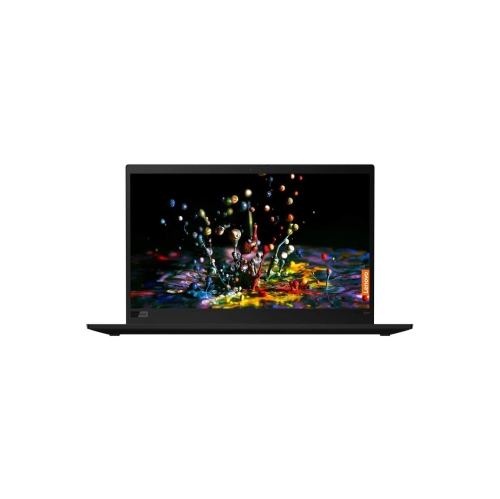
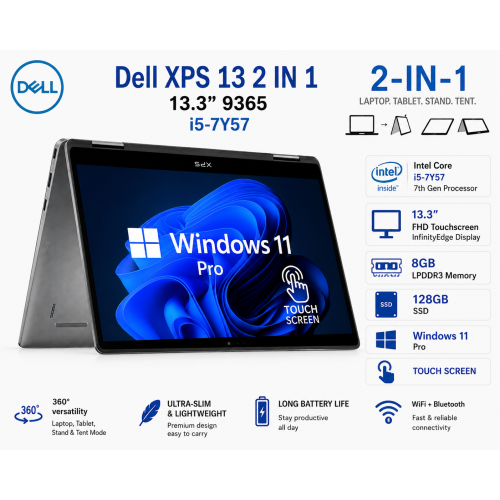
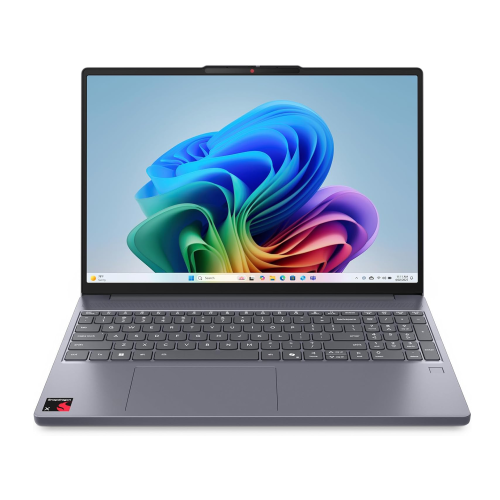
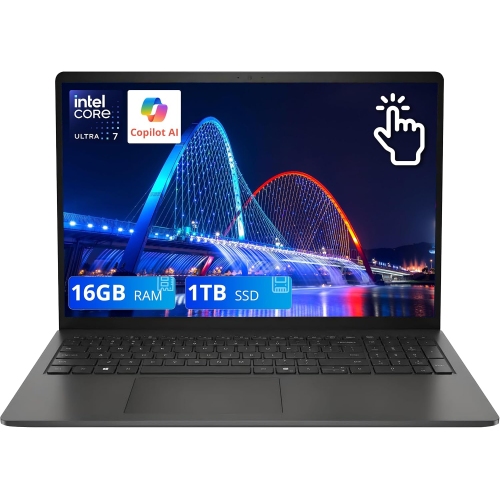
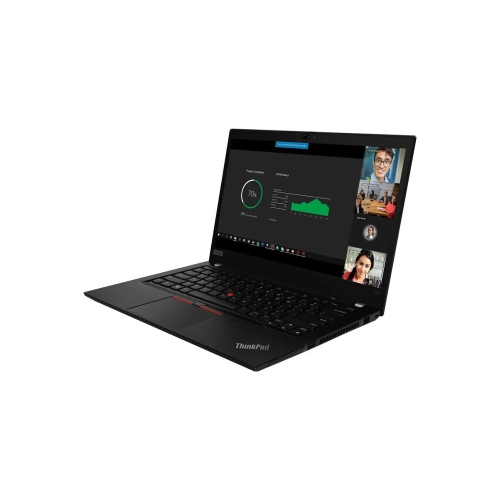
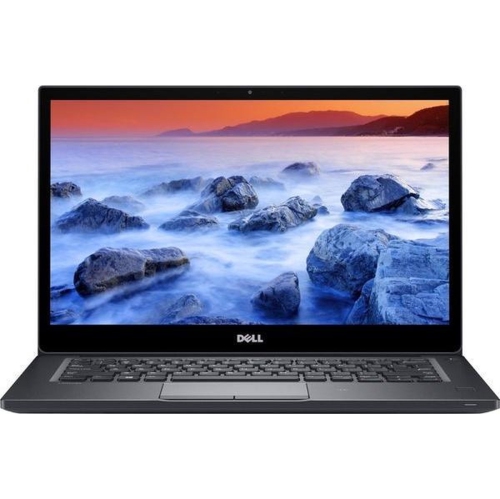
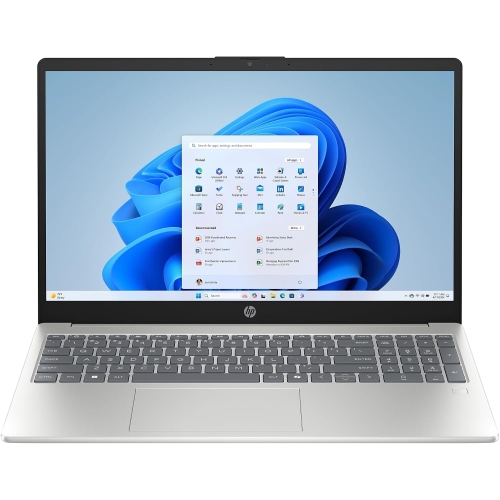
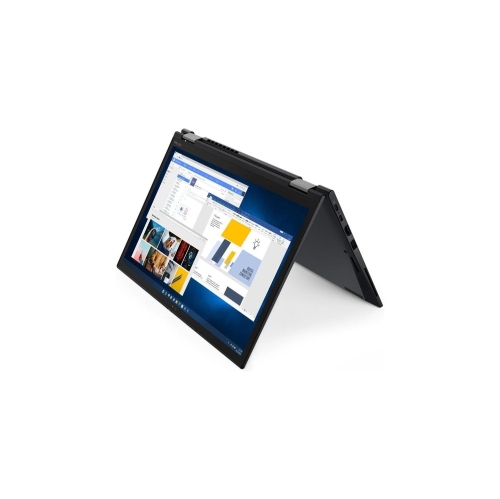
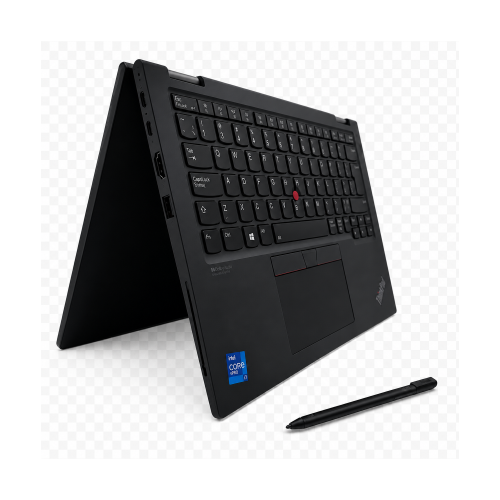
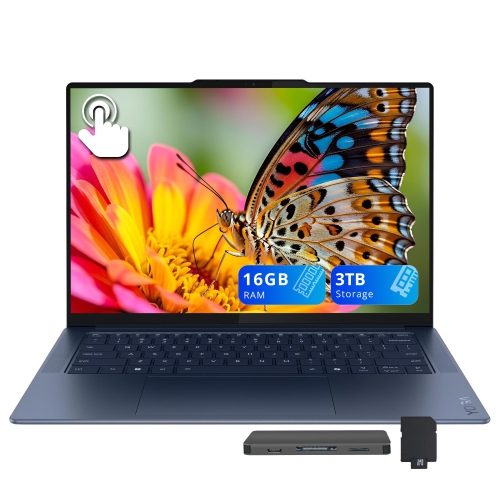
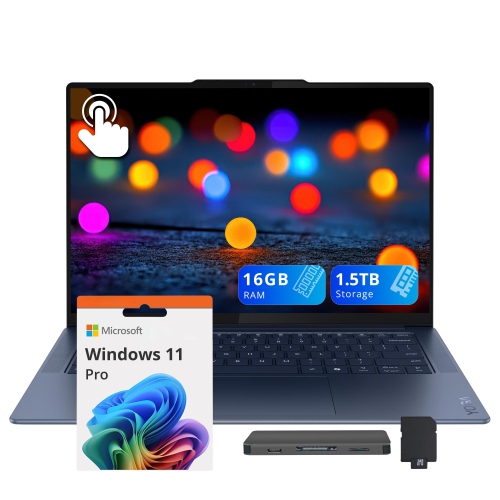
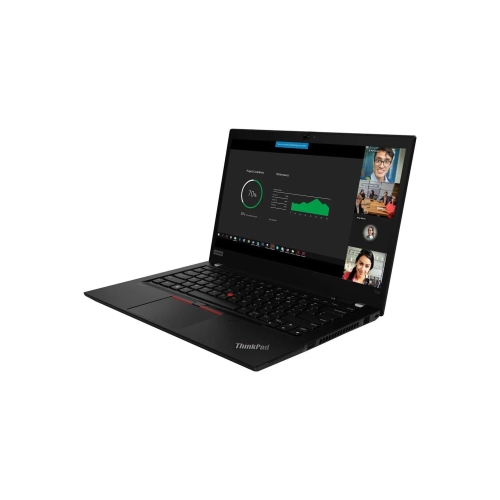
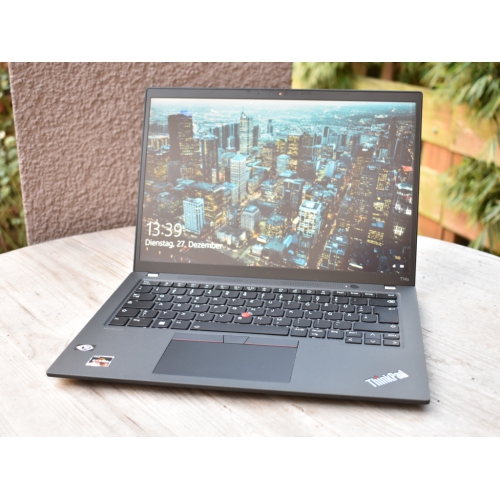
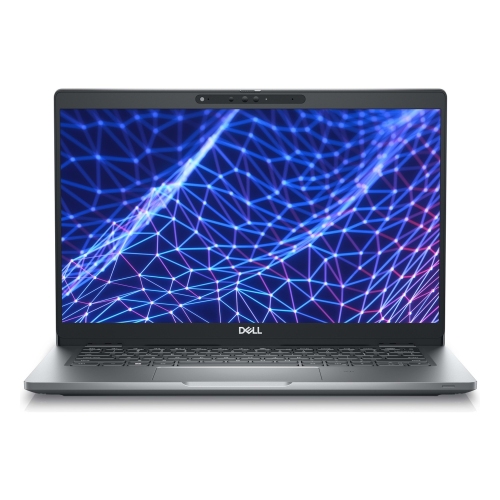
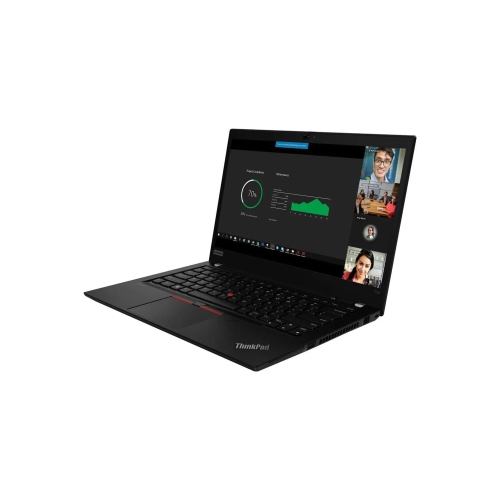
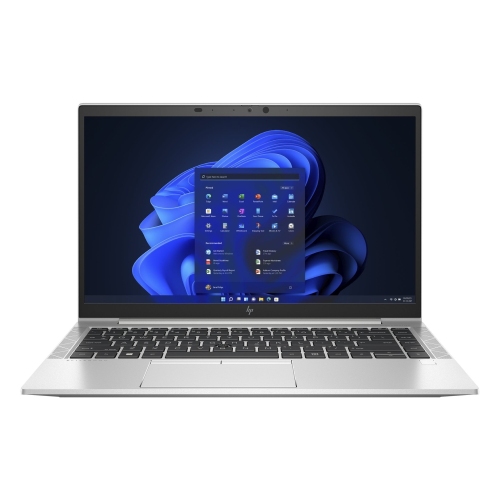
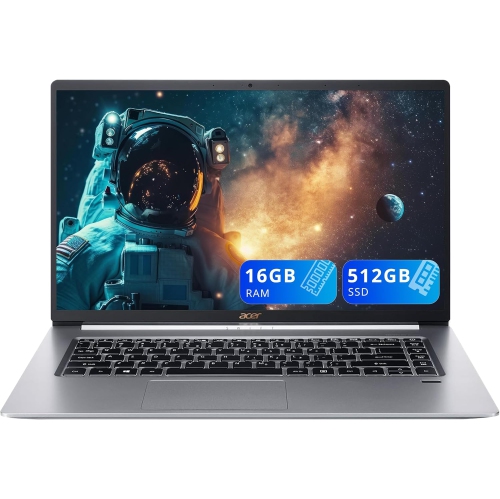
Better key visibility when the lights are low
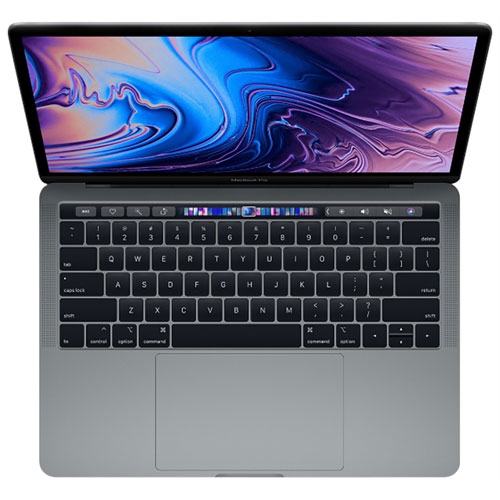
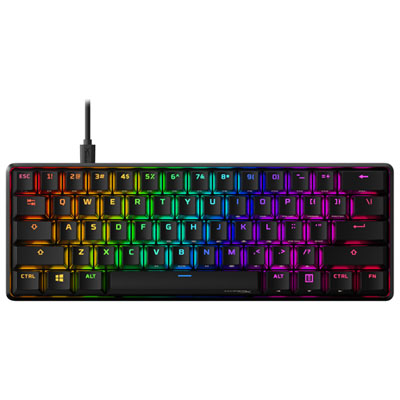
Laptops with backlit keyboards have lighting beneath the keys that makes letters, numbers, and symbols easier to see in dim surroundings. The illumination helps with practical details such as finding a punctuation mark during an evening video call, entering a password in a shared room, or taking notes in a darkened lecture hall. Unlike a screen that lights the workspace from above, a keyboard backlight is designed to make the keyboard itself more visible. The effect varies with the keycap design: some keyboards illuminate the main characters clearly, while secondary symbols may be less brightly lit. White backlighting provides a simple, understated appearance, while keyboards with coloured lighting can add visual contrast or let users personalize their setup. Depending on the laptop, colour settings may apply to the entire keyboard, separate zones, or individual keys. Adjustable brightness is useful because the strongest setting is not always the most comfortable; a soft glow can be enough to locate keys without becoming distracting beside a dimmed display. Backlighting is commonly controlled by a key marked with a keyboard or light symbol, sometimes pressed together with the Fn key. The exact shortcut varies by laptop, and supported controls may also appear in system settings or a keyboard utility. Some backlights switch off after a period of inactivity and illuminate again when typing resumes. Others offer adjustable timeouts or respond automatically to surrounding light. These details matter for students moving between classrooms, people working in shared spaces, and anyone who regularly types away from a brightly lit desk. A backlit keyboard does not change the laptop’s processing power or guarantee a particular typing feel, but it can make everyday interaction more convenient. For touch typists, the benefit is often being able to glance down and locate an unfamiliar shortcut or function key rather than needing to watch every letter.
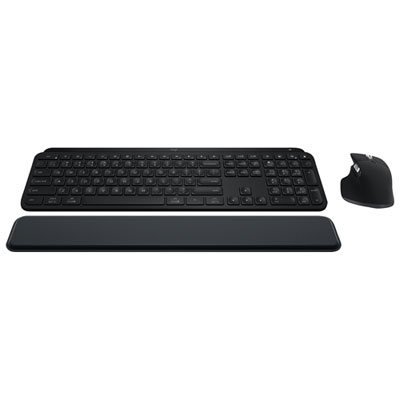
Typing comfort depends on the whole keyboard, not just its lighting. Key spacing, key travel, resistance, and the shape of the keycaps all influence how a laptop feels during a long email, a spreadsheet session, or several pages of coursework. A compact keyboard may suit someone who carries a laptop between meetings, while a wider layout can provide more room for navigation keys and a dedicated number pad. Number pads are particularly useful for frequent data entry, although their presence can shift the main typing area away from the centre of the chassis. People who often write in French or switch between languages may also want a keyboard layout that matches their usual accents, punctuation, and shortcuts. Display size and laptop dimensions affect this balance. A 13-inch or 14-inch laptop generally takes up less space in a bag or on a small table, while a larger laptop may provide a roomier work surface and more screen space for side-by-side windows. Actual keyboard dimensions still vary, so screen size alone does not determine comfort. Palm-rest texture and edge shape can be just as noticeable as the keys, especially when typing without an external keyboard. Laptop bodies commonly use plastic, aluminium, or a combination of materials, each with a different feel and finish. A metal lid does not by itself establish overall durability; hinge construction, chassis rigidity, and careful handling also contribute. Matte and glossy surfaces can show fingerprints differently, while contrasting key legends can remain helpful when the backlight is switched off. For a separate desk setup, Backlit Keyboards can provide illuminated typing alongside a laptop raised to a comfortable viewing height. That arrangement also allows the screen and keyboard to be positioned independently, which can be useful for longer work sessions.
The best fit also depends on what happens beyond the keyboard. Everyday browsing, documents, and video calls place different demands on a laptop than large creative projects, software development, or graphics-intensive games. Processor capability, memory, storage, display quality, and connectivity should support those tasks alongside the desired keyboard features. Someone editing photos may place particular importance on screen colour accuracy, while a person joining frequent calls may care more about the webcam, microphone, and quiet operation. Gamers may value clearly marked movement keys and customizable lighting, but lighting effects alone do not indicate gaming performance. Battery life deserves similar context: keyboard illumination draws power, and its effect on runtime depends on brightness, the laptop’s design, and the rest of the workload. Lowering the backlight or letting it turn off when idle can help limit that additional draw, though screen brightness and demanding applications can have a greater influence. Port placement matters when connecting a mouse, display, storage drive, or charging cable, especially on a narrow desk. For someone receiving a laptop as a gift, matching the keyboard layout, preferred screen size, and everyday software needs is more useful than choosing lighting effects alone. Care is straightforward but important for keeping the typing surface pleasant to use. Turning the laptop off and disconnecting power before cleaning reduces the chance of accidental input. A soft, dry microfibre cloth can lift surface dust, while any deeper cleaning should follow the manufacturer’s directions; liquid should never be sprayed directly onto the keyboard. Eating over the keys, closing the lid on loose objects, and carrying the laptop unprotected can cause problems that illumination cannot prevent. A properly fitted sleeve helps protect the exterior during travel, and keeping vents unobstructed supports normal operation. With a comfortable layout, appropriate performance, and lighting that suits the setting, a laptop with a backlit keyboard can serve as a practical everyday tool for study, work, and entertainment.
Top selling and popular products
-
 Your price for this item is $449
-
 Your price for this item is $3099
-
 Your price for this item is $1800.68
-
 Your price for this item is $664.05
-
 Your price for this item is $869.99
-
 Your price for this item is $2960.48
-
 Your price for this item is $499.68
-
 Your price for this item is $1951.79
Discover more categories related to Backlit Keyboard Laptops
Top Collections:
Best Black Friday Deals This Year, Best Black Friday Deals On Electronics, Kindle Devices, Pokemon Centers, Best Black Friday Deals On Apple Products, Best Cameras for Sports Photography, Dyson Airwrap, Pokémon 30th Celebration Cards, Apple iPhone 17 Pro, Canon G7X Cameras
Some products may be subject to Environmental Handling Fees
(EHF) depending on your province.
Learn more about EHFs.