Best 3D Printers Under $500
Bring your ideas to life with the best 3D printers under $500, ranked by user review ratings. Whether you’re getting started with 3D printing or looking for an affordable way to create models, prototypes, and custom projects, explore options that fit your budget and compare feedback from fellow makers to find the right fit.
What to look for in 3D printers under $500
1. Printer Type and Print Quality
2. Build Volume
3. Material Compatibility and Workspace
4. Ease of Use and Total Cost
-
1
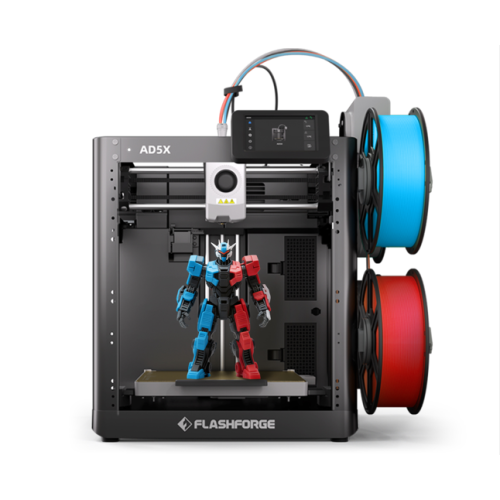
FLASHFORGE AD5X FDM 3D Printer - Multi-Colour Printing, Auto Bed Leveling, 600mm/s, 300°C – 220 x 220 x 220mm Build Volume
About this product
A high-speed 3D printer offering vibrant four-colour printing, pro-level precision, and reliable print recovery.
(19)$489.00 Your price for this item is $489 -
2
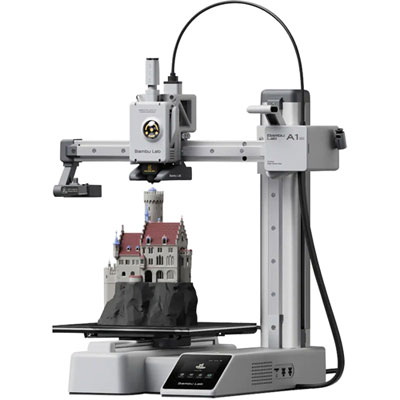
Bambu Lab A1 mini FDM 3D Printer - Camera, Auto Bed Leveling, 500mm/s, 48 dB, 300°C – 180 x 180 x 180 mm Build Volume
About this product
A wireless 3D printer with multi-colour, multi-material support, touchscreen controls, and automatic calibration.
What customers like
(630)$269.99 Your price for this item is $269.99 -
3
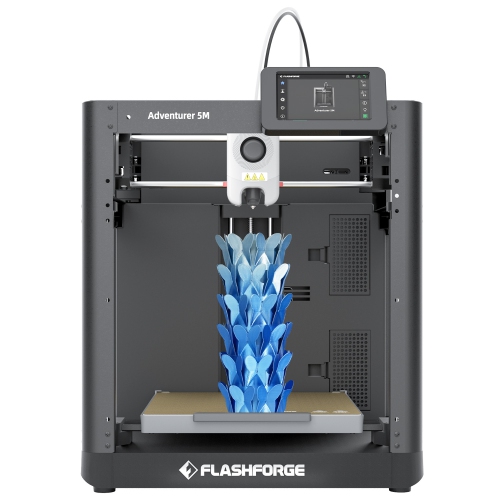
FLASHFORGE Adventurer 5M Fdm 3D Printer – Auto Bed Leveling, 600Mm/s, 280°C – 220 X 220 X 220MM Build Volume
About this product
A high-speed 3D printer with auto leveling, 280°C detachable nozzle, and durable all-metal Core XY structure.
(6)$349.00Your price for this item is $349SAVE $110 -
4
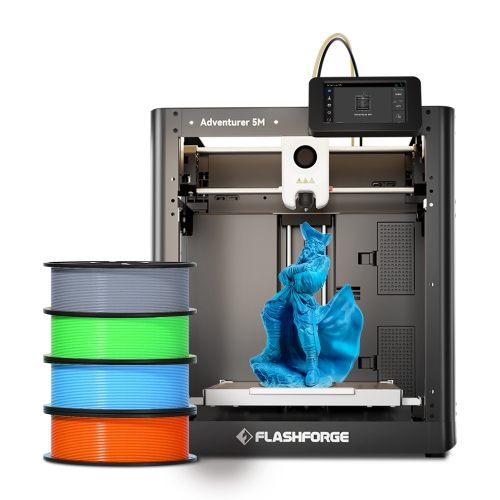
FLASHFORGE Adventurer 5M Fdm 3D Printer Bundle – 4X Hs Pla Filament 1Kg, Auto Bed Leveling, 600Mm/s, 280°C – 220 X 220 X 220MM Build Volume
About this product
A high-speed 3D printer featuring auto leveling, a high-temp direct drive extruder, and quick-swap nozzle.
(1)$479.00Your price for this item is $479SAVE $140 -
5
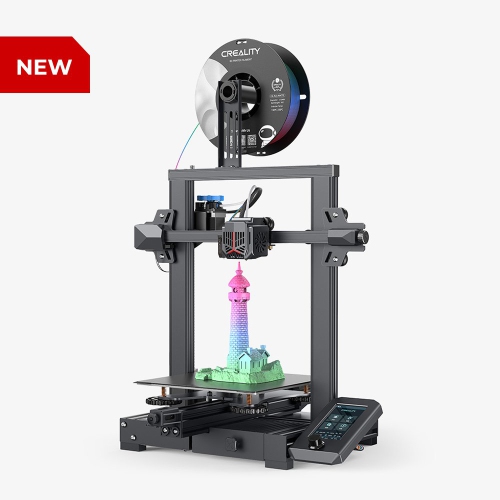
CREALITY Ender-3 V2 Neo Fdm 3D Printer – Auto Bed Leveling – 220 X 220 X 250MM Build Volume
About this product
A stable 3D printer with a full-metal extruder and bendable build plate for easy handling.
(2)$399.99 Your price for this item is $399.99 -
6
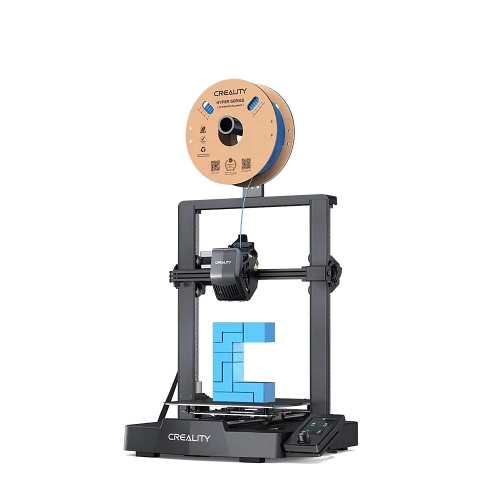
CREALITY Ender-3 V3 Se Fdm 3D Printer - Auto Bed Leveling, 250Mm/s, 260°C – 220 X 220 X 250MM Build Volume
About this product
An easy-to-use 3D printer featuring auto leveling and filament printing for reliable, high-quality results.
(2)$209.99Your price for this item is $209.99SAVE $90 -
7
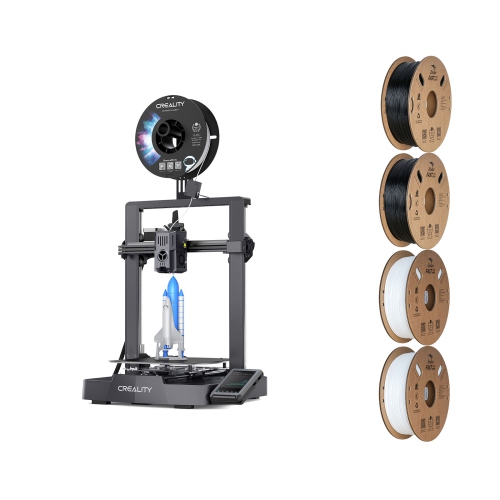
CREALITY Ender-3 V3 Ke 3D Printer With Filaments Ender Fast Pla Bundle
About this product
A high-speed 3D printer bundle featuring a 4.3" colour touchscreen and auto-levelling sensor.
(1)$349.99Your price for this item is $349.99SAVE $150 -
8
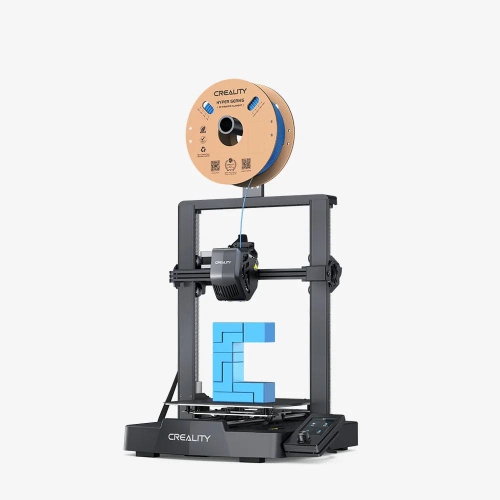
CREALITY Ender 3 V3 Se Fdm 3D Printer - Auto Bed Leveling, 250Mm/s, 260°C – 220 X 220 X 250 MM Build Volume
About this product
A 3D printer with a 220x220x250mm build volume for versatile and precise printing projects.
What customers like
(68)$199.99Your price for this item is $199.99SAVE $70 -
9
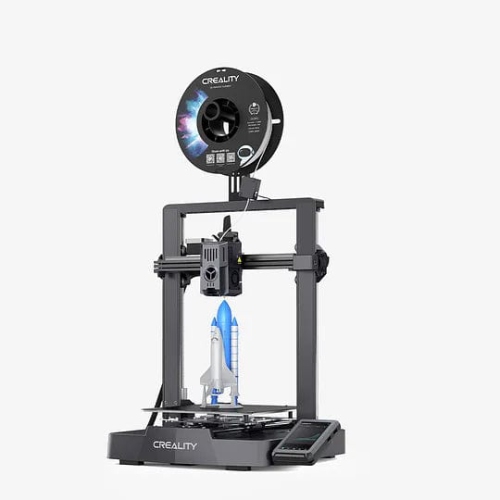
CREALITY Ender-3 V3 Ke Fdm 3D Printer - Auto Bed Leveling, 500Mm/s, 300°C – 220 X 220 X 240 MM Build Volume
About this product
A black 3D printer with auto-levelling, 500mm/s speed, dual fans, and 300°C direct extruder.
What customers like
(62)$269.99Your price for this item is $269.99SAVE $150 -
10
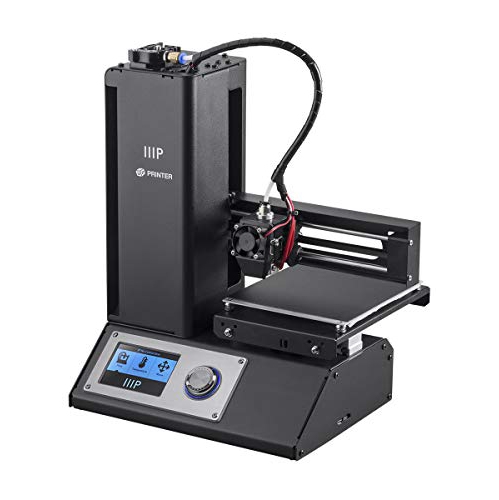
MONOPRICE INC. Monoprice Mp Select Mini V2 Fdm 3D Printer - 120 X 120 X 120 MM Build Volume
About this product
A compact black 3D printer designed for easy, reliable printing of detailed models and prototypes.
What customers like
(51)$420.00 Your price for this item is $420
FAQ
Filament printers, also called FDM or FFF printers, melt plastic filament and deposit it layer by layer. Resin printers use a light source to cure liquid resin into solid layers. Each type uses different materials, software settings and post-printing steps.
Common filament types include PLA, PETG, ABS and flexible TPU. Compatibility depends on the printer’s nozzle and print-bed temperature ranges, extruder design and enclosure requirements. Check the manufacturer’s supported materials before choosing filament.
Common 3D model formats include STL, OBJ and 3MF. Slicing software turns a model into instructions for your printer, typically G-code for filament printers or a printer-specific format for resin models. The slicer must support your printer.
Automatic bed levelling uses a sensor to measure points across the print surface. The printer uses these measurements to adjust for variations during printing. Depending on the model, you may still need to set the nozzle offset or make manual bed adjustments.
Depending on the model, you can transfer print files using an SD card, USB drive, USB cable or Wi-Fi. Some printers also support local network controls or companion apps. Check which transfer methods the printer supports and whether any connected features require an account.
Top selling and popular products
Discover more categories related to Best 3D Printers Under $500
Some products may be subject to Environmental Handling Fees (EHF) depending on your province. Learn more about EHFs.