Best Budget All in One Printers

Print, scan, and copy for less with the best budget all-in-one printers, ranked by customer review ratings. Whether you’re printing school assignments or handling home office tasks, this list makes it easy to compare affordable options with feedback from other shoppers. Find a printer that fits your budget, space, and everyday needs.

Read More

What to look for in budget all-in-one printers

1. Total Cost of Ownership

Look beyond the purchase price and compare replacement ink or toner costs, cartridge yields and included supplies. A low-priced printer can cost more over time if you print frequently, while a refillable ink tank model may offer lower running costs for a higher upfront price.

2. Print Quality and Speed

Choose a printer suited to what you print most, whether that is sharp text for documents or colour images for school projects. Compare black-and-white and colour print speeds, and check whether the printer supports the paper sizes and types you use.

3. Scanning and Paper Handling

Check that the printer includes the scanning and copying functions you need. An automatic document feeder simplifies scanning multiple pages, while automatic two-sided printing helps reduce paper use; neither feature is standard on every budget model.

4. Connectivity and Compatibility

Wi-Fi and mobile printing support can make it easier to print from phones, tablets and shared household computers. Confirm compatibility with your devices and check whether a USB cable is included if you prefer a wired connection.
Citrus catapult arrow
  1. 1

    About this product

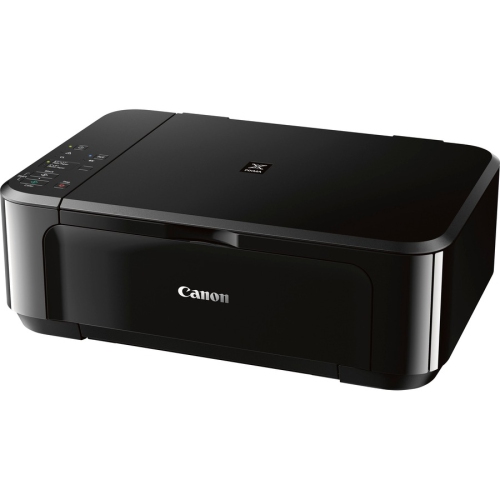
    A wireless all-in-one inkjet printer offering color printing, scanning, copying, and automatic duplex functionality.

    (1)
    $129.92 Your price for this item is $129.92
  2. 2

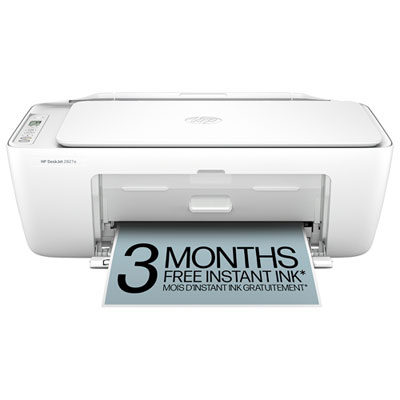
    About this product

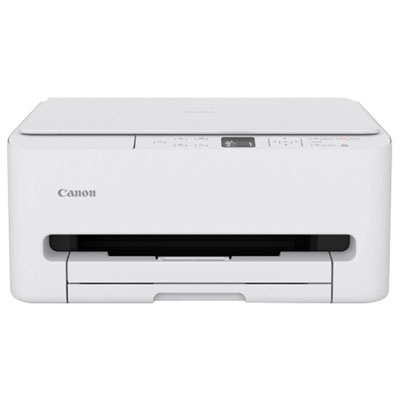
    A compact white all-in-one inkjet printer offering vivid printing, scanning, copying, and wireless connectivity.

    (15)
    $179.99 Your price for this item is $179.99
  3. 3

    About this product

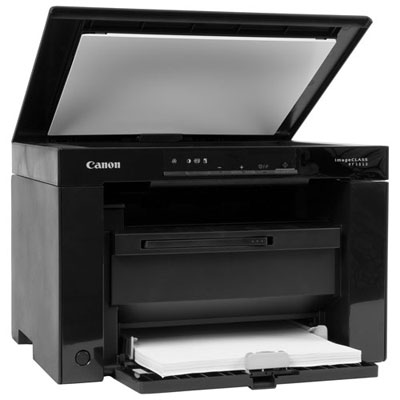
    A compact monochrome laser printer offering fast printing, scanning, and copying with high-speed USB connectivity.

    (2)
    $99.99
    SAVE $26
    Your price for this item is $99.99
  4. 4

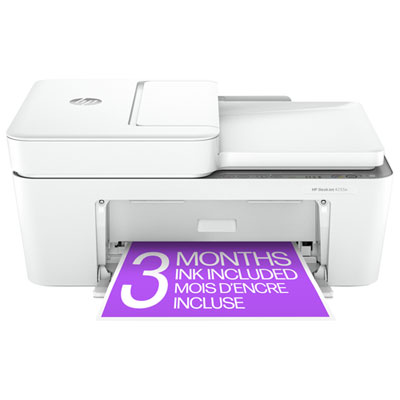
    About this product

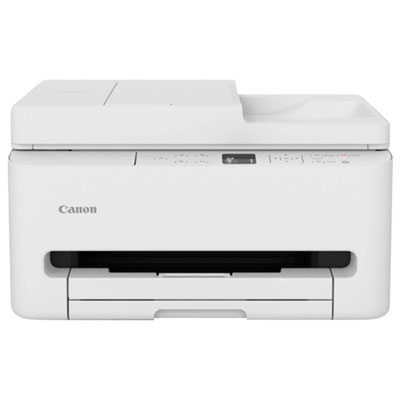
    An all-in-one white inkjet printer with wireless connectivity, OLED display, and automatic document feeder.

    (2)
    $219.99 Your price for this item is $219.99
  5. 5

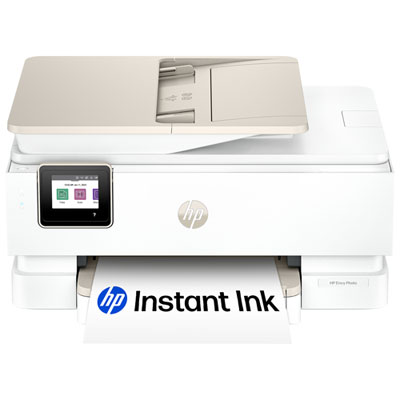
    About this product

    An all-in-one white inkjet printer offering wireless printing, scanning, copying, and vibrant photo output.

    What customers like

    • Cost-effective Instant Ink subscription with automatic ink delivery
    • Reliable wireless connectivity and self-healing Wi-Fi
    • Versatile all-in-one functionality for printing, scanning, and copying
    • Easy and intuitive setup with user-friendly app integration
    • Excellent photo print quality with vibrant and true-to-screen colours
    (761)
    $179.99
    SAVE $120
    Your price for this item is $179.99
  6. 6

    About this product

    A white wireless inkjet printer delivering vivid colour prints, sharp text, and automatic two-sided printing.

    What customers like

    • High print quality and performance
    • Easy and user-friendly setup
    • Affordable price and cost-effectiveness
    • Compact and space-saving design
    • Reliable wireless and mobile connectivity
    (4,258)
    $137.68
    SAVE $15
    Your price for this item is $137.68
  7. 7

    About this product

    A versatile white wireless printer offering printing, scanning, copying, and an automatic document feeder for convenience.

    What customers like

    • Easy and quick setup
    • High print and scan quality
    • Compact and lightweight design
    • Versatile all-in-one functionality
    • Reliable wireless and mobile connectivity
    (1,857)
    $134.95 Your price for this item is $134.95
  8. 8

    About this product

    A versatile white wireless inkjet printer offering fast, high-quality printing and easy operation for any task.

    What customers like

    • Easy setup and installation
    • Affordable price and good value
    • Versatile all-in-one features
    • Good print and photo quality
    • Compact size and small footprint
    (127)
    $59.99
    SAVE $20
    Your price for this item is $59.99
  9. 9

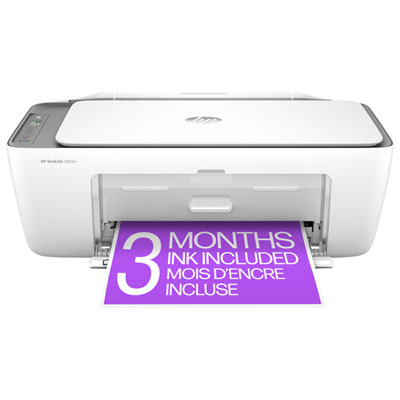
    About this product

    A white wireless all-in-one inkjet printer offering easy print, scan, and copy functions with mobile support.

    What customers like

    • Easy and quick setup
    • Good print and scan quality
    • Compact size fits small spaces
    • User-friendly wireless and mobile features
    • Affordable and budget friendly
    (1,970)
    $59.97 Your price for this item is $59.97
  10. 10

    About this product

    An all-in-one white wireless printer offering effortless printing, scanning, copying, and an automatic document feeder.

    What customers like

    • Affordable with efficient ink options
    • Easy setup process
    • High print and scan quality
    • Compact and lightweight design
    • Convenient wireless and app connectivity
    (2,396)
    $59.97 Your price for this item is $59.97

Why everyday paperwork matters more than extra printer features

The best budget all-in-one printers bring everyday printing, scanning, and copying together in one machine, with features suited to the documents a household actually uses. For light home use, that often means clear text, straightforward controls, dependable paper feeding, and an easy way to print from a phone or laptop. A permission slip before school, a return label for a parcel, or a scanned copy of a signed form can all be handled from the same desk. Some all-in-one printers also include fax capabilities, although this is a separate feature rather than a standard part of every multifunction design. Inkjet printers suit mixed printing needs, including colour charts, craft templates, family photographs, and ordinary black-and-white documents. Monochrome laser all-in-one printers are designed for black-and-white output and are a practical fit for text-heavy tasks such as assignments, invoices, and reference notes. Many can scan in colour even though they print only in black and white, so printing and scanning specifications describe different capabilities. For someone who prints infrequently and mainly needs text, laser technology also avoids the issue of liquid ink drying in printhead nozzles. Inkjet machines benefit from regular use and the maintenance routines described in their manuals. The strongest fit depends less on having every possible function than on handling familiar tasks without unnecessary steps. A student might need readable lecture notes and occasional colour diagrams, while a home business owner may use the scanner as often as the printer. A household sharing one device may place more importance on wireless access and simple copying controls. Print quality matters in different ways for these users: sharp lettering helps with small text on forms, while colour accuracy and compatible photo paper matter more for pictures. Advertised resolution alone does not tell the whole story, since paper type, print settings, and the original file all affect the finished page. A clearly defined mix of documents and images makes the differences between printer types more meaningful.

Scanning and paper handling are often what make an all-in-one printer genuinely convenient. A flatbed scanner provides a glass surface for individual sheets, photographs, and materials that cannot safely pass through a feeder. It is useful for copying a receipt or capturing a page from a notebook, provided the lid and scanning area can accommodate the material without pressure. An automatic document feeder moves loose sheets through the scanner in sequence, making it easier to digitize a multipage form or copy a packet of notes. Feeder capacity varies, and staples, curled edges, or torn sheets can interfere with feeding. Automatic two-sided printing is another distinct capability: it prints on both sides of a sheet without requiring the pages to be turned over by hand. A printer with automatic two-sided printing does not necessarily scan both sides automatically, so these functions should not be treated as interchangeable. Paper trays also influence daily use. An enclosed tray keeps a stack neatly contained, while a rear feed may provide a suitable path for certain specialty papers when supported by the manufacturer. Letter-size paper is common for everyday Canadian home and office documents, but legal-size forms, envelopes, labels, and heavier paper each require compatible dimensions and media settings. Connectivity determines how comfortably the printer fits into a shared routine. Wi-Fi allows supported devices to send jobs without a direct cable connection, while USB provides a wired option for a nearby computer. Ethernet is useful where a wired network connection is preferred, though it is not included on every machine. Mobile printing support varies by operating system and app, and some printers connect only to a particular Wi-Fi frequency band. Setup requirements, including whether an account or internet connection is needed for certain functions, deserve attention alongside the connection type. In a study space shared by roommates or siblings, easy access from several devices can be especially helpful. The Best All in One Printers for Students page is relevant to coursework-focused needs, including assignment printing, document scanning, and use in smaller study areas.

Physical fit and routine care help determine how well a printer works beyond its first few jobs. Compact all-in-one printers generally use moulded plastic housings around their printing and scanning mechanisms, but exterior size alone does not show how much working space they need. An output tray may extend towards the front, a paper support may rise at the back, and the scanner lid needs clearance above. Access for replacing cartridges, refilling supported ink tanks, or clearing a paper jam matters just as much as the closed dimensions. A stable, level surface with room around the machine makes these tasks easier and helps keep paper aligned. Printer paper should stay flat and dry in its packaging until needed; bent corners and mixed paper sizes can cause feeding problems even in an otherwise well-maintained machine. Dust on the scanner glass may appear as marks on copies, while debris on the narrow scanning strip used by some document feeders can create lines across scanned pages. Cleaning should follow the manufacturer’s directions, using appropriate materials and avoiding sprays applied directly to the machine. Ink and toner systems also shape ongoing use. Separate colour cartridges allow individual colours to be replaced as needed, whereas a combined colour cartridge holds several colours in one unit. Refillable ink-tank designs use bottles and require careful filling with the correct ink. Laser printers use toner, and some have a drum unit that is replaced separately. Stated page yields are based on defined test conditions, so pages filled with photographs or dense graphics will use supplies differently from lightly printed text. For durability, expected monthly printing volume is more useful than assuming every compact printer can handle repeated large batches. A recommended monthly volume describes an intended workload, while a maximum duty cycle is not a target for routine use. Noise, first-page speed, and the ease of reading the control panel can also matter in a shared room. The best budget all-in-one printers for everyday use are those whose core functions match the household’s habits, whether that means a few neatly printed forms, frequent scanned documents, or a steady stream of schoolwork.
Read More

FAQ

Some products may be subject to Environmental Handling Fees (EHF) depending on your province. Learn more about EHFs.