Best Budget Mini PCs
Get more from your desk space and your budget with compact mini PCs for everyday computing. Whether you’re browsing, streaming, studying, or tackling office tasks, this list of the best budget mini PCs is ranked by user review ratings to help you compare affordable options. Find the right balance of performance, storage, and connectivity for your needs without overspending.
What to look for in the best budget mini PCs
1. Processor and Performance
2. Memory and Storage
3. Ports and Connectivity
4. Total Cost and Included Features
-
1
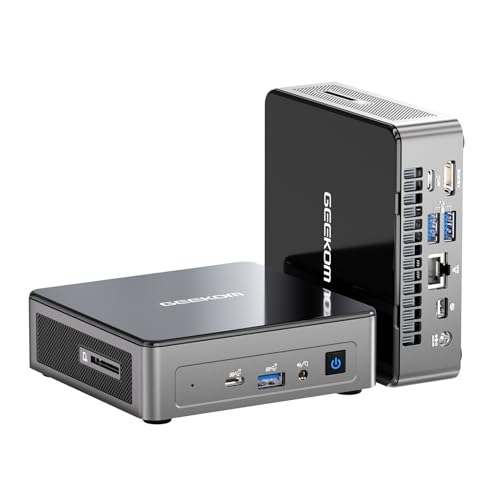
GEEKOM A8 Max Mini PC - Amd Ryzen 9 8945Hs, 32GB Ddr5 Ram, 1Tb SSD, Quad Display Out, Windows 11 Pro
About this product
A compact black mini desktop featuring Intel 12th Gen processor, 16GB DDR5 RAM, and 512GB PCIe SSD.
(1)$1,499.00Your price for this item is $1499SAVE $200 -
2
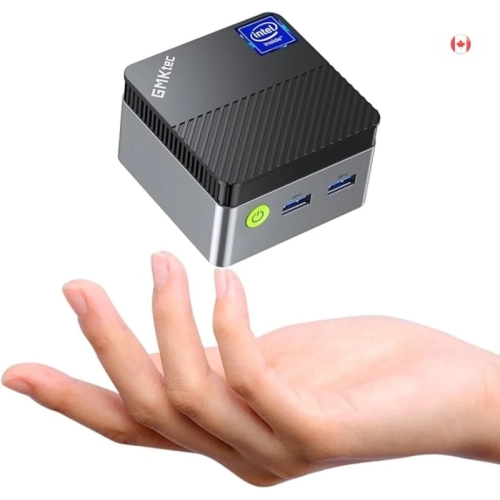
GMKTEC Mini PC - Intel N97, 12GB Ddr5 Ram, 256GB SSD, Windows 11 Pro
About this product
A powerful mini PC with 12th Gen Intel Alder Lake, 12GB DDR5 RAM, and 256GB SSD for business tasks.
$359.99Your price for this item is $359.99SAVE $40 -
3
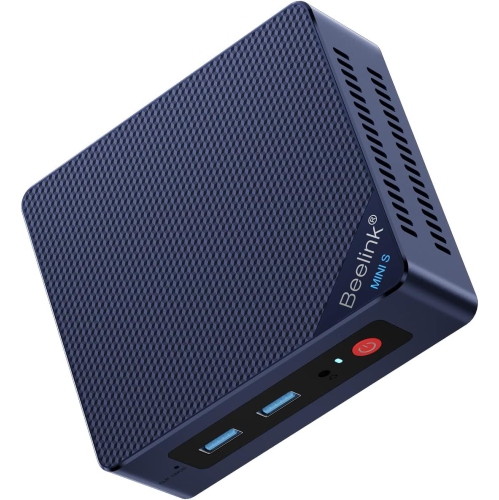
BEELINK Mini PC Mini S12, Intel 12Th Gen N95, 8GB Ddr4, 256GB SSD, Dual HDMI 4K, Gigabit Ethernet, Bt5.2, Htpc/nas
About this product
A compact desktop featuring Intel 12th Gen N95, 8GB RAM, 256GB SSD, dual 4K HDMI, and Bluetooth 5.2.
$526.33Your price for this item is $526.33SAVE $45 -
4
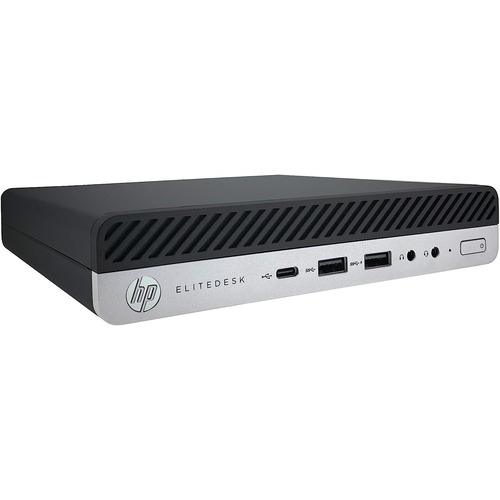
HP Refurbished (Excellent) - Prodesk 600 G4 Mini PC - Intel Core I5-8500T, 32GB Ram, 256GB SSD, Windows 11 Pro
About this product
A compact desktop PC featuring an Intel i5 processor, 32GB RAM, 256GB SSD, Wi-Fi, and Windows 11 Pro.
$439.99Your price for this item is $439.99SAVE $260 -
5
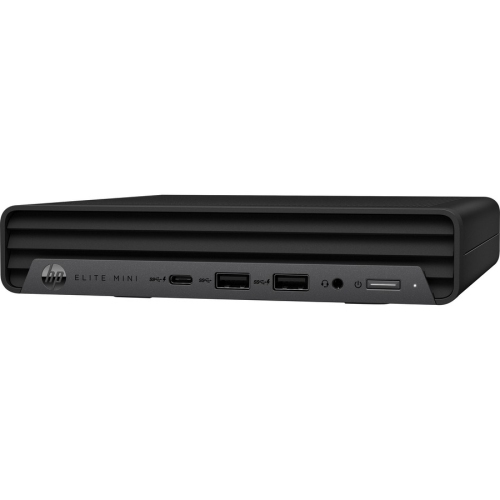
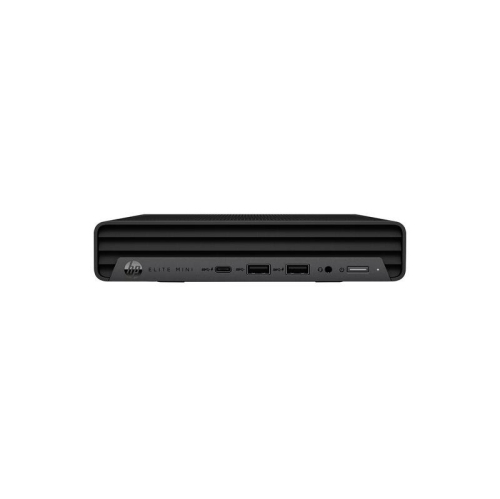
HP Refurbished (Excellent) - Elite 800 G9 Mini PC - Intel Core I5-12500T, 16GB Ram, 1Tb SSD, Windows 11
About this product
A compact desktop featuring an Intel Core i5, 1TB SSD, 16GB RAM, and Windows 11.
$749.99Your price for this item is $749.99SAVE $1250 -
6
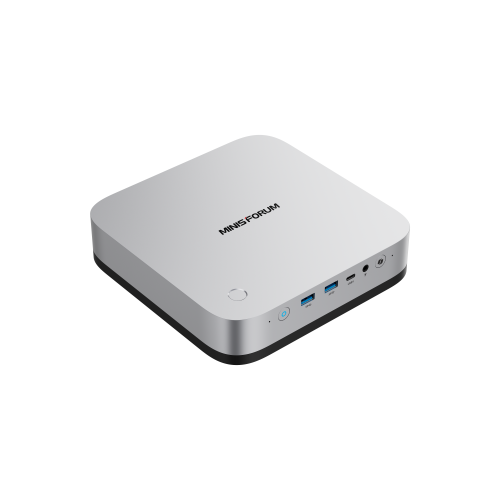
MINISFORUM Mini PC Ai X1 Pro Barebone w Amd Ryzen Ai 9 Hx370(12Cores/24 Threads)&amd Radeon 890M Mini Gaming PC, 8K Quad Output(HDMI+Dp+2XUSB4), Dual
About this product
A powerful mini gaming PC featuring AMD Ryzen AI 9 HX370, Radeon 890M, and 8K quad display output.
$952.00Your price for this item is $952SAVE $307
FAQ
Budget mini PCs may come with Windows, Linux or no operating system installed. Check the listing for the included operating system and licence details. If you plan to install a different system, confirm that drivers are available for the PC’s hardware.
A typical setup includes a monitor, keyboard and mouse, which may be sold separately. You may also need an HDMI or DisplayPort cable, speakers or a headset, and a webcam for video calls. Check what is included before choosing accessories.
Look for connections that match your peripherals, such as USB-A for keyboards and mice, HDMI or DisplayPort for monitors, and Ethernet for wired networking. Wi-Fi and Bluetooth support vary by model. If you need USB-C, check its listed features, as not every USB-C port supports video output or charging.
An SSD is a storage drive that may be replaceable, depending on the PC’s design. eMMC storage is typically built into the main board and is not user-replaceable. Both store the operating system, applications and files. Check the storage type and available expansion options in the specifications.
Upgrade options depend on the model. Some budget mini PCs have accessible memory slots and replaceable storage drives, while others use soldered memory or built-in storage. Barebones models may require you to add memory, storage and an operating system. Review the manufacturer’s documentation for compatible components and installation requirements.
Top selling and popular products
Discover more categories related to Best Budget Mini PCs
Some products may be subject to Environmental Handling Fees (EHF) depending on your province. Learn more about EHFs.