Best Computers for Toddlers
The best computers for toddlers make early learning playful, with easy-to-use features suited to little hands. Explore options ranked by user review ratings to help narrow your search, and look for durable designs, simple controls, and age-appropriate activities. Whether you’re introducing letters, numbers, or basic computer skills, find a fit for your child’s supervised learning time.
What to look for in computers for toddlers
1. Age-Appropriate Design
2. Learning Activities
3. Durability and Ease of Use
4. Connectivity and Parental Controls
-
1
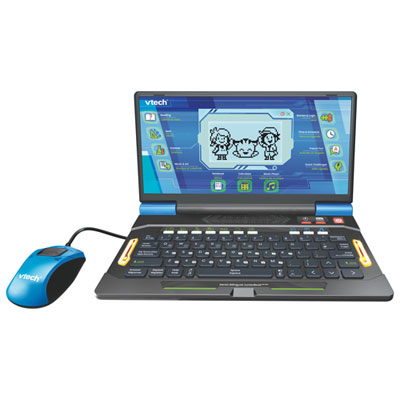
VTech Genio Bilingual JuniorBook - Blue
About this product
A blue educational laptop with a QWERTY keyboard, 80+ apps, and 200 vocabulary words for kids.
(3)$54.99 Your price for this item is $54.99 -
2
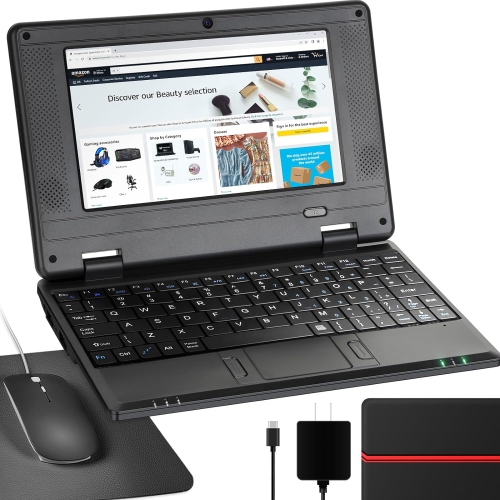
NBD 7" Android 12 Netbook - Quad Core - 2GB Ram - 32GB Storage - Wifi/bluetooth/webcam - - Bag, Mouse & Mouse Pad Included In Black
About this product
A lightweight 7-inch IPS screen netbook with Android 12.0, ideal for kids' learning and entertainment.
(1)$159.99Your price for this item is $159.99SAVE $30 -
3
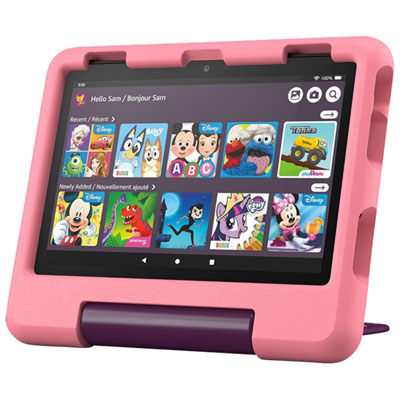
Amazon Fire HD 8 Kids (2024) 8" 32GB FireOS Tablet with Kid-Proof Case - Disney Princess
About this product
A child-friendly tablet with an 8" HD display, 32GB storage, and a durable Disney Princess case.
(1)$199.99 Your price for this item is $199.99 -
4
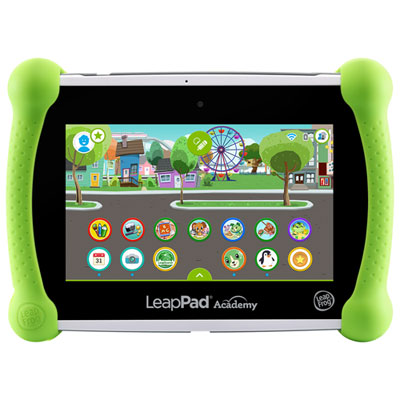
LeapFrog LeapPad Academy - Green - English
About this product
A green educational tablet featuring 20+ learning apps and parental controls for a safe experience.
(7)$169.99 Your price for this item is $169.99 -
5
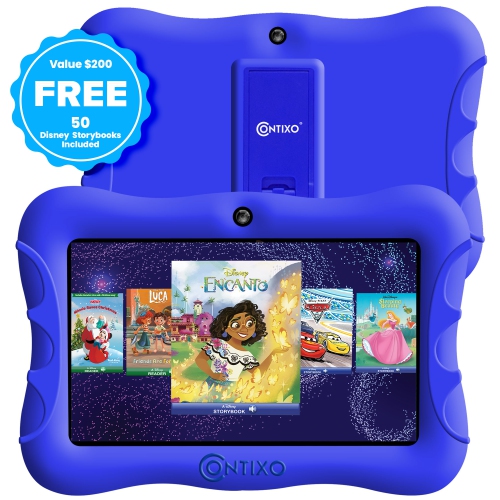
CONTIXO Kids Tablet, 7" HD Display, 32GB Storage, Wi-Fi, Parental Controls, Shockproof Case, Dark In Blue
About this product
A kid-friendly tablet with parental controls, educational apps, dual cameras, and Android 10 OS.
(2)$122.99Your price for this item is $122.99SAVE $14 -
6
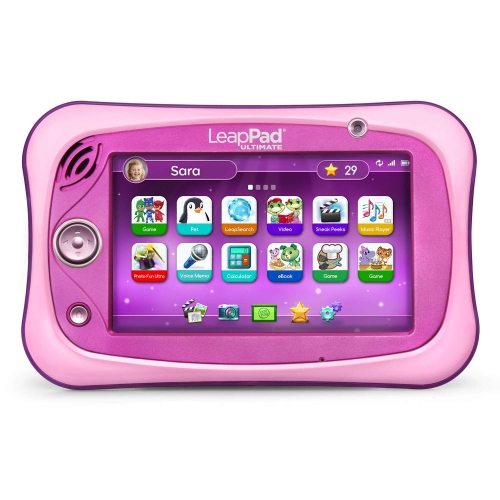
LEAPFROG Leappad Ultimate Ready for School Tablet - In Pink
About this product
A pink educational tablet featuring a shatter-safe screen, built-in bumper, and over $195 in learning apps.
$229.97Your price for this item is $229.97SAVE $70 -
7
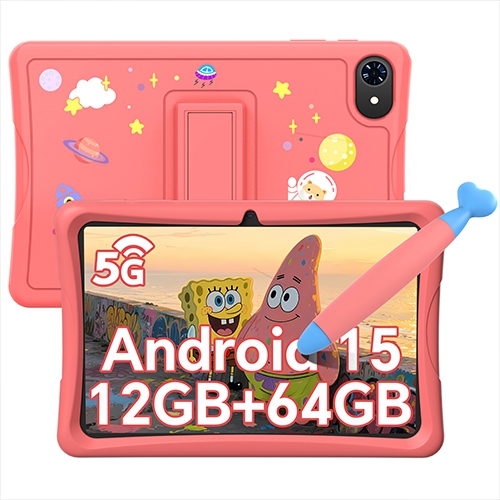
BLACKVIEW 10" Kids Tablet, Android 15 Tablets for Kids, Parental Control, Pre-Installed Kiddos Software & Kids Space, Includes Case And Stylus Pen
About this product
A kid-friendly tablet with Android 15, parental controls, pre-installed educational apps, case, and stylus included.
$125.99Your price for this item is $125.99SAVE $40 -
8
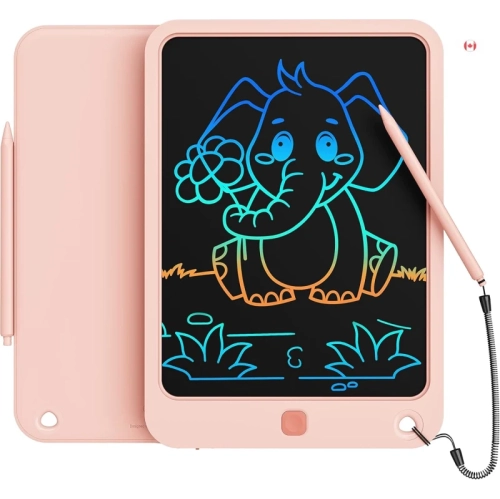
KIKAPABI Lcd Writing Tablet 10-Inch – Colorful Electronic Doodle Board for Kids, Travel Drawing Pad w Lanyard, Educational Toy Gift for Ages 3–9
About this product
A colourful LCD writing tablet with lanyard, ideal for kids’ drawing, learning, and creative play.
$25.99Your price for this item is $25.99SAVE $4 -
9
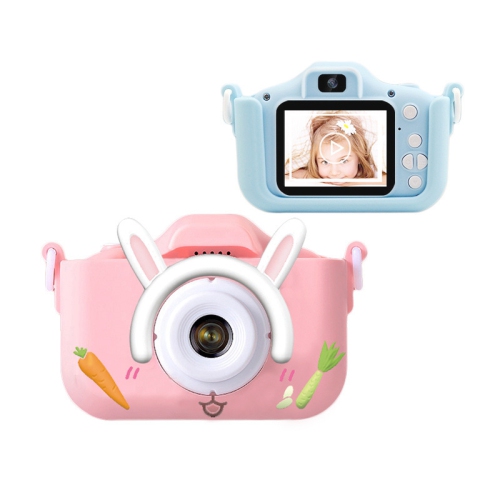
GREEN SCENIC Children's Selfie Camera Christmas, Birthday Gifts Suitable for Children Aged 3-9 HD Digital Camera Suitable for Toddlers Portable Toys
About this product
A green HD digital camera designed for children, encouraging creativity and easy, portable photography.
$47.99 Your price for this item is $47.99 -
10
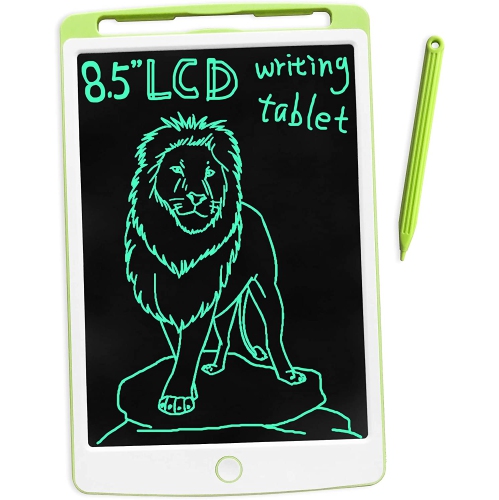
DOLAER Lcd Writing Tablet w Stylus, 8.5 Inch Mini Doodle Board for Toddlers Kids(+3Years), Portable Erasable Drawing Board for Kids, Electronic
About this product
An electronic LCD drawing board with stylus, featuring easy one-click erase and smooth, clear writing.
$15.00 Your price for this item is $15
FAQ
Options include toy laptops with built-in activities and basic laptops or desktop computers for shared use with an adult. Toy laptops usually offer preset games, sounds and buttons, while standard computers support a broader range of software.
Look for straightforward menus, clearly labelled keys, adjustable volume and activities that match your toddler’s interests. For a standard computer, check whether the software you plan to use supports its operating system and input controls.
Input options vary. Toy laptops may have letter keys, arrow buttons or an attached mouse-style controller. Standard computers typically use a keyboard with a mouse or touchpad, and some laptops also offer touchscreen controls.
Toy computers often include alphabet activities, number games, music, animal sounds and matching games. Standard laptops and desktops can run compatible drawing apps, digital storybooks and simple games, though these may require separate installation.
Many toy computers run their built-in activities without Wi-Fi. Standard computers can also run installed software offline, depending on the app. Downloads, updates, streaming and some account features require an internet connection.
Top selling and popular products
Discover more categories related to Best Computers for Toddlers

Some products may be subject to Environmental Handling Fees (EHF) depending on your province. Learn more about EHFs.