Best Computers for Families
Find the best computers for families to help with homework, work, entertainment, and everyday tasks. Ranked by user review ratings, this list makes it easy to explore highly rated options for your household. Whether you need a shared desktop or a laptop that moves from room to room, look for the right balance of performance, storage, and ease of use.
What to look for in the best computers for families
1. Performance and Storage
2. Computer Type and Shared Space
3. User Accounts and Parental Controls
4. Connectivity and Accessories
-
1
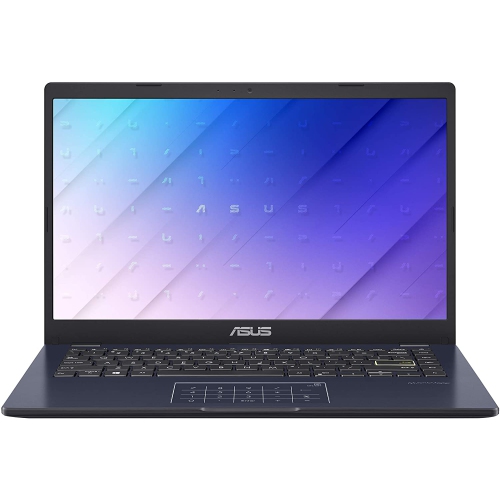
ASUS 14" Fhd Laptop - Intel Celeron N4500 - 4GB Ddr4 - 64GB SSD - Intel Uhd Graphics 600 - Windows 11 - Star In Black
About this product
A compact black laptop featuring an Intel Celeron N4500, 4GB RAM, 64GB storage, and Windows 11.
What customers like
(527)$300.00 Your price for this item is $300 -
2
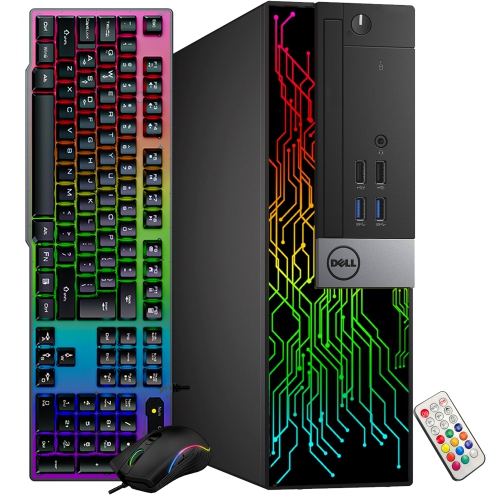
DELL Refurbished (Good) - Optiplex Small Form Factor Desktop - Intel Core I5-9500, 16GB Memory, 1Tb SSD, Win 11 Pro + Amd Radeon R5 430
About this product
A refurbished desktop PC featuring an Intel Hexa-Core i5-9500, 16GB RAM, and 1TB SSD storage.
$539.99Your price for this item is $539.99SAVE $150 -
3
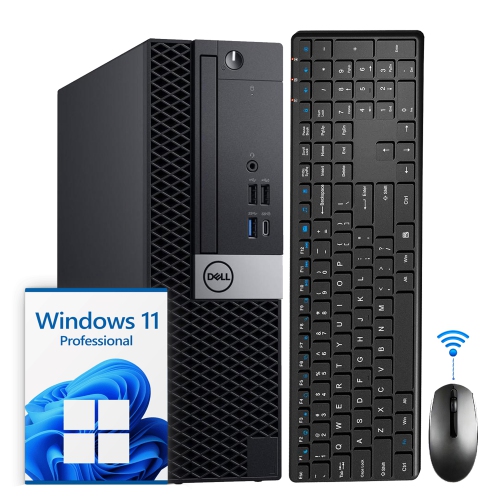
DELL Refurbished (Good) - Optiplex Small Form Factor Desktop - Intel Core I5, 8GB Memory, 512GB SSD, Win 11 Pro, Keyboard & Mouse Included
About this product
A compact and powerful Dell OptiPlex SFF desktop PC with Intel i5 Hexa-Core processor and Windows 11 Pro.
$399.50Your price for this item is $399.50SAVE $200 -
4
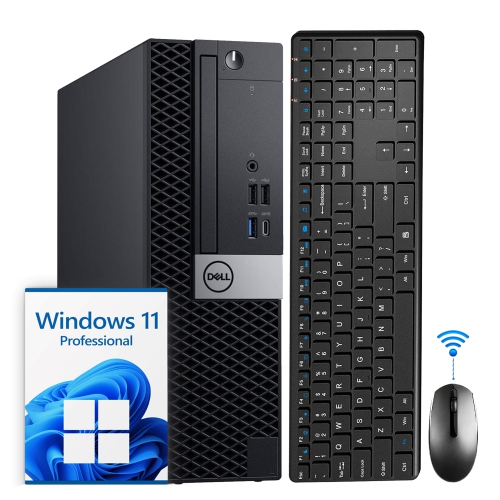
DELL Refurbished (Good) - Optiplex Small Form Factor Desktop - Intel Core I5-8500, 8GB Memory, 1Tb SSD, Win 11 Pro + Wi-Fi, Bluetooth
About this product
A powerful and compact Dell OptiPlex SFF desktop computer with an Intel i5 Hexa-Core processor and 1TB SSD.
$629.99 Your price for this item is $629.99 -
5
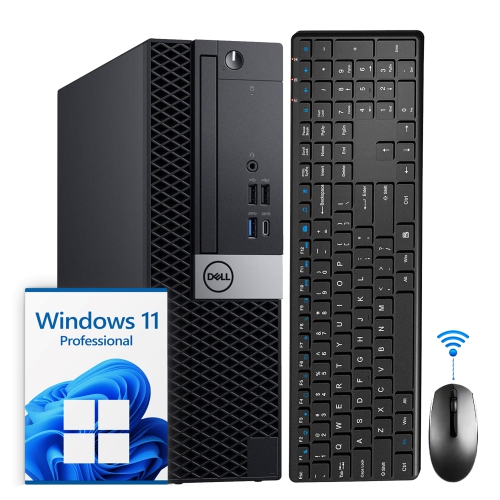
DELL Refurbished (Good) - Optiplex Small Form Factor Business Desktop - Intel Core I5 (8Th Gen), 8GB Memory, 256GB SSD, Win 11 Pro, Keyboard & Mouse
About this product
A compact and powerful Dell desktop computer with an Intel i5 Hexa-Core processor and 8GB DDR4 RAM.
$359.50Your price for this item is $359.50SAVE $190 -
6
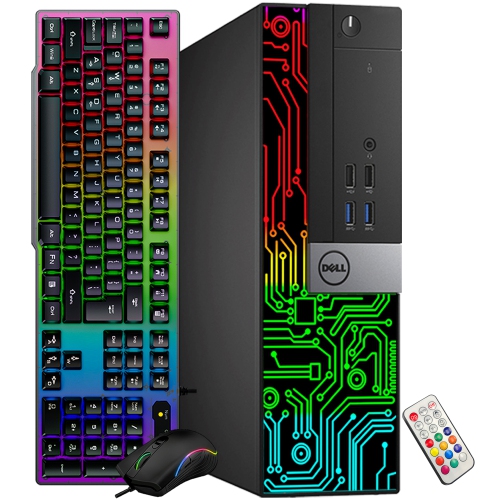
DELL Refurbished (Good) - Optiplex Small Form Factor Desktop - Intel Core I5-9500, 16GB Memory, 512GB SSD, Win 11 Pro + Amd Radeon R5 340X
About this product
A refurbished desktop featuring an Intel i5-9500, 16GB RAM, 512GB SSD, and Radeon R5 340X graphics.
$454.99Your price for this item is $454.99SAVE $125 -
7
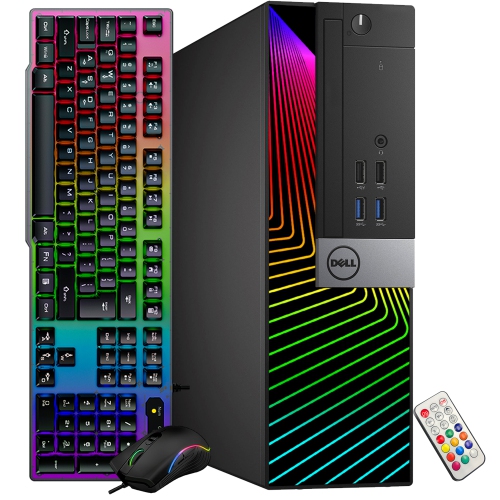
DELL Refurbished (Good) - Optiplex Small Form Factor Desktop - Intel Core I5-9500, 16GB Memory, 512GB SSD, Win 11 Pro + Amd Radeon R5 430
About this product
A refurbished desktop PC featuring a Hexa-Core i5 processor, 16GB RAM, Radeon R5 graphics, and 512GB SSD.
$454.99Your price for this item is $454.99SAVE $125 -
8
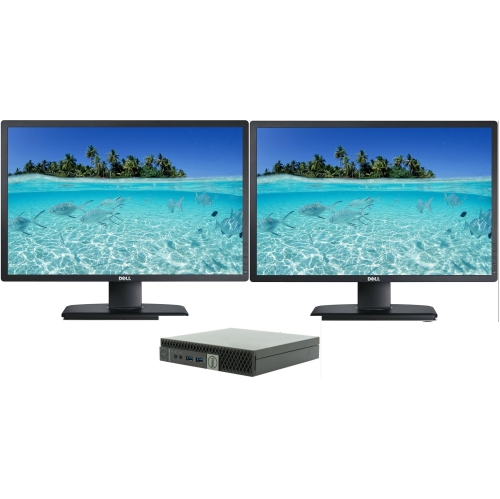
DELL 5050 Refurbished (Excellent) - Dell Optiplex 5050 Micro Desktop - Intel Core I5-7500T, 32GB Memory, 1Tb SSD, Win 11 Pro + Dual 24" Monitor
About this product
A compact refurbished desktop with Intel i5, 32GB RAM, 1TB SSD, Windows 10, and dual monitors.
$643.50Your price for this item is $643.50SAVE $206 -
9
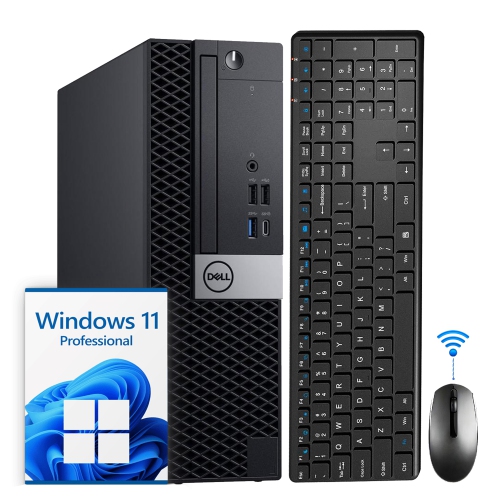
DELL Refurbished (Good) - Optiplex Small Form Factor Desktop - Intel Core I5, 32GB Memory, 2Tb SSD, Win 11 Pro + Wi-Fi, Bluetooth, Keyboard & Mouse
About this product
A refurbished Dell OptiPlex SFF desktop with Intel i5, 32GB RAM, and 2TB NVMe SSD.
$719.99Your price for this item is $719.99SAVE $280 -
10

DELL Refurbished (Good) - Optiplex Small Form Factor Desktop - Intel Core I5, 32GB Memory, 1Tb SSD, Win 11 Pro + Wi-Fi, Bluetooth
About this product
A compact black desktop featuring an Intel i5 hexa-core CPU, 32GB RAM, 1TB NVMe SSD, and Wi-Fi 6.
$569.50Your price for this item is $569.50SAVE $180
FAQ
Look for a computer with a processor suited to everyday multitasking, enough RAM for several open apps, and an SSD for responsive storage. A built-in webcam, microphone, Wi-Fi and connections for accessories are useful for homework, video calls and entertainment.
A desktop works well as a shared computer in a dedicated study or living area and often offers more options for upgrading components. A laptop is convenient for family members who need to move between rooms or take their computer to school. Choose based on where and how your household plans to use it.
Windows supports a broad range of school software, creative apps and games. macOS integrates with other Apple devices and includes tools for everyday and creative tasks. ChromeOS centres on web-based activities and Google services. Check which operating system supports the apps required by your family’s schools, workplaces and hobbies.
Yes, most Windows, macOS and ChromeOS computers support separate user accounts. Each family member can have their own desktop settings, files and browser preferences. Individual accounts also make it easier to keep school assignments, work documents and personal projects organized.
Start by checking the system requirements for the learning apps and games your family uses. Everyday homework generally relies on a web browser and office apps, while more demanding games may call for a dedicated graphics card and additional RAM. Consider storage for assignments, apps and game installations as well.
Top selling and popular products
Discover more categories related to Best Computers for Families

Some products may be subject to Environmental Handling Fees (EHF) depending on your province. Learn more about EHFs.