Best Computers for Video Editing and Gaming
Power through creative projects and immersive gameplay with the best computers for video editing and gaming, ranked by user review ratings. Whether you’re editing high-resolution footage or playing demanding titles, explore options with powerful processors, capable graphics, and ample memory to help keep your workflow smooth and your games responsive.
What to look for in computers for video editing and gaming
1. Processor Performance
2. Graphics Capabilities
3. Memory and Storage
4. Form Factor and Expandability
-
1
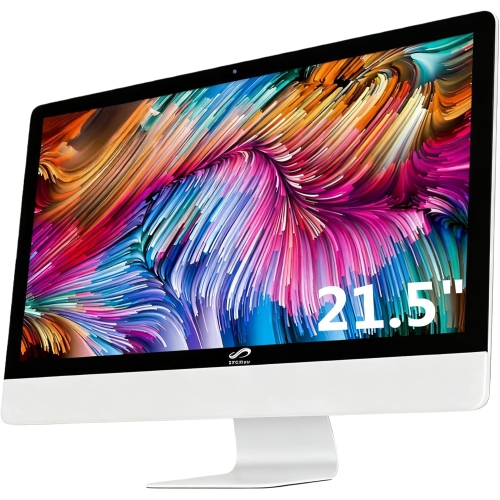
STGSIVIR All-In-One Desktop, 22" Fhd Display, Intel Quad-Core I7 3.1 Up to 3.9Ghz, 16G Memory, 512G SSD, Wifi 5, Bluetooth, RGB Keyboard & Mouse &
About this product
An all-in-one desktop featuring a 22" FHD display, Intel i7 processor, 16GB memory, and 512GB SSD.
(1)$545.99Your price for this item is $545.99SAVE $1500 -
2
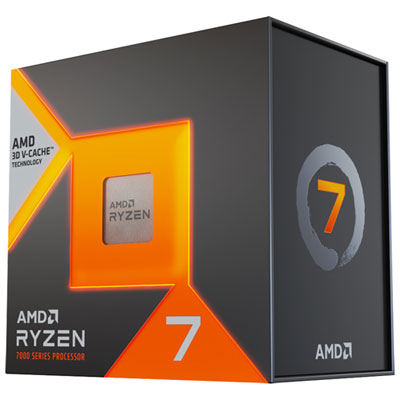
AMD Ryzen 7 7800X3D 8-Core 4.2GHz AM5 Processor
About this product
An 8-core, 16-thread processor with 4.2GHz base speed for smooth gaming and multitasking performance.
What customers like
(1,123)$519.98Your price for this item is $519.98SAVE $30 -
3
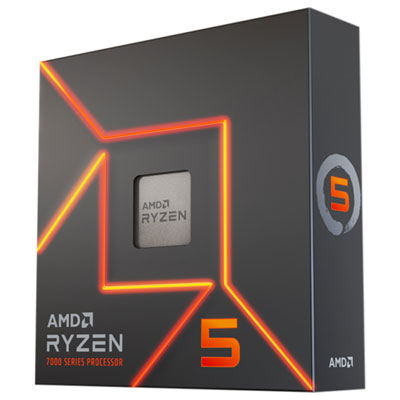
AMD Ryzen 5 7600X 6-Core 4.7GHz AM5 Processor
About this product
A high-performance 6-core, 12-thread processor with Zen 4 architecture, ideal for gaming and content creation.
What customers like
(374)$439.99 Your price for this item is $439.99 -
4
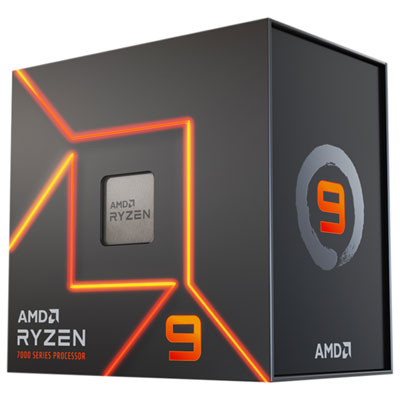
AMD Ryzen 9 7950X 16-Core 4.5GHz AM5 Processor
About this product
A high-performance 16-core, 32-thread processor with Zen 4 architecture for gaming and content creation.
What customers like
(157)$999.99 Your price for this item is $999.99 -
5
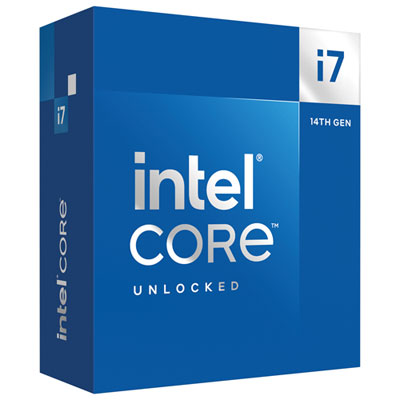
Intel Core i7-14700K Processor
About this product
A high-performance processor with Turbo Boost Max 3.0, DDR5/DDR4 support, PCIe 5.0, and unlocked customization.
What customers like
(318)$499.98 Your price for this item is $499.98 -
6
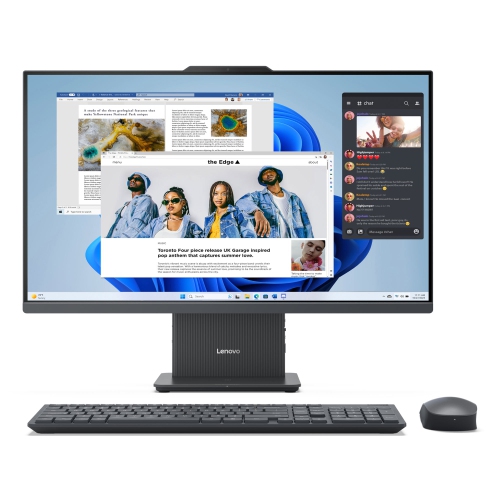
Lenovo IdeaCentre AIO AMD Desktop, 27" FHD IPS 14ms, Ryzen 5 7535HS, 16GB, 512GB SSD
About this product
An all-in-one desktop featuring a 27" FHD IPS display, Ryzen 5 processor, and 512GB SSD.
What customers like
(121)$1,329.99 Your price for this item is $1329.99 -
7
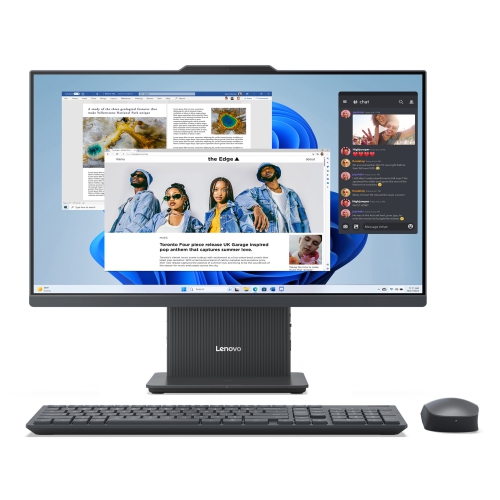
LENOVO Ideacentre Aio Amd Desktop, 23.8" Fhd Ips 14Ms, Ryzen 3 7335U, 8GB, 256GB SSD
About this product
An all-in-one desktop with a 23.8" FHD display, Ryzen 3 processor, 8GB RAM, and 256GB SSD.
What customers like
(64)$799.69Your price for this item is $799.69SAVE $79 -
8
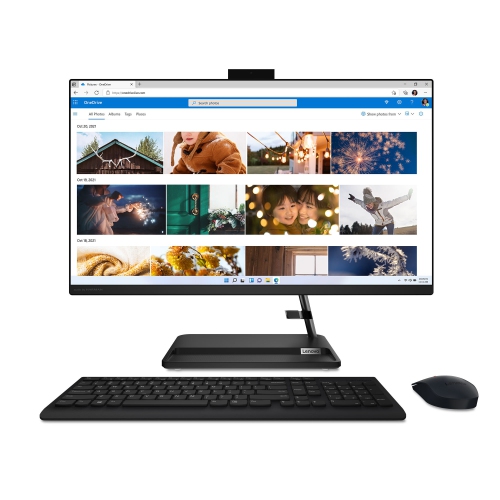
LENOVO Ideacentre Aio 3I All-In-One Desktop 27" Fhd - Intel Core I7-13620H, 16GB Memory, 1Tb, Win 11
About this product
A powerful all-in-one desktop featuring a 27" FHD IPS display, i7-13620H processor, and 16GB RAM.
What customers like
(38)$1,899.00Your price for this item is $1899SAVE $100 -
9
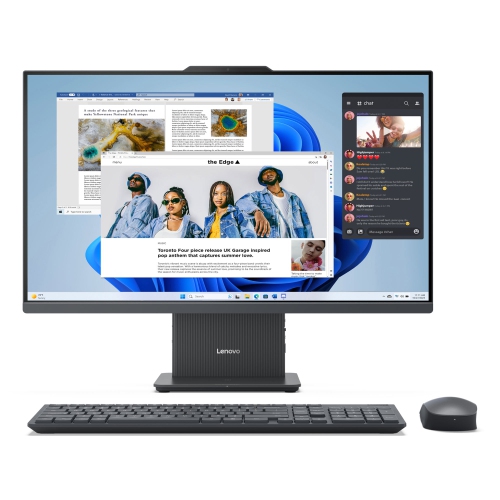
LENOVO Ideacentre Aio Amd Desktop, 27" Fhd Ips 14Ms, Ryzen 7 7735Hs, 16GB, 1Tb SSD
About this product
A 27" FHD IPS all-in-one desktop with Ryzen 7 processor, Radeon 680M, 16GB RAM, and 1TB SSD.
What customers like
(120)$2,145.99 Your price for this item is $2145.99 -
10
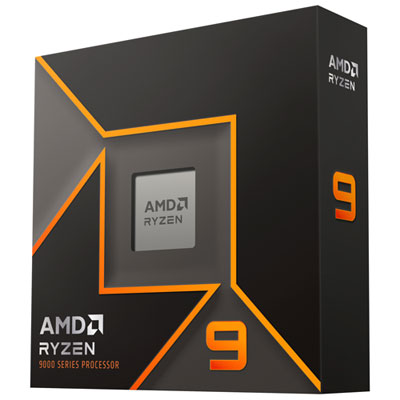
AMD Ryzen 9 9950X 16-Core 5.7GHz AM5 Processor
About this product
A high-performance processor with 16 cores, 32 threads, 5.7GHz boost, and DDR5-5600 support.
What customers like
(33)$919.99 Your price for this item is $919.99
FAQ
Focus on the processor, graphics card, RAM and storage. A multi-core processor handles editing tasks and game logic, while a dedicated graphics card supports game rendering and GPU-accelerated editing features. Check the hardware requirements for your editing software and favourite games before choosing a computer.
RAM holds data that active applications use, including editing timelines, game assets and background programs. Your editing software, footage format and multitasking habits help determine your memory requirements. If you plan to upgrade later, check whether the computer has replaceable memory or soldered RAM.
An SSD uses flash memory, while a hard drive stores data on spinning magnetic disks. SSDs are commonly used for the operating system, applications, games and active editing projects. A separate hard drive can hold archived footage and completed projects, though important files should also have an independent backup.
A desktop suits a dedicated workspace and typically offers more options for replacing components or adding internal storage. A laptop combines the computer, display and keyboard for use across different locations. Compare upgrade options, available connections and software compatibility alongside the processor and graphics card.
Look for HDMI or DisplayPort for external displays, USB ports for peripherals and external drives, and Ethernet for a wired network connection. USB-C features vary, so check whether a port supports data transfer, video output or Thunderbolt. An SD card reader may also be useful when importing footage from a camera.
Top selling and popular products
Discover more categories related to Best Computers for Video Editing and Gaming

Some products may be subject to Environmental Handling Fees (EHF) depending on your province. Learn more about EHFs.