Best Laptops for Gaming And Video Editing
Power through demanding games and creative projects with the best laptops for gaming and video editing, ranked by user review ratings. Whether you’re chasing smooth gameplay or editing high-resolution footage, look for powerful processors, dedicated graphics, ample RAM, and fast storage to keep up with your workload. Compare top-rated options to find the right balance of performance, display quality, and portability for your setup.
What to look for in the best laptops for gaming and video editing
1. Processor and Graphics
2. Memory and Storage
3. Display Quality
4. Cooling and Connectivity
-
1
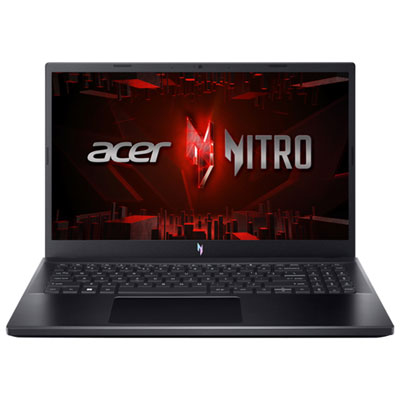
Acer Nitro V 15.6" 165Hz Gaming Laptop - Intel Core i7-13620H - 16GB DDR4 - 1TB SSD - RTX 5060 - Windows 11 - Black
About this product
A powerful black gaming laptop featuring Intel Core i7, 16GB RAM, RTX 5060 graphics, and backlit keyboard.
(18)$1,599.99Your price for this item is $1599.99SAVE $200 -
2
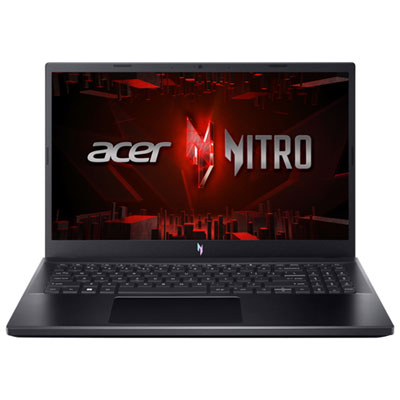
Acer Nitro V 15.6" 165Hz Gaming Laptop - AMD Ryzen 7 7735HS - 16GB DDR5 - 512GB SSD - RTX 4050 - Windows 11 - Black
About this product
A powerful black gaming laptop featuring Ryzen 7, RTX 4050 graphics, 16GB RAM, and a backlit keyboard.
What customers like
(27)$1,999.99 Your price for this item is $1999.99 -
3
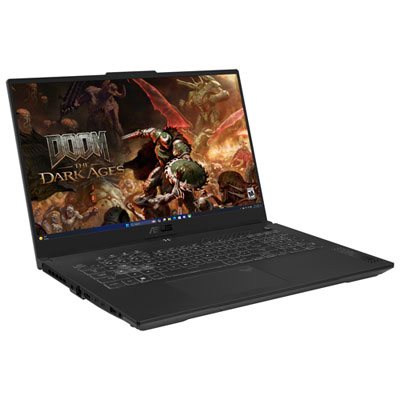
ASUS TUF Gaming F17 17.3" 144Hz Gaming Laptop - Intel Core 5 210H - 16GB DDR5 - 1TB SSD - RTX 4050 - Windows 11 Home - Mecha Grey - Bilingual
About this product
A powerful gaming laptop in mecha grey with Intel Core 5, RTX 4050, and 144Hz Full HD display.
(19)$1,799.95 Your price for this item is $1799.95 -
4
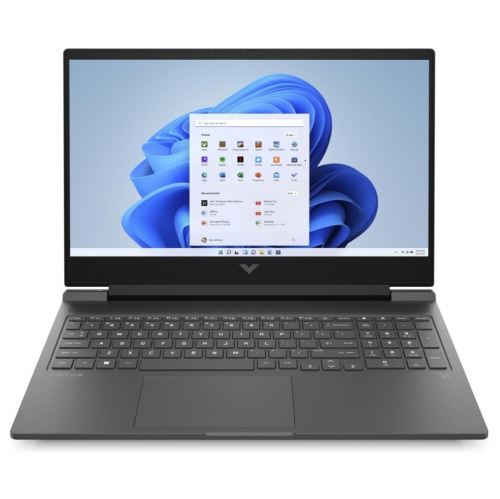
VICTUS BY HP 16.1" Fhd 144Hz Gaming Laptop - Amd Ryzen 5 7640Hs - 16GB Ddr5 - 512GB SSD - Rtx 4050 - Windows 11 - Mica In Silver
About this product
A powerful silver laptop featuring AMD Ryzen 5, RTX 4050 graphics, 16GB RAM, and a 144Hz FHD display.
(1)$1,614.05Your price for this item is $1614.05SAVE $84 -
5
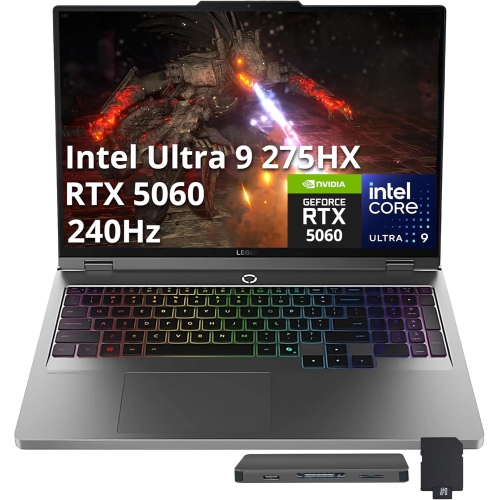
LENOVO Legion 5 16" Wqxga 240Hz HDr Gaming Laptop - Intel Ultra 9 275Hx - 64GB Ddr5 - 4Tb SSD - Rtx 5060 - Win 11 Pro - - 512GB Docking Station Set
About this product
A powerful grey gaming laptop with Intel Ultra 9, RTX 5060, 4TB SSD, and 64GB DDR5 RAM.
(1)$4,899.00Your price for this item is $4899SAVE $2100 -
6
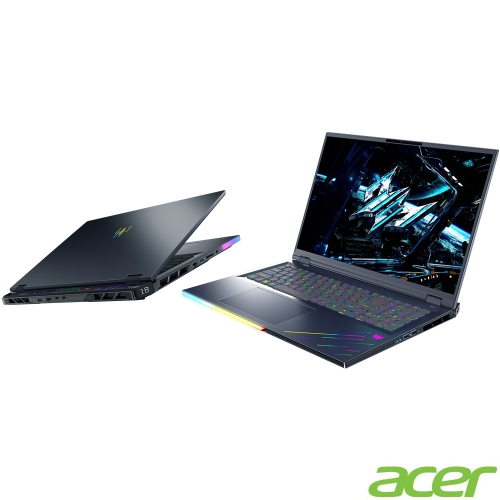
ACER Predator Helios 18 250Hz HDr Gaming Laptop - Intel Core Ultra 9-275Hx - 32GB Ddr5 - 1Tb SSD - Rtx 5080 - Windows 11 Home - Abyss In Black
About this product
A high-performance gaming laptop featuring Intel Core Ultra 9, RTX 5080 graphics, and 32GB DDR5 RAM.
What customers like
(21)$4,399.00Your price for this item is $4399SAVE $200 -
7
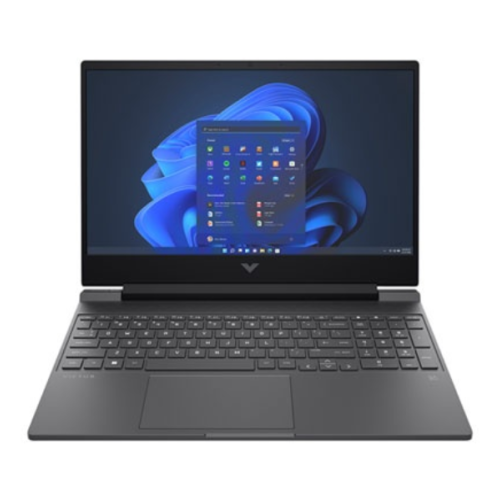
HP Victus 15.6" Gaming Laptop - Intel Core I5-13420H - 16GB Ram - 512GB SSD - Geforce Rtx 3050 - Mica In Silver
About this product
A silver laptop featuring an Intel Core i5 processor, 16GB RAM, 512GB SSD, and GeForce RTX 3050.
What customers like
(0)$1,234.05Your price for this item is $1234.05SAVE $64 -
8
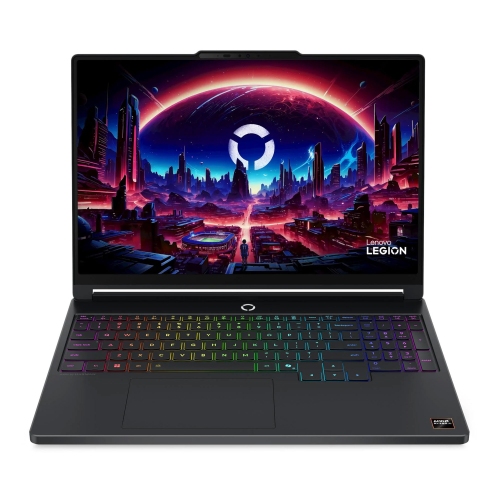
LENOVO Legion 5A Gen 11 15.3" Gaming Laptop - Amd Ryzen Ai 9 465 - 16GB - 1Tb SSD - Nvidia Rtx 5060 8GB Gddr7 - Eclipse In Black
About this product
A powerful blue laptop featuring a Ryzen AI 9 processor, RTX 5060 GPU, 16GB RAM, and 1TB SSD.
(5)$2,799.99Your price for this item is $2799.99SAVE $565
FAQ
Look for a recent multi-core processor, dedicated graphics, ample RAM and an SSD. Check the system requirements for both your games and your editing software, including any requirements for GPU acceleration. Accessible memory and storage slots can also be useful if you plan to upgrade later.
Integrated graphics are built into the processor and share system memory. Dedicated graphics use a separate graphics processor with its own video memory. Many games and video editing applications use dedicated graphics for tasks such as rendering 3D scenes, applying effects and encoding supported video formats.
Many laptops use NVMe SSDs for the operating system, applications, games and project files. Some include an additional internal SSD slot, while others rely on external drives for expansion. For video editing, a separate drive can help keep project media organised apart from installed software.
For gaming, look at refresh rate and support for variable refresh rate technologies. For video editing, consider colour accuracy and coverage of colour spaces such as sRGB or DCI-P3. Resolution and panel type are also worth comparing, along with support for an external monitor.
USB-A ports can connect gaming peripherals, while USB-C, USB4 or Thunderbolt ports may support external drives, docks and displays. HDMI or DisplayPort support is useful for a monitor, and an SD card reader can simplify importing footage from compatible cameras. Check each port’s specifications, as not every USB-C port supports the same features.
Top selling and popular products
Discover more categories related to Best Laptops for Gaming And Video Editing


Some products may be subject to Environmental Handling Fees (EHF) depending on your province. Learn more about EHFs.