Best Gaming PCs Under $1500

Find your next gaming desktop with our best gaming PCs under $1500, ranked by user review ratings. Whether you’re upgrading your setup or buying your first gaming PC, explore options within your budget and compare graphics, processing power, and storage to find the right fit for your favourite games.

Read More

What to look for in gaming PCs under $1500

1. Graphics Performance

Prioritize a dedicated graphics card that can handle your favourite games at your monitor’s resolution. In this price range, look for strong 1080p performance and compare game benchmarks to set realistic expectations for frame rates and visual settings.

2. Processor and Memory

A recent six-core processor and 16GB of RAM are a solid starting point for many gaming setups. If you plan to stream or run several apps while playing, consider additional processing power and room to expand your memory.

3. Storage Capacity

Choose an SSD for fast boot times and shorter game loading screens. A 1TB SSD offers useful space for a growing library, while extra drive slots make it easier to add storage later.

4. Cooling and Upgrade Options

Look for good case airflow and cooling suited to the included components. Check the power supply capacity, available expansion slots and whether the PC uses standard parts to understand your future upgrade options.
Citrus catapult arrow
  1. 1

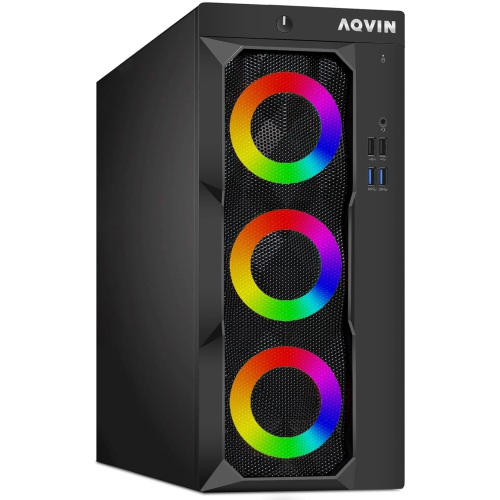
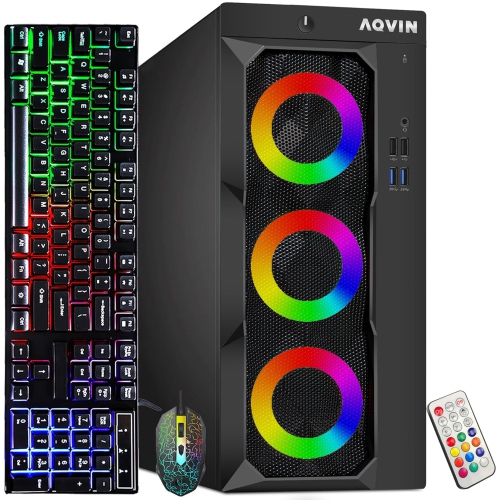
    AQVIN Refurbished (Excellent) - Luminarings Gaming PC - Gtx 1650 4GB, Intel Core I7, 16GB Memory, 512GB SSD, Win 11 Pro, RGB

    About this product

    A powerful RGB gaming PC tower with Intel Core i7 processor, GeForce GTX 1650 GPU, and 32GB DDR4 RAM.

    (6)
    $999.99 Your price for this item is $999.99
  2. 2

    AQVIN Refurbished (Excellent) - Luminarings Gaming PC Tower - Rx 550 4GB, Intel Core I7, 16GB Memory, 256GB SSD, Win 11 Pro

    About this product

    A high-performance black gaming desktop featuring an Intel Core i7, 32GB RAM, 2TB SSD, and RX 550.

    (1)
    $899.99 Your price for this item is $899.99
  3. 3

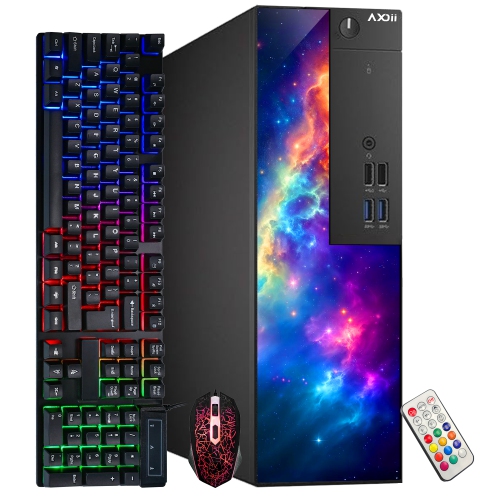
    AXOII Refurbished (Good) - Gaming PC - Rx 550 4GB, Intel Core I5, 16GB Memory, 512GB SSD, Win 11 Pro, RGB

    About this product

    A refurbished RGB gaming desktop featuring an Intel Core i5-6500, Radeon RX 550, 16GB RAM, and 512GB SSD.

    (1)
    $474.99
    SAVE $55
    Your price for this item is $474.99
  4. 4

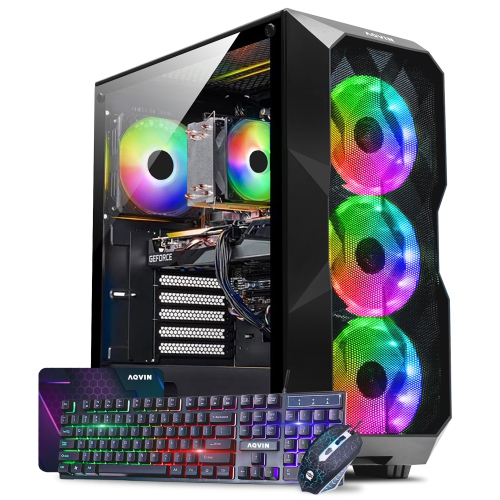
    AQVIN Refurbished (Excellent) - Gaming PC - Gtx 1660 6GB, Intel Core I7, 32GB Memory, 512GB SSD, Win 11 Pro

    About this product

    A high-performance gaming PC featuring an Intel Core i7, GTX 1660 Super, 32GB RAM, and 1TB SSD.

    (1)
    $1,499.99 Your price for this item is $1499.99
  5. 5

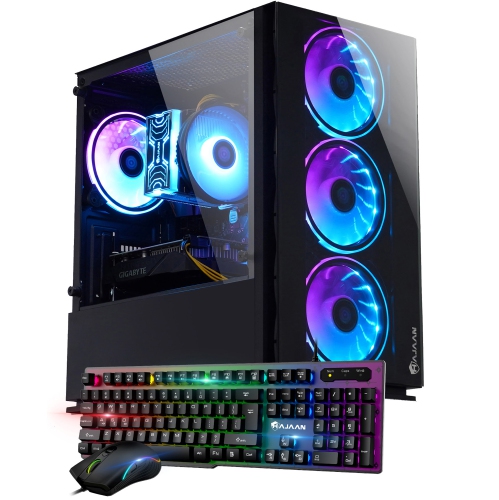
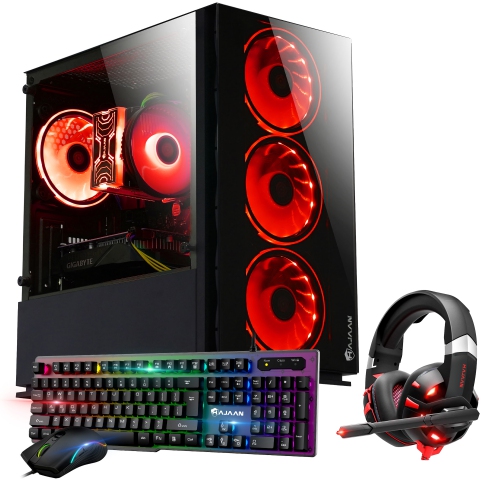
    HAJAAN Gaming PC Tower - Rtx 3050, Intel Core I7, 32GB Memory, 1Tb SSD, Win 11 Pro

    About this product

    A high-performance gaming desktop featuring an Intel Core i7, 32GB RAM, 1TB SSD, and RTX 3050.

    (1)
    $1,399.99
    SAVE $300
    Your price for this item is $1399.99
  6. 6

    HAJAAN Breeze Gaming PC Tower - Rx 550 4GB, Intel Core I5-10400F, 16GB Memory, 1Tb SSD, Win 11 Pro

    About this product

    A powerful gaming desktop featuring an Intel Core i5 processor, 16GB RAM, 1TB SSD, and AMD RX 550.

    (1)
    $1,449.99
    SAVE $400
    Your price for this item is $1449.99
  7. 7

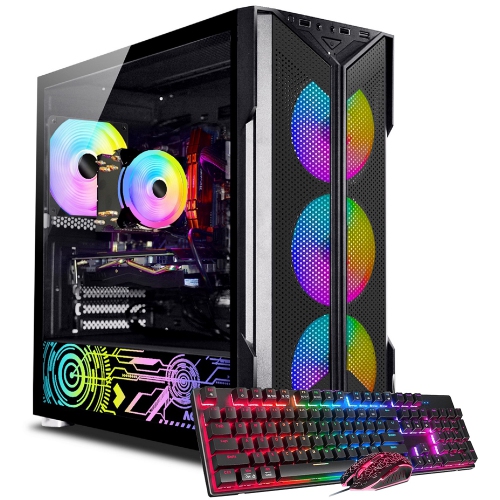
    AQVIN Refurbished (Excellent) - Infinitylite Gaming PC Tower - Gtx 1050 Ti, Intel Core I7, 16GB Memory, 256GB SSD, Win 11 Pro, RGB

    About this product

    An RGB-lit gaming desktop featuring an Intel Core i7, 32GB RAM, 1TB SSD, and GTX 1050.

    (0)
    $899.99 Your price for this item is $899.99
  8. 8

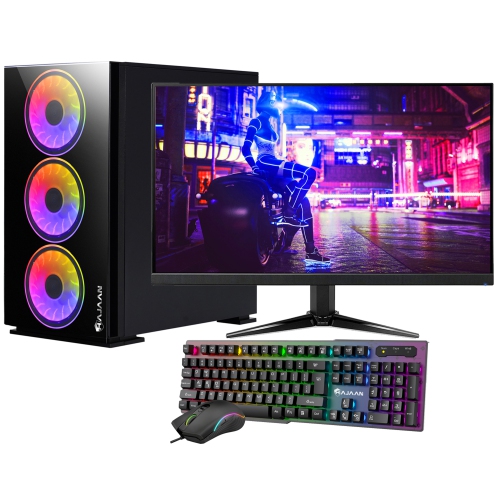
    HAJAAN Gaming PC Tower - Rtx 3050 6GB, Intel Core I7, 32GB Memory, 1Tb SSD, Win 11 + 27" Curved Monitor

    About this product

    A powerful desktop with Intel i7, RTX 3050, 32GB RAM, 1TB NVMe, and 27" curved RGB monitor.

    (0)
    $1,499.99
    SAVE $400
    Your price for this item is $1499.99
  9. 9

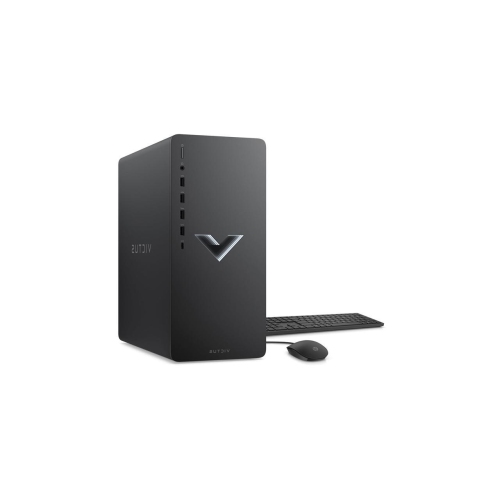
    HP Victus 15L Gaming PC - Rtx 3060, Amd Ryzen 5 5600G, 8GB Memory, 256GB SSD, Win 11 Home

    About this product

    A powerful desktop featuring Ryzen 5 5600G, RTX 3060 Super graphics, 8GB RAM, and Windows 11 Home.

    What customers like

    • Affordable price and good value
    • Easy setup and upgradeability
    • Strong gaming and technical performance
    • Compact and attractive design
    • Quiet operation and efficient cooling
    (0)
    $1,380.89 Your price for this item is $1380.89
  10. 10

    AQVIN Refurbished (Excellent) - Gaming PC Tower - Gtx 1660 Super 6GB, Intel Core I7, 16GB Memory, 512GB SSD, Win 11 Pro

    About this product

    A powerful gaming desktop with Intel Hexa-Core i7 processor and NVIDIA GeForce RTX 3080 graphics card.

    (0)
    $1,499.99 Your price for this item is $1499.99

Why balanced components matter more than standout gaming specs

Gaming PCs bring together the graphics power, processing speed, and storage needed for everything from quick multiplayer matches to sprawling single-player adventures. A well-balanced gaming desktop suits the games being played and the display connected to it, rather than relying on one impressive specification. For competitive titles at 1080p, smooth frame delivery and responsive controls often matter more than elaborate lighting effects. For detailed adventure games, the graphics card takes on more of the work, especially at 1440p or with demanding visual settings enabled. Neither resolution nor performance can be judged by the graphics card alone: the processor, memory, cooling, and individual game settings all play a role. A dedicated graphics card has its own video memory and is generally better suited to demanding PC games than basic integrated graphics, although requirements vary considerably between titles. Video memory helps hold textures and other graphics data, but a larger memory figure does not automatically make one card faster than another. Similarly, a newer processor with fewer cores can outperform an older processor with more cores in some games. Complete component names and generations are more useful than broad descriptions such as “powerful graphics” or “gaming processor.” Independent performance results for the games a person actually plays provide a clearer picture of what a configuration can deliver. High-refresh-rate monitors can display more frames per second, but the computer must generate those frames consistently to make full use of the screen. A capable desktop can also handle school assignments, video calls, photo editing, and everyday browsing, making it a practical shared household computer as well as a dedicated gaming system. For someone moving from console gaming to a desktop, a prebuilt tower offers an assembled starting point, while still allowing room to personalize controls, display settings, and accessories. The strongest fit is a system whose capabilities support those everyday uses without depending on features that may never be used.

Memory and storage influence how comfortable a gaming desktop feels beyond the frame rate shown in a game. For many games, 16GB of system memory is a practical starting point, while 32GB provides more headroom for demanding titles, voice chat, browser tabs, and other applications running together. The benefit depends on the workload: extra memory will not necessarily increase performance when the system already has enough. Memory arranged across two compatible modules can improve performance compared with some single-module configurations, though the effect varies by platform. An SSD helps the operating system start promptly and reduces loading times compared with a mechanical hard drive; it does not, by itself, guarantee higher frame rates. A 1TB drive can accommodate a useful mix of games and everyday files, but several large installations, recorded gameplay sessions, and updates can fill that space sooner than expected. Usable storage is also lower than the drive’s stated capacity after formatting and system files. Additional drive connections or unused storage slots can make later expansion easier, provided the motherboard and case support it. These details matter for a player who keeps a handful of favourite competitive games installed differently than they do for someone who frequently switches between large story-driven releases. Streaming and recording add another layer of demand. Hardware video encoding can reduce the burden on the processor, but stream quality also depends on software settings and the internet connection. Ethernet offers a reliable wired connection for online play, while built-in Wi-Fi can simplify placement where running a cable is inconvenient. Neither connection eliminates delays caused by a game server or internet service limitations. Front-facing USB ports are convenient for a controller, headset receiver, or external drive, and sufficient rear connections help keep permanent accessories organized. Display outputs deserve attention too, since their type and supported capabilities need to match the intended monitor. A desktop tower does not necessarily include a monitor, keyboard, mouse, speakers, or wireless connectivity, so the listed contents and specifications define the complete setup.

Case construction, internal layout, and cooling shape how a gaming PC fits into a room and holds up through regular use. Steel chassis are common, while side panels may use metal, tempered glass, or acrylic. Glass provides a clear view of the components but adds weight and needs careful handling; acrylic is lighter but can scratch more easily. Mesh panels and well-positioned fans support airflow, although noise levels depend on fan quality, speed settings, component heat output, and the work being performed. Decorative lighting changes the appearance of a tower, not its gaming capability. A compact case can free up desk space, but smaller dimensions may limit graphics card clearance, expansion slots, or cooling options. A larger tower can offer more working room without necessarily being faster or quieter. Physical measurements are particularly useful for a desk with a tower compartment: space around the vents and access to rear cables matter just as much as whether the case fits inside the opening. Keeping a tower on a firm surface rather than thick carpet helps avoid obstructing bottom vents, and accessible dust filters make routine care simpler. Cleaning should follow the manufacturer’s instructions, with the system powered off and unplugged; liquids should stay away from internal components. Long-term flexibility depends on more than an empty slot. Power supply capacity, connectors, motherboard compatibility, and component dimensions all affect future upgrades, and some prebuilt systems use proprietary parts that narrow the options. Clear warranty terms and accessible service information are useful considerations for a computer intended to support years of gaming, study, and household tasks. Shoppers comparing a simpler setup for less demanding games can also explore Gaming Desktops Under $1000, with attention to the same component and connectivity details. As a gift for a student, a returning PC player, or someone setting up a first dedicated gaming space, a desktop is most useful when it matches their favourite games, available room, and existing accessories. Those practical details turn a specification sheet into a setup that feels comfortable to use every day.
Read More

FAQ

Some products may be subject to Environmental Handling Fees (EHF) depending on your province. Learn more about EHFs.