Best Graphics Cards Under $500

Upgrade your PC for less with the best graphics cards under $500, ranked by user review ratings. Whether you’re building a gaming setup or refreshing your current desktop, explore options that balance price and performance. Compare video memory, cooling features, and compatibility to find a graphics card that fits your system and budget.

Read More

What to look for in graphics cards under $500

1. Gaming Performance

Compare benchmarks for the games you play at your monitor’s resolution, whether that’s 1080p or 1440p. Look for consistent frame rates at your preferred settings rather than relying on a card’s model name alone.

2. Video Memory

Video memory, or VRAM, stores textures and other graphics data. While 8GB can suit many games at 1080p, more demanding titles and higher-resolution textures may benefit from additional VRAM.

3. PC Compatibility

Check the card’s length and slot thickness against the available space in your case. Confirm that your power supply meets the card manufacturer’s wattage recommendation, has the required power connectors and that the card’s display outputs support your monitor.

4. Features and Value

Compare ray tracing performance, upscaling support and streaming features to see which capabilities matter most to you. When keeping your total under $500, account for taxes, shipping and any required PC upgrades.
Citrus catapult arrow
  1. 1

    MSI Geforce Gt730 2GB Oc Edition PCi-Express Video Card

    About this product

    A low-profile, virtually silent graphics card with 2GB memory and HDMI, DVI-D, and D-Sub outputs.

    (10)
    $172.68
    SAVE $10
    Your price for this item is $172.68
  2. 2

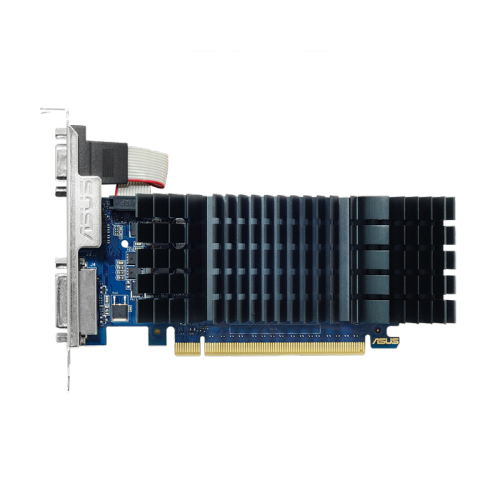
    ASUS Nvidia Geforce Gt 730 2GB Gddr5 Video Card (Gt730-Sl-2Gd5-Brk)

    About this product

    A silent, passively cooled graphics card with 2GB GDDR5 memory, ideal for quiet home theater PCs.

    (11)
    $143.99
    SAVE $9
    Your price for this item is $143.99
  3. 3

    AMD Refurbished (Good) - Radeon R5 240 1GB High-Performance Graphics Card, PCie 3.0, Low Profile Video Card, Dvi, Display Port, Including Dp to HDMI

    About this product

    A refurbished low-profile graphics card with 1GB memory, PCIe 3.0, DVI, DisplayPort, and DP to HDMI adapter.

    (3)
    $28.99
    SAVE $46
    Your price for this item is $28.99
  4. 4

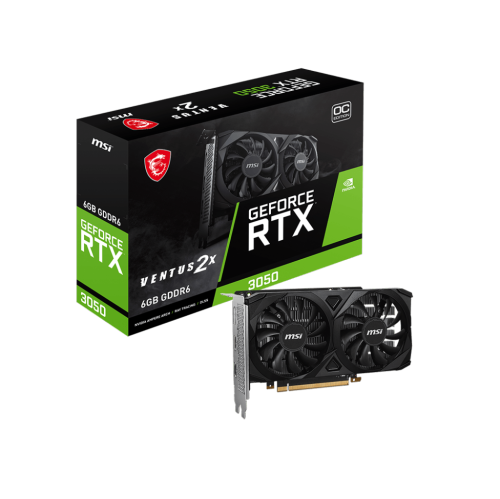
    MSI Geforce Rtx 3050 Ventus 2X 6G Oc Gddr6 1492 Mhz Boost PCi-E 4.0 96-Bit HDMI 2.1 X 2 Display Port 1.4 X 1

    About this product

    A powerful graphics card featuring 6GB GDDR6, 1492 MHz boost, PCIe 4.0, HDMI 2.1, and DisplayPort.

    (2)
    $379.99 Your price for this item is $379.99
  5. 5

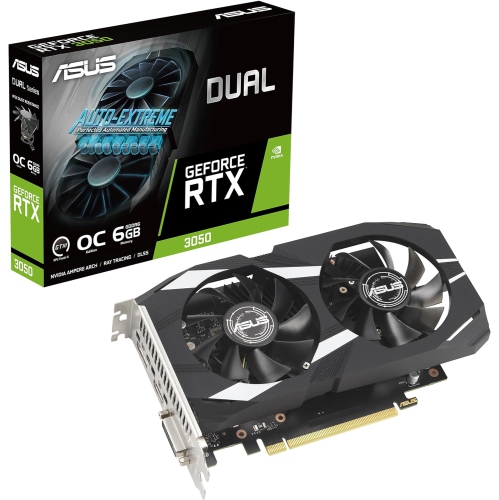
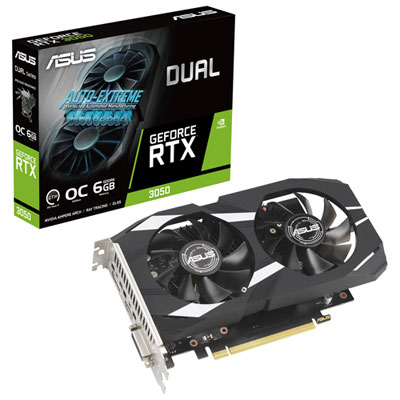
    ASUS Dual Nvidia Geforce Rtx 3050 6GB Oc Edition Gaming Graphics Card - PCie 4.0, 6GB Gddr6 Memory, HDMI 2.1, Displayport 1.4A

    About this product

    A powerful gaming graphics card with 6GB GDDR6 memory, PCIe 4.0, HDMI 2.1, and DisplayPort 1.4a.

    What customers like

    • Low power consumption
    • Great value for the price
    • Easy installation
    • Strong performance for 1080p gaming
    • Smooth build quality
    (22)
    $485.70
    SAVE $48
    Your price for this item is $485.70
  6. 6

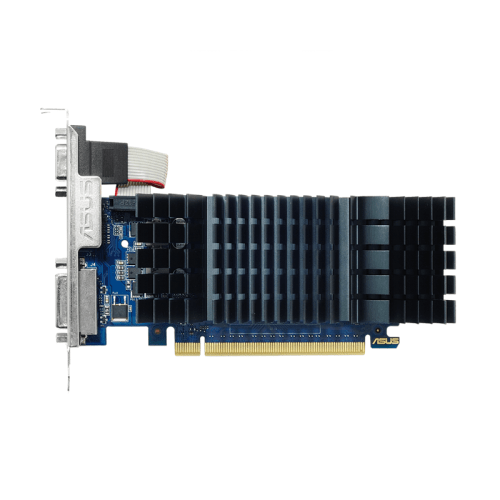
    ASUS Geforce Gt 730 2GB Gddr5 5010Mhz PCi Express 2.0 Graphics Card (90Yv06N2-M0Na00)

    About this product

    A silent, efficient graphics card with 2GB GDDR5 memory and PCI Express 2.0 interface for HTPC builds.

    (17)
    $189.99 Your price for this item is $189.99
  7. 7

    ASUS Dual GeForce RTX 3050 OC 6GB GDDR6 Video Card

    About this product

    A powerful and compact video card with advanced cooling technology for optimal performance.

    What customers like

    • Good performance for the price
    • No need for external power
    • Easy to install
    • Works well for popular games
    • Smooth build and setup
    (28)
    $419.99 Your price for this item is $419.99
  8. 8

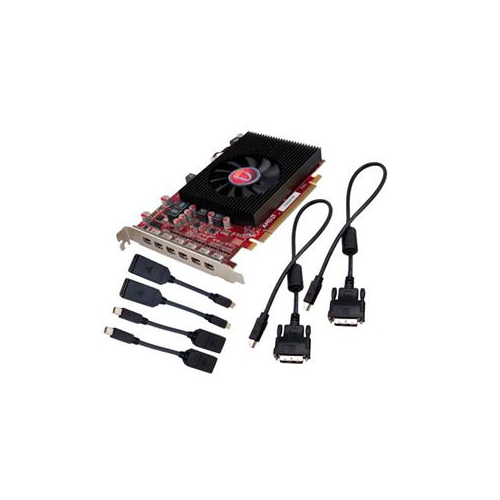
    VISIONTEK Radeon HD 7750 Graphic Card - 2 GB Gddr5

    About this product

    A high-performance graphics card with 2GB GDDR5 memory for smooth visuals and enhanced gaming experiences.

    (3)
    $284.99
    SAVE $50
    Your price for this item is $284.99

The right graphics upgrade goes beyond frame rates

A graphics card shapes how a desktop computer handles detailed game worlds, high-resolution displays, and visually demanding creative work. The best fit depends on the screen it will drive, the software it will run, and the space and power available inside the computer. For gaming, 1080p and 1440p are useful starting points: 1080p places fewer demands on the graphics processor, while 1440p adds detail and requires more processing power at comparable settings. Someone playing fast-paced competitive games may prefer consistently high frame rates with reduced visual effects, while someone exploring richly detailed single-player worlds may favour sharper textures, more realistic lighting, and a steadier balance between image quality and responsiveness. Average frame rates tell only part of that story. Results that include demanding scenes and frame-time consistency offer a clearer picture of whether movement stays smooth when the screen fills with action. Dedicated video memory, often called VRAM, holds resources such as textures and frame buffers. Greater memory capacity can help with demanding texture settings and larger creative projects, but it does not make a card faster on its own; graphics processor performance, memory bandwidth, drivers, and software support also matter. Ray tracing can add more lifelike reflections, shadows, and lighting in supported games, although it places additional demands on the card. Upscaling renders at a lower internal resolution and reconstructs a higher-resolution image, which can improve performance with an image-quality trade-off that varies by implementation and setting. Frame generation can make supported games look smoother by inserting additional frames, but it is not a substitute for strong underlying performance or low input latency. For a responsive experience, the most meaningful performance comparisons use the same resolution, similar settings, and the games or applications that will actually be used. A card suited to an evening of competitive matches may have different strengths from one used to explore detailed landscapes or edit a timeline full of effects.

Physical compatibility is just as important as graphics performance, especially when upgrading an existing desktop. Graphics cards vary in length, height, and thickness, and a model with a large cooler can occupy several expansion slots. The usable space inside a case may be smaller than its exterior suggests because front-mounted fans, liquid-cooling radiators, drive cages, and nearby cables take up room. Length clearance, slot clearance, and space between the card’s power connector and the side panel all deserve attention. Compact builds need particular care: a card that fits lengthwise may still block another connector or leave too little room for its fans to draw air. Most desktop graphics cards use a PCI Express motherboard slot, but slot compatibility alone does not confirm that the whole system is suitable. The power supply must support the computer’s total requirements and provide the connectors specified for the card. Manufacturer guidance is a useful baseline, with the processor and other components also contributing to overall power demand. Securely seated power connections and cables routed without strain help support a reliable installation. Display connections matter, too. The card needs suitable outputs for the monitor’s resolution and refresh rate, and the cable must support the intended display mode. A multi-monitor workspace also depends on the card’s supported display count and output configuration, not simply the number of connectors visible on its bracket. Cooling assemblies commonly combine metal heatsinks, heat pipes, and fans, sometimes with a backplate that adds rigidity or contributes to heat management, depending on the design. Larger cooling assemblies can offer quieter operation under some workloads, though fan tuning and case airflow influence the result. Heavier cards may benefit from a compatible support bracket to reduce sag. In an older computer, the processor, system memory, or storage can still limit the overall experience, so a graphics upgrade will not necessarily eliminate every pause or slowdown. These details distinguish a straightforward desktop refresh from an upgrade that requires changes elsewhere in the system.

Beyond gaming, a dedicated graphics card can support photo editing, video production, animation, 3D rendering, and other applications that use graphics acceleration. Benefits depend on the software and the tasks being performed: applying supported effects to footage may become smoother, while an operation that relies mainly on the processor may change very little. For video work, hardware encoding and decoding support can be especially useful, but compatibility with the footage format, application, and export settings needs to match the workflow. A student assembling a design portfolio, a hobbyist modelling a detailed scene, and a creator recording gameplay can each have different requirements even when using the same display resolution. Larger projects may need more VRAM, while streaming and recording can depend heavily on encoder capabilities and software integration. A quiet cooling design can also make a noticeable difference at a desk used for both focused work and voice recording. Durability depends partly on everyday care: unobstructed ventilation, sensible cable placement, and periodic dust removal help the cooling system do its job. Cleaning should follow the manufacturer’s directions with the computer shut down and disconnected from power, without allowing fans to spin freely under a blast of air. Driver updates can bring fixes and support for newer software, although application compatibility remains important for computers used on deadline-driven projects. Reliable operation at standard settings is often more useful than chasing small gains through aggressive tuning. For someone receiving a graphics card as a gift, confirmed case measurements, power supply details, and preferred games or creative applications make the choice more personal and practical than performance figures alone. A household desktop used for occasional gaming has different needs from a machine that spends hours rendering complex scenes. For another focused selection, browse Best Graphics Cards Under $300. Across desktop builds, the strongest match brings together suitable graphics performance, compatible connections, manageable cooling, and features that serve the way the computer is actually used.
Read More

FAQ

Some products may be subject to Environmental Handling Fees (EHF) depending on your province. Learn more about EHFs.