Best High-Refresh-Rate Monitors for Racing Games
Stay focused on every apex and straightaway with the best high-refresh-rate monitors for racing games, ranked by user review ratings. A high refresh rate can make fast-moving action look smoother, while features such as low response times and adaptive sync can help reduce motion blur and screen tearing. Explore top-rated options to find the right balance of speed, resolution, and screen size for your racing setup.
What to look for in high-refresh-rate monitors for racing games
1. Refresh Rate and Response Time
2. Screen Size and Curvature
3. Resolution and Picture Quality
4. Connectivity and Adaptive Sync
-
1
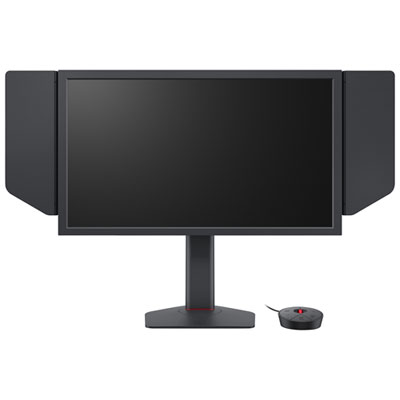
Zowie XL 24.1" 1080p HD TN LCD Gaming Monitor (XL2586X+) - 1ms GTG - 600Hz
About this product
A black gaming monitor with a 600Hz refresh rate and DyAc 2 technology for ultra-smooth gameplay.
(4)$1,429.99 Your price for this item is $1429.99 -
2
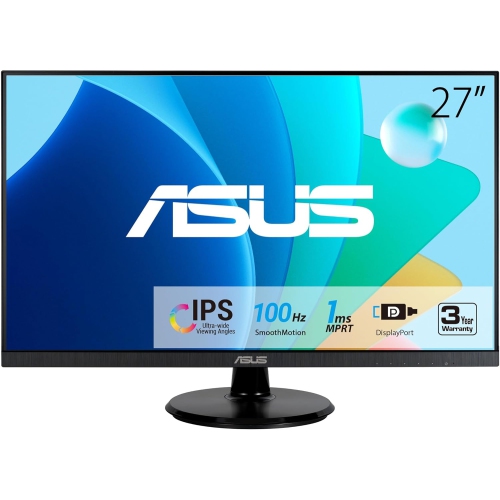
ASUS 27" Va27Dqf Eye Care Monitor
About this product
A Full HD IPS gaming monitor with 1ms response time, 100Hz refresh rate, HDMI, and DisplayPort connectivity.
(2)$285.99Your price for this item is $285.99SAVE $31 -
3
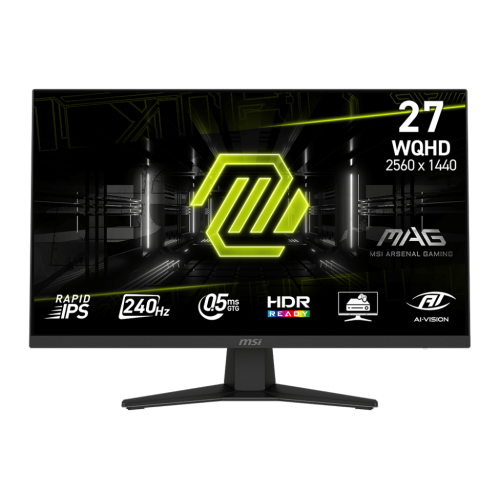
MSI MAG 27" 1440p QHD Rapid IPS Gaming Monitor (MAG 274QF X24) - FreeSync Premium - 0.5ms GTG - 240Hz - HDR Ready
About this product
A rapid IPS gaming monitor with QHD resolution, 240Hz refresh rate, 0.5ms response, and tilt adjustment.
(7)$229.99 Your price for this item is $229.99 -
4
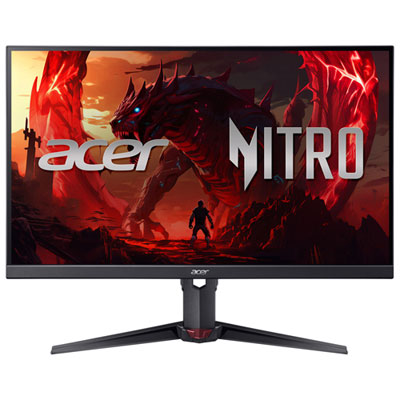
Acer Nitro 23.8" 1080p HD IPS LED Gaming Monitor (XV240Y) - FreeSync Premium - 0.5ms GTG - 200Hz
About this product
A black IPS LED gaming monitor offering 200Hz refresh rate, 0.5ms response time, and FreeSync support.
What customers like
(301)$199.97 Your price for this item is $199.97 -
5
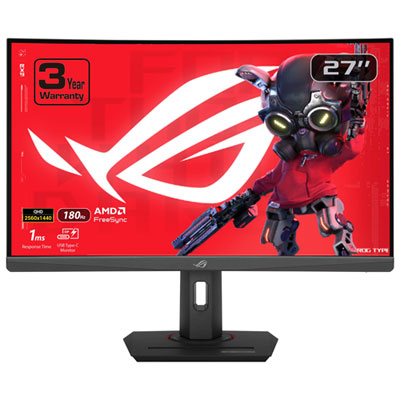
ASUS ROG Strix 27" Curved 1440p QHD VA LED Gaming Monitor (XG27WCS) - 1ms GTG - 180Hz
About this product
A curved black gaming monitor with 1440p WQHD resolution, 180Hz refresh rate, and 1ms response time.
What customers like
(250)$279.99Your price for this item is $279.99SAVE $70 -
6
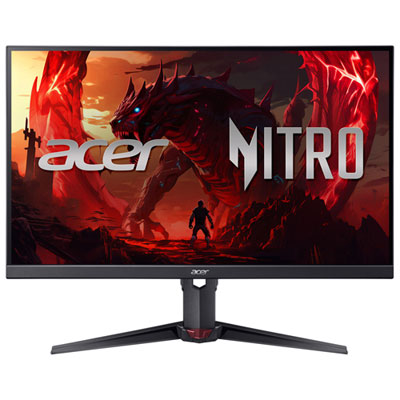
Acer Nitro 27" 1080p HD IPS LED Gaming Monitor (XV270) - FreeSync Premium - 0.5ms GTG - 200Hz
About this product
A black IPS LED gaming monitor offering 200Hz refresh rate, 0.5ms response time, and eye protection features.
What customers like
(319)$279.99 Your price for this item is $279.99 -
7
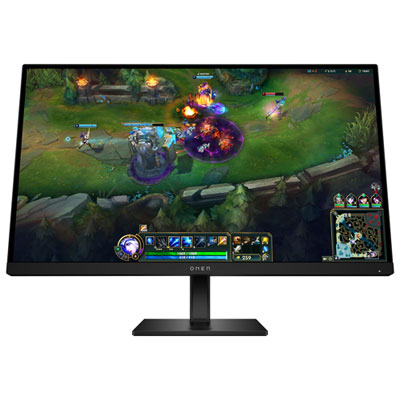
HP OMEN 27" 1080p HD IPS LCD Gaming Monitor (G2) - FreeSync - 1ms GTG - 180Hz - HDR400
About this product
A black gaming monitor featuring 180Hz refresh rate, 1ms response time, HDR 400, and FreeSync support.
What customers like
(128)$359.99 Your price for this item is $359.99 -
8
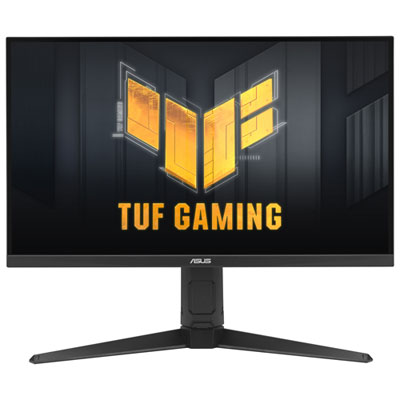
ASUS TUF 27" 1440p QHD IPS LED 0.3ms GTG Gaming Monitor (VG27AQL5A) - FreeSync Premium - 200Hz - DisplayHDR 400
About this product
A QHD IPS gaming monitor with 200Hz refresh rate, 0.3ms response, and vibrant 95% DCI-P3 colour.
What customers like
(48)$349.99 Your price for this item is $349.99 -
9
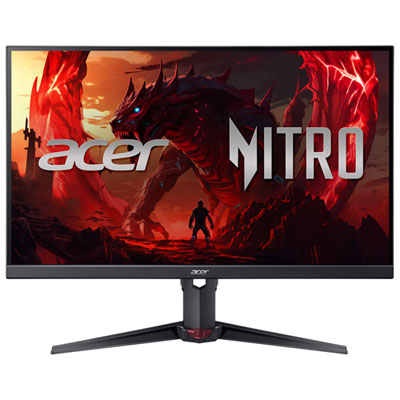
Acer Nitro 27" 1440p QHD IPS LED Gaming Monitor (XV270U X1) - FreeSync Premium - 0.5ms GTG - 200Hz
About this product
A black IPS LED gaming monitor offering 1440p QHD resolution, 200Hz refresh rate, and 0.5ms response time.
What customers like
(43)$199.99Your price for this item is $199.99SAVE $100 -
10
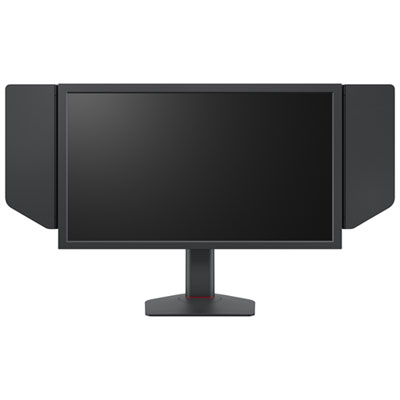
BenQ Zowie 24.1" 1080p HD TN LCD Gaming Monitor (XL2566X+) - 1ms GTG - 400Hz
About this product
A black 24" FHD gaming monitor with 400Hz refresh rate, 1ms response, and enhanced motion clarity.
(5)$899.99 Your price for this item is $899.99
FAQ
Common high-refresh-rate options include 144Hz, 165Hz, 180Hz and 240Hz. A monitor’s refresh rate indicates how many times its display updates per second. When choosing a refresh rate, consider the frame rates your PC or console supports in the racing games you play.
Refresh rate, measured in hertz (Hz), describes how often the display updates. Response time, measured in milliseconds (ms), describes how quickly pixels change between colours or shades. They are separate specifications, and advertised response times may use different measurement methods, such as grey-to-grey or moving picture response time.
Variable refresh rate (VRR) lets a monitor adjust its refresh rate to match frames delivered by a compatible PC or console within a supported range. AMD FreeSync, NVIDIA G-SYNC compatibility and HDMI VRR are common options. Check compatibility with your graphics hardware, connection type and preferred racing games.
HDMI and DisplayPort are common connections, but supported resolutions and refresh rates vary by monitor, source device and cable. For PC gaming, check your graphics card’s outputs and the monitor’s specifications for each input. For console racing games, look for explicit support for your console’s resolution, refresh rate and VRR features over HDMI.
Common panel types include IPS, VA and OLED. IPS panels generally offer consistent colour across wide viewing angles, while VA panels typically have higher native contrast than IPS panels. OLED panels use individually lit pixels for deep blacks and fast pixel transitions. Motion characteristics and image quality also vary between individual monitors.
Top selling and popular products
Discover more categories related to Best High-Refresh-Rate Monitors for Racing Games

Some products may be subject to Environmental Handling Fees (EHF) depending on your province. Learn more about EHFs.