Best Monitors for Racing Games

Get closer to the action with the best monitors for racing games, ranked based on user review ratings. Whether you’re chasing lap records or cruising through open-world roads, explore options with sharp visuals, fast refresh rates, and low response times to help keep every turn clear and responsive. Find a monitor that suits your gaming setup and puts you in the driver’s seat.

Read More

What to look for in monitors for racing games

1. Screen Size and Shape

A larger screen or curved ultrawide monitor can make cockpit views feel more immersive and show more of the track when the game supports wider aspect ratios. Check your desk or racing rig dimensions, viewing distance and platform compatibility before choosing a size.

2. Refresh Rate and Response Time

A high refresh rate can make fast corners and overtakes look smoother, while a fast pixel response time helps reduce motion blur and ghosting. Look for 144 Hz or higher for a capable gaming PC, or 120 Hz support for compatible consoles and games.

3. Resolution and Picture Quality

Higher resolutions such as 1440p and 4K can make track details, dashboard gauges and distant braking markers easier to see. Match the resolution to your system’s performance, and consider contrast, brightness and HDR capabilities for more detailed highlights and shadows.

4. Connectivity and Adaptive Sync

Check that the monitor’s HDMI or DisplayPort inputs support your preferred resolution and refresh rate with your PC or console. Compatible adaptive sync or variable refresh rate support can help reduce screen tearing when frame rates fluctuate.
Citrus catapult arrow
  1. 1

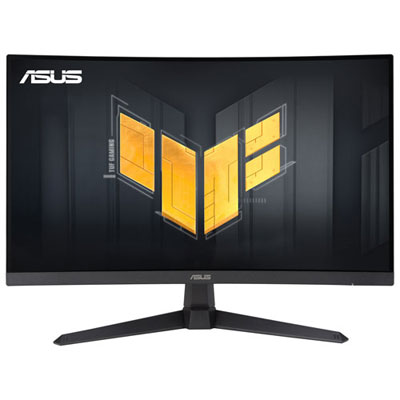
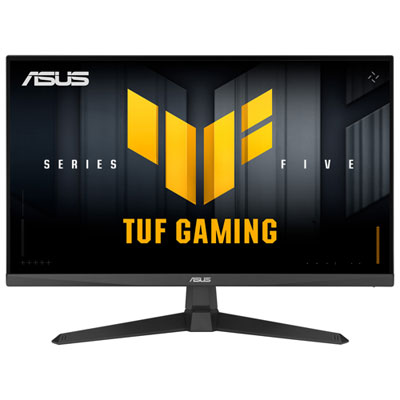
    Open Box - ASUS TUF 27" 1080p HD Curved VA LED Gaming Monitor (VG27VQ3B) - FreeSync - 1ms GTG - 180Hz

    About this product

    A black curved VA LED gaming monitor with 180Hz refresh rate, 1ms response time, and FreeSync support.

    (2)
    $139.99
    SAVE $30
    Your price for this item is $139.99
  2. 2

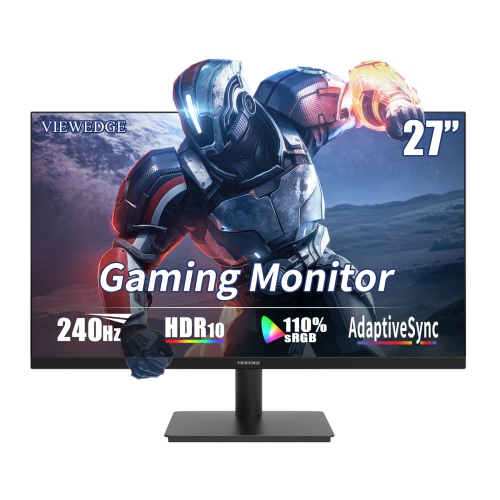
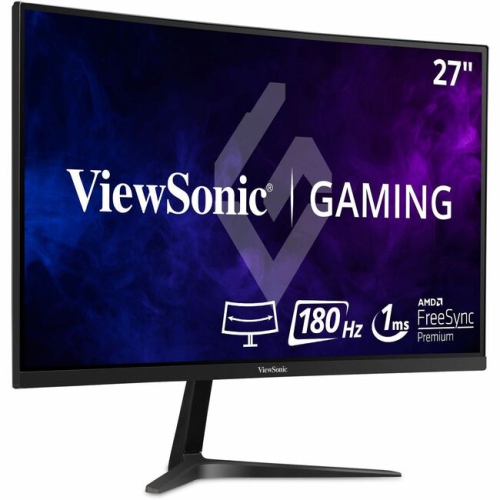
    VIEWEDGE 27" 1080P HD Ips Lcd Gaming Monitor - Freesync - 1Ms Gtg - 240Hz - HDr10

    About this product

    A high-speed black gaming monitor with 240Hz refresh rate, 1ms response, HDR10, and built-in speakers.

    (1)
    $199.99
    SAVE $50
    Your price for this item is $199.99
  3. 3

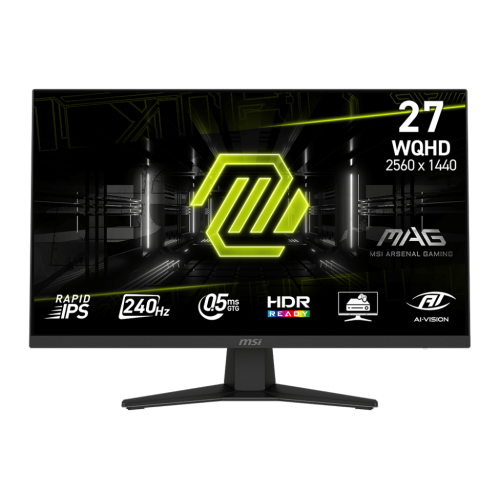
    MSI MAG 27" 1440p QHD Rapid IPS Gaming Monitor (MAG 274QF X24) - FreeSync Premium - 0.5ms GTG - 240Hz - HDR Ready

    About this product

    A rapid IPS gaming monitor with QHD resolution, 240Hz refresh rate, 0.5ms response, and tilt adjustment.

    (7)
    $229.99 Your price for this item is $229.99
  4. 4

    Alienware 32" Curved 4K UHD QD-OLED Gaming Monitor (AW3225QF) - 0.03ms - 240Hz - HDR - Lunar Light

    About this product

    A curved QD-OLED display delivering 4K UHD visuals, 240Hz refresh rate, and ultra-fast 0.03ms response time.

    What customers like

    • Versatile connectivity and easy setup
    • Ultra-fast 240Hz refresh rate and low response time
    • Immersive curved design with strong build quality
    • Stunning 4K QD-OLED display
    • Exceptional color accuracy and HDR support
    (905)
    $1,199.99
    SAVE $150
    Your price for this item is $1199.99
  5. 5

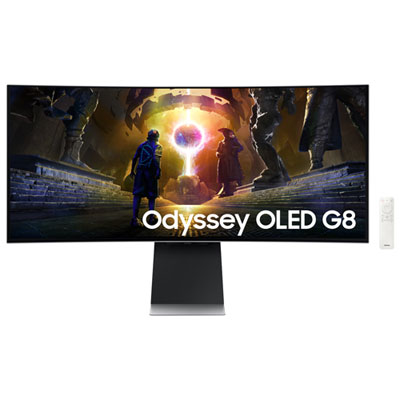
    Samsung Odyssey G8 34" Ultrawide Curved UWQHD OLED Gaming Monitor (LS34DG850SNXZA) - G-Sync/FreeSync - 0.03ms GTG - 175Hz - Silver

    About this product

    A silver curved OLED gaming monitor with 175Hz refresh rate, 0.03ms response, and glare-free technology.

    What customers like

    • Strong HDR support
    • High overall quality
    • Excellent value for price
    • Large immersive display
    • Versatile for work and entertainment
    (436)
    $899.99
    SAVE $500
    Your price for this item is $899.99
  6. 6

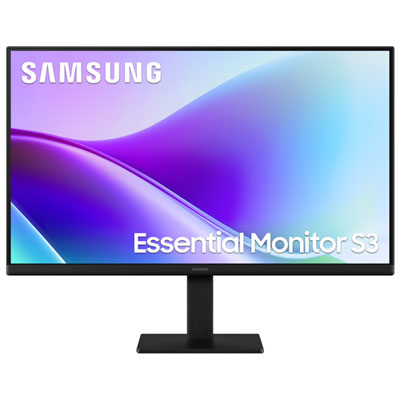
    Samsung Essential F320 27" 1080p HD IPS LED Monitor (LS27F320GANXZA) - Flicker-Free/Blue Light - 120Hz

    About this product

    A black IPS LED monitor offering 1080p FHD resolution, 120Hz refresh rate, and 5ms response time.

    What customers like

    • Smooth display with high refresh rate
    • Sharp image and text quality
    • Easy to assemble and connect
    • Vivid and bright colours
    • Excellent value for the price
    (55)
    $124.99
    SAVE $85
    Your price for this item is $124.99
  7. 7

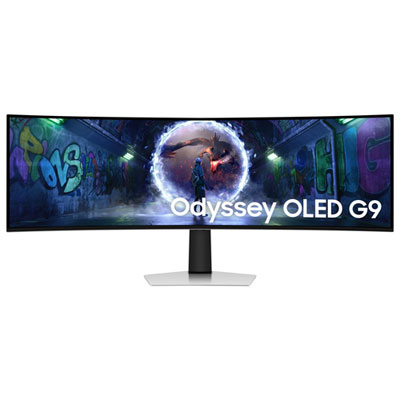
    Samsung Odyssey G9 49" Ultrawide Curved 1440p WQHD OLED Gaming Monitor (LS49DG936SNXGO) - G-Sync/FreeSync - 0.03ms GTG - 240Hz - Silver - Only at Best Buy

    About this product

    An ultra-wide curved OLED gaming monitor in silver with 240Hz refresh rate and G-Sync/FreeSync support.

    (10)
    $1,399.99
    SAVE $700
    Your price for this item is $1399.99
  8. 8

    SAMSUNG Odyssey G93Sc 49" Curved Dual Qhd Oled Gaming Monitor (Ls49Cg932Snxza) - Freesync Premium Pro - 240Hz - Displayhdr True 400 In Black

    About this product

    An immersive black OLED curved gaming monitor featuring 240Hz refresh rate, 0.03ms response, and Dual QHD resolution.

    What customers like

    • Great features and specs
    • Easy to use
    • Clear and immersive display
    • High performance and speed
    • Reliable quality
    (28)
    $1,599.00
    SAVE $400
    Your price for this item is $1599
  9. 9

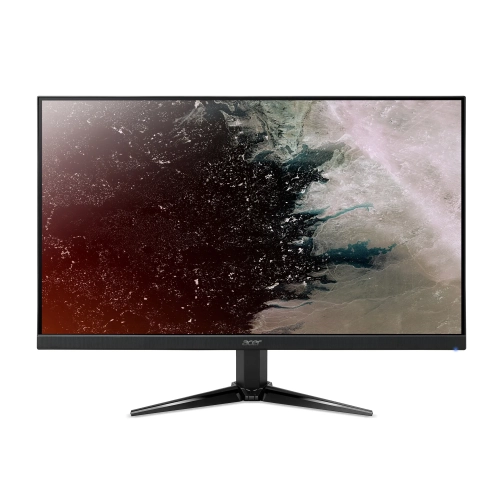
    ACER - Nitro 27" 1080P HD Va Led Gaming Monitor (Qg271) - Freesync - 1Ms - 75Hz

    About this product

    A Full HD VA LED monitor with 75Hz refresh rate, 1ms response time, and FreeSync support.

    $189.99
    SAVE $90
    Your price for this item is $189.99
  10. 10

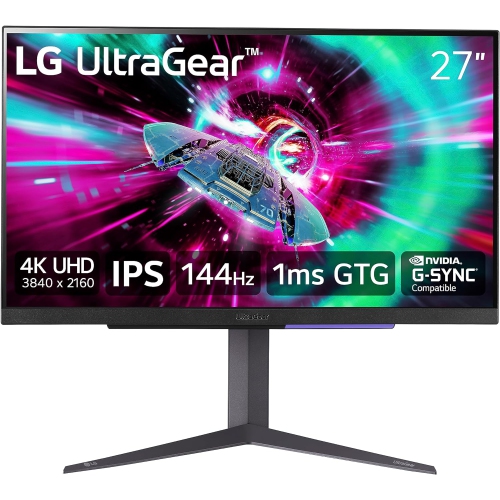
    LG Refurbished (Good) - Ultragear 27" 4K Uhd Ips Lcd Gaming Monitor (27Gr93U-B) - G-Sync - 1Ms Gtg - 144Hz - Displayhdr 400

    About this product

    A refurbished black IPS gaming monitor with UHD resolution, 144Hz refresh rate, and G-Sync support.

    $349.99
    SAVE $250
    Your price for this item is $349.99

Clear motion and wider views for wheel-to-wheel racing

The best monitors for racing games combine clear motion, a useful field of view, and a screen size that fits the distance between the driver’s seat and the display. On a tight street circuit, that means being able to follow the braking marker ahead while keeping a rival car in sight at the edge of the screen. For a shared desk, a single 27-inch or 32-inch monitor offers a straightforward balance of visibility, space, and everyday usefulness. A 34-inch ultrawide monitor stretches the view across a wider canvas, giving compatible racing games more room to show the cockpit, trackside reference points, and approaching corners. Larger 32:9 displays can extend that panoramic effect without a centre bezel, although their width calls for a substantial desk or a dedicated monitor stand. Triple-monitor setups offer another approach: three displays angled around the driving position can show more of the side windows and adjacent track when the game supports properly configured multi-screen rendering. That extra perspective is especially useful for drivers who spend time racing wheel to wheel, but it also requires more physical space, graphics processing power, and adjustment than a single display. Curved monitors bring the outer edges closer to the viewer than a flat screen of the same width, which can make a broad image feel more natural from a centred seating position. A lower curve rating, such as 1000R rather than 1800R, indicates a tighter curve, not an automatic improvement for every setup. Flat monitors remain practical for smaller screens, mixed work and gaming use, and drivers who prefer a less enveloping view. In a racing cockpit, the relationship between screen position and the steering wheel matters as much as diagonal size. A display positioned securely behind the wheel base can fill more of the driver’s vision than a larger screen placed farther away, provided there is enough clearance for hands, cables, and hardware.

Motion clarity helps turn that field of view into useful information. High-refresh-rate gaming monitors can make the movement of cars, fencing, and track markings appear smoother, particularly when the computer or console delivers a matching frame rate. A 144Hz or 165Hz screen is a strong fit for many racing setups, while 240Hz displays offer additional refresh opportunities for systems capable of producing those frames. Refresh rate describes how often the image updates; pixel response time describes how quickly pixels change, and input lag concerns the delay before an action appears on screen. These characteristics work together, so an impressive specification in one area does not guarantee equally strong performance elsewhere. Adaptive sync can reduce tearing and uneven presentation when frame rates fluctuate, provided the monitor, graphics hardware, connection, and settings are compatible. Resolution brings a different benefit: sharper dashboard text, more distinct distant objects, and finer detail along the track. At common desktop sizes, 1440p offers a useful balance between detail and rendering demands, while 4K can suit larger displays and systems with more graphics headroom. Ultrawide and triple-screen configurations increase the number of pixels the system must render, making resolution and target frame rate closely connected. Panel technology also shapes the experience. IPS monitors typically provide consistent colour and wide viewing angles, useful when side displays are angled toward the seat. VA panels often deliver stronger native contrast, though dark transitions can show visible smearing on some models. OLED monitors offer deep blacks and fast pixel transitions, but persistent dashboard graphics and repeated static desktop elements make built-in panel care features and varied use important considerations. HDR performance depends on more than signal support: brightness, contrast, and, on LCD displays, local dimming affect how convincingly bright skies and shaded cockpit details share the screen. Drivers who also enjoy fast-paced shooters will find overlapping priorities in Best Monitors for FPS Games, particularly around motion clarity and responsive play.

A monitor’s physical design and connections determine how comfortably those capabilities fit into daily use. For console racing, a conventional 16:9 display generally matches the supported picture format more directly than an ultrawide screen; many consoles do not output a native ultrawide image. Supported resolution, refresh rate, variable refresh rate, and HDMI capabilities need to line up across the console, monitor, and cable, since a high advertised refresh rate may apply only to particular inputs or resolutions. Computer-based simulators can offer broader display options, although ultrawide support, interface placement, and triple-screen perspective controls vary by game. On a desk that also holds a keyboard, wheel, and shifter, a deep monitor stand can take up valuable space. Height adjustment, tilt, and a compatible monitor arm help position the image without forcing an awkward seating posture. Dedicated cockpits benefit from mounts with the correct VESA pattern and sufficient weight capacity; large curved displays may also require an arm explicitly rated for their size and forward load. Triple-monitor arrangements are easier to align when screen dimensions, bezel widths, and adjustment ranges are similar. Slim bezels reduce the visible interruption between panels, while secure brackets and rigid metal supports help maintain alignment. Separating the screen stand from a force-feedback wheel mount can limit vibration reaching the display. Matte screen finishes help soften reflections from room lighting, while glossier surfaces make light placement more noticeable during dark scenes. Routine care is simple but important: a soft, clean microfibre cloth removes dust gently, and any permitted cleaning solution should be applied according to the manufacturer’s directions rather than sprayed directly onto the screen. Unobstructed ventilation, slack in adjustable cables, and careful handling protect the housing, ports, and panel over time. These monitors suit casual racers using a controller, simulator enthusiasts building a cockpit, and households where one screen handles both work and play. As a gift for a racing fan, the most useful match depends on their platform, available space, mounting arrangement, and preferred games—not simply the largest diagonal measurement.
Read More

FAQ

Some products may be subject to Environmental Handling Fees (EHF) depending on your province. Learn more about EHFs.