Best Inkjet Printers for High-Volume Printing
Tackle demanding print jobs with the best inkjet printers for high-volume printing, ranked by customer review ratings. Whether you’re producing detailed reports, colourful presentations, or everyday documents, explore options for busy homes and offices. Compare print speeds, ink yields, and paper capacity to find a printer that keeps up with your workload and helps manage your cost per page.
What to look for in inkjet printers for high-volume printing
1. Recommended Monthly Print Volume
2. Ink Capacity and Running Costs
3. Print Speed and Automatic Duplexing
4. Paper Capacity and Handling
-
1

Epson WorkForce Pro WF-3820 Wireless All-In-One Inkjet Printer
About this product
An all-in-one wireless inkjet printer with PrecisionCore technology and a 35-page automatic document feeder.
What customers like
(2,729)$199.99 Your price for this item is $199.99 -
2
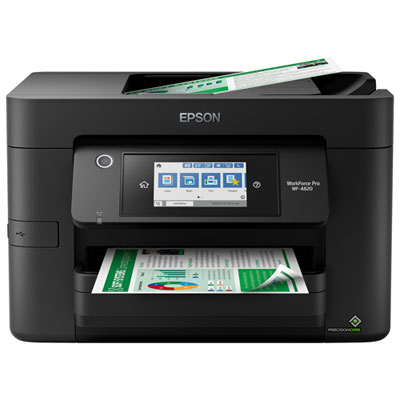
Epson WorkForce Pro WF-4820 Wireless All-In-One Inkjet Printer
About this product
A high-speed wireless inkjet printer with a 4.3" touchscreen for easy navigation and smartphone printing.
What customers like
(1,280)$199.99 Your price for this item is $199.99 -
3
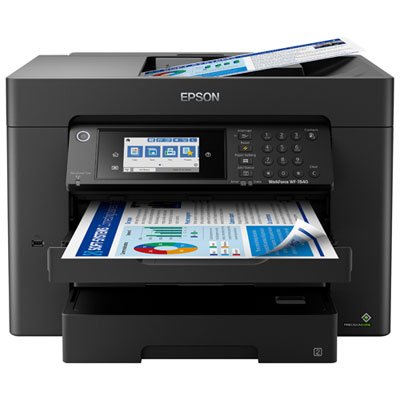
Epson WorkForce Pro WF-7840 Wide-Format Wireless All-In-One Inkjet Printer
About this product
An all-in-one wireless inkjet printer offering duplex print, copy, scan, and fax with a 4.3" touchscreen.
What customers like
(1,240)$399.99 Your price for this item is $399.99 -
4
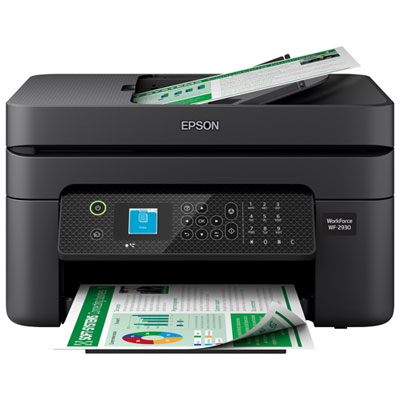
Epson WorkForce WF-2930 Wireless All-In-One Inkjet Printer
About this product
An efficient black wireless inkjet printer offering print, copy, scan, and fax with smart voice assistant compatibility.
What customers like
(426)$129.99 Your price for this item is $129.99 -
5
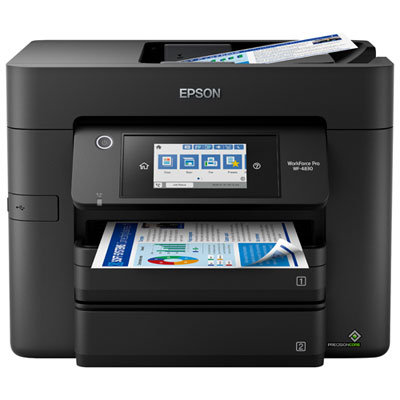
Epson WorkForce Pro WF-4830 Wireless All-In-One Inkjet Printer
About this product
An all-in-one wireless inkjet printer with auto duplex, 50-sheet ADF, and fast PrecisionCore Heat-Free printing.
What customers like
(376)$299.99 Your price for this item is $299.99 -
6
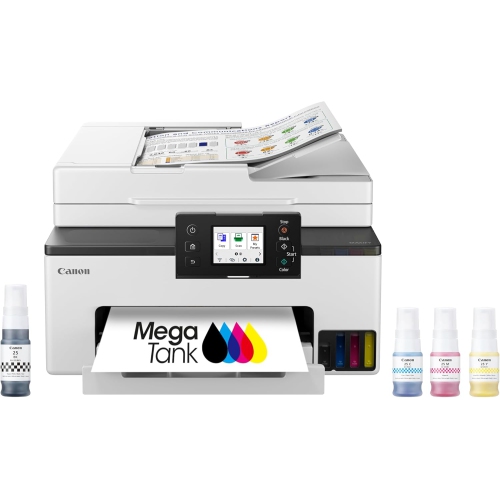
CANON Megatank Gx2020 All-In-One Wireless Supertank Printer, Print Copy Scan, Auto Duplex, Adf, Mobile Printing, 2.7" Color Touchscreen, Home Office
About this product
A versatile black wireless all-in-one printer with refillable ink tanks, auto duplex, ADF, and touchscreen controls.
What customers like
(66)$349.99Your price for this item is $349.99SAVE $150 -
7

Epson Expression Premium XP-7100 Wireless All-In-One Inkjet Printer
About this product
An all-in-one wireless inkjet printer with 5-colour inks, 30-page ADF, and duplex printing.
What customers like
(4,343)$249.99 Your price for this item is $249.99 -
8
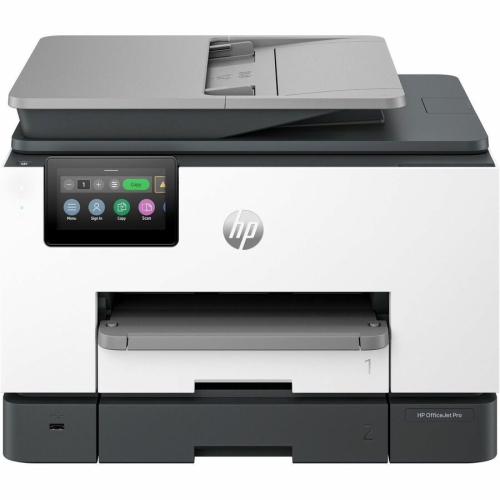
HP Officejet Pro 9130B Wired & Wireless All-In-One Inkjet Printer - (4U555A#b1H)
About this product
An all-in-one inkjet printer offering wired and wireless connectivity for efficient, professional-quality color printing.
What customers like
(298)$534.99 Your price for this item is $534.99 -
9
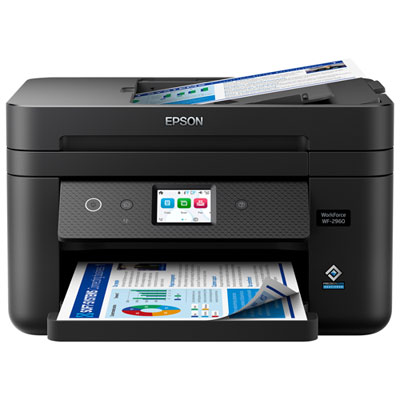
Epson WorkForce WF-2960 Wireless All-In-One Inkjet Printer
About this product
A wireless all-in-one inkjet printer in black featuring duplex printing, touchscreen display, and automatic document feeder.
What customers like
(171)$149.99Your price for this item is $149.99SAVE $30 -
10
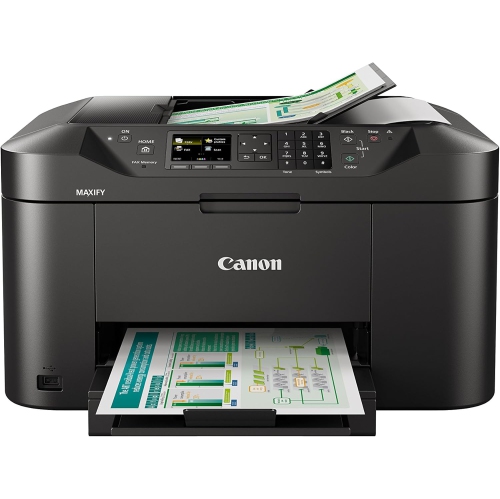
CANON Maxify Mb2120 19/13Ipm
About this product
A wireless colour printer with scanner, copier, and fax functions in a sleek black finish.
What customers like
(31)$182.70Your price for this item is $182.70SAVE $18
FAQ
Ink-tank printers use built-in reservoirs that you refill with bottled ink, while cartridge-based printers use replaceable ink cartridges. For high-volume printing, compare ink capacity, stated page yield and the replacement process. Some models use separate cartridges for each colour, allowing you to replace individual colours as needed.
A monthly duty cycle is the maximum number of pages a manufacturer rates a printer to handle in a month. The suggested monthly print volume is the range intended for regular use. When choosing an inkjet printer for frequent printing, use the suggested range to match the printer to your usual workload rather than treating the maximum duty cycle as a routine target.
Automatic duplex printing prints on both sides of a sheet without requiring you to turn it over manually. An automatic document feeder, or ADF, feeds multiple original pages into the printer for scanning or copying. An ADF does not always support two-sided scanning, so check that feature separately if your workflow includes double-sided originals.
Common options include USB for a direct computer connection, Ethernet for a wired network and Wi-Fi for wireless network access. Many inkjet printers also support mobile printing from compatible phones and tablets. For a shared workspace, check operating system compatibility and whether the printer supports your preferred network and mobile printing methods.
Routine maintenance can include checking ink levels, running nozzle checks, aligning the printhead and cleaning paper-feed rollers according to the manufacturer's instructions. Some models also have replaceable maintenance boxes that collect ink used during cleaning. Follow the printer's maintenance prompts and use printhead-cleaning cycles only when needed, as these cycles consume ink.
Top selling and popular products
Discover more categories related to Best Inkjet Printers for High-Volume Printing
Some products may be subject to Environmental Handling Fees (EHF) depending on your province. Learn more about EHFs.