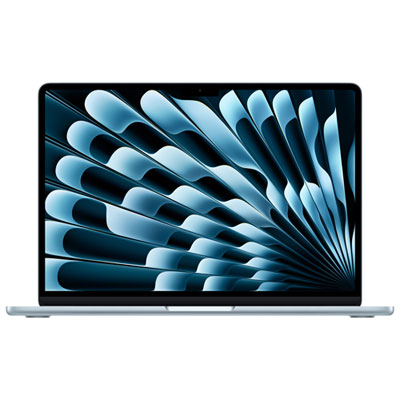
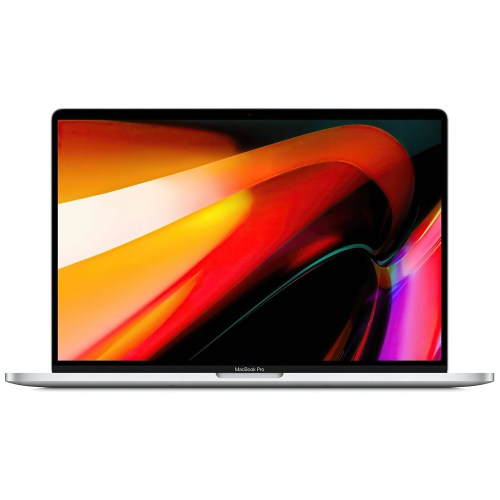
Laptops For Video Editing And Design
Laptops for video editing and design are built to handle demanding creative workflows, offering the performance and reliability needed for editing high-resolution videos, working with advanced graphics, and running professional design software. Whether you’re a content creator, graphic designer, or filmmaker, the right laptop can help streamline your projects and boost productivity. Explore a wide selection of laptops for video editing and design that deliver the speed, display quality, and storage capacity essential for creative professionals.
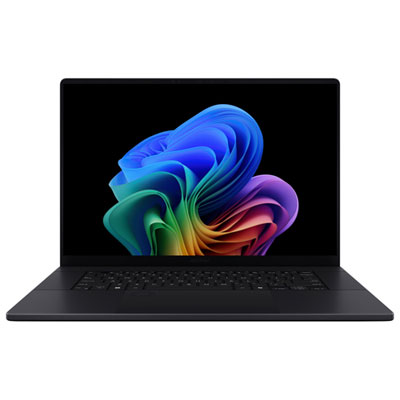
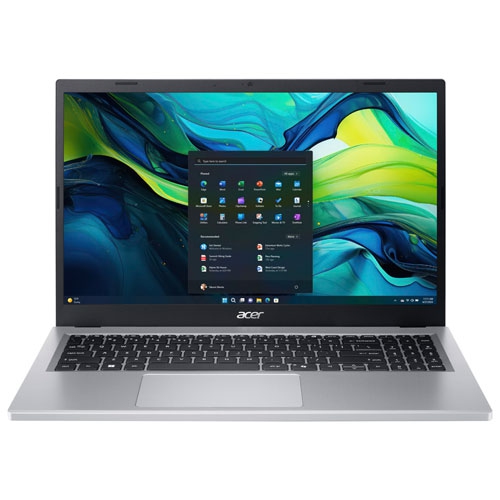
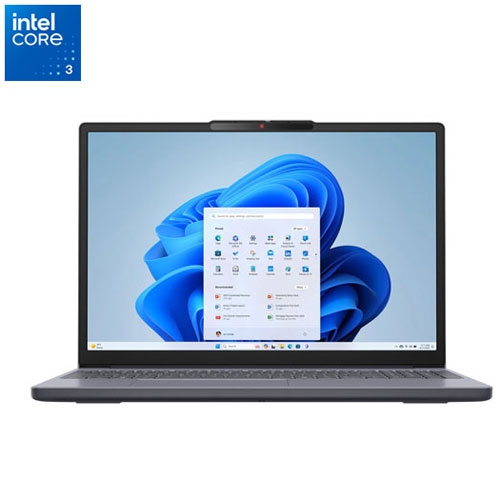
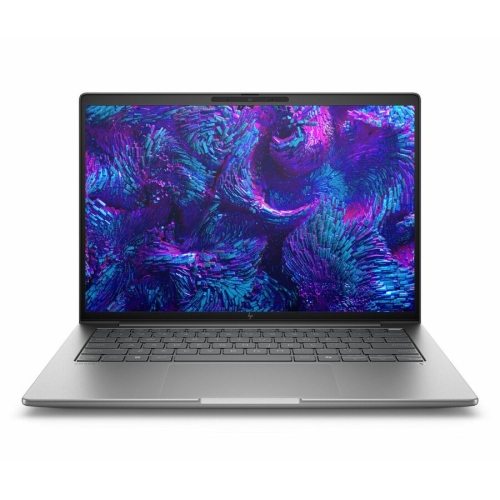
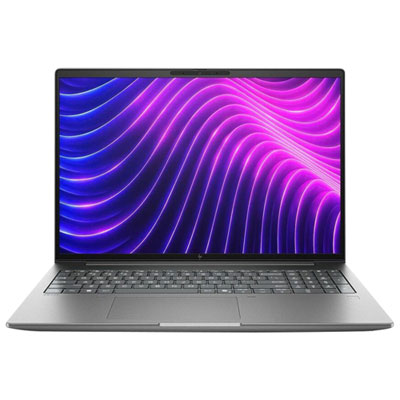
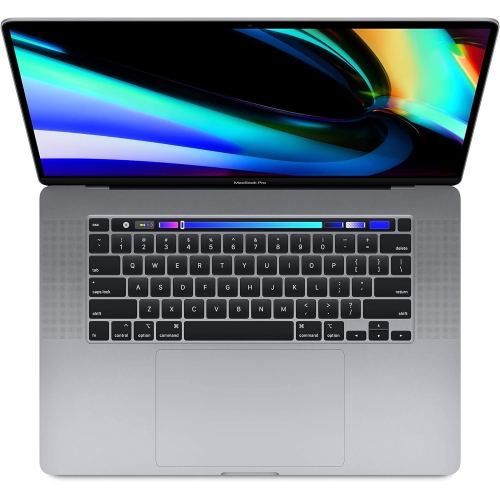
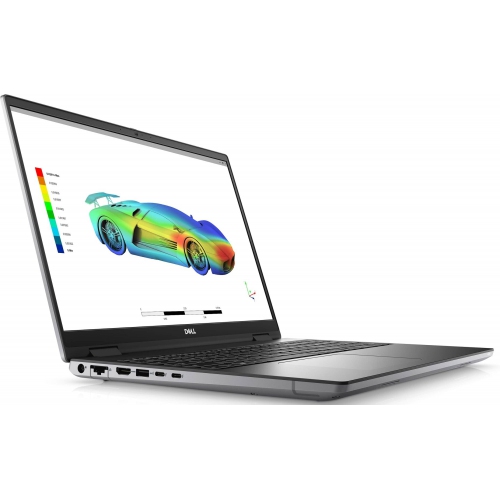
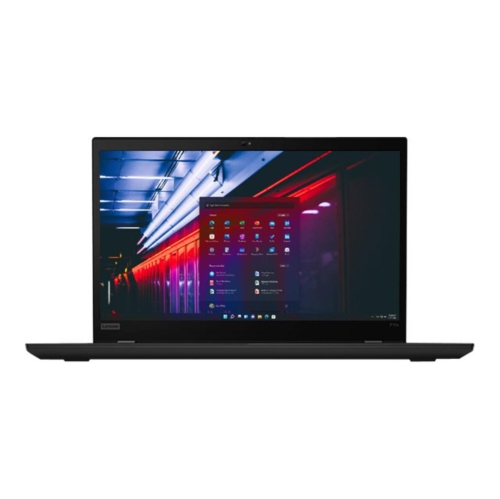
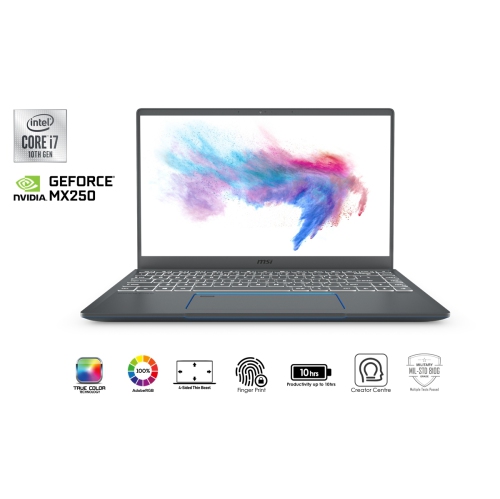
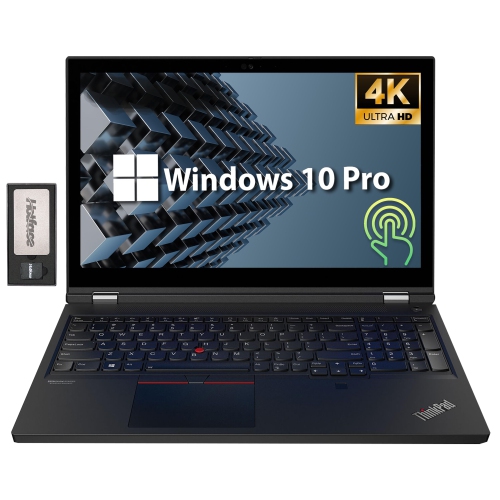
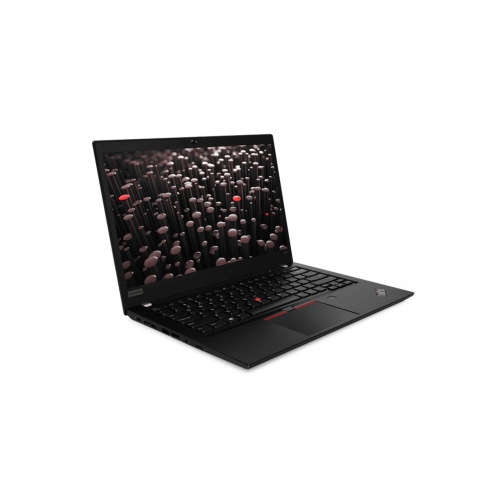
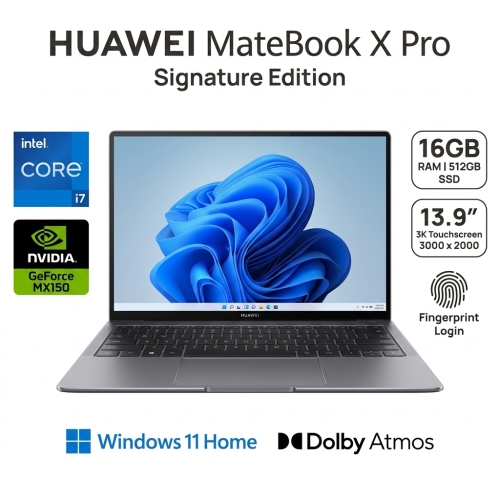
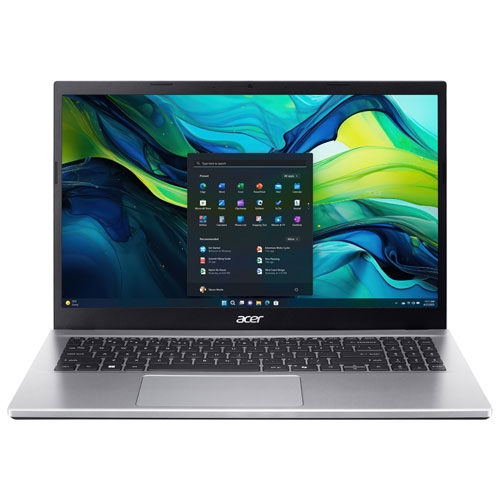
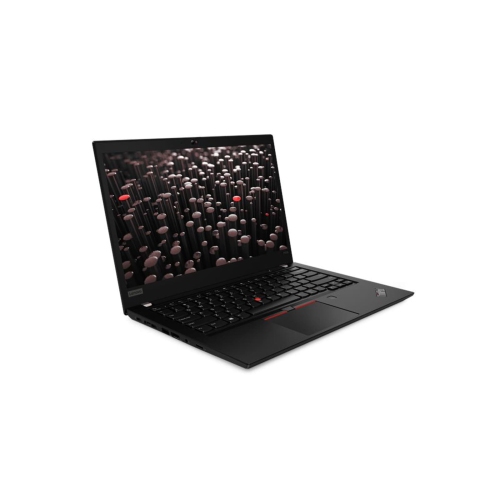
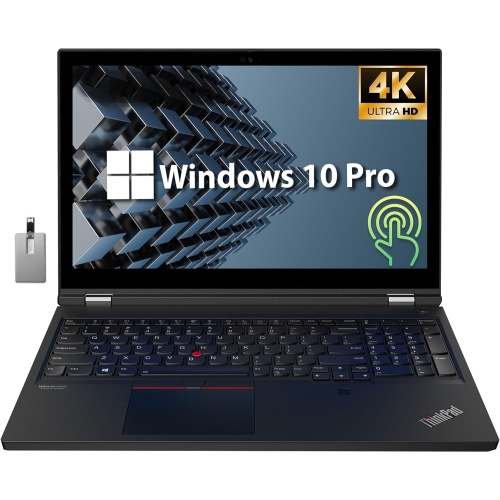
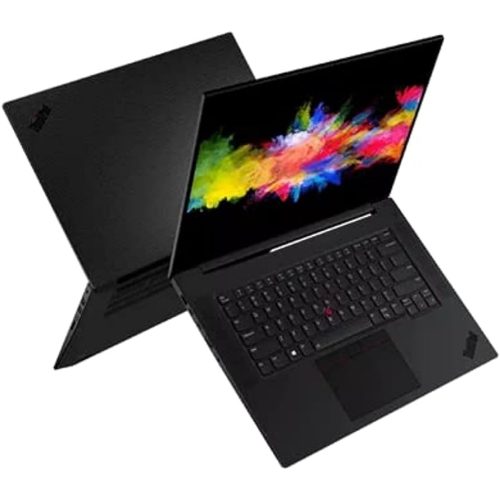
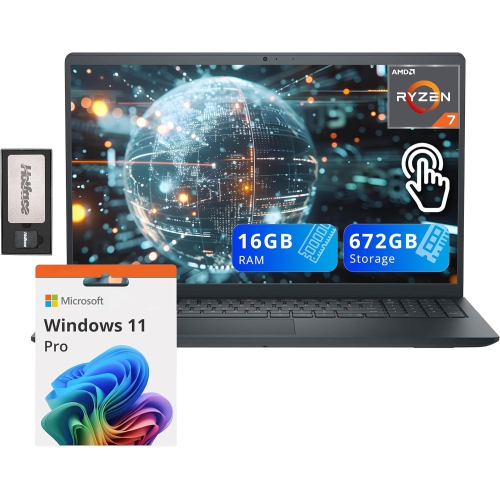
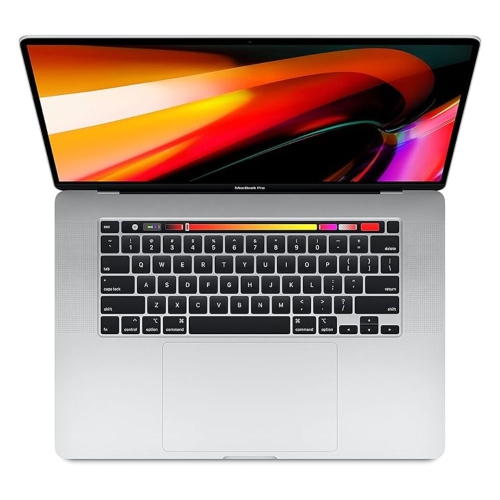
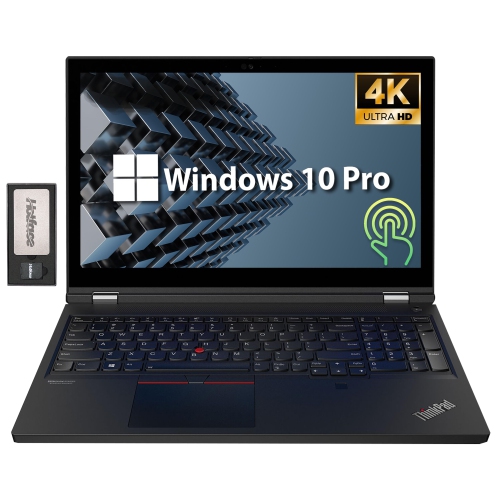
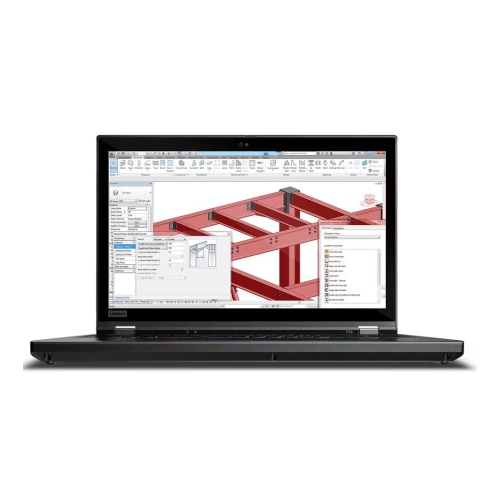
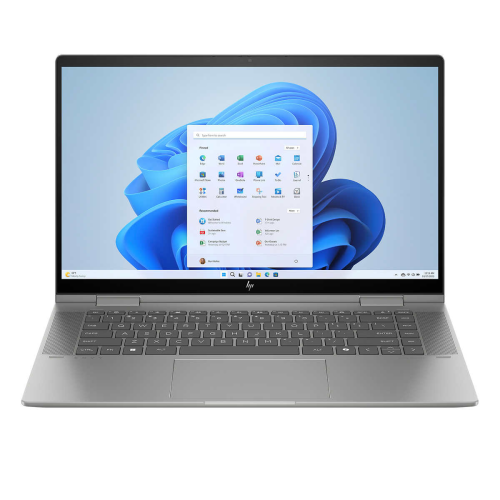
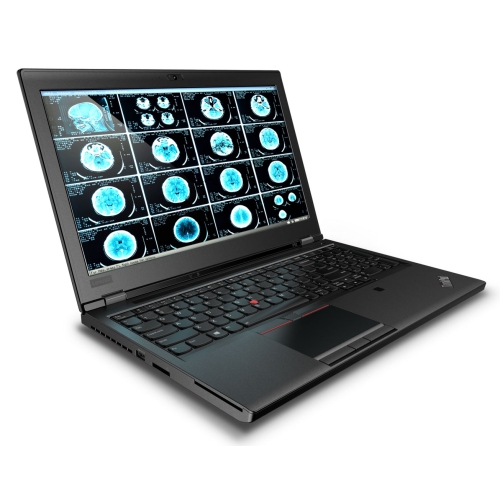
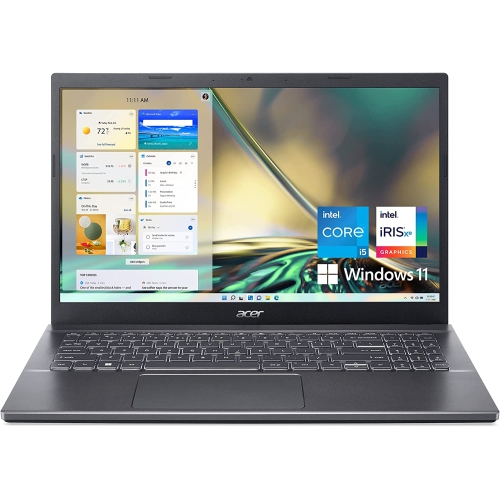
Performance and colour accuracy for every creative project
Laptops designed for video editing and design also make thoughtful gifts for students entering creative programs, aspiring filmmakers, photographers, or anyone looking to upgrade their digital toolkit. The versatility of these devices ensures they’re suitable for a variety of creative pursuits, from animating short films to producing music videos or crafting digital illustrations. Many users appreciate features like long battery life and lightweight construction, which make it easy to bring their creativity wherever inspiration strikes—whether that’s a backyard patio, a friend’s studio, or a quiet corner of the library. With the right laptop, editing and design tasks become more enjoyable and efficient, allowing for greater experimentation and refinement. If you’re looking for additional guidance on selecting a model that fits your needs, explore our curated selection of Recommended Laptops for Video Editing to discover options that combine performance, reliability, and creative potential. These laptops are tailored to support your artistic ambitions, helping you bring your vision to life, season after season.
FAQ
What features should I look for in a laptop for video editing and design?
When choosing a laptop for video editing and design, prioritize a powerful multi-core processor (such as Intel Core i7/i9 or AMD Ryzen 7/9), at least 16GB of RAM, a dedicated graphics card (like NVIDIA GeForce RTX or AMD Radeon), and a high-resolution display with accurate color reproduction. Fast storage, such as SSDs, also helps with quicker file access and smoother workflow.
Why is a dedicated graphics card important for video editing laptops?
A dedicated graphics card accelerates rendering, playback, and effects processing in video editing and design software. It handles complex visual tasks more efficiently than integrated graphics, resulting in smoother performance and faster export times when working with high-resolution footage or intricate designs.
How much RAM do I need for smooth video editing and graphic design?
For most video editing and graphic design tasks, at least 16GB of RAM is recommended to ensure smooth multitasking and efficient handling of large files. For professional-level projects or working with 4K/8K footage, consider laptops with 32GB or more RAM.
What type of display is best for creative work on a laptop?
For creative work like video editing and design, look for laptops with IPS or OLED displays that offer wide color gamuts (such as 100% sRGB or Adobe RGB coverage), high resolution (Full HD or higher), and good brightness levels. Accurate color reproduction is essential for ensuring your work looks consistent across different devices.
Can I upgrade components like RAM or storage in laptops used for video editing?
Some laptops allow you to upgrade components like RAM or storage after purchase, but this varies by model. It's best to check the manufacturer's specifications regarding upgradability before buying if you anticipate needing more memory or storage in the future.
Top selling and popular products
-
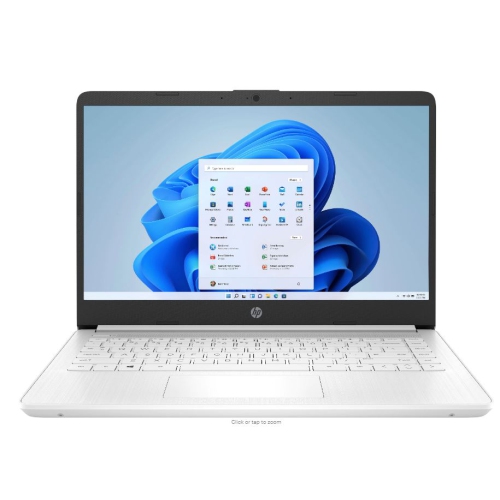 Your price for this item is $449
-
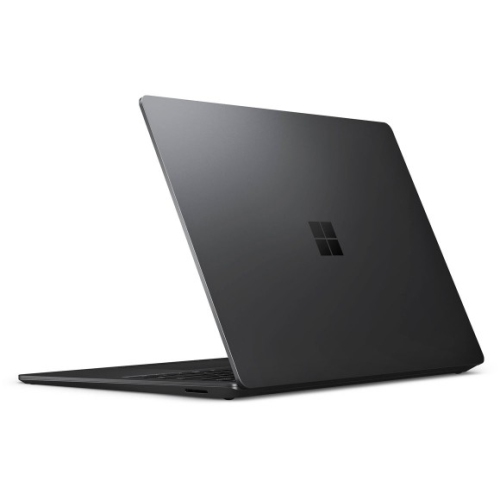 Your price for this item is $3099
-
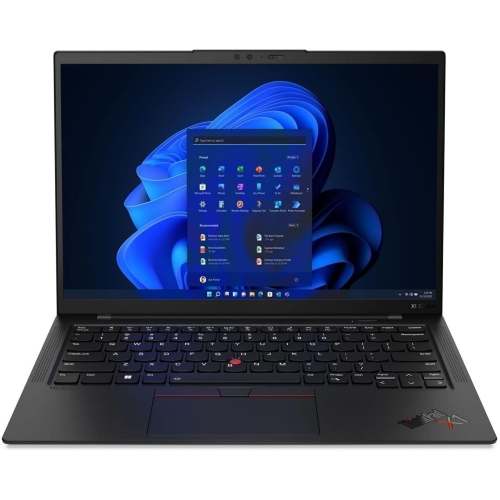 Your price for this item is $429.99
-
 Your price for this item is $1800.68
-
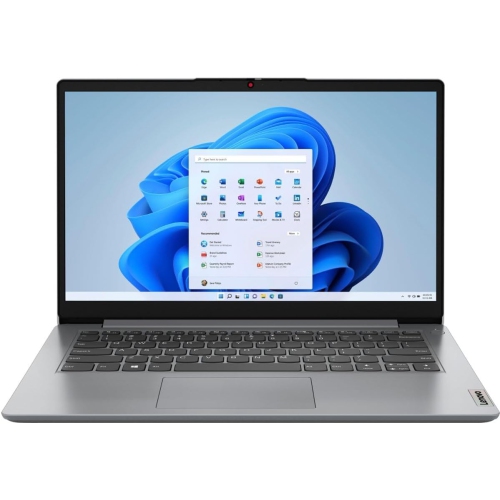 Your price for this item is $664.05
-
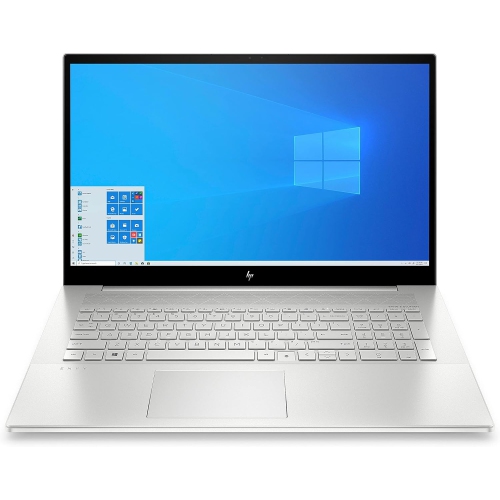 Your price for this item is $869.99
-
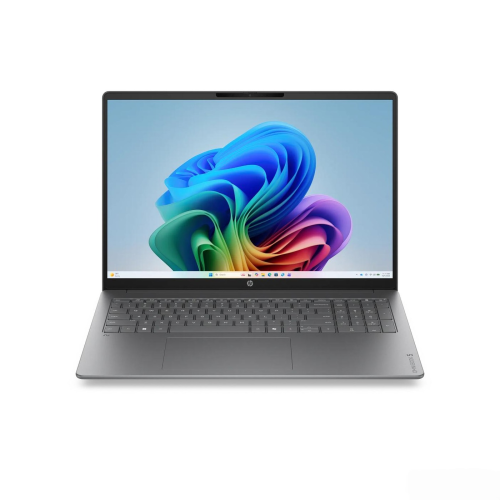 Your price for this item is $2960.48
-
 Your price for this item is $479.68