Best Laptops for Podcasting
Bring your podcast ideas to life with a laptop that can handle recording, editing, and producing your episodes. Whether you’re launching your first show or refining your setup, look for smooth performance, ample storage for audio files, and ports that work with your recording gear. Explore the best laptops for podcasting, ranked by user review ratings, to find the right fit for your workflow and budget.
What to look for in laptops for podcasting
1. Processor and Memory
2. Audio Connections and Compatibility
3. Storage Capacity and Speed
4. Fan Noise and Portability
-
1
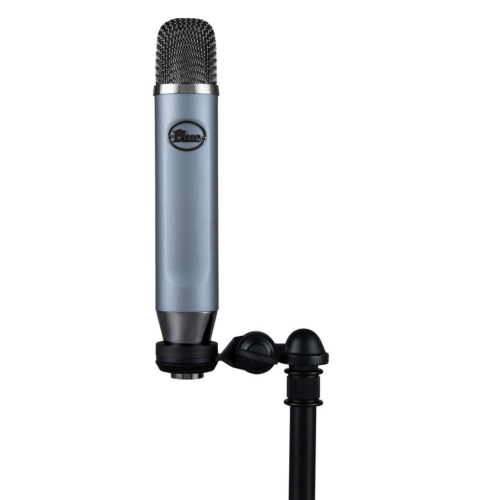
BLUE MICROPHONES Ember Xlr Condenser Microphone for Studio, Recording, Podcast, Streaming Mic (988-000379)
About this product
A blue XLR condenser microphone delivering clear, detailed audio for studio recording, podcasting, and streaming.
(6)$79.99Your price for this item is $79.99SAVE $70 -
2

MICROSOFT Refurbished (Good) - Surface Pro 6 12.3" 128GB Windows 10 Tablet With 8Th Gen Intel Core I5 -Platinum
About this product
A refurbished platinum tablet featuring an 8th Gen Intel Core i5, 128GB storage, and Windows 10.
What customers like
(1,268)$699.00 Your price for this item is $699 -
3
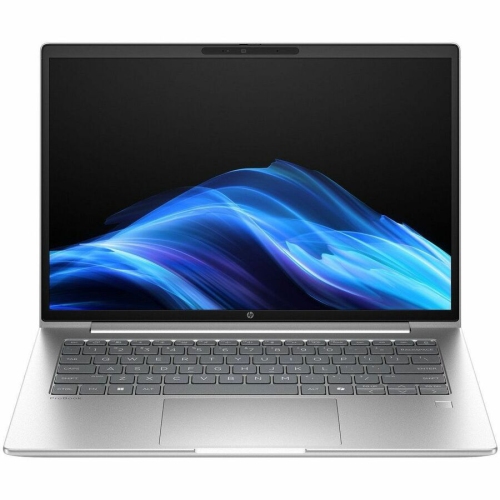
HP Elitebook 8 G1A 16" Touchscreen Business Laptop - Amd Ryzen Ai 7 350 - 32GB Ram - 1Tb SSD - Windows 11 Pro - In Silver
About this product
A powerful Glacier Silver touchscreen notebook featuring AMD Ryzen AI 7, 32GB RAM, and 1TB SSD.
(7)$3,242.33Your price for this item is $3242.33SAVE $324 -
4
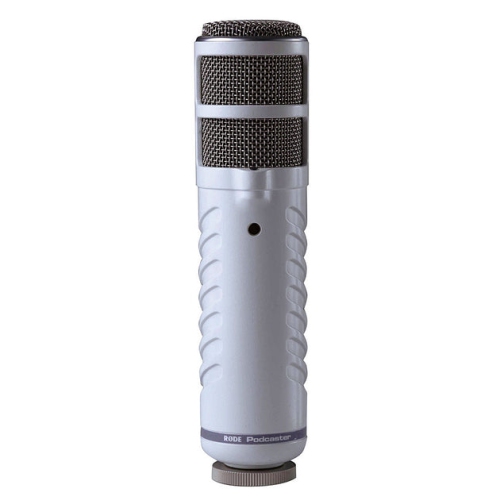
RODE Microphones Podcaster USB Broadcast Microphone
About this product
A dynamic end-address USB microphone delivering broadcast-quality audio with internal 18-bit, 48kHz digital conversion.
(3)$309.00 Your price for this item is $309 -
5
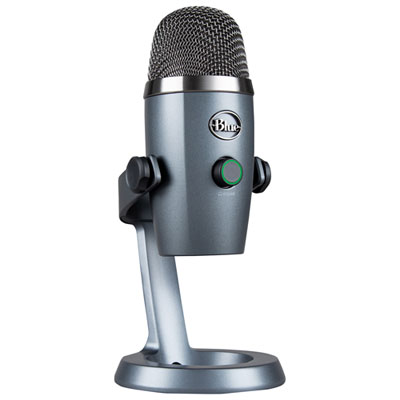
Blue Microphones Yeti Nano USB Microphone - Grey
About this product
A compact grey USB microphone delivering 24-bit sound quality and Blue VO!CE effects for professional audio.
What customers like
(994)$111.98Your price for this item is $111.98SAVE $18 -
6
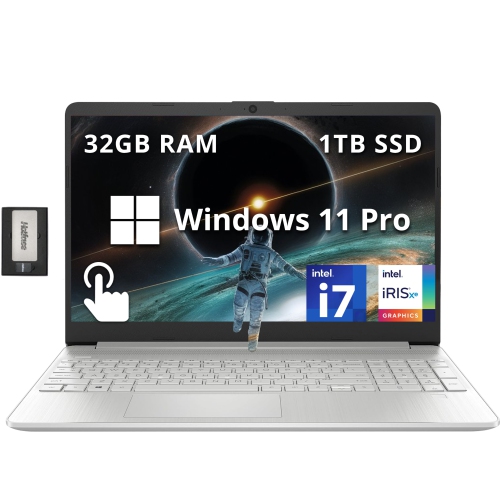
HP 15.6" Fhd Touchscreen Laptop - Intel Core I7-1255U - 32GB Ddr4 - 1Tb SSD - Intel Iris Xe - Windows 11 Pro - - 256GB Docking Station Set In Silver
About this product
A powerful silver laptop featuring an Intel i7 processor, 32GB RAM, touchscreen, and Windows 11 Pro.
What customers like
(0)$1,899.00Your price for this item is $1899SAVE $830 -
7

MICROSOFT Refurbished (Good) - Surface Laptop 3 15" Touchscreen - Amd Ryzen 7 Surface Edition - 32GB - 1Tb SSD - Windows 10 Home
About this product
A refurbished laptop featuring a 15" touch screen, 1TB SSD, AMD Ryzen 7, and 32GB memory.
What customers like
(2,498)$3,099.00Your price for this item is $3099SAVE $501 -
8
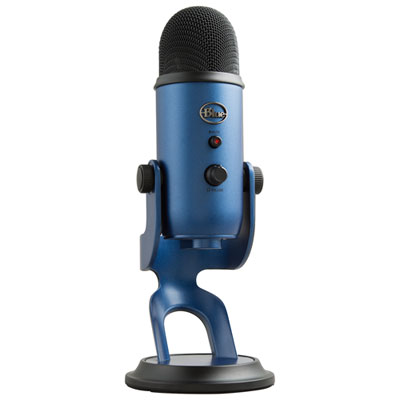
Blue Microphones Yeti USB Microphone - Midnight Blue
About this product
A versatile midnight blue USB microphone delivering broadcast-quality sound with four pattern modes and advanced voice effects.
What customers like
(102)$139.99Your price for this item is $139.99SAVE $20 -
9
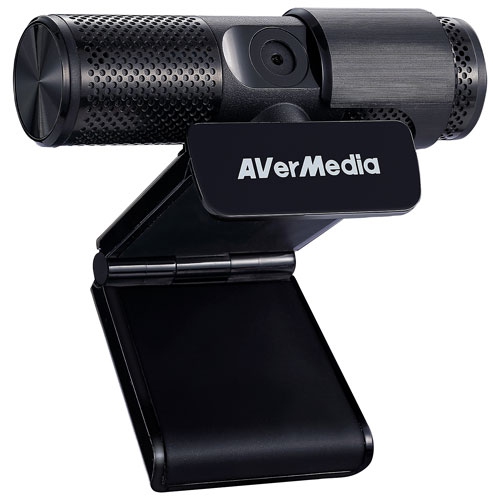
AVERMEDIA - Live Streamer Cam 313 1080P HD Webcam (Pw313)
About this product
A plug-and-play USB webcam with 1080p HD video, dual microphones, and a 360-degree swivel design.
What customers like
(173)$87.37Your price for this item is $87.37SAVE $8 -
10
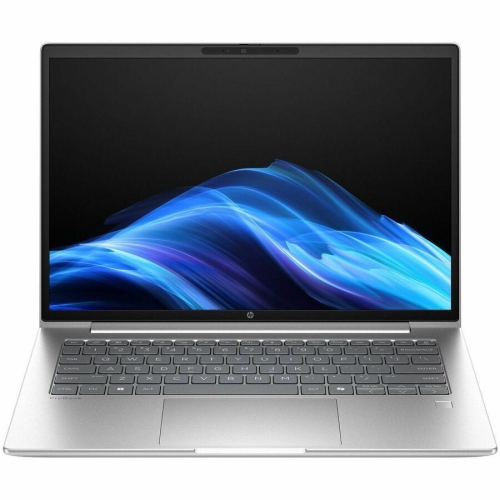
HP Elitebook 8 G1A 16" Touchscreen Business Laptop - Amd Ryzen Ai 7 350 - 32GB - 512GB SSD - Windows 11 Pro - In Silver
About this product
A powerful glacier silver touchscreen notebook with AMD Ryzen AI 7, 32GB RAM, and Windows 11 Pro.
(7)$2,589.99Your price for this item is $2589.99SAVE $50
FAQ
Look for a laptop with a modern multi-core processor, at least 16 GB of RAM and a solid-state drive (SSD). These features support audio editing, multiple tracks and plug-ins. If you also plan to edit video podcasts, consider additional memory and graphics capabilities suited to your editing software.
Both Windows laptops and Macs can support podcast recording and editing. The choice largely depends on your preferred software, workflow and accessories. Some audio applications are exclusive to one platform, so check compatibility with your editing software, audio interface and plug-ins before choosing a laptop.
USB-A and USB-C ports are useful for connecting microphones, audio interfaces and external drives. A headphone jack can support playback, though many podcasters monitor audio through an audio interface. Check the connection requirements of your accessories, as a USB-C port does not automatically support Thunderbolt.
You will need audio software that can record, edit and export your podcast. A digital audio workstation (DAW) typically offers multitrack editing, volume adjustments and plug-in support. For remote interviews, you may also want software that captures each participant on a separate audio track.
A microphone can pick up laptop fan noise, especially when the laptop is close to the recording area. Fan behaviour varies by laptop design and workload. Closing unnecessary applications, positioning the laptop away from the microphone and listening to a test recording can help you identify unwanted background noise.
Top selling and popular products
Discover more categories related to Best Laptops for Podcasting
Some products may be subject to Environmental Handling Fees (EHF) depending on your province. Learn more about EHFs.