Best Laptop Stands For Desk Setup
Create a more comfortable, organized workspace with the best laptop stands for your desk setup, ranked based on user review ratings. A laptop stand can help raise your screen to a more comfortable viewing height and free up valuable desk space. Explore options to find the right fit for your laptop, workspace, and daily routine.
What to look for in laptop stands for desk setups
1. Height and Angle Adjustment
2. Laptop Compatibility and Stability
3. Desk Space and Portability
4. Airflow and Port Access
-
1
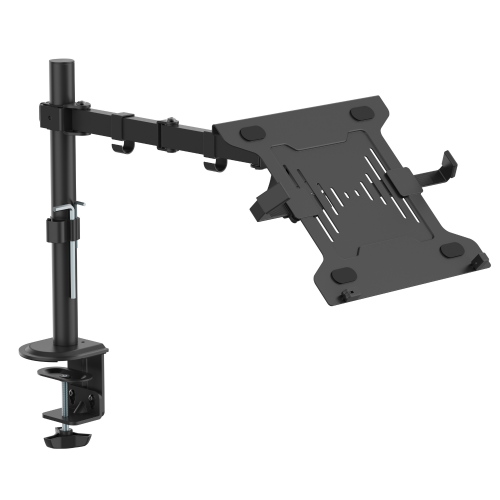
ANTHRODESK Laptop / Notebook Desk Stand / Mount With Full Motion Adjustable Extension Arm With Tilt
About this product
A versatile laptop stand with full motion adjustable extension arm and tilt for ergonomic use.
(2)$69.99Your price for this item is $69.99SAVE $50 -
2
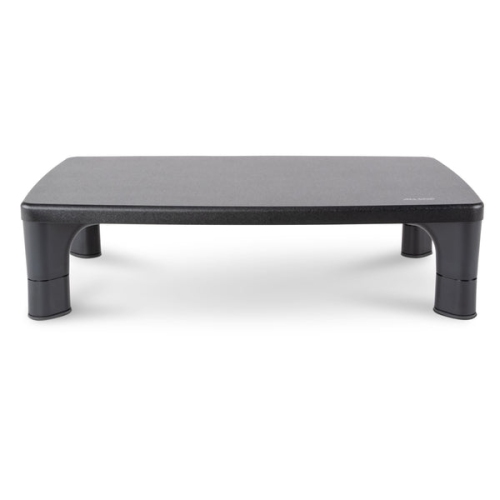
ALLSOP Hi-Lo Adjustable Monitor Stand - In Black
About this product
A black wood monitor stand with adjustable height, removable legs, and non-slip rubber feet for stability.
(1)$49.99 Your price for this item is $49.99 -
3
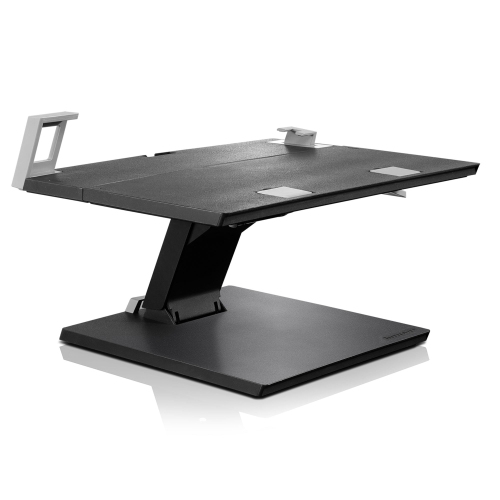
LENOVO Adjustable Notebook Stand
About this product
An adjustable stand designed to elevate and support your notebook for improved comfort and productivity.
What customers like
(58)$219.99Your price for this item is $219.99SAVE $80 -
4
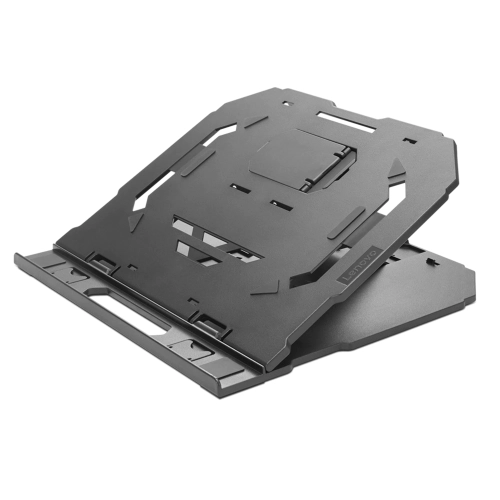
LENOVO 2-In-1 Laptop Stand
About this product
A versatile stand that elevates and supports laptops for improved ergonomics and productivity.
What customers like
(447)$42.99 Your price for this item is $42.99 -
5
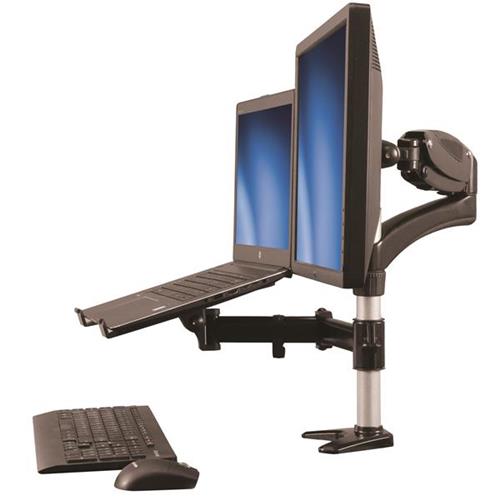
STARTECH Full Motion Articulating Arm Monitor Desk Mount With Laptop Stand (Armunonb)
About this product
A versatile articulating desk mount with laptop stand for creating an ergonomic dual-display workstation.
(3)$250.99Your price for this item is $250.99SAVE $44 -
6
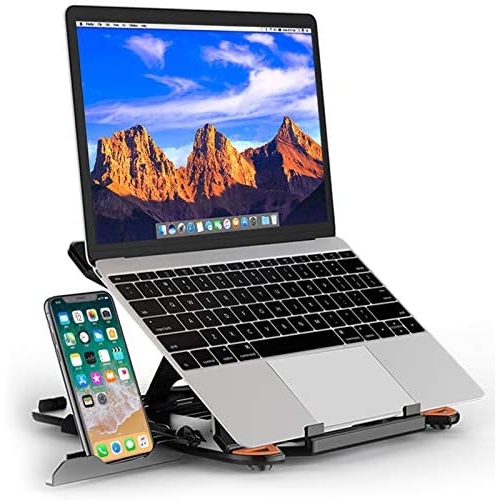
BESIGN Ls01 Adjustable Laptop Stand, Ergonomic Riser Notebook Computer Holder Stand Compatible With Air, Pro, Dell Xps
About this product
An ergonomic black rubber laptop stand offering adjustable height and broad compatibility with 10-15.6" notebooks.
$59.96Your price for this item is $59.96SAVE $90 -
7
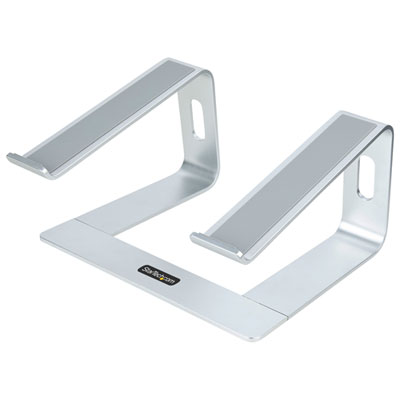
StarTech Aluminum Laptop Riser Stand for Desk - Black/Silver
About this product
An aluminum laptop riser stand in black and silver with angled arms, rubber supports, and improved airflow.
$77.99 Your price for this item is $77.99 -
8
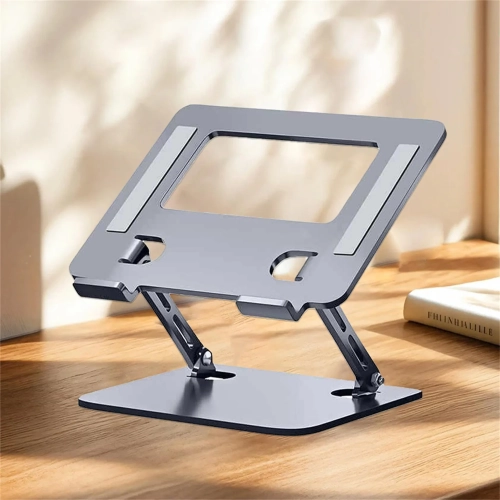
CESTLAVE Laptop Stand Computer Stand Ventilation Slots Cooling Holder Adjustable Desk Stand In Silver
About this product
A silver adjustable laptop stand with ventilation slots for improved cooling and ergonomic desk setup.
$46.85Your price for this item is $46.85SAVE $37 -
9
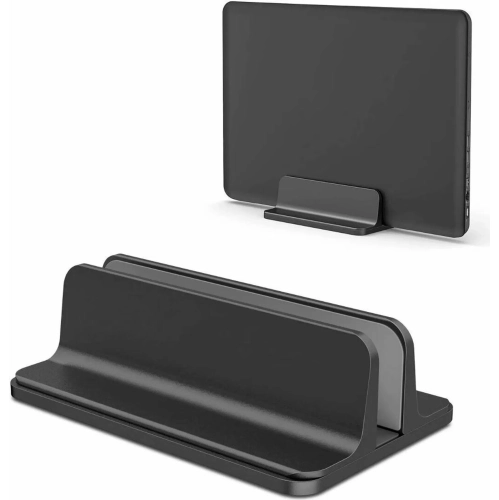
CESTLAVE Adjustable Laptop Stand Durable Computer Stand Height Adjustable Desktop Holder In Silver
About this product
A durable silver laptop stand with adjustable height for an ergonomic office desk setup.
$40.18Your price for this item is $40.18SAVE $32 -
10
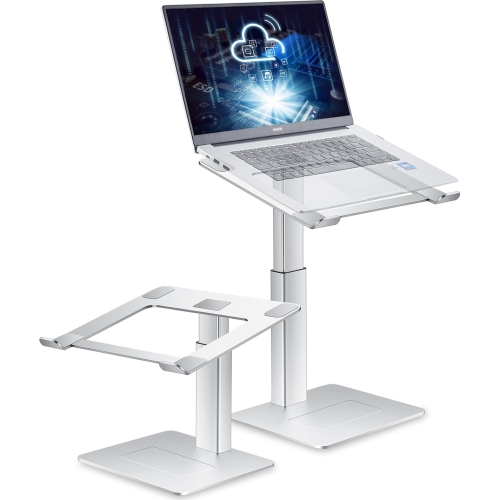
HLD Adjustable Laptop Stand for Desk, Ergonomic Small Sit to Stand Desk Converter, Support Working On Computer Standing, Compatible w Macbook And
About this product
An ergonomic adjustable stand that lets you comfortably work sitting or standing with most 13"-16.5" laptops.
$76.96Your price for this item is $76.96SAVE $53
FAQ
Common types include fixed risers, adjustable stands, folding stands, and vertical holders. Fixed risers provide an elevated platform, adjustable stands offer different positioning options, and folding models collapse between uses. Vertical holders store a laptop upright with its lid closed.
Laptop stands are commonly made from aluminium, steel, plastic, wood, or bamboo. Designs may combine a metal frame with silicone contact pads or feature wood finishes to match other desk accessories.
Adjustable laptop stands may include hinged platforms, separate elevation and tilt controls, swivel bases, or preset angle positions. Some use tension hinges, while others use knobs or notches to set the platform position.
A laptop stand can be paired with an external keyboard, mouse, monitor, or docking station. For a setup with the laptop lid closed, check whether the laptop supports an external display in that mode and whether it requires a power connection.
Some laptop stands include cable openings, routing channels, or built-in clips. Open-base designs may also leave space for cables beneath the platform. Consider where the laptop’s charging and accessory ports sit when choosing a cable routing layout.
Top selling and popular products
Discover more categories related to Best Laptop Stands For Desk Setup
Some products may be subject to Environmental Handling Fees (EHF) depending on your province. Learn more about EHFs.