Best Laptop Stands

Find a more comfortable setup with the best laptop stands, ranked by customer review ratings. Whether you’re working from home, studying, or organizing your desk, a laptop stand can raise your screen to a more comfortable viewing height and free up valuable workspace. Explore customer favourites to find the right fit for your laptop and daily routine.

Read More

What to look for in laptop stands

1. Size and Weight Capacity

Check that the stand supports your laptop’s screen size, dimensions and weight. Its platform or support arms should hold your device securely without blocking ports or vents.

2. Height and Angle Adjustment

Adjustable height and tilt help you position your screen for comfortable viewing. For longer work sessions, pair an elevated stand with an external keyboard and mouse so you can keep your screen and hands at comfortable heights.

3. Stability and Airflow

Look for a sturdy base, non-slip pads and retaining edges that help keep your laptop in place. An open design can leave room for airflow around your laptop’s vents.

4. Portability and Desk Space

A lightweight, folding stand is easier to carry between workspaces, while a larger desktop model may offer space underneath for accessories. If you use an external monitor with your laptop closed, a vertical stand can free up desk space, provided your laptop supports that setup.
Citrus catapult arrow
  1. 1

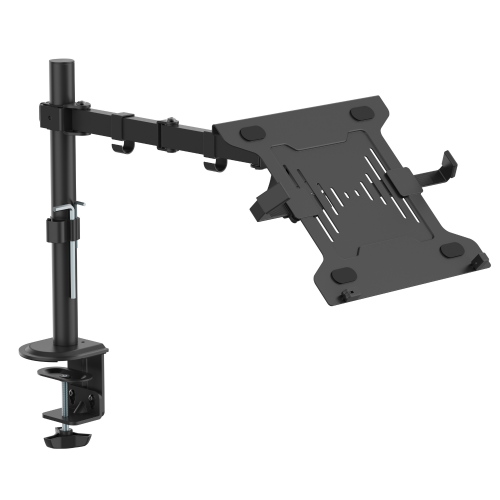
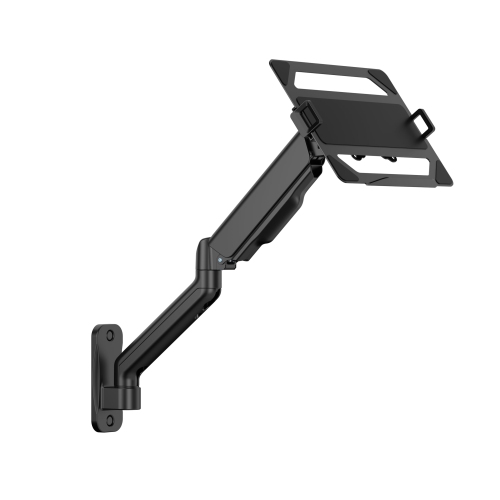
    ANTHRODESK Laptop / Notebook Desk Stand / Mount With Full Motion Adjustable Extension Arm With Tilt

    About this product

    A versatile laptop stand with full motion adjustable extension arm and tilt for ergonomic use.

    (2)
    $69.99
    SAVE $50
    Your price for this item is $69.99
  2. 2

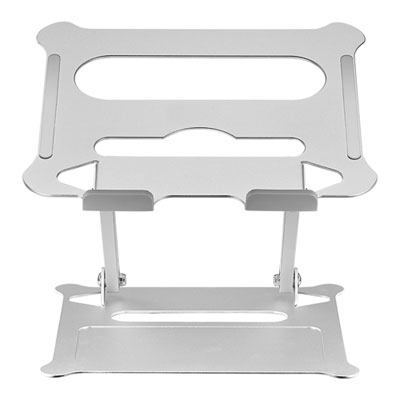
    Insignia Ergonomic Adjustable Laptop Stand - Silver - Only at Best Buy

    About this product

    An ergonomic silver laptop stand with adjustable height and angle, folding flat for easy portability.

    What customers like

    • Sturdy and stable
    • Affordable and good value
    • Space-saving and compact design
    • Highly adjustable for height and angle
    • Lightweight and portable
    (415)
    $52.97 Your price for this item is $52.97
  3. 3

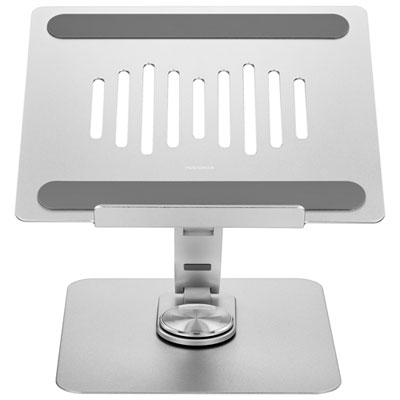
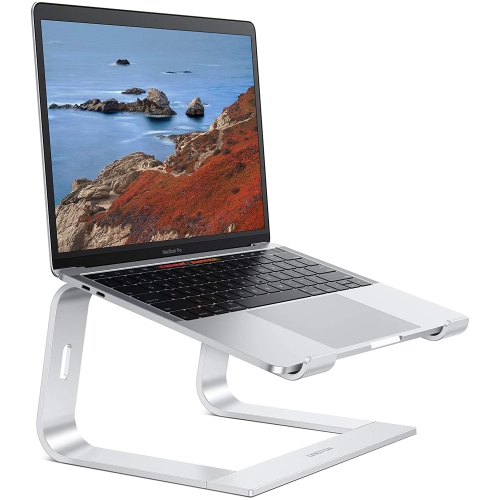
    Insignia Adjustable Laptop Stand - Only at Best Buy

    About this product

    An adjustable silver laptop stand with 360-degree rotation, crafted from durable aluminum alloy and carbon steel.

    What customers like

    • Improves laptop ergonomics and cooling
    • Highly adjustable with 360-degree rotation
    • Sleek, modern design fits any decor
    • Good value for the price
    • Sturdy and durable construction
    (157)
    $59.99 Your price for this item is $59.99
  4. 4

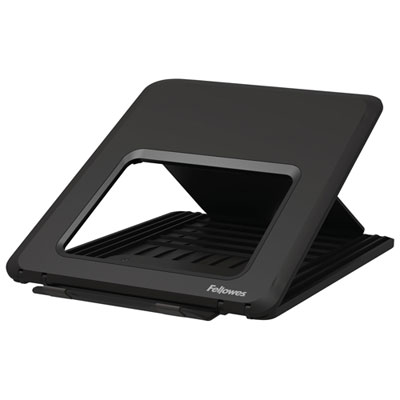
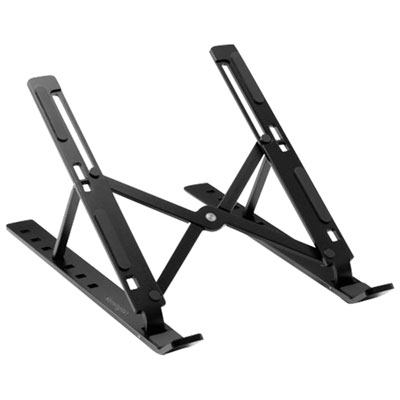
    Fellowes Breyta Laptop Stand - Black

    About this product

    A black laptop stand with 12-height settings, supporting up to 4kg for ergonomic comfort.

    What customers like

    • Easy to set up and use
    • Improves posture and comfort
    • Compact and portable
    • Sturdy and durable
    • Adjustable height and angles
    (22)
    $26.99 Your price for this item is $26.99
  5. 5

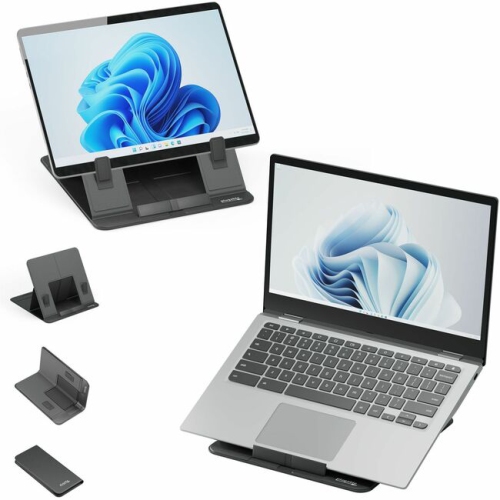
    PLUGABLE Laptop Tablet Stand (Ptstandx)

    About this product

    A sturdy stand designed to securely hold laptops and tablets for comfortable viewing and use.

    (3)
    $73.97
    SAVE $22
    Your price for this item is $73.97
  6. 6

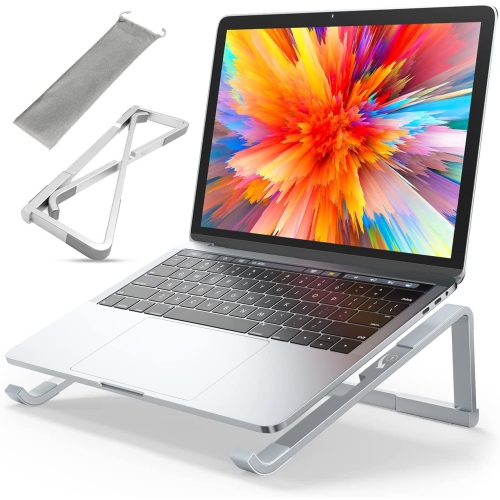
    HLD Foldable Laptop Stand for Desk, Portable Computer Stand, Ergonomic Aluminum Macbook Stand, Laptop Riser Holder Compatible w Macbook Air Pro

    About this product

    An ergonomic, foldable aluminum stand that elevates laptops for improved comfort and portability.

    $46.96
    SAVE $3
    Your price for this item is $46.96
  7. 7

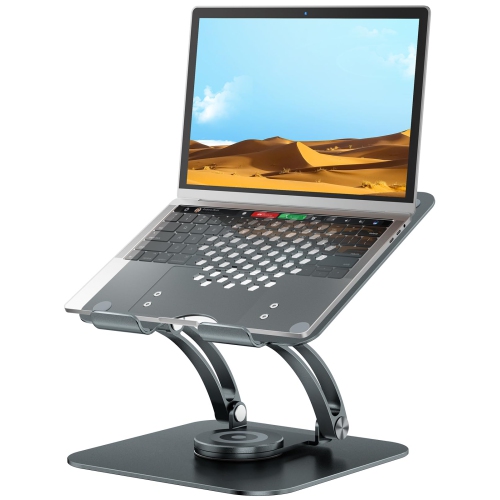
    HLD Swivel Laptop Stand for Desk, Ergonomic Laptop Holder w 360° Rotating Base, Adjustable Computer Stand Laptop Riser Compatible w Air, Pro, All

    About this product

    An ergonomic grey laptop stand with a 360° rotating base, adjustable for 10-16" laptops.

    $70.96
    SAVE $19
    Your price for this item is $70.96
  8. 8

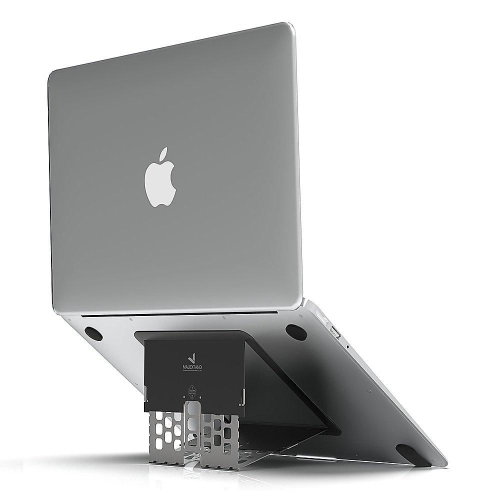
    MAJEXTAND Ergonomic Laptop Stand - In Black

    About this product

    An ultra-thin black laptop stand offering six adjustable heights for ergonomic comfort and improved posture.

    $69.99 Your price for this item is $69.99
  9. 9

    CONDOMOUNTS Ltp8017 2-In-1 Laptop Wall Mount | Adjustable Laptop Stand for 12" to 17" Laptop | Spring-Assisted Laptop Holder | Holds 19.8Lbs |

    About this product

    A black, spring-assisted wall mount offering adjustable tilt and secure support for laptops up to 19.8 lbs.

    $97.49
    SAVE $32
    Your price for this item is $97.49
  10. 10

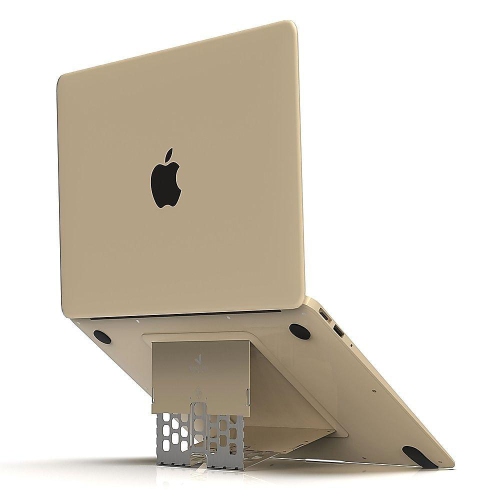
    MAJEXTAND Ergonomic Laptop Stand - In Gold

    About this product

    An ultra-thin gold laptop stand offering six adjustable heights for ergonomic comfort and improved posture.

    $34.99
    SAVE $35
    Your price for this item is $34.99

The right screen height depends on how you work

The best laptop stands bring a screen to a more comfortable viewing height while keeping the computer secure and the desk practical to use. The right design depends on where the laptop sits, how often it moves, and whether typing happens on its built-in keyboard or a separate one. For a permanent desk setup, a rigid platform with a broad base can provide steady support without needing adjustment each morning. Height-adjustable laptop stands offer more flexibility, particularly when the same desk serves different people or the laptop screen sits beside an external monitor. Models with separate height and tilt adjustments allow the display position to change without forcing the keyboard deck into an unnecessarily steep angle. Portable laptop stands serve a different purpose: they fold down for a backpack or work bag and set up on a library table, shared office desk, or hotel workspace. Their usefulness rests on both packed size and stability once opened, since a compact shape alone does not guarantee a steady platform. A vertical laptop stand holds a closed computer upright, freeing desk space for an external keyboard, monitor, and mouse. That arrangement suits laptops that support operation with the lid closed, provided their power, display, and ventilation requirements are met. For people who use the built-in keyboard throughout the day, a low riser with a gentle incline may be more practical than a tall platform. Greater elevation generally works better with a separate keyboard and pointing device, allowing the screen and hands to sit at different heights. A stand can make a workspace easier to arrange, but it does not replace a supportive chair, suitable desk height, or regular changes in position. Students working through assignments, professionals joining video calls, and people managing everyday tasks at a small desk may all benefit from a setup that brings the display into a clearer line of sight without crowding the work surface.

Fit involves more than matching a stand to the laptop’s advertised screen size. The computer’s width, depth, thickness, and weight all affect how securely it rests on the supports. A slim laptop and a heavier gaming laptop may have similar screen dimensions but place very different demands on a stand. Stated weight capacity, supported dimensions, and the position of retaining tabs are therefore useful details when comparing designs. Front lips should hold the laptop in place without pressing into wrists, obstructing the trackpad, or preventing the lid from opening comfortably. On open-frame stands, the support arms need to contact solid areas of the underside rather than sit awkwardly against feet or vents. Side access matters as well: charging plugs, display cables, memory cards, and connected accessories need enough room to attach without sharp bends. Aluminum is common in laptop stands because it can form a rigid structure with a relatively slim profile, while steel designs can offer substantial support where extra carrying weight is less of a concern. Plastic stands can be light and convenient for travel, though their strength depends on construction, reinforcement, and intended load. Wood and bamboo designs bring a warmer appearance to a desk, with the quality of the joints and finish contributing to everyday durability. Silicone or rubber contact pads help limit sliding and cushion the laptop’s finish; padding beneath the base also helps protect the desktop. Adjustable models rely on hinges, locking mechanisms, or tension joints to maintain their position, so resistance to sagging matters as much as the range of movement. A tall stand with a narrow footprint may feel less steady during direct typing than a lower design with widely spaced feet. Durability also shows up in small details, including smooth edges, firmly attached pads, and folding parts that close without catching cables. For shared desks and frequent packing, a straightforward mechanism can be especially convenient, with fewer steps between opening a bag and settling into work.

Airflow, cable routing, and day-to-day care can make a noticeable difference to how a laptop stand fits into a workspace. Raising a laptop above a hard desktop may give its underside vents more clearance, but an open platform does not guarantee lower operating temperatures. Results depend on the laptop’s cooling layout, workload, room temperature, and the position of the supports. Gaming, video editing, and other demanding tasks may call for closer attention to ventilation than email or document work. The Best Laptop Cooling Stands page focuses on stands designed with cooling in mind, including options that use fans to move air around the laptop. Fan-equipped designs introduce additional considerations such as sound, power connections, and whether their airflow reaches the computer’s intake vents. For a quiet study space or a desk used for calls, those details can matter alongside height and stability. Cable openings and space beneath a raised platform can help keep charging leads tidy or provide a place to tuck a keyboard when work is finished, although clearance varies by design. On a compact table, the stand’s full footprint matters more than how small its platform looks in a photograph. A deep base, projecting feet, or a large adjustment arc can take up space needed for a notebook or mouse. Portable stands also benefit from a sleeve or pouch that keeps hinges and edges away from other belongings inside a bag. Care is usually straightforward: dust can be removed with a soft cloth, while contact pads and joints need occasional attention to keep debris from building up. Cleaning methods should suit the material and the maker’s directions, with electrical components kept dry and padding checked for wear. As a gift for a student, remote worker, or frequent traveller, a laptop stand is most useful when it matches the recipient’s computer and routine. A sturdy desktop platform suits someone with a dedicated workstation, while a compact folding design fits a day divided between several locations. The strongest match is a stand that supports the laptop securely, leaves essential connections accessible, and makes the available space more comfortable to use.
Read More

FAQ

Some products may be subject to Environmental Handling Fees (EHF) depending on your province. Learn more about EHFs.