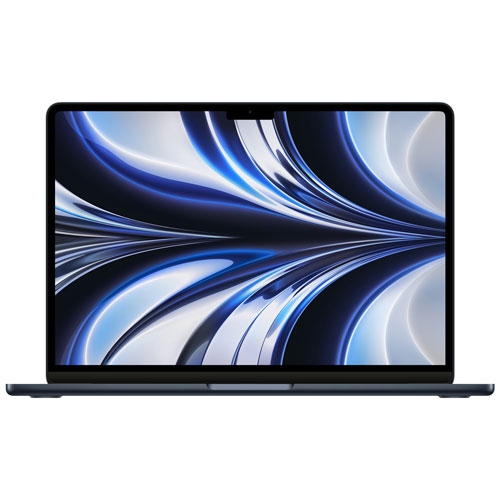
Best Laptops for School And Gaming

The best laptops for school and gaming balance everyday productivity with the power to play. From tackling assignments and research to jumping into your favourite games, look for a laptop with a capable processor, dedicated graphics, and enough memory to multitask smoothly. Explore the laptops below, ranked by user review ratings, to find an option that fits your coursework, gaming needs, and budget.

Read More

What to look for in laptops for school and gaming

1. Processor and Graphics

Choose a recent multi-core processor that can handle school apps, multitasking, and your favourite games. Dedicated graphics are worth considering for demanding games and 3D coursework, while integrated graphics may suit lighter games.

2. Memory and Storage

Aim for at least 16GB of RAM to comfortably switch between assignments, browser tabs, and games. A 512GB solid-state drive is a useful starting point, but 1TB offers more room for large game installations and school files.

3. Display and Keyboard

A 14-inch to 16-inch display can balance workspace with portability, while a refresh rate of 120Hz or higher can make gameplay look smoother when the laptop delivers matching frame rates. Look for a comfortable keyboard and a screen that is bright enough for your study space.

4. Portability and Battery Life

Consider the weight of both the laptop and its charger if you will carry them between classes. Check battery estimates for everyday tasks rather than gaming, and expect to plug in for the best gaming performance.
Citrus catapult arrow
  1. 1

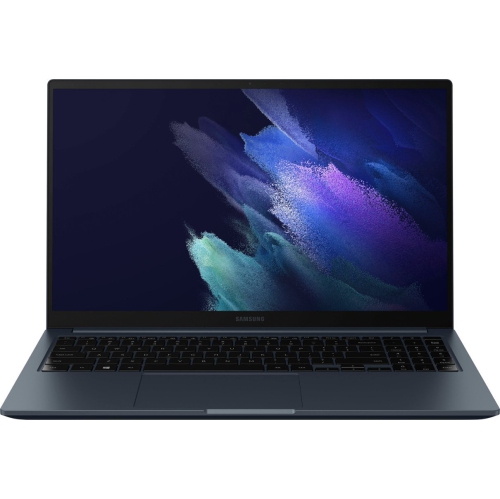
    SAMSUNG Galaxy Book Odyssey 15.6" Laptop - Intel Core I7 - 8GB Ram - 512GB SSD - Mystic In Black

    About this product

    A powerful black laptop featuring an Intel Core i7 processor, 8GB RAM, 512GB SSD, and long battery life.

    (14)
    $949.00
    SAVE $251
    Your price for this item is $949
  2. 2

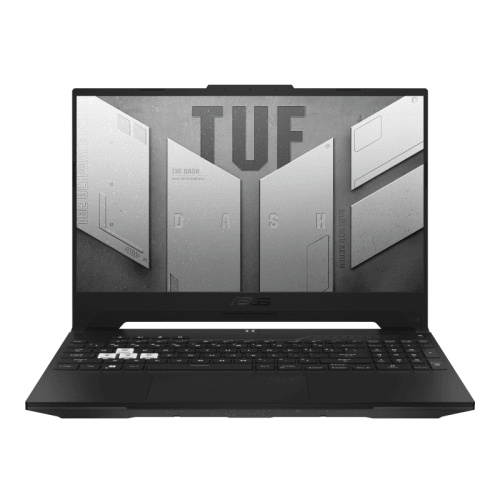
    ASUS Tuf Dash 15 15.6" Fhd Gaming Laptop - Intel Core I5-12450H - 8GB Ddr5 - 512GB SSD - Rtx 3050 - Win 11 Home - In Black

    About this product

    A sleek black laptop featuring an Intel Core i5 processor, 8GB DDR5 RAM, and 512GB SSD storage.

    (8)
    $1,794.99
    SAVE $305
    Your price for this item is $1794.99
  3. 3

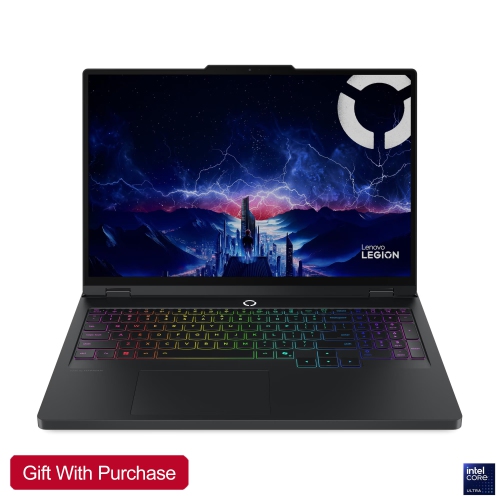
    LENOVO Legion Pro 5 16" 165Hz HDr Gaming Laptop - Intel Core Ultra 9 275Hx - 32GB Ddr5 - 4Tb Nvme SSD - Rtx 5060 - Windows 11 Home - Eclipse

    About this product

    A powerful Lenovo laptop with a 16" WQXGA IPS display, Intel Core i7-13700HX processor, NVIDIA RTX 4060 graphics, 32GB RAM, and 4TB NVMe SSD.

    (1)
    $3,878.21
    SAVE $760
    Your price for this item is $3878.21
  4. 4

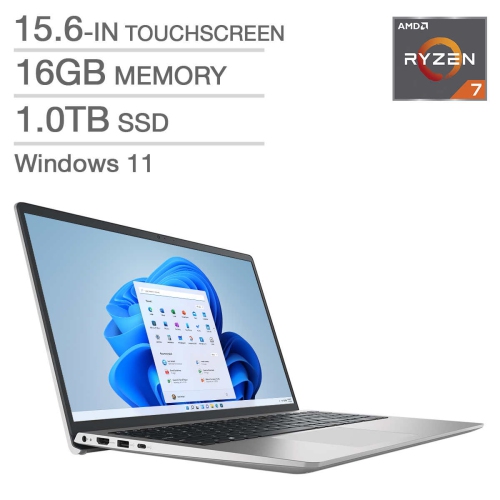
    DELL - Inspiron 15.6" Touchscreen Laptop - Amd Ryzen 7 7730U - 16GB Ddr4 - 1Tb SSD - Amd Radeon - Windows 11 Home

    About this product

    A powerful touchscreen laptop featuring an AMD Ryzen 7 processor, 16GB RAM, and 1TB SSD storage.

    $1,199.00
    SAVE $51
    Your price for this item is $1199
  5. 5

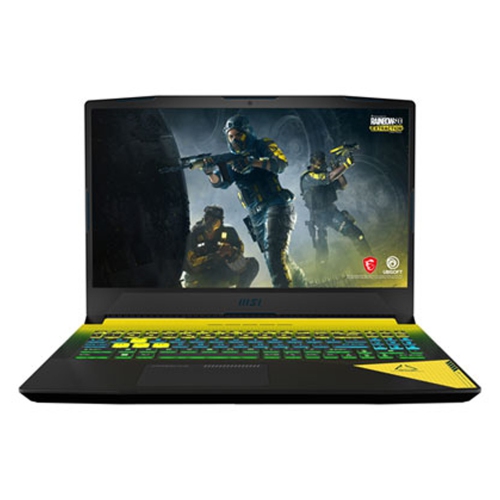
    MSI Crosshair 15.6" Gaming Laptop - Intel Core I9-12900H - 32GB Ram - 1Tb SSD - Geforce Rtx 3070 - Windows 11

    About this product

    A high-performance gaming laptop featuring an Intel Core i9, 32GB RAM, RTX 3070, and 1TB SSD.

    $2,649.00
    SAVE $650
    Your price for this item is $2649
  6. 6

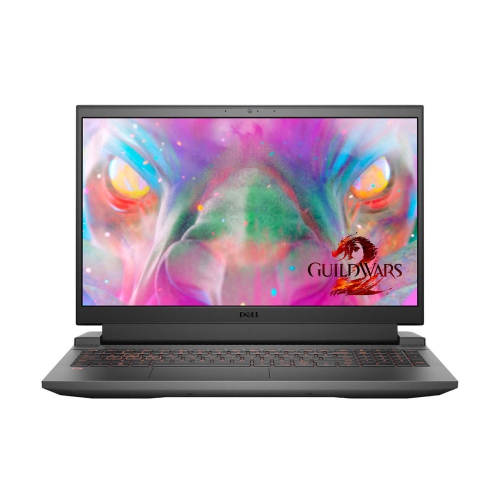
    DELL Inspiron 15 I5511-7064Blk-Pus / Intel Core I7-11800H / 16GB Ram / 1Tb SSD / Geforce Rtx 3060 Graphics (6GB) / 15.6" Fhd - ( 1 Year Warranty

    About this product

    A powerful laptop featuring an Intel Core i7, 16GB RAM, 1TB SSD, and RTX 3060 graphics.

    $1,529.99 Your price for this item is $1529.99
  7. 7

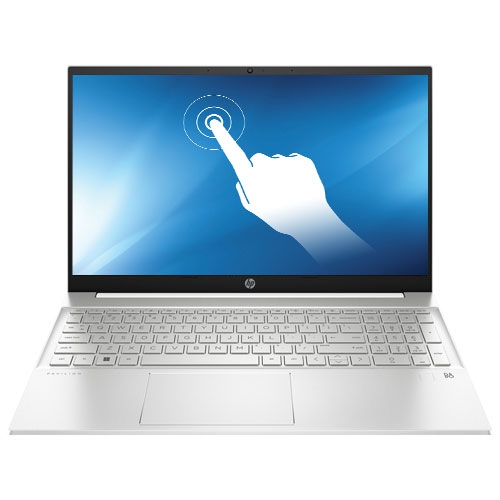
    HP Refurbished (Fair) - Pavilion 15" Touchscreen Laptop - Natural (Amd Ryzen 5 7530U/1Tb SSD/16GB Ram/windows 11) In Silver

    About this product

    A silver touchscreen laptop featuring AMD Ryzen 5, 16GB RAM, 1TB SSD, and Windows 11.

    $644.97
    SAVE $255
    Your price for this item is $644.97
  8. 8

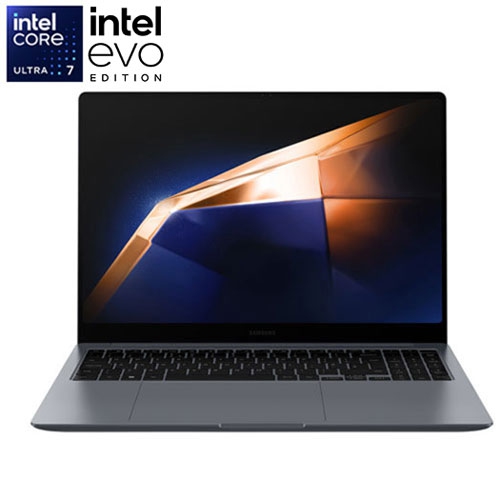
    SAMSUNG - Galaxy Book4 Ultra 16" Touchscreen Laptop (Intel Core Ultra 7 Evo/1Tb SSD/16GB Ram/geforce Rtx4050)

    About this product

    A powerful open box laptop with a 16" touchscreen, Intel Core Ultra 7 processor, 16GB RAM, and 1TB SSD.

    $2,229.97
    SAVE $1040
    Your price for this item is $2229.97
  9. 9

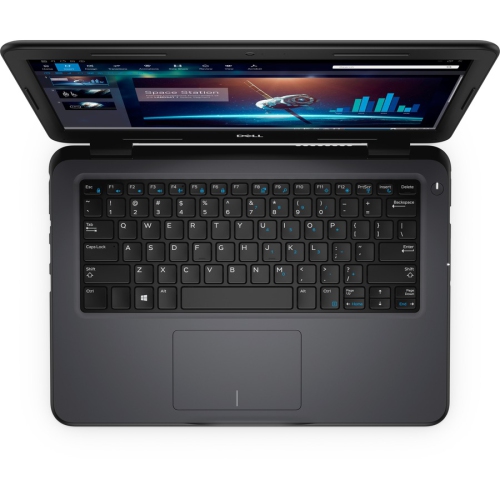
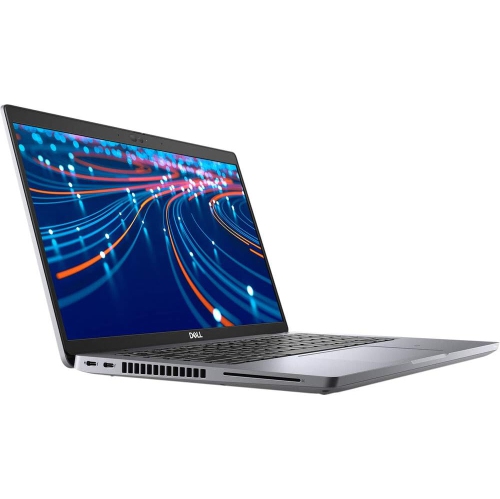
    DELL Latitude 3310 13.3" Student Laptop - Intel Core I5-8265U - 8GB - 256GB SSD - Windows 10 Pro - In Black

    About this product

    A versatile laptop featuring an Intel i5 processor, 8GB RAM, 256GB SSD, and Windows 10 Pro.

    $810.68
    SAVE $15
    Your price for this item is $810.68
  10. 10

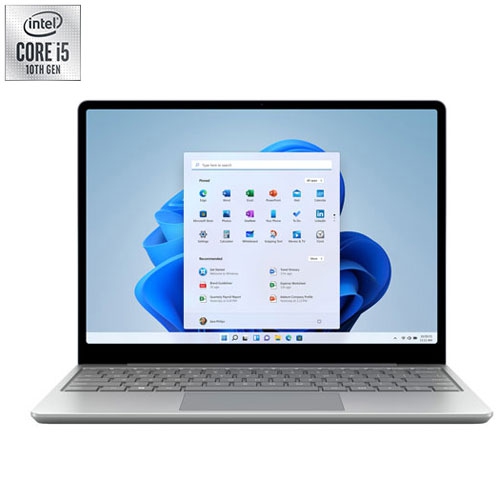
    MICROSOFT Refurbished (Good) - Surface Laptop Go 12.4" Touchscreen Laptop - Intel Core I5-1035G1 - 4GB Lpddr4X - 64GB Emmc - - En In Platinum

    About this product

    A platinum touchscreen laptop with Intel i5 processor, 64GB eMMC storage, and 4GB RAM.

    $500.00 Your price for this item is $500

Why course requirements matter as much as game specs

The best laptops for school and gaming balance coursework performance, smooth gameplay, and a size that is practical to carry between classes. For many students, that means a capable multi-core processor, at least 16GB of memory, solid-state storage, and graphics suited to the games they actually play. A dedicated graphics processor is generally the stronger choice for demanding games, 3D modelling, and certain creative applications, while integrated graphics can suit lighter games and everyday assignments. The right balance depends on the workload: writing essays with a few browser tabs open places different demands on a laptop than compiling code, editing video, or running engineering software. Required course applications should shape the choice as much as a favourite game, particularly when a program specifies an operating system, graphics capability, or minimum memory capacity. With 16GB of RAM, many students have room for everyday multitasking and gaming; 32GB provides more headroom for large projects, virtual machines, and heavier creative work. Memory requirements vary, and some laptops have soldered RAM, so future upgrades should never be assumed. Storage matters just as much when lecture recordings, project files, and several large games share one drive. A 512GB solid-state drive can serve a smaller collection, while 1TB leaves more breathing room for game installations and coursework. An SSD also helps applications launch promptly and files open without the delays associated with older mechanical drives. Processor and graphics names alone do not tell the whole performance story, since power limits and cooling affect how a laptop behaves during a long session. A machine that feels quick while opening a document may face a much tougher test during an extended game or a complex video export. For a student moving from a group presentation to an evening multiplayer match, useful performance means handling both tasks reliably without sacrificing the everyday features that make schoolwork comfortable.

Portability is about the complete bag, not just the laptop. A compact 14-inch screen can make a crowded lecture desk easier to manage, while a 15-inch or 16-inch screen offers more space for side-by-side research, spreadsheets, and game interfaces. Larger laptops may also have room for more substantial cooling, but screen size alone does not guarantee better performance. The laptop’s dimensions, weight, and power adapter all contribute to what a student carries on a bus ride or a walk across campus. A padded backpack compartment should fit the chassis without pressing against its corners, and enough room for the charger keeps the bag from becoming awkwardly packed. Aluminium housings can offer a firm feel, while well-built plastic chassis can also stand up to daily handling; hinge stability, lid rigidity, and careful construction matter more than the material name alone. The display deserves similar attention because it serves two very different routines. Clear text and comfortable brightness support long reading sessions, while a higher refresh rate can make movement look smoother in fast-paced games when the graphics hardware can deliver enough frames. A 120Hz or 144Hz display is a useful feature for that mix, though refresh rate is not a substitute for colour quality, resolution, or adequate brightness. Higher resolutions create a sharper image but also increase the graphics workload when gaming at native resolution. A matte finish can help reduce distracting reflections beneath classroom lights. Keyboard layout is another practical detail: well-spaced keys, readable legends, and a comfortable palm rest make a difference during a lengthy assignment. A number pad may appeal to students working regularly with figures, while a large, responsive touchpad is helpful when there is no space for a mouse. Webcam quality, microphone clarity, and accessible volume controls also matter during online tutorials and group calls. For related options that combine study needs with play, Gaming Laptops for School brings the same dual-purpose focus to a student’s daily routine.

Battery life and cooling often define how comfortably a school and gaming laptop fits into the day. Light tasks such as reading notes and drafting an assignment typically use less power than gaming, so a quoted battery figure should not be treated as a promise of equally long play time. Demanding games usually run best with the appropriate power adapter connected, and some laptops reduce graphics performance when unplugged. That makes outlet access worth considering for a long library visit or an evening away from home. USB-C charging can be convenient where supported, but a compact charger may not supply enough power for full gaming performance. Port capabilities vary, too: a USB-C connector does not automatically mean support for charging, video output, or every type of docking station. Useful connections might include USB ports for a mouse and external storage, a display output for a desk monitor, and a headset connection for calls or games. Wi-Fi capability is important for shared student housing and online play, although connection quality also depends on the router and network traffic. Under heavier loads, fans become more noticeable, and a quieter power setting may be preferable during note-taking in a lecture. Keeping vents clear on a hard, flat surface supports airflow; a duvet or soft cushion can block ventilation and trap heat. Regular care is straightforward: shut the laptop down before cleaning, use a soft cloth suitable for the screen, and follow the manufacturer’s directions rather than applying liquid directly to the device. A protective sleeve helps prevent scuffs in transit, while keeping drinks away from the keyboard reduces an avoidable risk. Backups of assignments are equally valuable, especially when one computer holds both school projects and a game library. These laptops can make thoughtful gifts for students starting a new program or replacing an older computer, provided the choice matches their course requirements, carrying preferences, and gaming interests. The strongest fit is not necessarily the largest or most powerful machine, but one that feels manageable through classes, homework, and downtime.
Read More

FAQ

Some products may be subject to Environmental Handling Fees (EHF) depending on your province. Learn more about EHFs.