Top Laptops for School
If you're a student, a parent, or anyone who needs to get work done on the go, you know that laptops are an essential tool. But which one is right for you? We've rounded up the best laptops for students, parents and everyone in between.
Sort




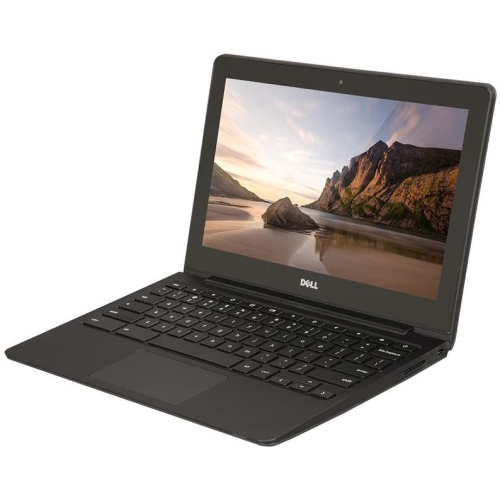
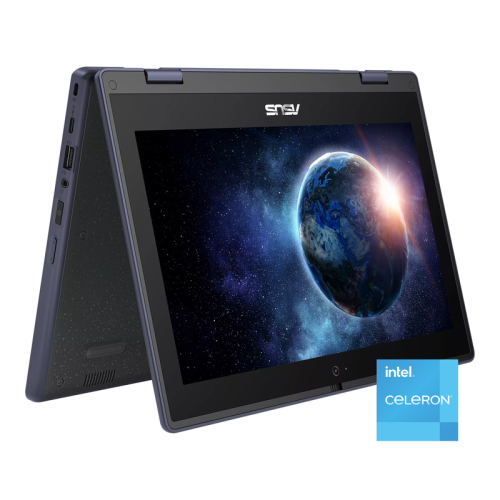
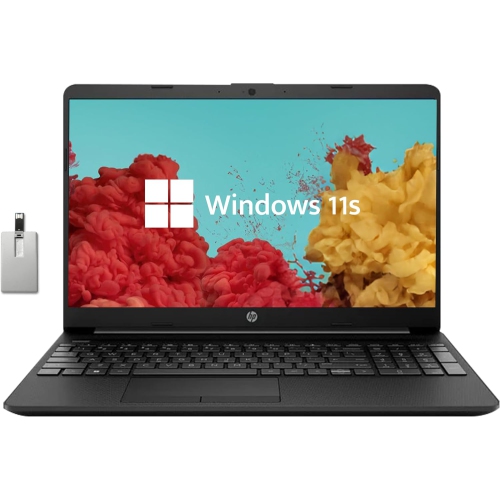
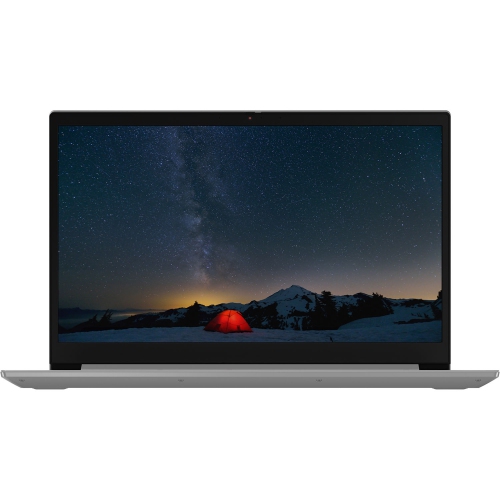
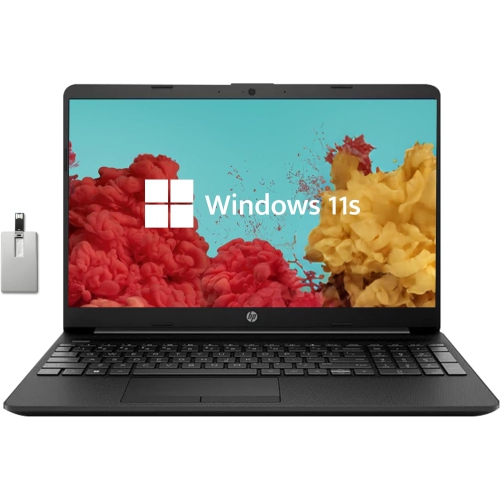
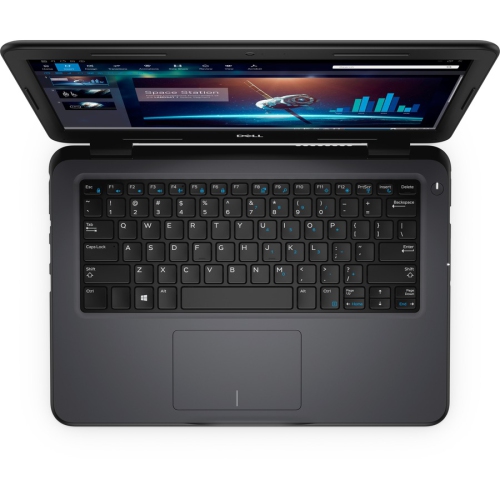
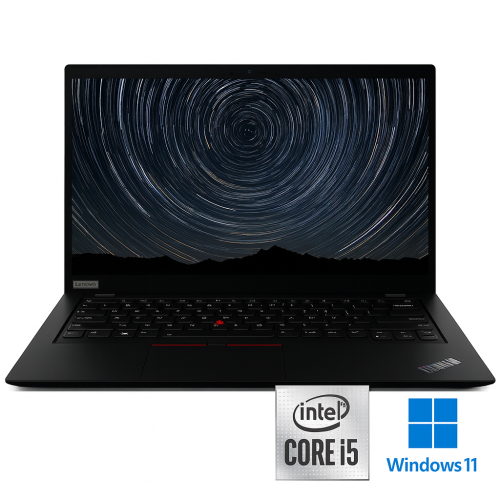
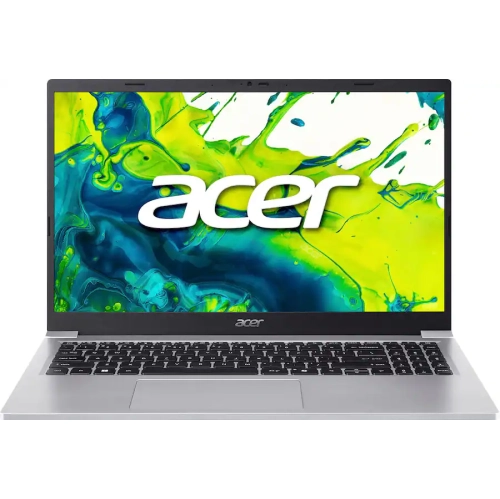
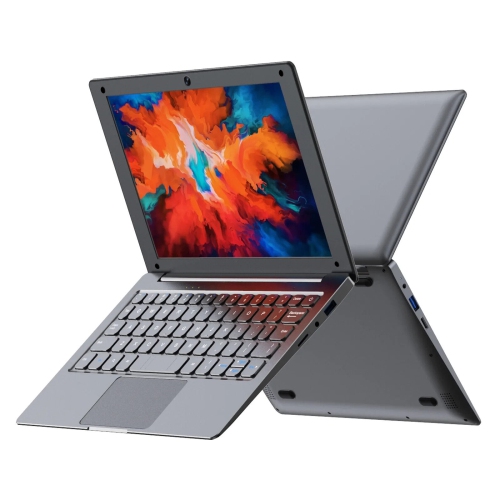
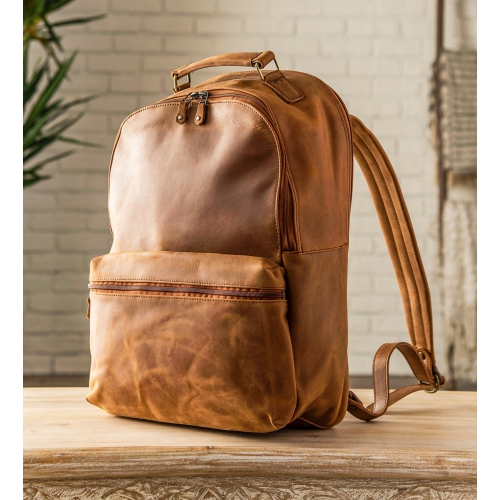
Laptop needs vary by program, routine and workspace
Finding the right laptop for school often starts with matching the computer to the student’s daily routine, program requirements and preferred way of working. A laptop used for reading, research, essays, online classes and presentations may benefit most from a light design, comfortable keyboard, dependable battery life and a clear display that is easy to view in a library, lecture hall or at a kitchen table. Students who move between classes appreciate a slim profile and a charger that fits easily into a backpack, while those who spend long hours typing may place greater value on key travel, a responsive trackpad and a screen size that leaves room for several windows. Reliable Wi-Fi, a quality webcam and built-in microphones are also useful for virtual lectures, group projects and conversations with instructors. For younger students, first-year learners and anyone setting up a study space at home, a laptop can be a practical gift that supports everything from schoolwork and note-taking to entertainment after assignments are complete. The selection of Laptops for School includes options suited to different routines, preferences and levels of computing experience, making it easier to compare features in one place.
The student’s field of study should guide the choice as much as the laptop’s appearance. For writing-heavy programs such as nursing, education, arts and humanities, portability, battery life, a comfortable keyboard and enough storage for documents and course readings are often more useful than specialised graphics performance. Students in business, social sciences or general studies may need a balanced computer that can handle video meetings, spreadsheets, research tabs, presentations and cloud-based applications without slowing down during a busy day. Computer science, engineering and technical programs can place heavier demands on a laptop, particularly when coursework involves coding environments, virtual machines, simulations or other demanding desktop software. In these cases, it is worth checking the school or program’s published requirements before buying and considering a Windows laptop if required applications are not available for another operating system. Memory capacity and processor performance can make a noticeable difference when several development tools or browser windows are open at once. Creative students working in photography, graphic design, film, music or other media programs may need a colour-rich display, ample storage, strong processing performance and, in some cases, dedicated graphics. A screen with accurate colour and crisp detail can make image editing more comfortable, while a larger display may be helpful for timelines, design canvases and multi-panel software. Students should also confirm whether their program requires particular ports, operating systems, stylus support or accessories, since those details can influence the most suitable laptop.
Practical details matter during the cooler months, when a laptop may travel between home, campus, residence rooms and shared study areas. Battery life can help a student move through lectures and study sessions without searching for an outlet, although actual runtime varies with brightness, software and connected devices. Solid-state storage generally supports quick start-up and responsive file access, while sufficient capacity leaves room for class materials, creative projects and downloaded media. Cloud storage can supplement local space, but keeping important coursework backed up in more than one location is a sensible habit. A laptop with USB ports, audio connectivity and video output may be easier to use with external drives, headphones, monitors or classroom equipment. Students who prefer handwriting notes or sketching may appreciate a touchscreen or two-in-one design, while a traditional clamshell laptop can be a straightforward choice for typing, browsing and video calls. Chromebooks can suit students whose work is primarily browser-based and centred on web applications, online documents and cloud storage, but they may not support every desktop program used in specialised courses. Windows and macOS laptops offer different software ecosystems, keyboard shortcuts and device integrations, so familiarity and course compatibility are important considerations. It is also helpful to think about the student’s workspace: a compact model can fit neatly on a small desk, while a larger screen may reduce scrolling when working with spreadsheets or reference material. Whether it is being purchased for a new student, a returning learner or someone building a more capable home study setup, a laptop for school should feel dependable, comfortable to use and suited to the work that fills an ordinary school day.
The student’s field of study should guide the choice as much as the laptop’s appearance. For writing-heavy programs such as nursing, education, arts and humanities, portability, battery life, a comfortable keyboard and enough storage for documents and course readings are often more useful than specialised graphics performance. Students in business, social sciences or general studies may need a balanced computer that can handle video meetings, spreadsheets, research tabs, presentations and cloud-based applications without slowing down during a busy day. Computer science, engineering and technical programs can place heavier demands on a laptop, particularly when coursework involves coding environments, virtual machines, simulations or other demanding desktop software. In these cases, it is worth checking the school or program’s published requirements before buying and considering a Windows laptop if required applications are not available for another operating system. Memory capacity and processor performance can make a noticeable difference when several development tools or browser windows are open at once. Creative students working in photography, graphic design, film, music or other media programs may need a colour-rich display, ample storage, strong processing performance and, in some cases, dedicated graphics. A screen with accurate colour and crisp detail can make image editing more comfortable, while a larger display may be helpful for timelines, design canvases and multi-panel software. Students should also confirm whether their program requires particular ports, operating systems, stylus support or accessories, since those details can influence the most suitable laptop.
Practical details matter during the cooler months, when a laptop may travel between home, campus, residence rooms and shared study areas. Battery life can help a student move through lectures and study sessions without searching for an outlet, although actual runtime varies with brightness, software and connected devices. Solid-state storage generally supports quick start-up and responsive file access, while sufficient capacity leaves room for class materials, creative projects and downloaded media. Cloud storage can supplement local space, but keeping important coursework backed up in more than one location is a sensible habit. A laptop with USB ports, audio connectivity and video output may be easier to use with external drives, headphones, monitors or classroom equipment. Students who prefer handwriting notes or sketching may appreciate a touchscreen or two-in-one design, while a traditional clamshell laptop can be a straightforward choice for typing, browsing and video calls. Chromebooks can suit students whose work is primarily browser-based and centred on web applications, online documents and cloud storage, but they may not support every desktop program used in specialised courses. Windows and macOS laptops offer different software ecosystems, keyboard shortcuts and device integrations, so familiarity and course compatibility are important considerations. It is also helpful to think about the student’s workspace: a compact model can fit neatly on a small desk, while a larger screen may reduce scrolling when working with spreadsheets or reference material. Whether it is being purchased for a new student, a returning learner or someone building a more capable home study setup, a laptop for school should feel dependable, comfortable to use and suited to the work that fills an ordinary school day.
Top selling and popular products
-
 Your price for this item is $449
 -
 Your price for this item is $3099
 -
 Your price for this item is $299.95
 -
 Your price for this item is $664.05
 -
 Your price for this item is $599.68
 -
 Your price for this item is $869.99
 -
 Your price for this item is $259
 -
 Your price for this item is $418.98
Discover more categories related to Top Laptops for School

Top Collections:
Pokemon Centers, Kindle Devices, Best Budget Office Chairs, Apple iPhones 16, Best Laptops for Writers, iPhone 15 Apple, Canon G7X Cameras, Refurbished Apple Laptops, Alarm Clock, Motorola Razr Phones
Some products may be subject to Environmental Handling Fees
(EHF) depending on your province.
Learn more about EHFs.