Best Laptops for Work

Find the best laptops for work, ranked by customer review ratings to help you compare options with confidence. Whether you’re managing spreadsheets, joining video calls, or working on the go, explore laptops with the performance, portability, and features to suit your workday.

What to look for in laptops for work

1. Performance and Memory

Match the processor and RAM to your workload: 16GB of RAM is a useful starting point for multitasking, while demanding design or data tasks may benefit from 32GB or more. An SSD helps applications launch quickly, and a dedicated graphics card can be useful for 3D modelling or video editing.

2. Portability and Battery Life

Consider the laptop’s weight and size if you commute or travel for work. Compare battery estimates with care, since video calls, screen brightness and demanding applications can reduce time between charges.

3. Display and Everyday Comfort

A 13- to 14-inch display is convenient for travel, while a 15- to 16-inch display offers more space for spreadsheets and side-by-side windows. Look for a comfortable keyboard, a clear webcam and a screen with enough brightness for your workspace.

4. Compatibility and Connectivity

Check that the operating system supports your work applications and your employer’s security requirements. Wi-Fi, ports for your accessories and support for external monitors can help you stay connected, while a fingerprint reader or facial recognition can make signing in easier.
  1. 1

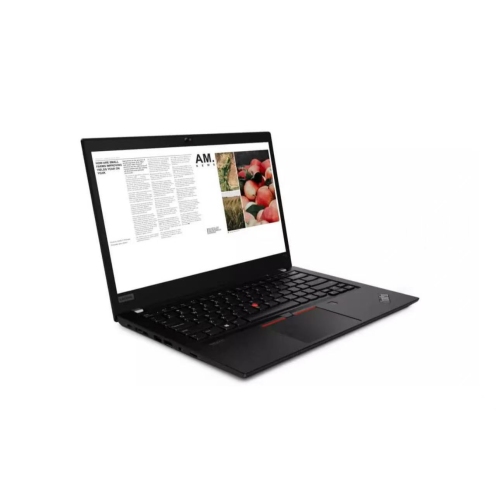
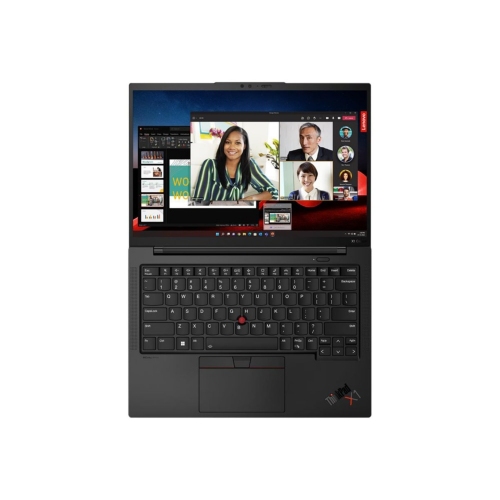
    LENOVO Refurbished (Good) - Thinkpad T14 Gen 1 14" Business Laptop - Amd Ryzen 7 Pro 4750U - 16GB Ram - 512GB SSD - Radeon Graphics - Windows 11 Pro

    About this product

    A refurbished business laptop with Ryzen 7 PRO, 16GB RAM, 512GB SSD and Windows 11 Pro.

    (238)
    $409.99
    SAVE $150
    Your price for this item is $409.99
  2. 2

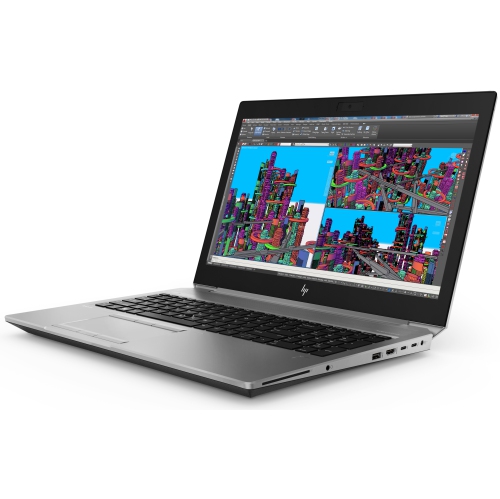
    HP Refurbished (Good) - Zbook Studio G5 15.6" Workstation Laptop - Intel Core I7-8850H - 32GB Ram - 256GB SSD - Windows 10 Pro

    About this product

    A refurbished workstation laptop featuring an Intel Core i7 processor, 32GB RAM, 256GB SSD, and Windows 10 Pro.

    (1)
    $699.00 Your price for this item is $699
  3. 3

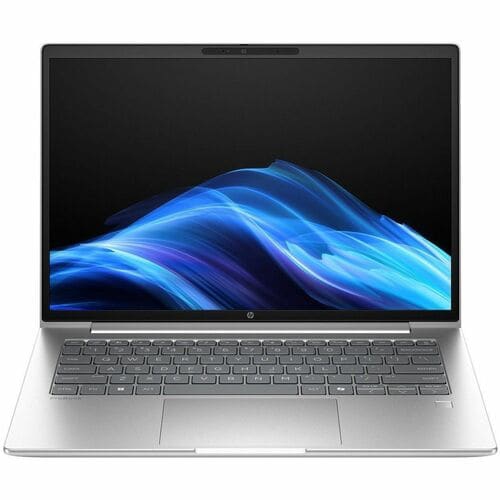
    HP Refurbished (Excellent) - Probook 440 G5 14" Business Laptop - Intel Core I5-8250U - 8GB Ddr4 - 256GB SSD - Windows 11 Pro - In Silver

    About this product

    A refurbished 14" laptop with Intel Core i5, 8GB RAM, 256GB SSD, and Windows 11 Pro.

    (1)
    $499.99 Your price for this item is $499.99
  4. 4

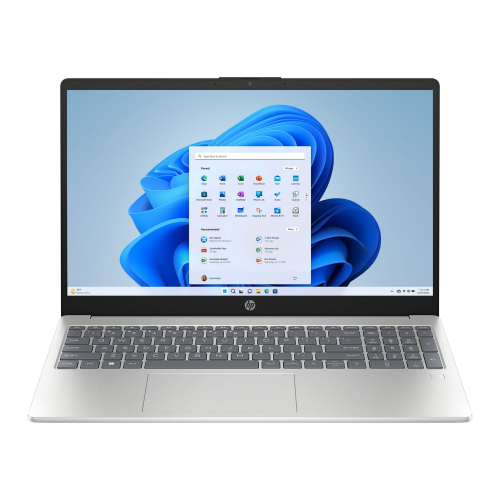
    HP Laptop 15.6" Fhd Ips Touchscreen - Intel Core I7-1355U - 32GB Ddr4 - 1Tb SSD - Intel Iris Xe - Windows 10 Pro - Natural In Silver

    About this product

    A powerful touchscreen laptop with a 10-core i7 processor, 32GB RAM, 1TB SSD, and Wi-Fi 6.

    $1,294.00
    SAVE $400
    Your price for this item is $1294
  5. 5

    LENOVO V15 15.6" Laptop - Intel Core I5-1035G1 - 8GB Ddr4 - 256GB SSD - Windows 10 Home - Iron In Grey

    About this product

    A sleek laptop featuring an Intel Core i5 processor, 256GB SSD, 8GB RAM, and Windows 10 Home.

    $713.00
    SAVE $160
    Your price for this item is $713
  6. 6

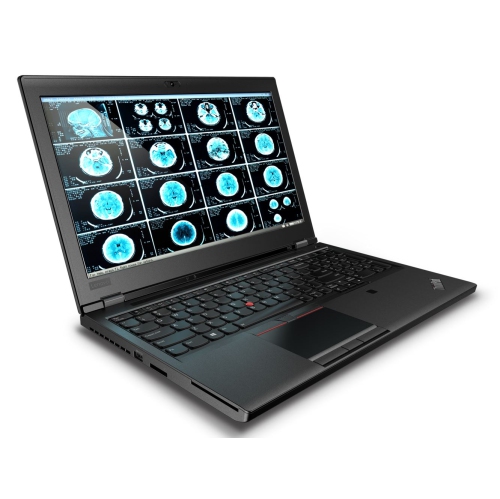
    LENOVO Refurbished (Good) - Thinkpad P52 Workstation 15.6" Laptop - Intel Core I7-8850H - 16GB - 512GB SSD - Quadro P1000 4GB - Windows 10 Pro

    About this product

    A refurbished workstation laptop with Core i7, 16GB RAM, 512GB SSD, Quadro P1000, and Windows 10 Pro.

    $899.00 Your price for this item is $899
  7. 7

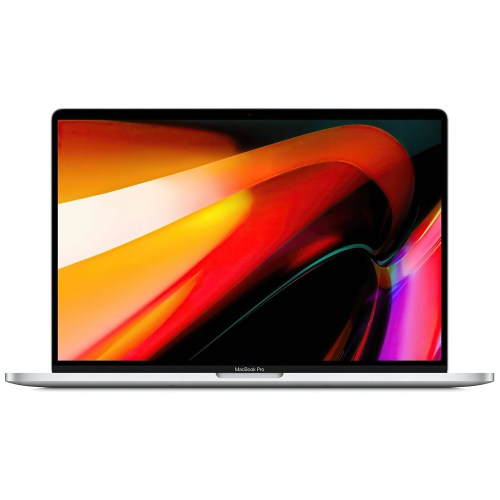
    APPLE Refurbished (Good) - Macbook Pro W/ Touch Bar 16" - Space (Intel Core I7 2.6Ghz/512GB SSD/16GB Ram) - En (2019 Model) In Grey

    About this product

    A refurbished laptop with Touch Bar, Intel Core i7, 512GB SSD, 16GB RAM, and grey finish.

    What customers like

    • Improved and comfortable keyboard
    • Excellent performance and processing power
    • Good value for a refurbished MacBook Pro
    • High-quality display with great color accuracy
    • Impressive sound and speaker quality
    (2,593)
    $659.99
    SAVE $540
    Your price for this item is $659.99
  8. 8

    LENOVO Refurbished (Excellent) - Thinkpad P1 Workstation Laptop - Intel Core I7-8850H - 32GB Ddr4 - 1Tb SSD - Nvidia P1000 - Windows 11 Pro -

    About this product

    A powerful black workstation laptop with Intel Core i7, 32GB RAM, 1TB SSD, and NVIDIA P1000 graphics.

    $949.98
    SAVE $148
    Your price for this item is $949.98

Why your workload matters more than a single specification

The best laptops for work combine dependable performance, a comfortable keyboard, a clear display, and enough battery life for the way a working day unfolds. The right balance depends on whether that day involves answering emails between appointments, managing spreadsheets at a desk, or editing large files while travelling. For everyday office tasks, a modern processor, 16GB of memory, and solid-state storage provide a practical starting point for keeping documents, browser tabs, and video calls running together. More demanding work, such as software development, complex data analysis, or high-resolution media editing, can benefit from additional memory, stronger processing performance, and, where the software requires it, dedicated graphics. Memory helps keep several applications active at once, while storage determines how much space is available for software and local files; these specifications serve different purposes. A 512GB solid-state drive can suit document-focused work, while larger project libraries may call for more capacity. For professionals using shared online storage, local space still matters for downloaded files, installed applications, and work completed without an internet connection. Software compatibility is just as important as hardware specifications. Accounting tools, design applications, company security software, and specialized workplace systems may have particular operating system or processor requirements. A laptop that handles routine documents comfortably may not meet the needs of an engineer running detailed simulations. Likewise, extra graphics power offers little practical benefit to someone whose day centres on scheduling, writing, and browser-based tools. Freelancers, office staff, small-business owners, and employees working between home and the office all benefit from matching performance to their actual workload rather than choosing by a single specification. For roles involving company-managed systems and shared workplace tools, Laptops for Business Work brings the focus to business-oriented computing needs. Across these uses, the most useful work laptop is one that supports essential applications smoothly and fits naturally into an established routine.

Comfort becomes especially noticeable during long stretches of typing, reviewing reports, or joining meetings. A keyboard with well-spaced keys and a firm, consistent feel can make lengthy proposals less tiring to write, while a responsive touchpad helps when there is no room for a mouse. Backlit keys are useful in dim meeting rooms, and a dedicated number pad may appeal to people who enter figures frequently, although it generally requires a wider chassis. Screen size affects both working space and portability. A 13-inch or 14-inch laptop is often easier to carry between appointments, while a 15-inch or 16-inch display gives spreadsheets, side-by-side documents, and detailed timelines more room. Resolution influences text clarity, but readable scaling matters too; a sharp screen is only comfortable if menus and labels remain easy to see. A taller display can show more lines of a document, and an anti-glare finish can reduce distracting reflections near a window or beneath overhead lighting. People handling photography, graphics, or other colour-sensitive projects may need to look beyond size and resolution to colour accuracy and coverage. For remote and hybrid work, a clear webcam, effective microphones, and intelligible speakers help conversations feel less strained, especially when several people are speaking from different locations. A physical camera shutter adds a straightforward privacy measure between calls. Reliable Wi-Fi supports online meetings and shared files, although connection quality also depends on the network being used. Ports deserve attention before the laptop reaches the desk: connecting a display, wired headset, storage drive, or office projector may require particular connections or adapters. USB-C ports can differ in charging, display, and data capabilities, so the connector shape alone does not establish what a port supports. For a laptop that spends much of the day at a workstation, compatible docking support can make the transition from commuting to a full-sized keyboard and external display much simpler. These everyday details often matter as much as raw speed.

Build quality, battery performance, and care help determine how well a work laptop holds up beyond its first busy week. Aluminium and magnesium housings can offer rigidity, while well-built reinforced plastic designs can also handle regular office use; material alone does not establish durability. A stable hinge, limited flex around the keyboard, and a lid that closes securely are worth considering for a computer that travels frequently. Total carrying weight includes the charger and any necessary adapters, not just the laptop itself. A slim model may slip neatly into a shoulder bag, but its cooling system and sustained performance still need to suit the intended workload. Battery estimates also need context: screen brightness, video meetings, background applications, and demanding software can all shorten time between charges. Someone moving from a morning presentation to afternoon client visits may value longer unplugged operation more than someone working beside an outlet. Compatible USB-C charging can simplify a travel setup, provided the charger supplies the power the laptop requires. Security features such as fingerprint sign-in, facial sign-in, and support for drive encryption can help protect work files, but company requirements should determine which capabilities are necessary. Repair options, warranty terms, and whether memory or storage can be upgraded may also influence how well a laptop serves changing needs. Some thin designs have fixed memory, making the initial configuration especially important. Regular software updates and dependable backups help keep work accessible, while simple physical care protects the machine itself. Carrying a laptop in a padded sleeve, keeping drinks away from the keyboard, and clearing dust from vents according to the manufacturer’s directions can reduce avoidable wear. During colder weather, allowing a chilled laptop to reach room temperature before use helps avoid problems from condensation. On a desk, a firm surface keeps ventilation openings clear; a blanket or sofa cushion can obstruct airflow. Whether supporting a new role, an established business, or a flexible home-office routine, a well-matched work laptop should feel comfortable to use, practical to carry, and capable of handling the tasks that fill the day.

FAQ

Some products may be subject to Environmental Handling Fees (EHF) depending on your province. Learn more about EHFs.