Best M2 SSDs
The best M.2 SSDs deliver fast storage in a compact design, whether you’re upgrading a laptop, building a desktop, or expanding your gaming setup. Explore our selection ranked by user review ratings, and compare storage capacity, read and write speeds, and compatibility to find the right drive for your needs.
What to look for in M.2 SSDs
1. Device Compatibility
2. Read and Write Speeds
3. Storage Capacity
4. Reliability and Heat Management
-
1
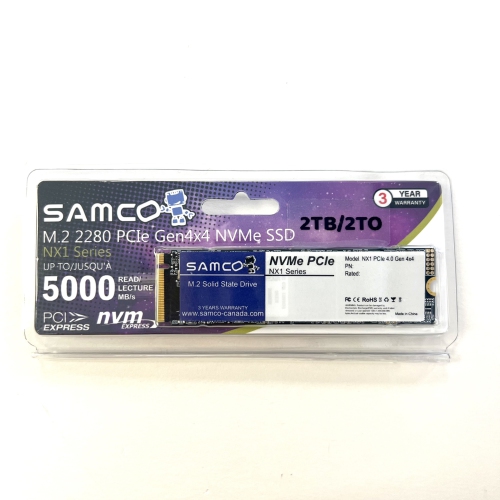
SAMCO Nx1 2Tb M2 2280 Nvme PCie Gen4X4 SSD
About this product
A high-speed NVMe PCIe Gen4x4 SSD offering 2TB storage with 5000MB/s read and 4500MB/s write speeds.
(2)$350.00 Your price for this item is $350 -
2
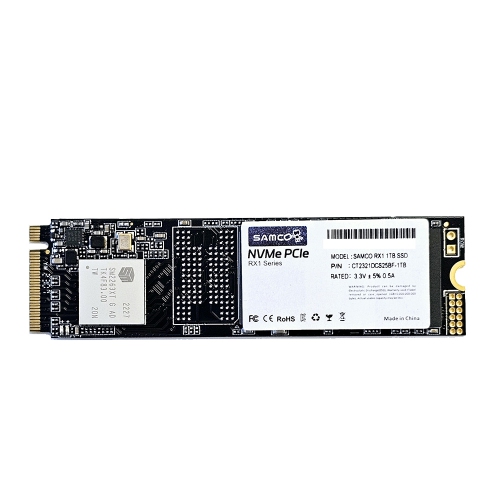
SAMCO 1Tb Rx1 M.2 Nvme PCie 3 SSD (R:2200Mb/s; W:1500Mb/s)
About this product
A high-speed NVMe PCIe Gen3x4 SSD offering 1TB storage for enhanced computer performance.
(1)$190.00 Your price for this item is $190 -
3
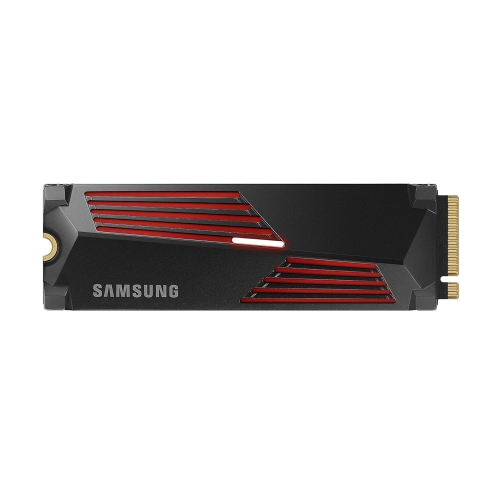
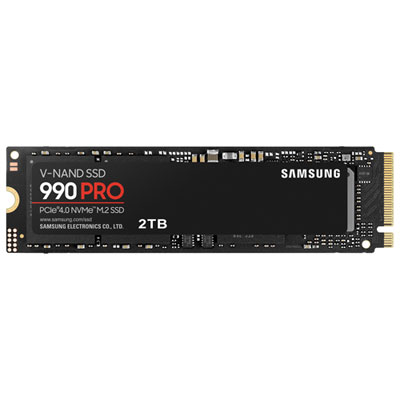
SAMSUNG 990 Pro 1Tb With Heatsink PCie 4.0 Nvme M.2 SSD R/w 7450/6900 Mb/s, for High End Computing, Ultra Fast Gaming, Compatible W/playstation 5
About this product
A high-performance PCIe 4.0 NVMe M.2 SSD with heatsink, delivering ultra-fast speeds for gaming and computing.
What customers like
(1,180)$575.99Your price for this item is $575.99SAVE $24 -
4
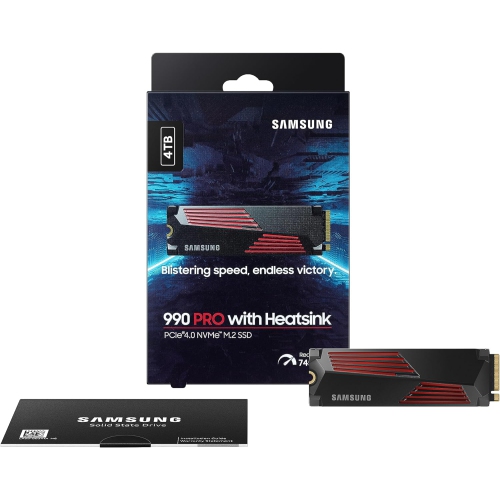
SAMSUNG 990 Pro W/heatsink SSD 4Tb PCie 4.0 M.2 Internal Solid State Hard Drive, Fastest Speed for Gaming, Heat Control, Storage And Memory
About this product
A high-speed 4TB PCIe 4.0 M.2 SSD with heatsink for gaming, heat control, and PS5 compatibility.
What customers like
(1,330)$1,554.97Your price for this item is $1554.97SAVE $445 -
5
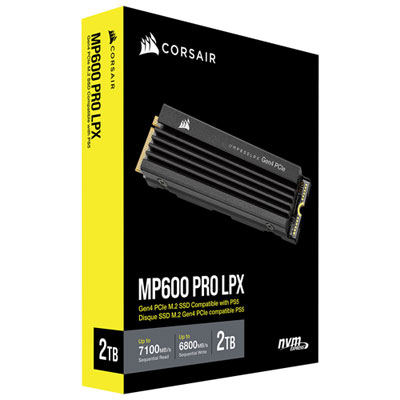
Corsair MP600 Pro LPX 2TB M.2 NVMe PCI-e (Gen 4) Internal Solid State Drive with Heatsink - Optimized for PS5
About this product
A high-speed black M.2 NVMe SSD with heatsink, delivering rapid game loading optimized for PlayStation 5.
What customers like
(671)$609.99 Your price for this item is $609.99 -
6
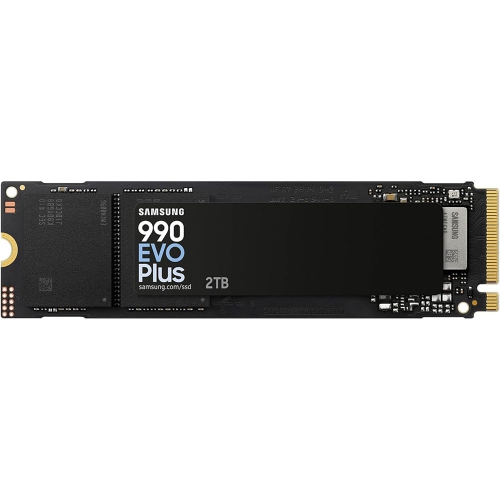
SAMSUNG 990 Evo Plus - 2Tb PCie Gen4. X4 / Gen5. X2 Nvme 2.0 - M.2 Internal SSD, Speed Up to 7, 250Mb/s, Upgrade Storage for PC/laptops
About this product
A high-speed M.2 internal SSD offering up to 7,250MB/s transfer rates for PC and laptop upgrades.
What customers like
(1,298)$789.99 Your price for this item is $789.99 -
7

CRUCIAL SSD 1Tb M.2 (2280) P310 Nvme PCie Gen4 Internal
About this product
A high-speed internal SSD with PCIe Gen4 NVMe technology and 3D NAND for rapid data transfer.
What customers like
(458)$258.00 Your price for this item is $258 -
8
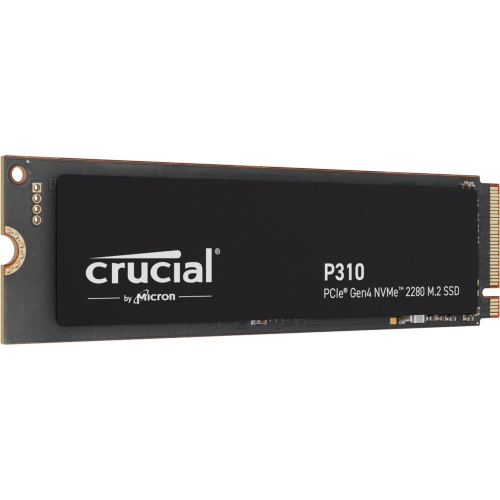
CRUCIAL P310 M.2 2280 2Tb PCi-Express 4.0 X4 Nvme 3D Nand Internal Solid State Drive (SSD) Ct2000P310SSD8
About this product
A high-speed internal SSD with PCIe 4.0 x4 interface and 3D NAND technology for reliable storage.
What customers like
(397)$458.95Your price for this item is $458.95SAVE $306 -
9
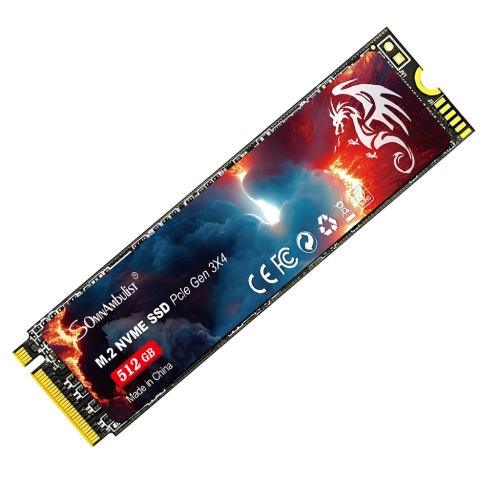
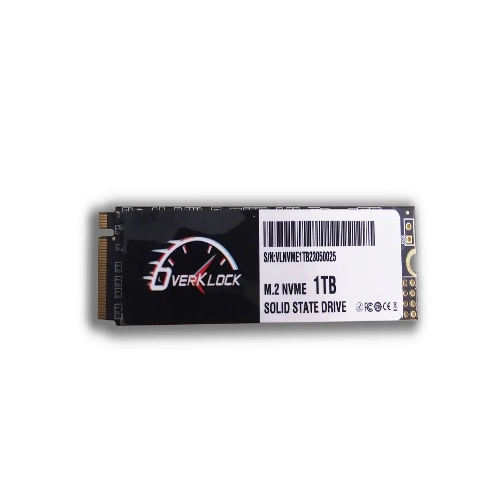
UNBRAND PCie Nvme M.2 Internal Solid State Drive SSD, High Speed M2 Storage Hard Drive for Laptop & Desktop PC, Bulk Wholesale Available
About this product
A high-performance PCIe NVMe M.2 SSD delivering ultra-fast read and write speeds for computers.
$69.99Your price for this item is $69.99SAVE $100 -
10
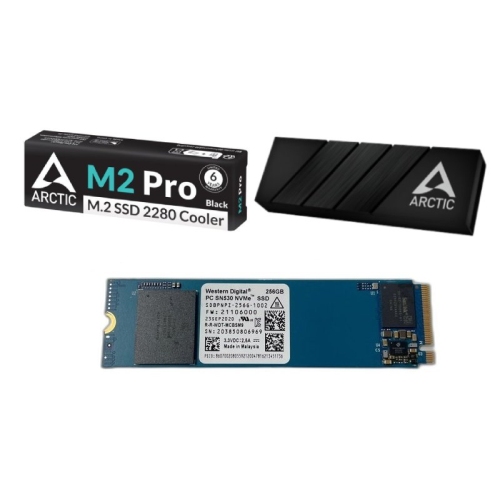
WESTERN DIGITAL PC Sn530 (Sdbpnpz-256G) 256GB M.2 2280 PCie Nvme Internal Solid State Drive (SSD) W/ M2 Pro SSD Cooler for M.2 Drives Black/silver
About this product
A high-speed black M.2 NVMe SSD with 256GB capacity and included M2 Pro SSD cooler.
$90.99Your price for this item is $90.99SAVE $59
FAQ
An M.2 SSD is a solid-state storage drive that connects directly to a compatible motherboard slot. It stores your operating system, applications and files without the separate data and power cables typically used by SATA drives.
M.2 describes the drive’s physical format, while SATA and NVMe describe how it communicates with your computer. SATA M.2 SSDs use the SATA interface, while NVMe M.2 SSDs communicate over PCIe. An M.2 slot may support SATA, NVMe or both, so these drives are not automatically interchangeable.
Check your computer or motherboard documentation for an M.2 storage slot and its supported interface. Confirm whether it accepts SATA or PCIe NVMe drives and whether it supports booting from the drive if you plan to install your operating system on it. Some M.2 slots are intended for Wi-Fi cards rather than storage.
Not necessarily. You can clone an existing system drive to a compatible M.2 SSD using suitable software, or choose a fresh operating system installation. If you are adding the SSD as a secondary drive for files and applications, you generally only need to initialize and format it.
Yes, an M.2 SSD can be used externally with a compatible enclosure. Choose an enclosure that explicitly supports your drive’s SATA or NVMe interface and connects to an available port on your computer. A SATA-only enclosure will not work with an NVMe drive, and vice versa.
Top selling and popular products
Discover more categories related to Best M2 SSDs
Some products may be subject to Environmental Handling Fees (EHF) depending on your province. Learn more about EHFs.