M2 SSDs
Our selection of M.2 SSDs offers lightning-fast speeds and reliable performance to take your computing experience to the next level. Whether you're a gamer looking to reduce load times, a creative professional working with large files, or simply in need of more storage space, M.2 SSDs provide the solution you need. With their compact form factor and impressive read/write speeds, these drives are a must-have for anyone seeking improved efficiency and responsiveness from their system.
Sort

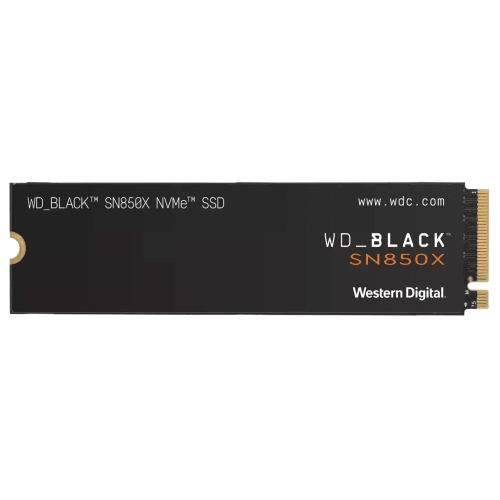
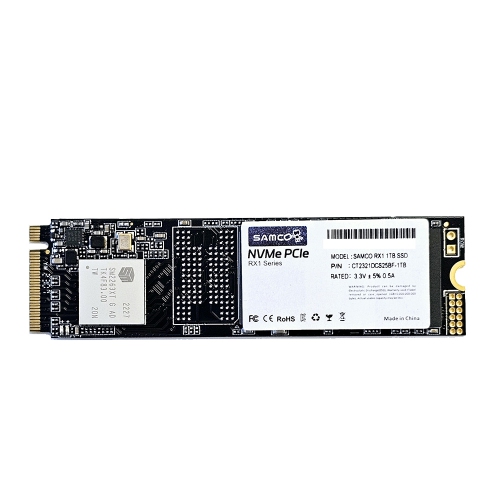

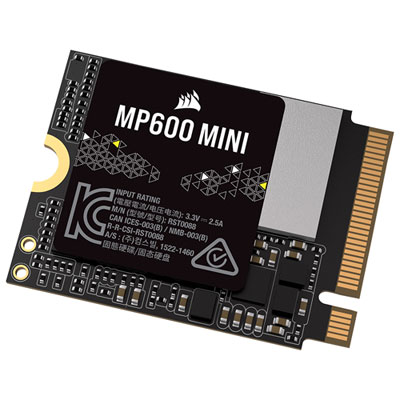
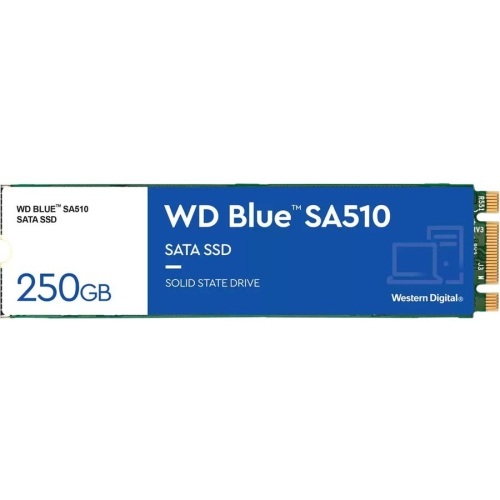

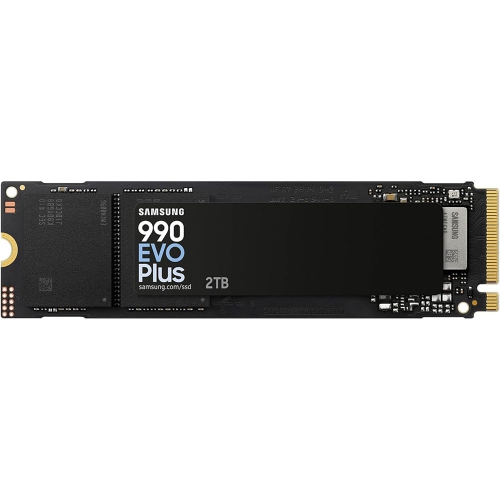
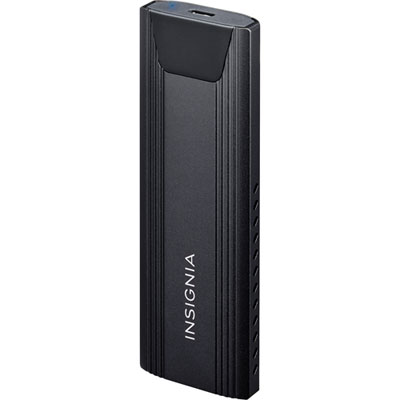
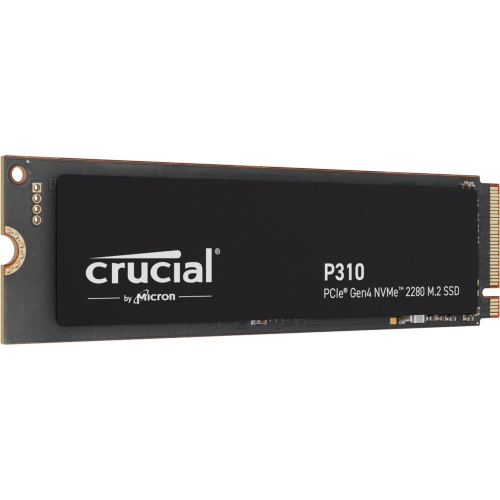
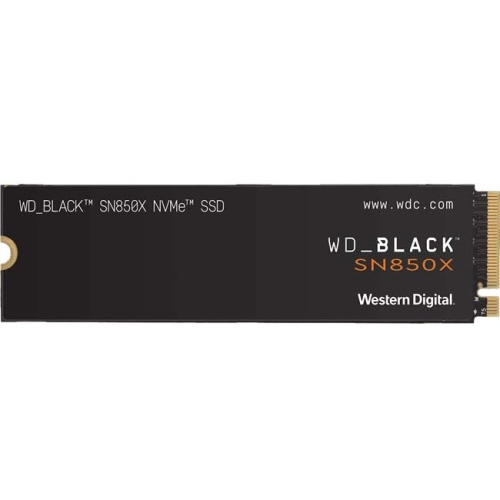
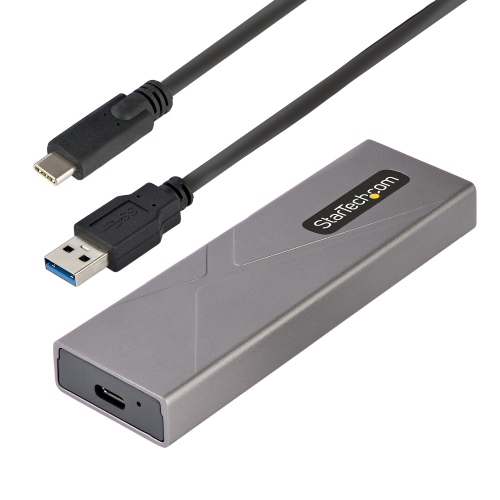
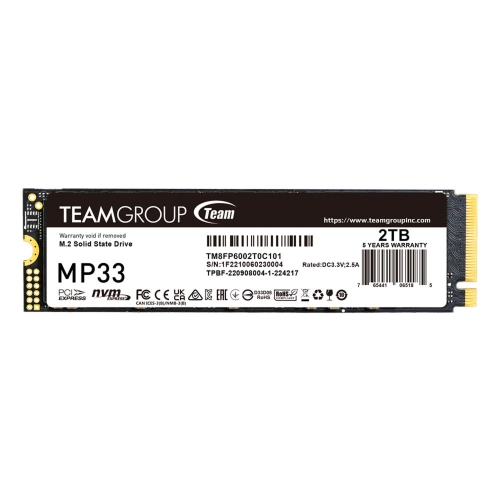
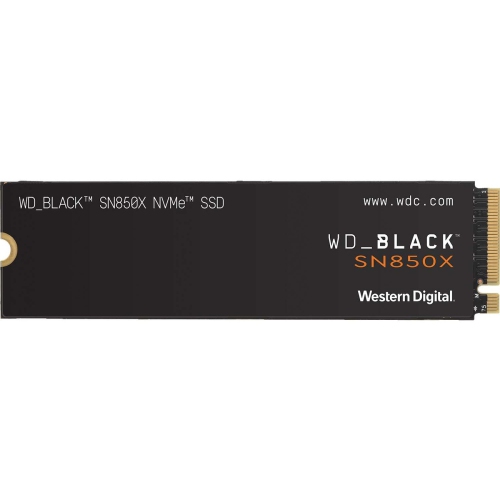
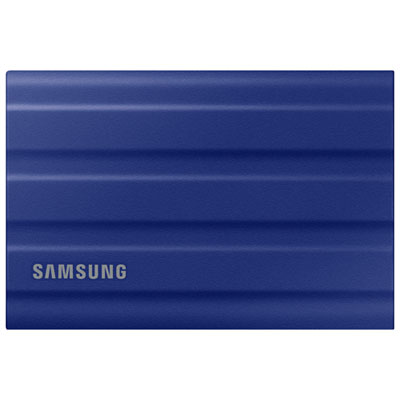
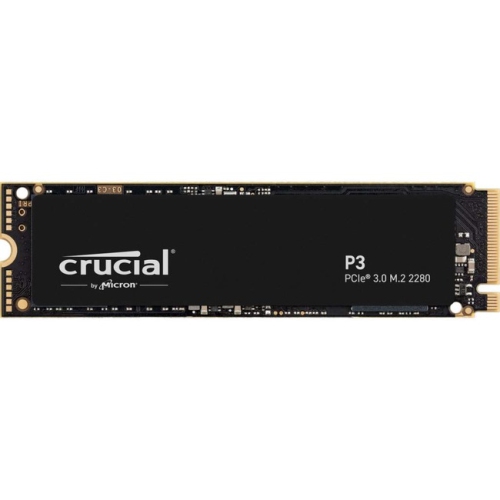
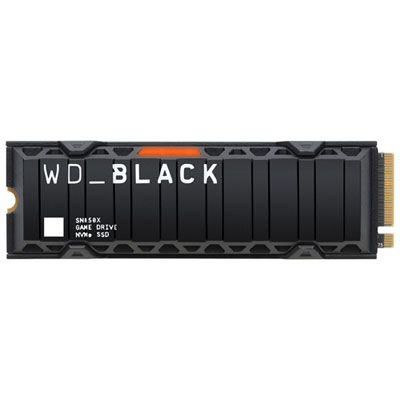
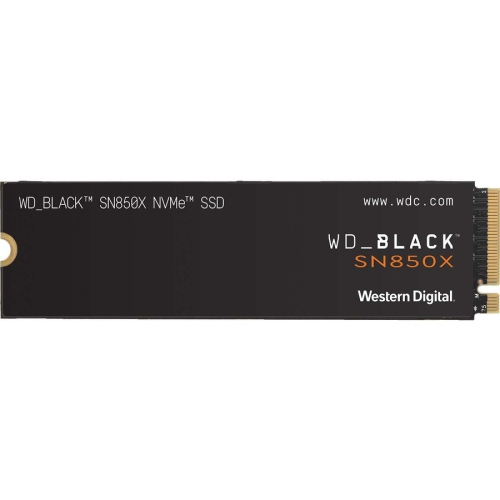
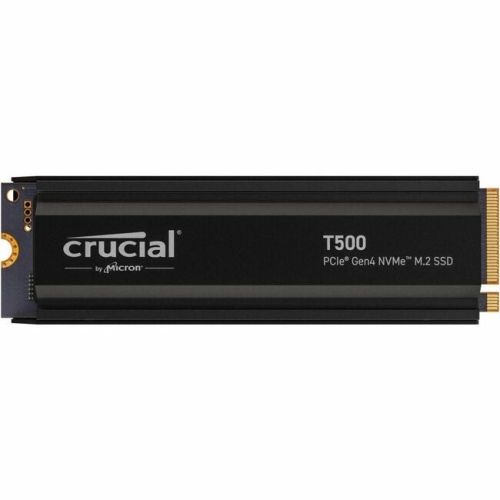
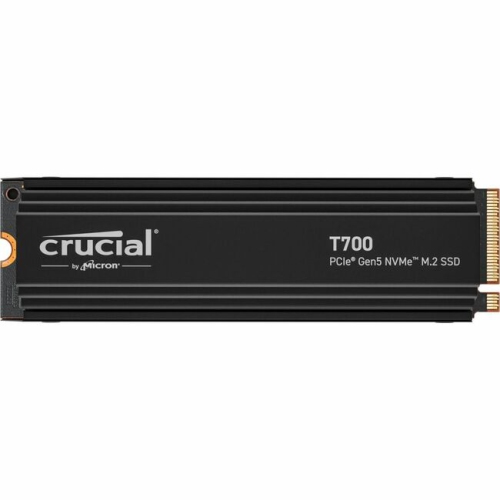
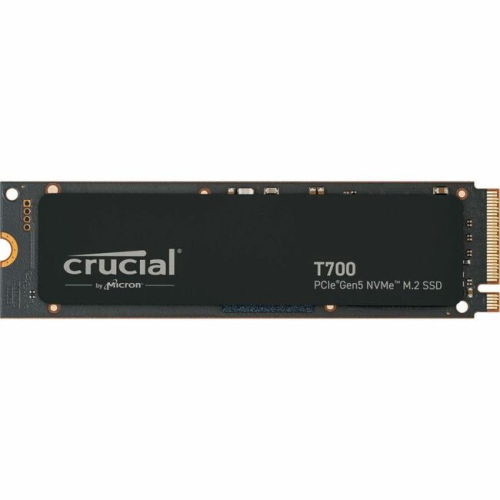
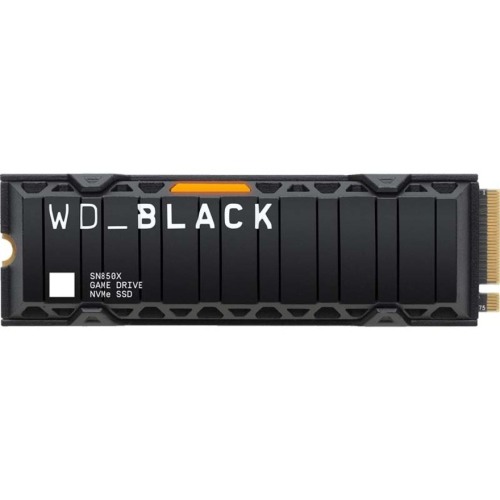
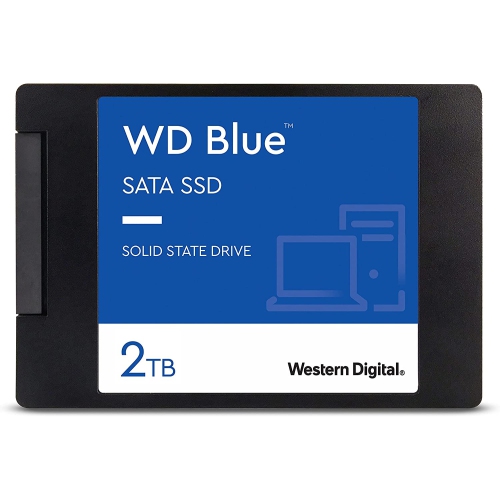
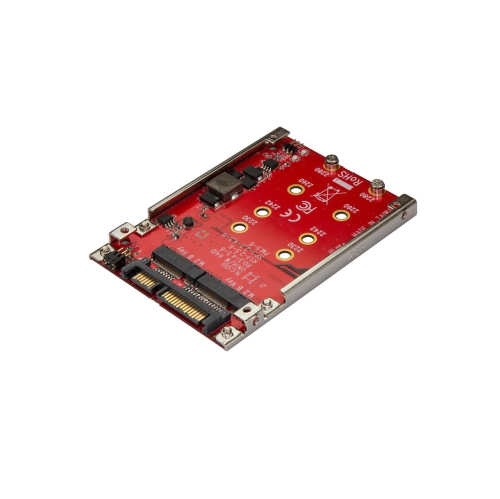
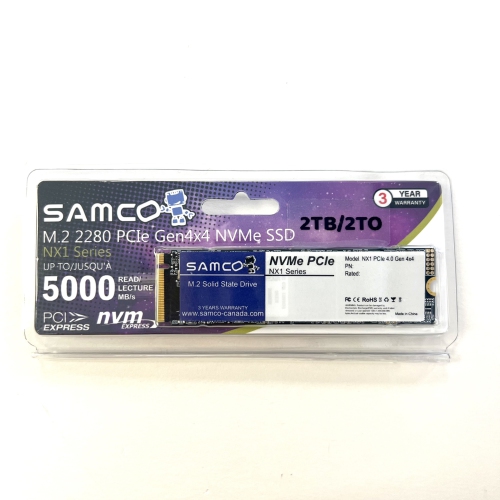
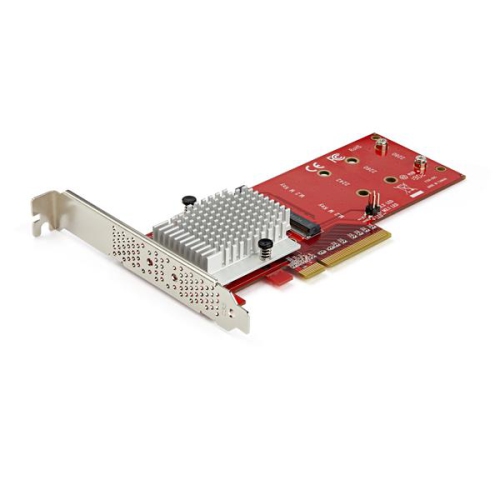
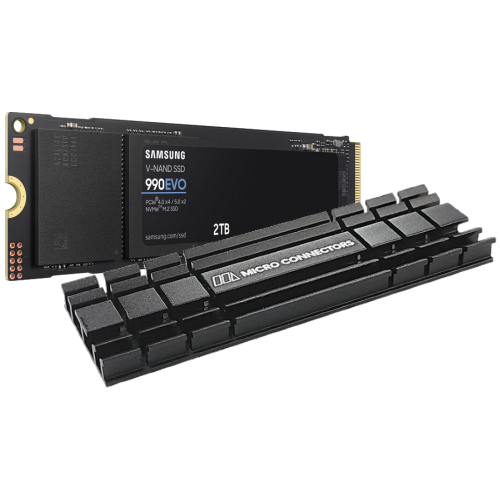







What to know before upgrading with M.2 storage
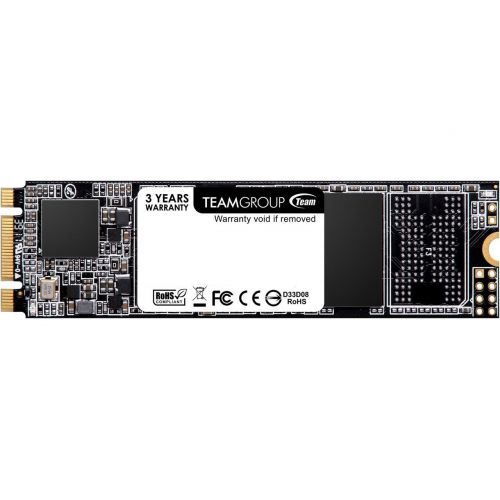
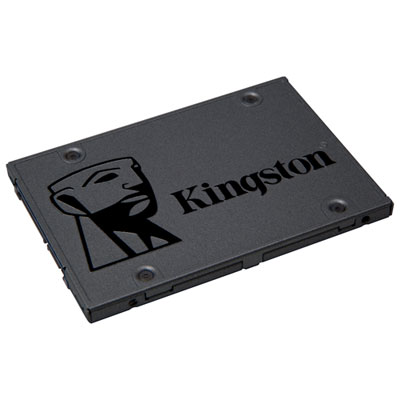
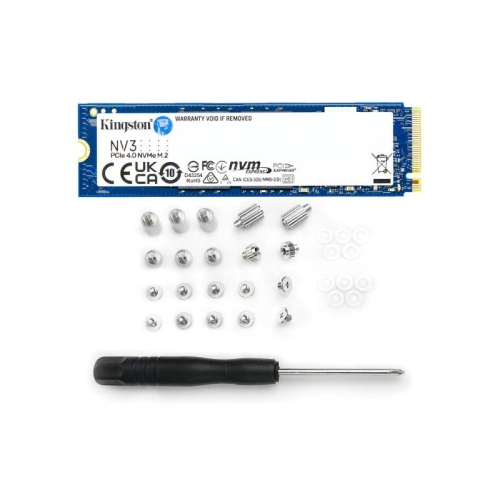
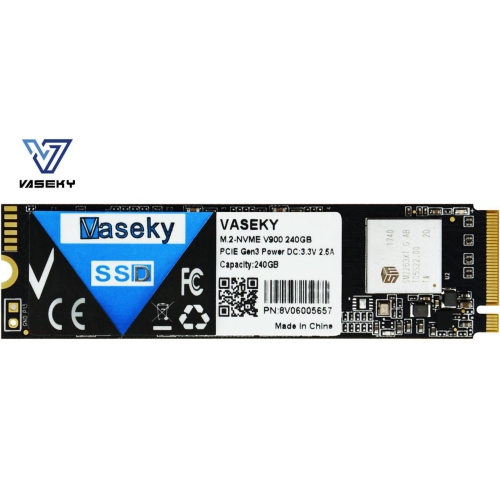
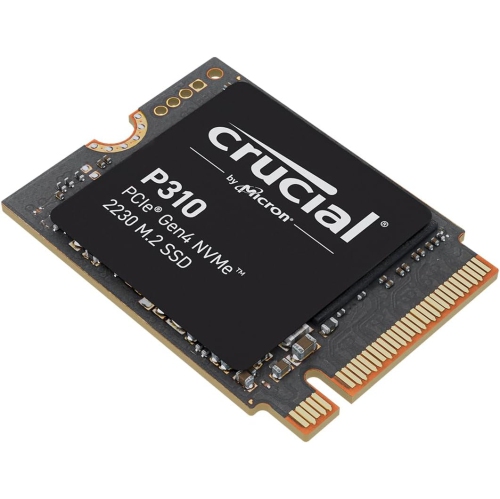
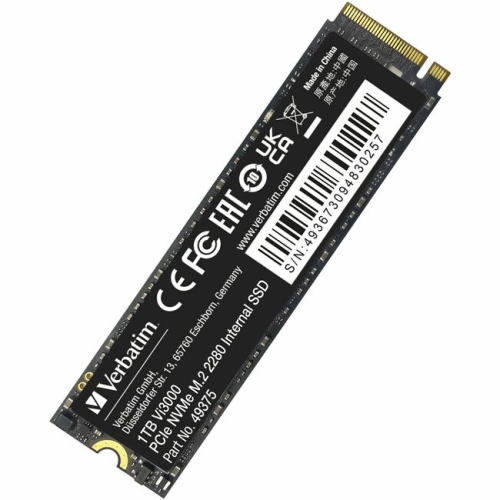
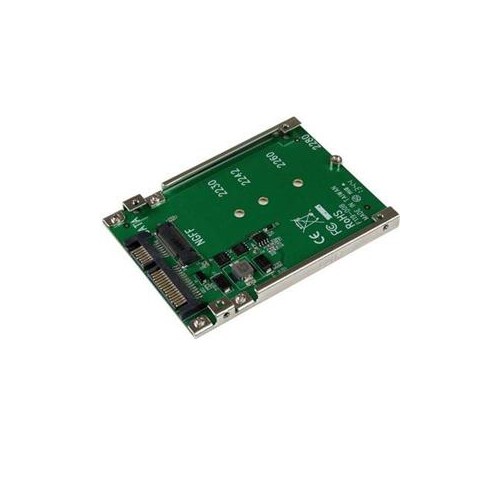
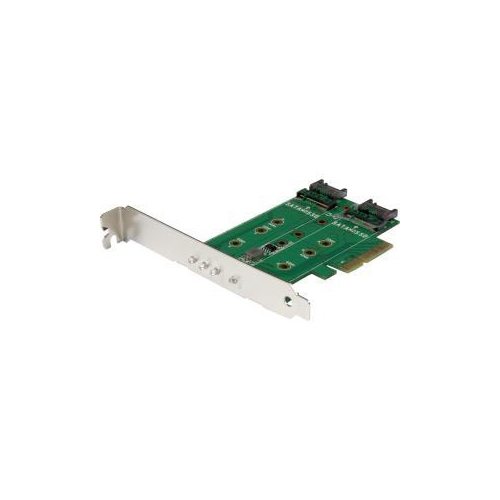
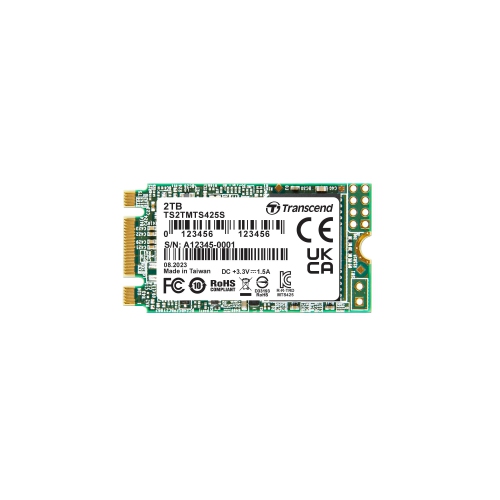
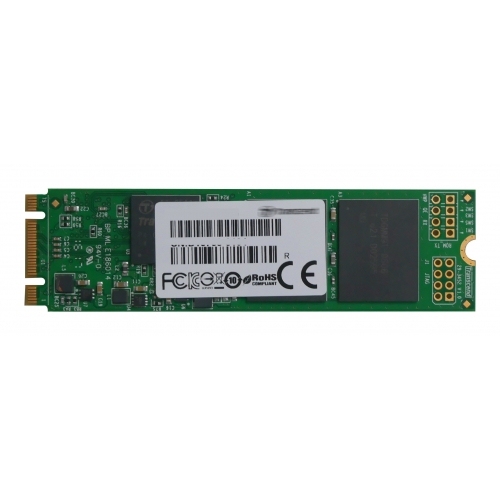
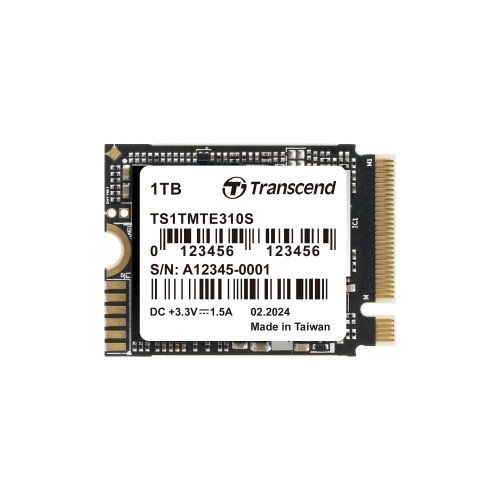
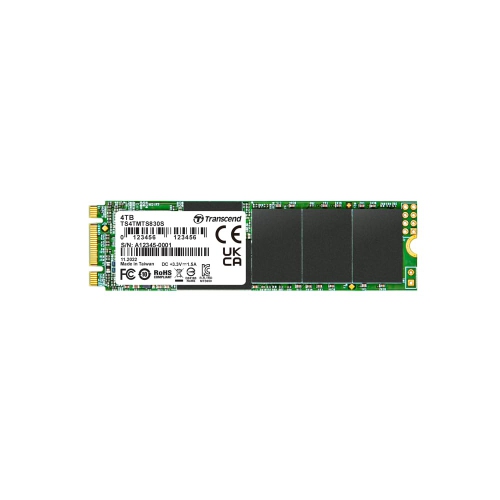
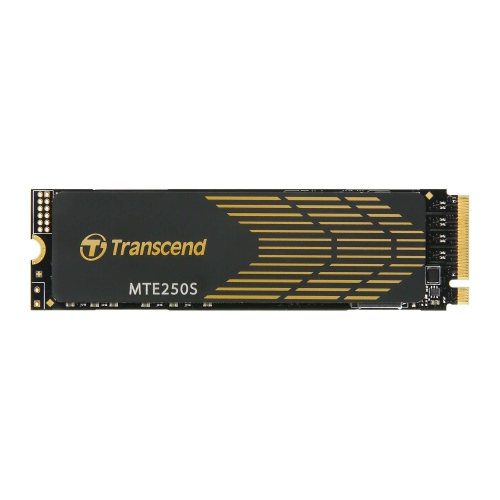
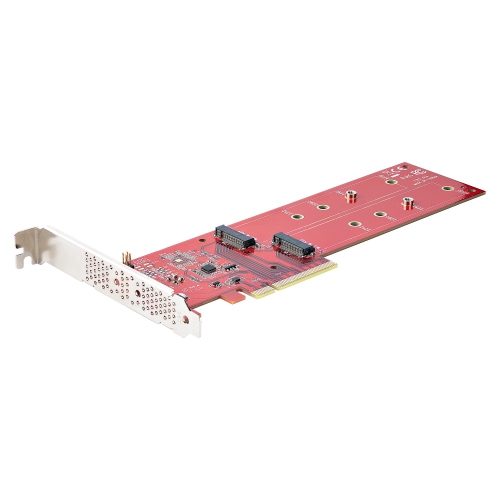
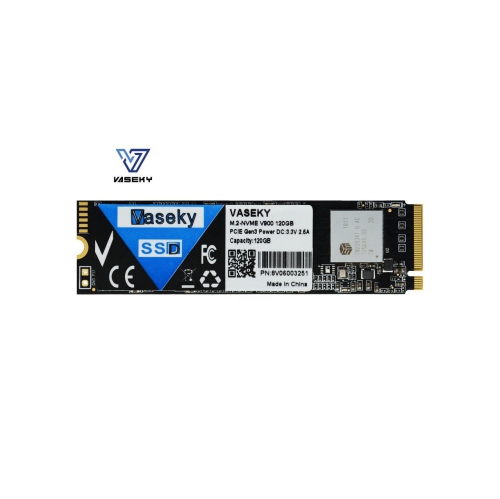
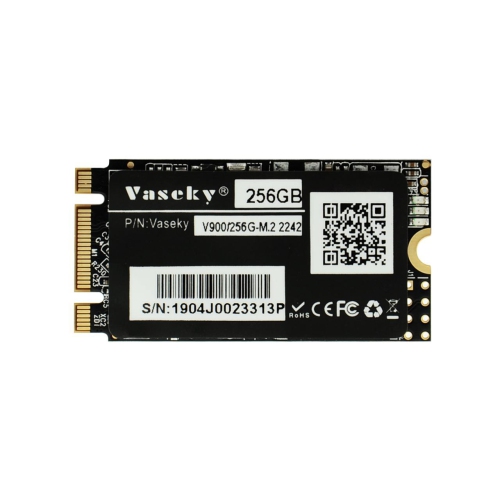
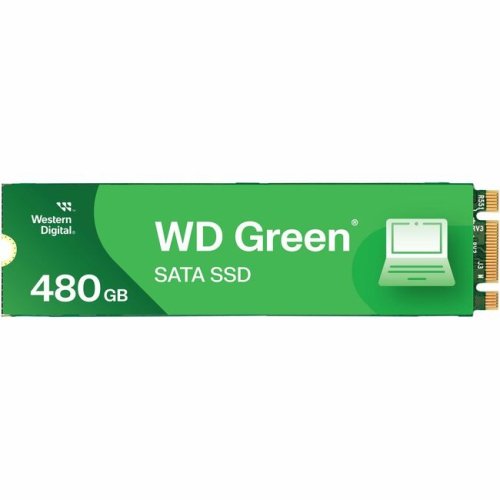
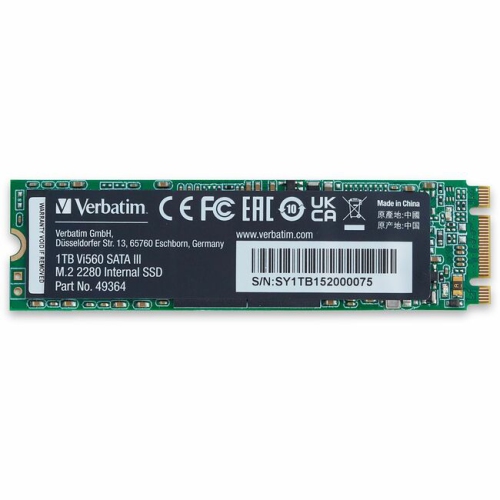
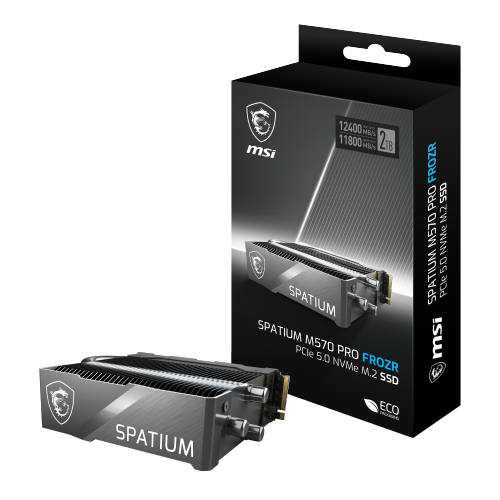
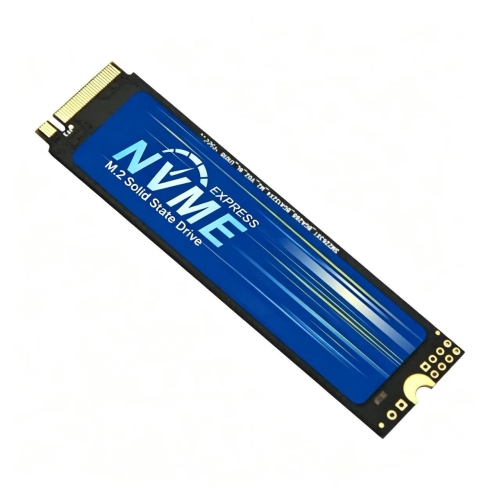
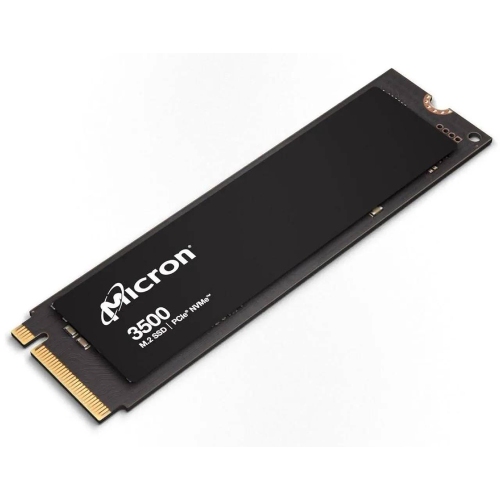
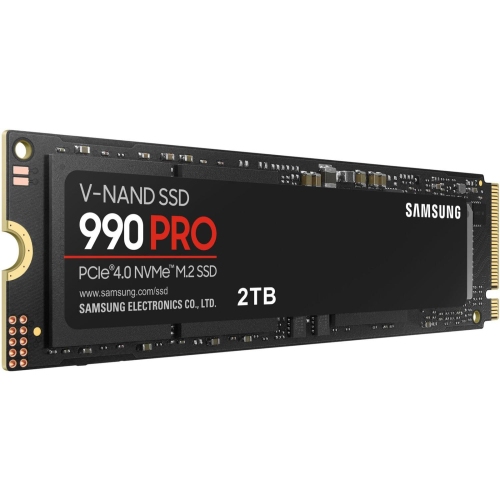
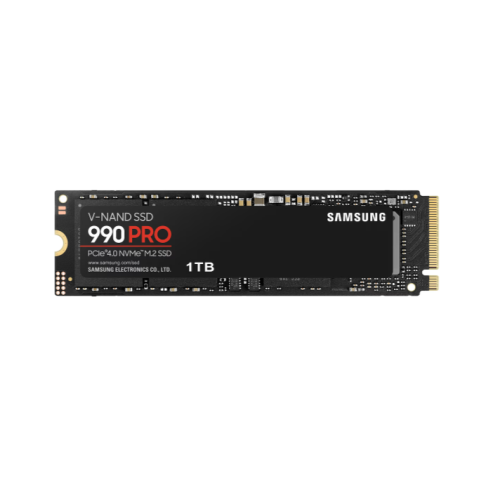
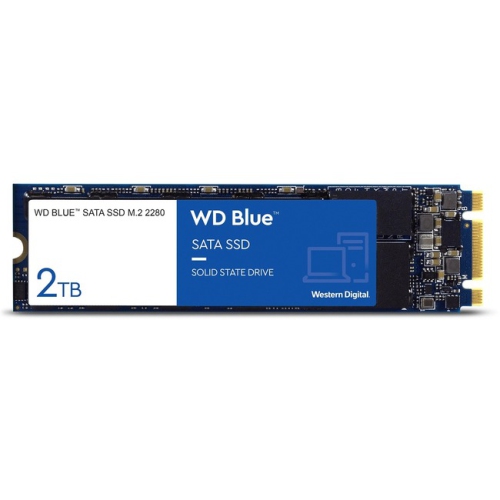
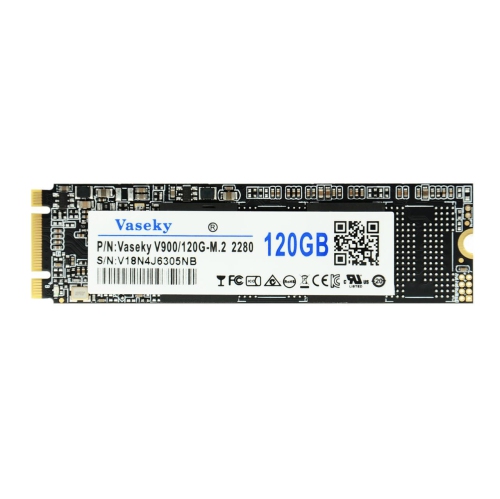
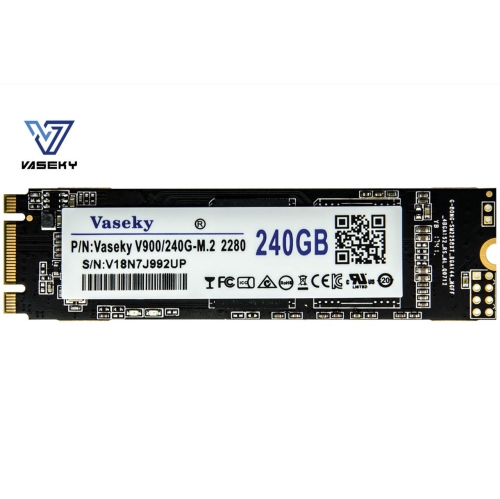
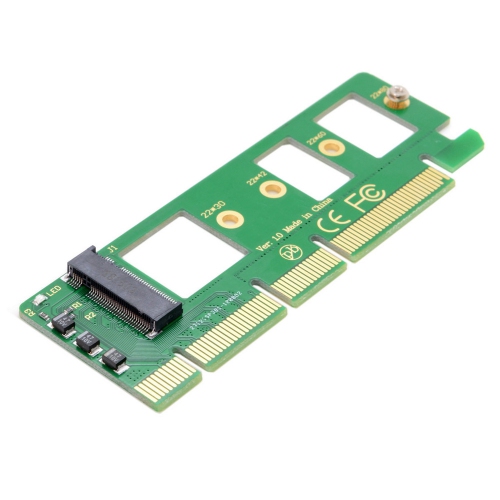
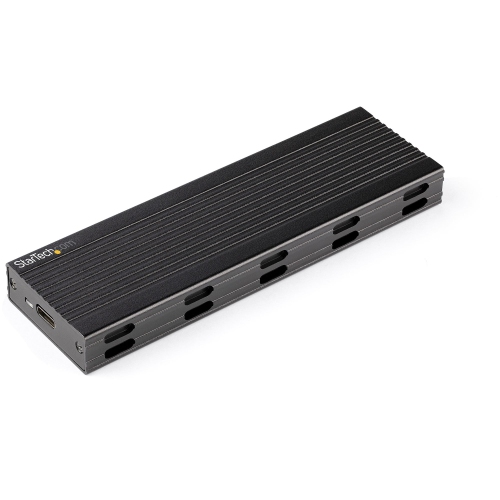
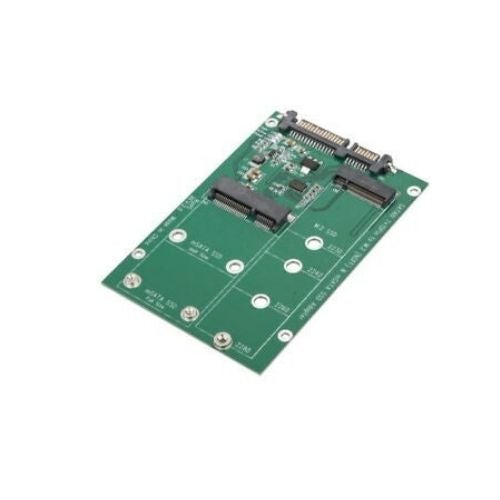
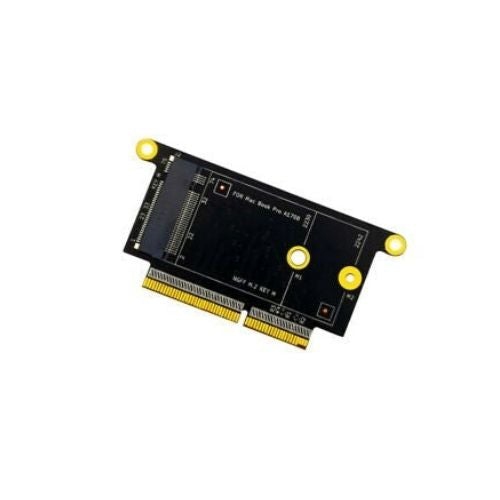
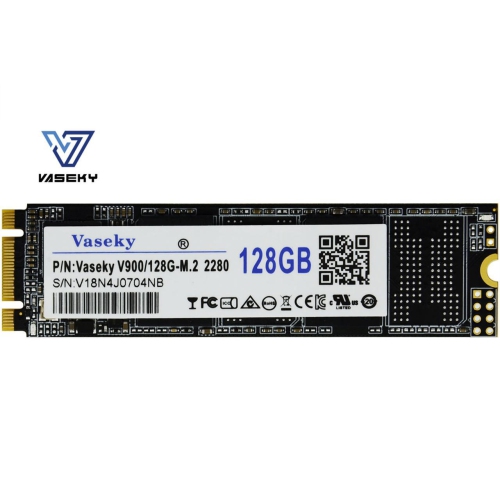
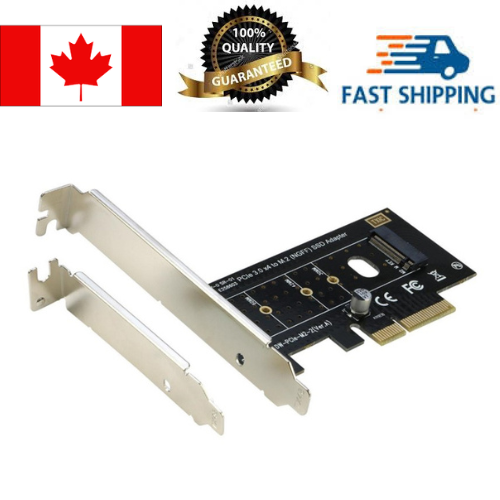
M.2 SSDs are compact internal storage drives designed to fit directly into a compatible slot on a computer motherboard, laptop, or supported gaming console. Their slim, gumstick-shaped design takes up very little room inside a device and connects without the separate data and power cables used by traditional 2.5-inch drives, which can make installation tidier and help preserve airflow around other components. Despite their small size, M.2 SSDs can offer a noticeable improvement in everyday performance. Starting a computer, opening applications, transferring large folders, loading creative projects, and launching games can all feel quicker when the operating system and frequently used files are stored on solid-state storage. Unlike a hard disk drive, an SSD has no spinning platters or moving read-and-write heads, so it can access data quickly and operate quietly. When browsing M.2 SSDs, the first detail to confirm is the interface. NVMe M.2 SSDs use PCIe lanes to communicate with the system and are generally much faster than SATA M.2 SSDs. Depending on the PCIe generation supported by the drive and the host device, NVMe models can reach sequential read speeds of several thousand megabytes per second, while SATA-based M.2 SSDs are typically limited to around 550 MB/s. Both types can look almost identical, making it important to check the specifications rather than relying on the shape alone. A motherboard or laptop manual will indicate whether the M.2 slot supports NVMe, SATA, or both, as well as which physical size and key configuration are accepted. Many M.2 drives use the common 2280 size, referring to a width of 22 millimetres and a length of 80 millimetres, but some compact laptops and tablets require a shorter module. The slot may also share bandwidth with other ports, so reviewing the device documentation can help avoid compatibility surprises during installation. For a straightforward starting point, explore Best M2 SSDs and compare the interface, dimensions, capacity, and performance details listed for each option.
Capacity is another important consideration because the right amount of storage depends on how the device is used. A smaller-capacity M.2 SSD may be well suited to an older laptop used for web browsing, office documents, online learning, and streaming, particularly when it is replacing a slow or aging hard drive. A mid-range capacity gives more breathing room for a full operating system, applications, photos, downloaded media, and a selection of games without constantly managing free space. Larger capacities are helpful for gaming PCs, video editing workstations, photography libraries, music production systems, and computers used for large design or engineering files. Game installations and high-resolution media can occupy substantial space, while operating systems and applications also need room for updates and temporary files. Keeping some free capacity available can support consistent performance and make file management less frustrating. Speed ratings deserve a close look, but they should be considered alongside the capabilities of the computer. A high-performance PCIe 4.0 or PCIe 5.0 NVMe drive may deliver excellent results in a compatible desktop, yet a system limited to an earlier PCIe generation may not take advantage of its full rated speed. Newer drives are often backward-compatible in principle, but the actual performance will usually be limited by the older connection. A heatsink can also be useful, especially in a gaming desktop or workstation that handles long transfers and demanding applications. Some motherboards include an M.2 cover or heatsink, while others require the drive to be installed without one or paired with a compatible accessory. Laptop upgrades have additional considerations: opening the chassis may require careful handling, some models have only one storage slot, and the original drive may contain the operating system and personal files that need to be backed up before replacement. A clean installation can provide a fresh start, while cloning software can transfer an existing setup when the new drive has enough capacity and the hardware supports the process.
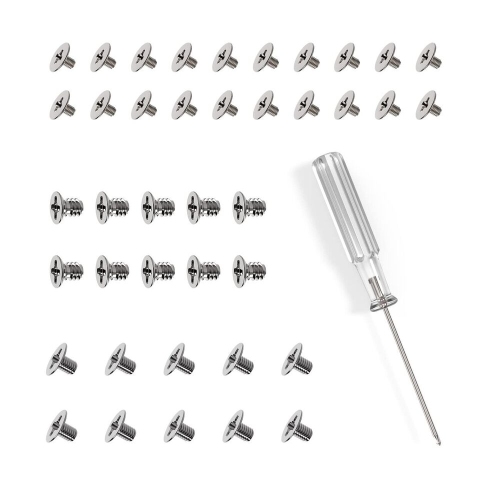
M.2 SSDs are often chosen by people building a new computer, refreshing an older system, or adding faster storage for a specific type of work. A desktop builder may install one drive for the operating system and core applications, then use additional storage for a game library, project files, or backups. A student can benefit from quicker start-up and file access when moving between research documents, presentations, creative applications, and video calls. For a photographer or video creator, a fast NVMe drive can make it more convenient to work with large source files and active projects, although it should not replace a separate backup strategy. Gamers may use an M.2 SSD to shorten loading screens and keep more titles readily available, provided the computer or console supports the drive’s dimensions, interface, and capacity requirements. Certain gaming consoles accept M.2 NVMe expansion drives only when they meet specific speed, size, and heatsink requirements, so console owners should verify the manufacturer’s compatibility rules before purchasing. These drives can also make practical gifts for someone upgrading a first PC, assembling a home office, or preparing a computer for school during the cooler months. For a gift, capacity and compatibility are usually more useful clues than choosing solely by the highest advertised speed; the recipient’s device model, available slot, preferred games or applications, and need for extra storage all help point to a suitable option. Before installation, back up important files, shut down and unplug the device, and consult its service manual for the correct screw, standoff, and installation position. The M.2 module is secured flat against the motherboard with a small screw, and forcing it into the slot or installing it at the wrong angle can damage the connector. After installation, the drive may need to be initialized, formatted, or selected as the boot device in system settings. With the correct interface, physical size, capacity, and cooling arrangement, an M.2 SSD can provide a compact and responsive storage upgrade for work, study, gaming, and everyday computing.
Capacity is another important consideration because the right amount of storage depends on how the device is used. A smaller-capacity M.2 SSD may be well suited to an older laptop used for web browsing, office documents, online learning, and streaming, particularly when it is replacing a slow or aging hard drive. A mid-range capacity gives more breathing room for a full operating system, applications, photos, downloaded media, and a selection of games without constantly managing free space. Larger capacities are helpful for gaming PCs, video editing workstations, photography libraries, music production systems, and computers used for large design or engineering files. Game installations and high-resolution media can occupy substantial space, while operating systems and applications also need room for updates and temporary files. Keeping some free capacity available can support consistent performance and make file management less frustrating. Speed ratings deserve a close look, but they should be considered alongside the capabilities of the computer. A high-performance PCIe 4.0 or PCIe 5.0 NVMe drive may deliver excellent results in a compatible desktop, yet a system limited to an earlier PCIe generation may not take advantage of its full rated speed. Newer drives are often backward-compatible in principle, but the actual performance will usually be limited by the older connection. A heatsink can also be useful, especially in a gaming desktop or workstation that handles long transfers and demanding applications. Some motherboards include an M.2 cover or heatsink, while others require the drive to be installed without one or paired with a compatible accessory. Laptop upgrades have additional considerations: opening the chassis may require careful handling, some models have only one storage slot, and the original drive may contain the operating system and personal files that need to be backed up before replacement. A clean installation can provide a fresh start, while cloning software can transfer an existing setup when the new drive has enough capacity and the hardware supports the process.
M.2 SSDs are often chosen by people building a new computer, refreshing an older system, or adding faster storage for a specific type of work. A desktop builder may install one drive for the operating system and core applications, then use additional storage for a game library, project files, or backups. A student can benefit from quicker start-up and file access when moving between research documents, presentations, creative applications, and video calls. For a photographer or video creator, a fast NVMe drive can make it more convenient to work with large source files and active projects, although it should not replace a separate backup strategy. Gamers may use an M.2 SSD to shorten loading screens and keep more titles readily available, provided the computer or console supports the drive’s dimensions, interface, and capacity requirements. Certain gaming consoles accept M.2 NVMe expansion drives only when they meet specific speed, size, and heatsink requirements, so console owners should verify the manufacturer’s compatibility rules before purchasing. These drives can also make practical gifts for someone upgrading a first PC, assembling a home office, or preparing a computer for school during the cooler months. For a gift, capacity and compatibility are usually more useful clues than choosing solely by the highest advertised speed; the recipient’s device model, available slot, preferred games or applications, and need for extra storage all help point to a suitable option. Before installation, back up important files, shut down and unplug the device, and consult its service manual for the correct screw, standoff, and installation position. The M.2 module is secured flat against the motherboard with a small screw, and forcing it into the slot or installing it at the wrong angle can damage the connector. After installation, the drive may need to be initialized, formatted, or selected as the boot device in system settings. With the correct interface, physical size, capacity, and cooling arrangement, an M.2 SSD can provide a compact and responsive storage upgrade for work, study, gaming, and everyday computing.
Top selling and popular products
-
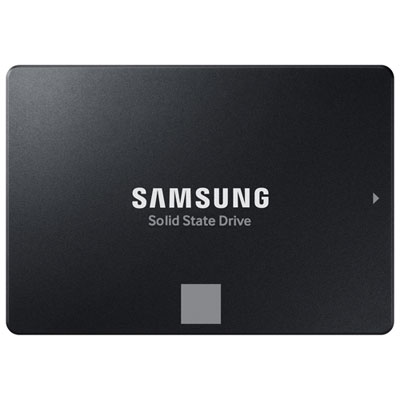 Your price for this item is $554.99
 -
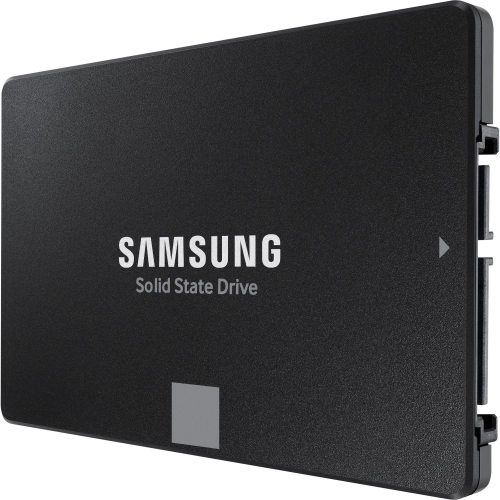 Your price for this item is $649.99
 -
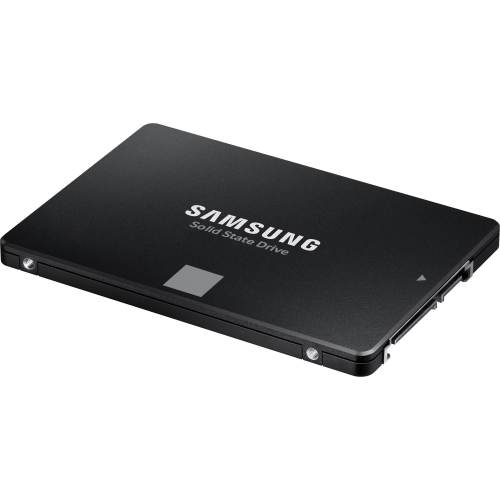 Your price for this item is $394.99
 -
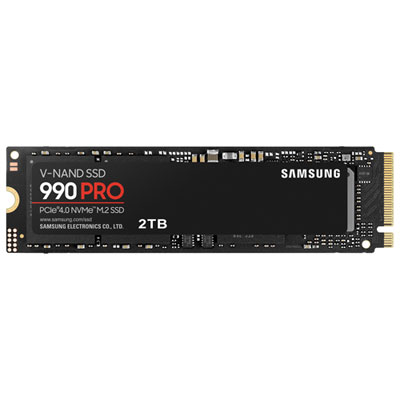 Your price for this item is $649.99
 -
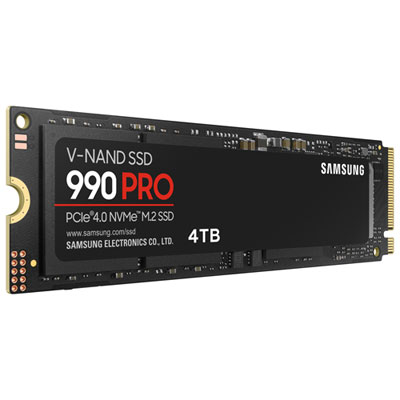 Your price for this item is $1199.97
 -
 Your price for this item is $106.93
 -
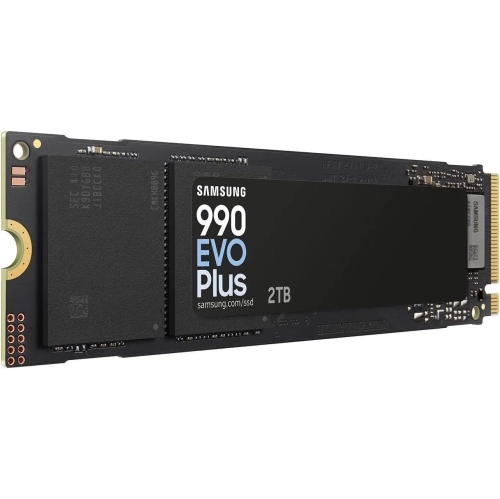 Your price for this item is $639.99
 -
 Your price for this item is $124.99
Discover more categories related to M2 SSDs
Top Collections:
Pokemon Centers, Kindle Devices, Best Budget Office Chairs, Apple iPhones 16, Best Laptops for Writers, iPhone 15 Apple, Canon G7X Cameras, Refurbished Apple Laptops, Alarm Clock, Motorola Razr Phones
Some products may be subject to Environmental Handling Fees
(EHF) depending on your province.
Learn more about EHFs.