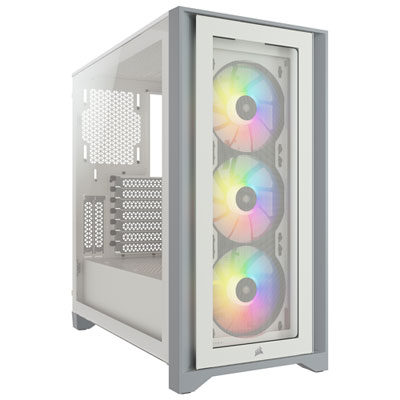
Best Mid-Tower ATX Cases

Find the right fit for your next PC build with the best mid-tower ATX cases, ranked by user review ratings. Offering room for ATX motherboards without the bulk of a full-tower design, these cases balance component space with a manageable footprint. Compare airflow, cooling support, cable management, and upgrade potential to find a case that suits your setup and building style.

Read More

What to look for in mid-tower ATX cases

1. Component Compatibility

Confirm that the case supports your ATX motherboard and has enough clearance for your graphics card, CPU cooler, and power supply. Check these measurements with fans or radiators installed, as cooling hardware can reduce available space.

2. Airflow and Cooling

Look for ventilated panels, accessible dust filters, and fan mounting positions that suit your cooling needs. Check how many fans are included and which radiator sizes the case supports if you plan to use liquid cooling.

3. Expansion and Connectivity

Choose a case with enough drive mounts and expansion slots for your current components and planned upgrades. Front-panel USB-A, USB-C, and audio ports add convenience, but confirm that your motherboard has the headers needed to connect them.

4. Build Access and Cable Management

Removable panels, tool-free drive mounts, and space behind the motherboard tray can make assembly and maintenance easier. Look for cable-routing openings and tie-down points to keep wiring tidy and clear of fans.
Citrus catapult arrow
  1. 1

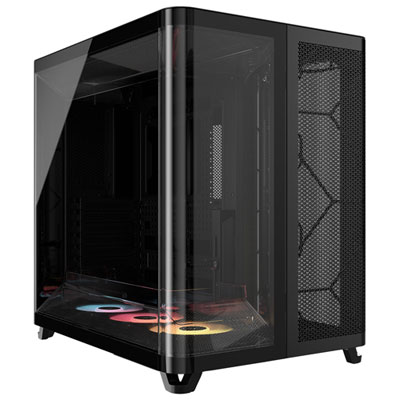
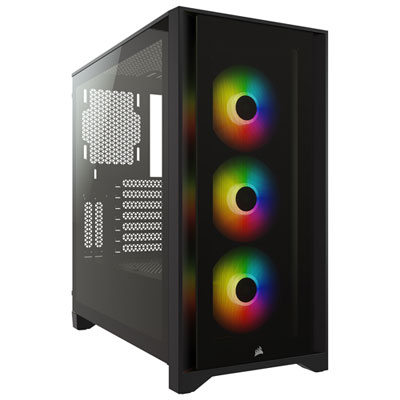
    Corsair AIR 5400 Mid Tower ATX Computer Case - Black

    About this product

    A black mid tower ATX case featuring triple-chamber design and RGB fans for optimized airflow and cooling.

    (3)
    $309.99 Your price for this item is $309.99
  2. 2

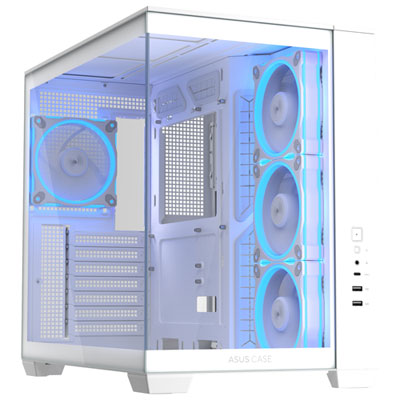
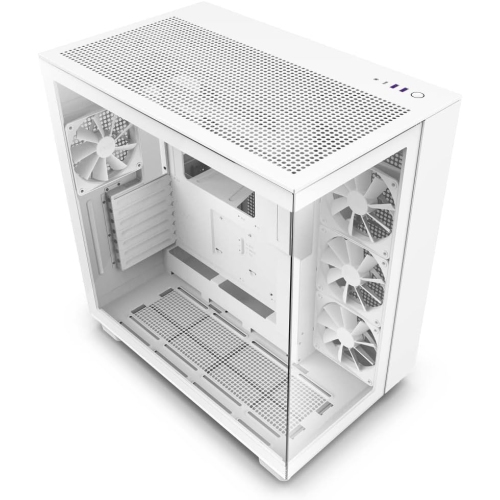
    ASUS A32 PLUS Gaming ATX Computer Case - White

    About this product

    A white dual-chamber chassis with tempered glass panels and a USB Type-C port for optimal cooling.

    (2)
    $149.99 Your price for this item is $149.99
  3. 3

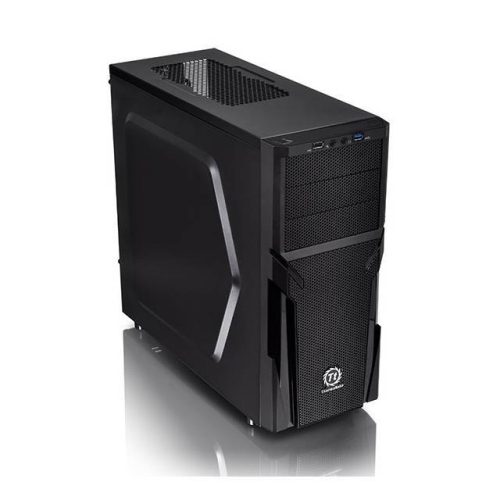
    THERMALTAKE Versa H21 Mid-Tower Chassis

    About this product

    A versatile mid-tower chassis designed for efficient cooling and customizable PC builds.

    (1)
    $84.99
    SAVE $115
    Your price for this item is $84.99
  4. 4

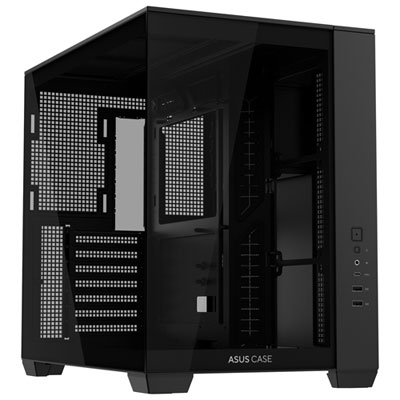
    ASUS A32 Gaming ATX Computer Case - Black

    About this product

    A black dual-chamber chassis with tempered glass panels and a USB Type-C port for optimal cooling.

    $129.99 Your price for this item is $129.99
  5. 5

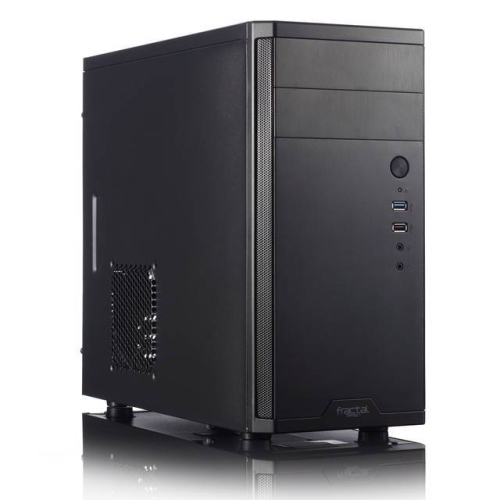
    FRACTAL DESIGN Core 1100 USB3.0 In Black

    About this product

    A sleek black computer case featuring USB 3.0 connectivity for efficient and modern PC builds.

    $114.32
    SAVE $11
    Your price for this item is $114.32
  6. 6

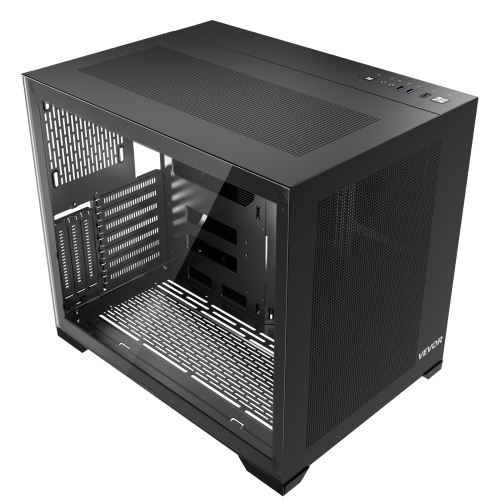
    VEVOR PC Gaming Case, Mid-Tower, Computer Case w High-Airflow Tempered Glass Panel, Dust Filter, 3 X 120 MM Argb Fans, for Gpu Up to 320 MM In

    About this product

    A mid-tower computer case featuring tempered glass, SPCC steel, three ARGB fans, and a dust filter.

    $108.48
    SAVE $61
    Your price for this item is $108.48
  7. 7

    VEVOR PC Gaming Case, Mid-Tower, Computer Case w High-Airflow Tempered Glass Panel, Dust Filter, 2 X 120 MM Fans, for Gpu Up to 360 MM In Length

    About this product

    A mid-tower computer case with tempered glass panels, SPCC steel, dual 120 mm fans, and dust filter.

    $91.79
    SAVE $101
    Your price for this item is $91.79
  8. 8

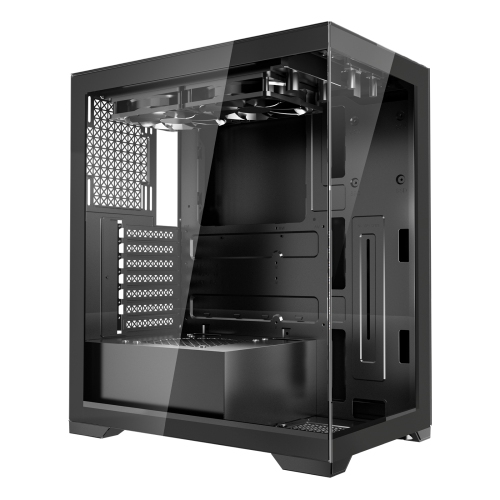
    VEVOR Mid-Tower PC Case, Dual Chamber, Gaming Computer Case w Tempered Glass Panels, Magnetic Dust Filter, for Gpu Up to 410 MM In Length

    About this product

    A dual-chamber gaming case with tempered glass panels, magnetic dust filter, and premium SPCC steel construction.

    $150.90
    SAVE $78
    Your price for this item is $150.90
  9. 9

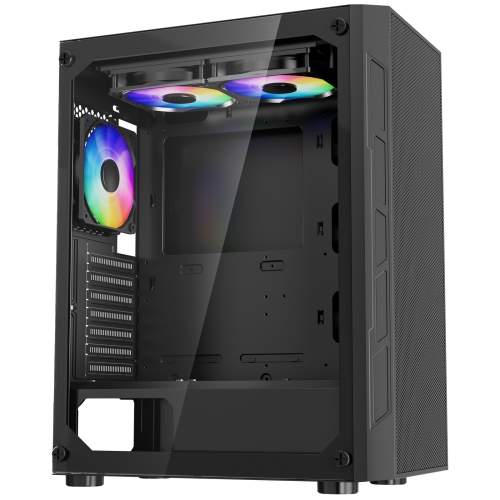
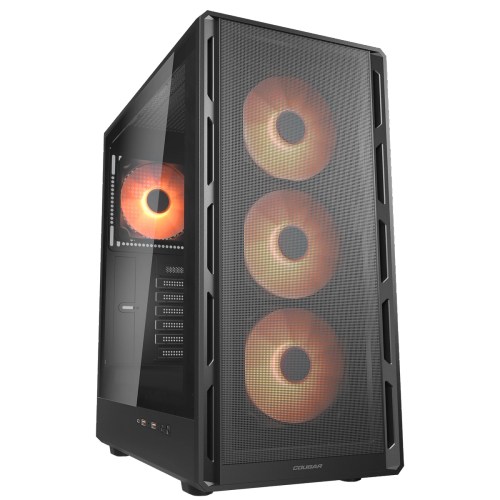
    COUGAR Mx110 RGB Mid Tower Atx Computer Case, Tempered Glass Side Panel, 4 X 120MM Argb Fans Pre-Installed In Black

    About this product

    A black mid-tower ATX case featuring a tempered glass side panel and four pre-installed ARGB fans.

    $99.99 Your price for this item is $99.99
  10. 10

    COUGAR Airface Pure Pro Mid Tower Atx Computer Case, Tempered Glass Side Panel, 4 X 120MM RGB Fan Pre-Installed In Black

    About this product

    A sleek black mid-tower case featuring a tempered glass side panel and four pre-installed RGB fans.

    $109.99 Your price for this item is $109.99

Room for powerful components without a full-tower footprint

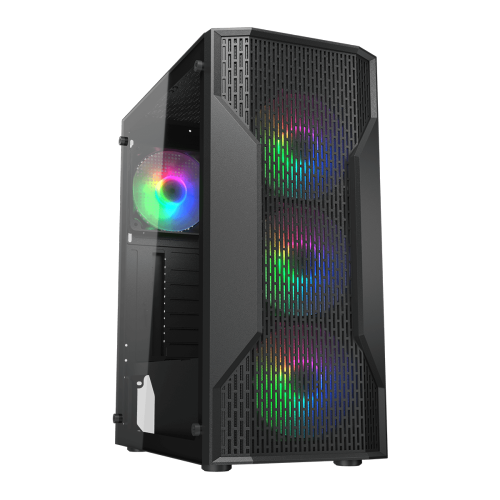
The best mid-tower ATX cases bring together component compatibility, effective cooling, sturdy construction, and a layout that makes a desktop PC easier to build and maintain. This case format suits a wide range of systems, from everyday home computers to gaming PCs and workstations for video editing, design, or software development. A mid-tower usually takes up less space than a full tower while still accommodating a standard ATX motherboard, a dedicated graphics card, and several storage drives. Many also support smaller microATX and Mini-ITX motherboards, although supported formats should always be confirmed in the specifications. Mid-tower is a size category rather than a fixed set of dimensions, so two cases with the same description can differ noticeably in height, depth, and internal room. The most useful fit details include graphics card length and thickness, CPU cooler height, power supply length, and radiator mounting space. A long graphics card may fit comfortably until a front-mounted radiator and its fans occupy part of the same area. Similarly, a tall air cooler needs enough clearance for the side panel to close without touching it. Space around the graphics card’s power connection also matters, especially where the cable requires a gradual bend rather than a tight turn against the glass. Steel chassis construction provides a firm foundation, while aluminium panels can reduce weight and add a refined finish. Tempered-glass side panels put the components on display; solid panels offer a more understated appearance and keep the interior out of sight. Panel alignment, secure expansion slots, stable feet, and smooth edges all contribute to how well a case handles repeated upgrades. For a computer that will sit beside a desk for years, those practical details can be just as valuable as its appearance. Exterior measurements matter, too: there should be room for rear cables, ventilation, and access to removable panels without having to rearrange the entire workspace.

Cooling performance depends on how readily a mid-tower ATX PC case moves fresh air towards heat-producing components and releases warm air. Mesh front panels and generously sized ventilation openings can provide less restrictive intake paths than closed fronts with narrow side vents. Glass-front designs can also support capable cooling when their side or bottom intakes provide sufficient airflow, making the overall layout more informative than the front panel alone. A common arrangement uses front intake fans with rear and top exhaust fans, but the most suitable configuration depends on the case and the installed hardware. Included fans provide a starting point; their size, placement, speed control, and noise characteristics are worth considering alongside the number of extra mounting positions. More fans do not automatically mean a quieter or cooler computer. Unobstructed intake paths and sensible fan speeds can make a substantial difference during a long gaming session or an extended video export. Larger fans can often move useful amounts of air at lower rotational speeds, though actual noise also depends on fan design, mounting, and airflow resistance. Removable dust filters help keep debris away from components, with the trade-off that dense or dirty filters can restrict intake. For liquid-cooled systems, radiator support needs more detail than a headline size: radiator thickness, fan thickness, memory height, and motherboard heatsinks can compete for space, particularly near the roof of the case. A case that supports a radiator at the front may offer different clearances at the top. Air-cooled builds benefit from direct airflow around the CPU cooler and graphics card, with cables kept out of the main intake path. Sound-dampening panels can reduce some noise, but cooling access remains important because warmer components may cause fans to spin faster. For a PC used in a shared living area or beside a microphone, the balance between ventilation and fan control is often more useful than a promise of silent operation. Stable fan mounts and firmly secured panels also help limit vibration and rattling.

A well-designed interior makes an ATX mid-tower case more pleasant to live with after the initial build is finished. Cable-routing channels, tie-down points, and adequate space behind the motherboard tray help keep wiring organised without forcing the side panel shut. A power supply shroud can conceal excess cable length, while removable drive cages may create extra room for a longer power supply or lower-mounted fans. Storage needs still deserve attention: a system built around motherboard-mounted solid-state drives has different requirements from a desktop that also holds several larger hard drives. Accessible drive trays and clearly positioned mounting points make later changes less awkward. Tool-free panels, captive screws, and removable mounting brackets can simplify access, especially for someone assembling a first PC or swapping components over time. Front connections are another everyday detail that affects convenience. USB-C, USB-A, and headset connections should suit the devices being used, and the motherboard needs compatible internal connections to enable the case’s ports. Their position matters when the tower sits under a desk rather than on top of it. Appearance can be equally personal, whether the aim is a softly lit gaming setup, a clean workstation, or a neutral desktop that blends with existing furniture. Black Mid Tower PC Cases offer a versatile look alongside dark monitors, keyboards, and desk accessories. Routine care helps preserve both that finish and cooling performance: shut down and unplug the computer before cleaning, remove dust from filters regularly, and follow the manufacturer’s instructions for panel care. Tempered-glass panels should be handled carefully and kept away from hard tiled or stone surfaces, particularly at their edges. Keeping the tower off thick carpet can also help maintain access to bottom ventilation. For students, gamers, creative professionals, and PC-building enthusiasts, the right case provides a practical foundation for daily use and future upgrades. It can also make a thoughtful gift for a builder when the intended components, preferred styling, and available desk space are already known.
Read More

FAQ

Some products may be subject to Environmental Handling Fees (EHF) depending on your province. Learn more about EHFs.