Best Monitors for Work
Find the best monitors for work to help you stay productive and comfortable throughout your day. Whether you’re managing spreadsheets, joining video calls or juggling multiple projects, the right screen can make everyday tasks easier. Explore monitors ranked by user review ratings, and compare screen size, resolution and connectivity to find the right fit for your workspace.
What to look for in monitors for work
1. Screen Size and Resolution
2. Panel Type and Image Quality
3. Connectivity and Charging
4. Ergonomics and Workspace Fit
-
1
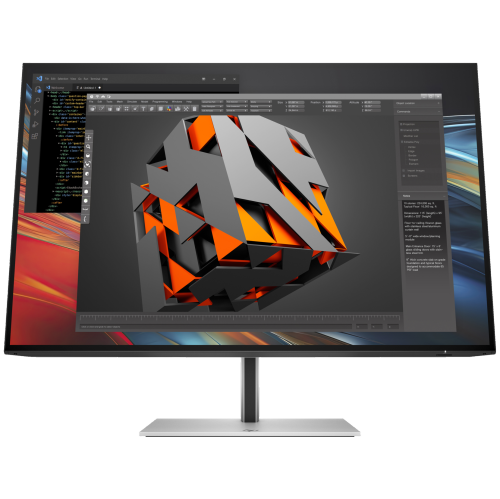
HP Series 7 Pro 724Pn 24" Wuxga Ips Lcd Monitor (8X534Aa#aba) - Light - 100Hz In Blue
About this product
A sleek black LCD monitor featuring WUXGA resolution, 100Hz refresh rate, and ultra-thin micro-edge design.
(4)$325.99Your price for this item is $325.99SAVE $57 -
2
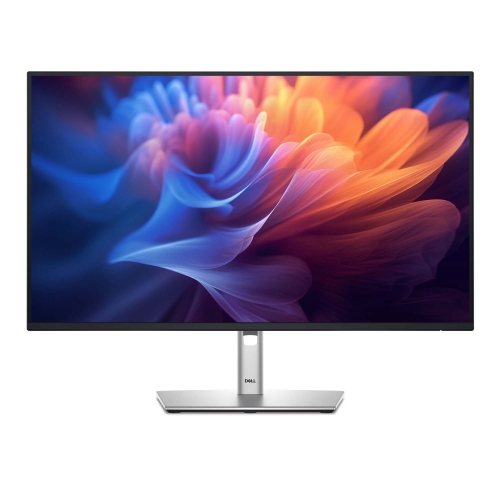
DELL P 27" 1080P HD Ips Led Monitor (P2725H)
About this product
A versatile monitor offering crisp visuals and reliable performance for work or entertainment setups.
(3)$418.68 Your price for this item is $418.68 -
3
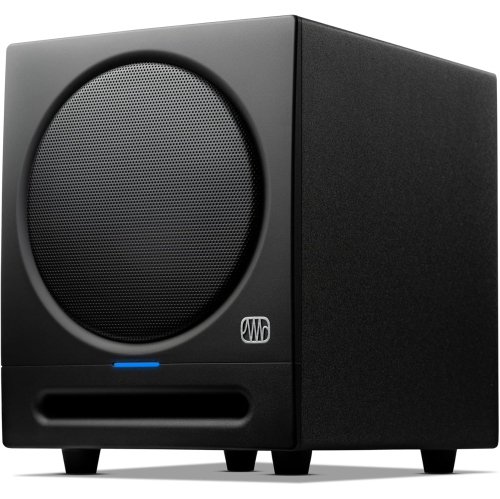
PRESONUS Eris-Studio4 Eris Studio 4 Powered 4" 50W Studio Monitor With Ebm Waveguide (Single)
About this product
A powered 50W studio monitor featuring a 4" driver and EBM waveguide for precise audio clarity.
(3)$199.00Your price for this item is $199SAVE $66 -
4
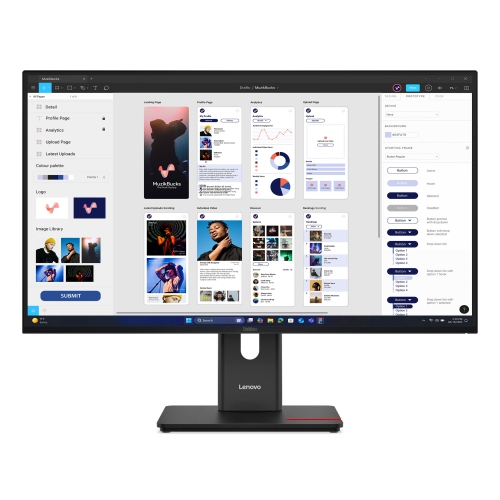
LENOVO Thinkvision 31.5 Inch Ips 4K 60Hz USB-C Monitor - T32Ud-40
About this product
A 31.5-inch monitor offering sharp visuals and reliable performance for work or entertainment.
(3)$545.00Your price for this item is $545SAVE $504 -
5
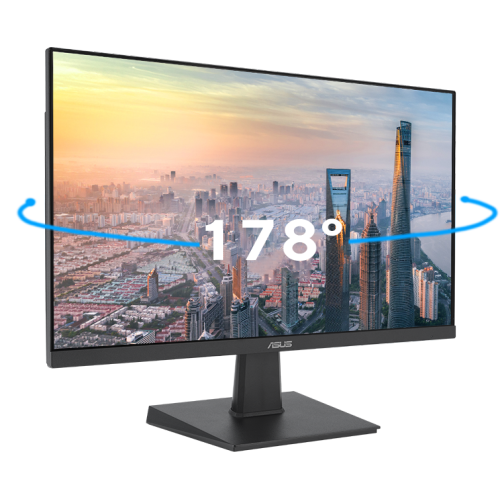
ASUS Eye Care 27" 1080P HD Ips Led Gaming Monitor (Va27Ehf) - Adaptive-Sync - 100Hz
About this product
A black IPS LED monitor offering Full HD resolution, 100Hz refresh rate, and wide 178° viewing angles.
(2)$198.99Your price for this item is $198.99SAVE $35 -
6
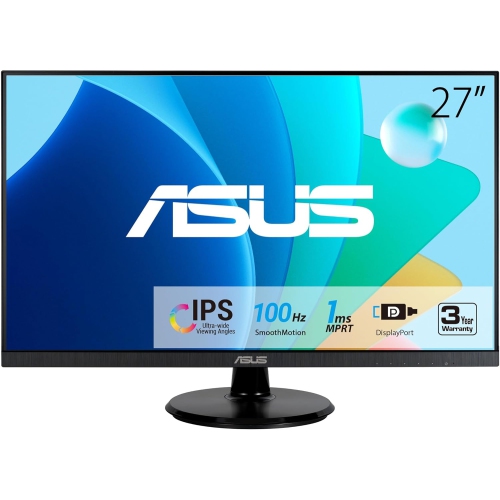
ASUS 27" Va27Dqf Eye Care Monitor
About this product
A Full HD IPS gaming monitor with 1ms response time, 100Hz refresh rate, HDMI, and DisplayPort connectivity.
(2)$285.99Your price for this item is $285.99SAVE $31 -
7
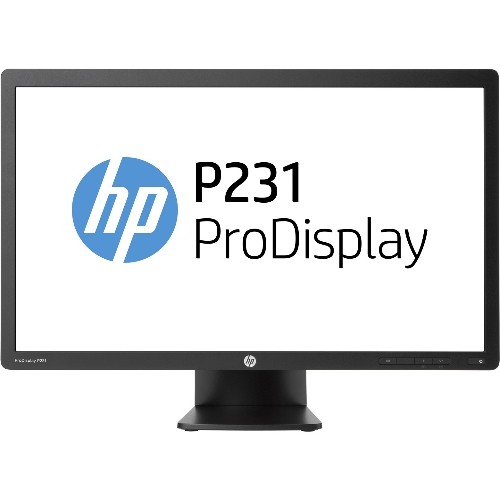
HP Refurbished (Good) - Prodisplay 23" 1080P HD Tn Led Lcd Monitor (P231) - In Silver
About this product
A 23-inch LED LCD monitor with 1920 x 1080 resolution, DVI and VGA connectivity, and energy-saving features.
(1)$59.00Your price for this item is $59SAVE $76 -
8
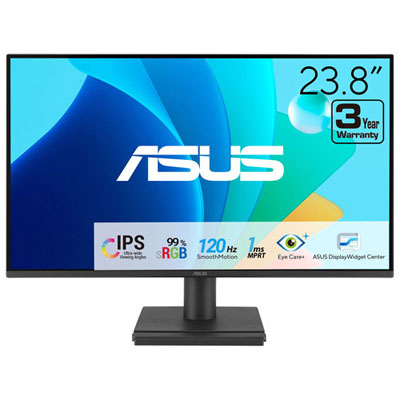
Open Box - ASUS Eye Care 24" FHD 120Hz 1ms GTG IPS LED Gaming Monitor (VA249HG) - Only at Best Buy
About this product
An IPS LED monitor with Full HD resolution, 120Hz refresh rate, and eye care technologies for comfortable viewing.
(1)$79.99Your price for this item is $79.99SAVE $5 -
9
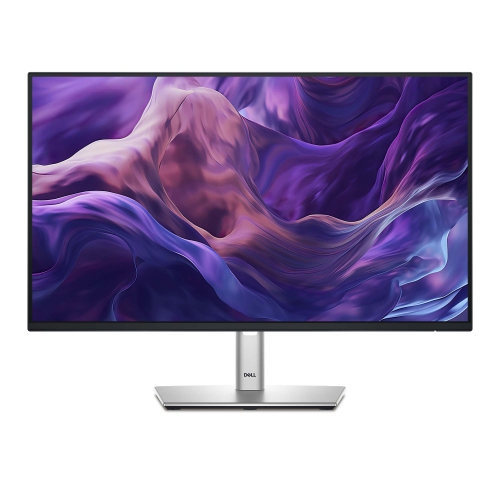
DELL 24" 1920X1200 Ips Led Monitor (P2425)
About this product
A versatile 24-inch display offering crisp visuals, ideal for both work and entertainment setups.
(1)$399.99 Your price for this item is $399.99 -
10

LG 27" 1440P Qhd Ips Lcd Widescreen Monitor (27Bq75Qb-B)
About this product
A widescreen LCD monitor featuring 27" WQHD display, IPS technology, HDMI, and DisplayPort connectivity.
What customers like
(26)$632.68 Your price for this item is $632.68
FAQ
Common panel types include IPS, VA and OLED. IPS panels offer wide viewing angles and consistent colour, VA panels typically provide higher contrast, and OLED panels deliver deep blacks. For everyday office tasks, IPS is a common choice.
Look for inputs that match your computer, such as HDMI, DisplayPort or USB-C with video support. Some monitors also include USB ports for peripherals and Ethernet for a wired network connection. Check your computer’s port capabilities, as not every USB-C port supports video output.
A USB-C hub monitor combines a display with ports for accessories such as a keyboard and mouse. With a compatible computer and cable, one USB-C connection can carry video, transfer data and supply power to a laptop. Available ports and power delivery vary by monitor.
Multiple video inputs let you connect both computers and select which one appears on the display. A built-in KVM switch can also let you share a keyboard and mouse between compatible connected computers. Some monitors offer picture-by-picture mode to display both sources at once.
Matte screens diffuse reflections, making them a common choice for offices with overhead lighting or nearby windows. Glossy screens can make colours appear more vivid, but reflections tend to be more noticeable. Consider your workspace lighting when choosing a screen finish.
Top selling and popular products
Discover more categories related to Best Monitors for Work
Some products may be subject to Environmental Handling Fees (EHF) depending on your province. Learn more about EHFs.