Computer Monitors for Work
Elevate your productivity with the perfect computer monitor for work, designed to enhance your daily tasks with clarity and precision. Whether you're managing spreadsheets, designing graphics, or conducting virtual meetings, the right monitor can transform your workspace into a hub of efficiency and comfort. Explore a diverse range of options tailored to meet the demands of today's dynamic work environments, ensuring you find the ideal balance between functionality and style. Discover how upgrading your monitor can make all the difference in achieving peak performance throughout your workday.
Sort




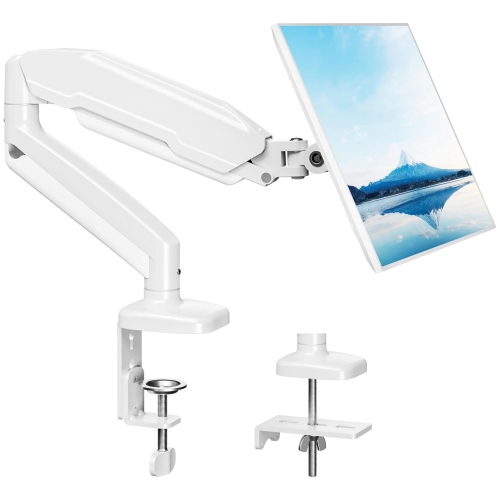
How screen size, comfort, and connectivity shape your workspace
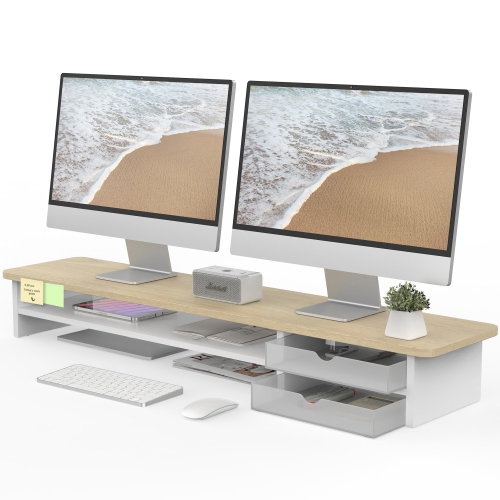
Computer monitors for work can make a noticeable difference to the comfort, clarity, and flow of an everyday workspace. Whether you are setting up a home office, refreshing a shared desk, or adding a second display to a laptop, the right monitor should suit the way you spend your working hours. A 23.8-inch or 24-inch screen can be a practical choice for smaller desks and general office tasks, while a 27-inch display provides more room for documents, spreadsheets, email, and browser windows without taking over the entire workspace. Larger screens and ultrawide formats can be useful for people who regularly compare files, monitor dashboards, edit content, or work with several applications at once. Resolution also matters. Full HD, or 1080p, can handle everyday writing, web browsing, video calls, and administrative work, particularly on a smaller screen. QHD, also called 1440p, offers sharper text and more usable space, making it a strong fit for multitasking. A 4K monitor provides an especially crisp view of fine text, detailed images, design work, and large spreadsheets. If your desk doubles as a study area during the cooler months, a monitor can also be a thoughtful gift for a student, remote worker, freelancer, or family member who spends long hours completing assignments or joining online meetings. For more options suited to learning spaces, browse Monitors for School Work.
The panel type, stand, and viewing comfort deserve as much attention as screen size. IPS panels are popular for work because they typically provide wide viewing angles and consistent colour across the screen, which is helpful when two people are reviewing a presentation or when a monitor is positioned beside a laptop. A VA panel can offer strong contrast for people who move between office documents, video content, and evening tasks, while other display technologies may appeal to specialised creative or technical workflows. Look for a stand with height adjustment, tilt, and swivel controls so the top of the screen can sit near eye level and the display can be positioned without forcing your neck forward. A pivot function is useful for reading long documents, coding, reviewing portrait-oriented pages, or working with narrow columns of information. A matte or low-glare finish can help reduce distracting reflections from lamps and windows, and features designed to limit flicker or adjust blue light may make extended sessions feel more comfortable. It is also worth checking the monitor’s refresh rate, response time, built-in speakers, and webcam features. Office work generally does not require the same speed as competitive gaming, but smooth scrolling and clear motion can still make video calls and screen sharing feel more polished. An integrated webcam, microphone, and speakers can simplify virtual meetings, especially when desk space is limited or when a laptop is connected to a larger display.
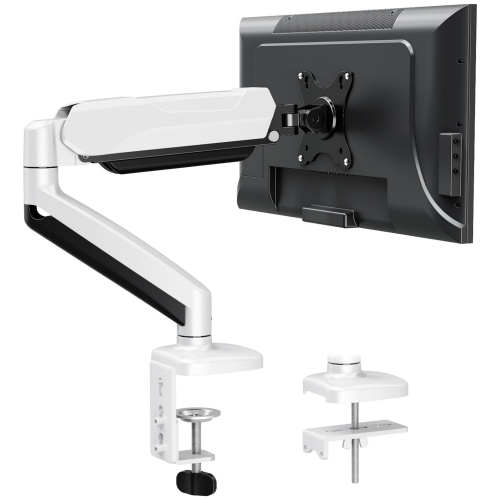
Connectivity determines how easily a monitor fits into an existing setup. HDMI and DisplayPort are common choices for desktop computers, laptops, and docking stations, while USB-C can carry video, data, and power through a single cable when the computer and monitor support the right standards. A USB-C monitor with power delivery may let you connect a compatible laptop, charge it while you work, and attach a keyboard, mouse, storage device, or headset through the monitor’s built-in hub. This can reduce cable clutter and make it easier to move between a home office and another location. Before choosing, check the laptop’s charging requirements, the monitor’s power output, and the included cables. A second monitor can extend a laptop’s desktop for email, research, reference material, and video calls, while a matching pair of displays can create a balanced workstation for data entry, finance, customer service, programming, or administration. If several people share a desk, a monitor with simple input switching can make it easier to alternate between computers. Consider the desk depth, viewing distance, wall or arm mounting options, and the location of power outlets before selecting a screen. A carefully matched work monitor should leave enough room for a comfortable keyboard, mouse, notebook, and lighting, helping the workspace feel organised from the first morning task through the final video call.
The panel type, stand, and viewing comfort deserve as much attention as screen size. IPS panels are popular for work because they typically provide wide viewing angles and consistent colour across the screen, which is helpful when two people are reviewing a presentation or when a monitor is positioned beside a laptop. A VA panel can offer strong contrast for people who move between office documents, video content, and evening tasks, while other display technologies may appeal to specialised creative or technical workflows. Look for a stand with height adjustment, tilt, and swivel controls so the top of the screen can sit near eye level and the display can be positioned without forcing your neck forward. A pivot function is useful for reading long documents, coding, reviewing portrait-oriented pages, or working with narrow columns of information. A matte or low-glare finish can help reduce distracting reflections from lamps and windows, and features designed to limit flicker or adjust blue light may make extended sessions feel more comfortable. It is also worth checking the monitor’s refresh rate, response time, built-in speakers, and webcam features. Office work generally does not require the same speed as competitive gaming, but smooth scrolling and clear motion can still make video calls and screen sharing feel more polished. An integrated webcam, microphone, and speakers can simplify virtual meetings, especially when desk space is limited or when a laptop is connected to a larger display.
Connectivity determines how easily a monitor fits into an existing setup. HDMI and DisplayPort are common choices for desktop computers, laptops, and docking stations, while USB-C can carry video, data, and power through a single cable when the computer and monitor support the right standards. A USB-C monitor with power delivery may let you connect a compatible laptop, charge it while you work, and attach a keyboard, mouse, storage device, or headset through the monitor’s built-in hub. This can reduce cable clutter and make it easier to move between a home office and another location. Before choosing, check the laptop’s charging requirements, the monitor’s power output, and the included cables. A second monitor can extend a laptop’s desktop for email, research, reference material, and video calls, while a matching pair of displays can create a balanced workstation for data entry, finance, customer service, programming, or administration. If several people share a desk, a monitor with simple input switching can make it easier to alternate between computers. Consider the desk depth, viewing distance, wall or arm mounting options, and the location of power outlets before selecting a screen. A carefully matched work monitor should leave enough room for a comfortable keyboard, mouse, notebook, and lighting, helping the workspace feel organised from the first morning task through the final video call.
Top selling and popular products
-
 Your price for this item is $34.95
 -
 Your price for this item is $129.99
 -
 Your price for this item is $69.99
 -
 Your price for this item is $69.99
 -
 Your price for this item is $99.99
 -
 Your price for this item is $124
 -
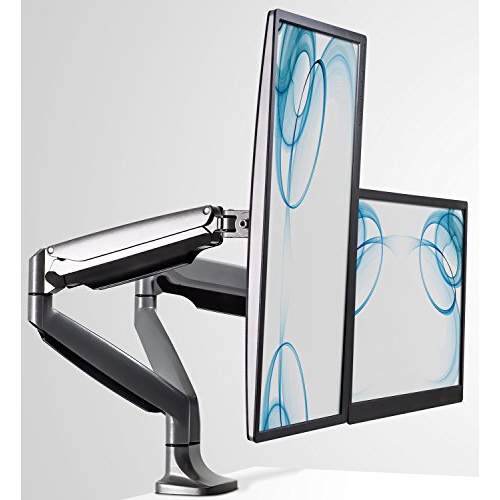 Your price for this item is $256.68
 -
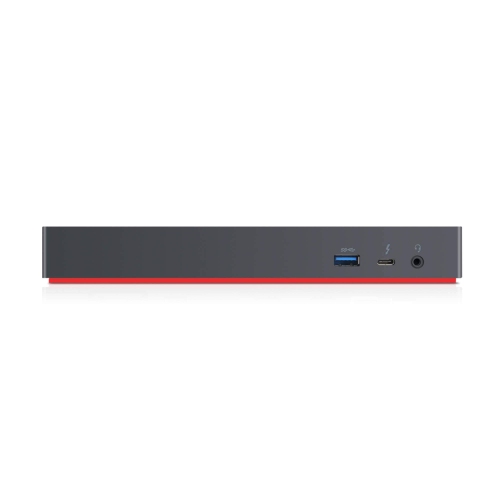 Your price for this item is $300
Discover more categories related to Computer Monitors for Work

Top Collections:
Pokemon Centers, Kindle Devices, Best Budget Office Chairs, Apple iPhones 16, Best Laptops for Writers, iPhone 15 Apple, Canon G7X Cameras, Refurbished Apple Laptops, Alarm Clock, Motorola Razr Phones
Some products may be subject to Environmental Handling Fees
(EHF) depending on your province.
Learn more about EHFs.