Best Power Supply Units
Find the best power supply units for your PC, ranked by user review ratings to help you compare options with confidence. Whether you’re building a gaming rig, upgrading a workstation, or replacing an older unit, explore power supplies with the wattage, efficiency ratings, and cable options to suit your setup. Consider your components’ power requirements, connector compatibility, and case size to find the right fit.
What to look for in power supply units
1. Wattage and Headroom
2. Size and Compatibility
3. Connectors and Cable Management
4. Efficiency and Reliability
-
1
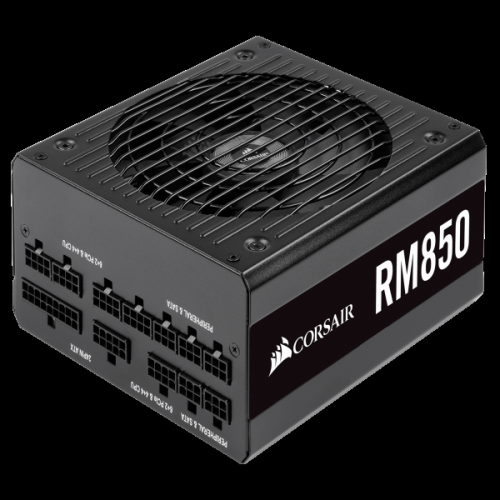
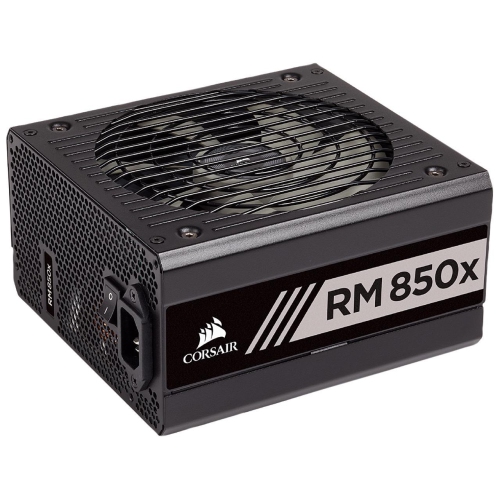
CORSAIR Rm Rps0120 Power Supply
About this product
A high-efficiency 850W internal power supply with NVIDIA SLI support and a single +12V rail.
(1)$227.68 Your price for this item is $227.68 -
2
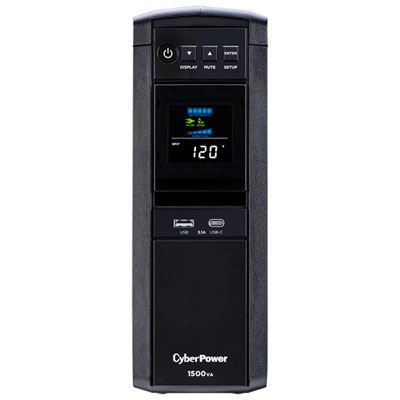
CyberPower 1500VA UPS Battery Backup (GX1500U-FC)
About this product
A black UPS battery backup providing sine wave power to protect sensitive electronics during outages.
What customers like
(1,010)$299.99 Your price for this item is $299.99 -
3
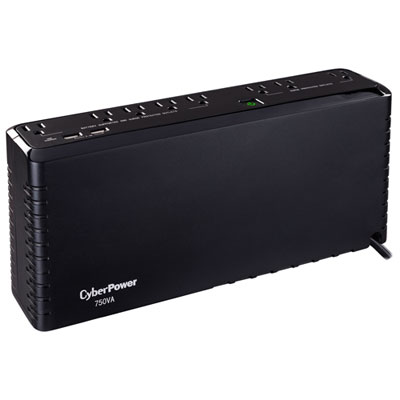
CyberPower 750VA UPS Battery Backup (SL750U-FC)
About this product
A black UPS battery backup with 8 surge-protected outlets and 2 USB ports for device protection.
What customers like
(1,061)$119.99 Your price for this item is $119.99 -
4
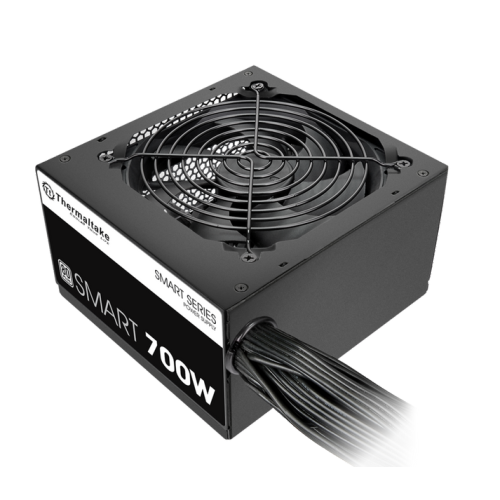
THERMALTAKE Smart 700W (Ps-Spd-0700Npcwus-W)
About this product
A high-efficiency 700W power supply with intelligent cooling fan for quiet, reliable PC performance.
What customers like
(33)$99.99Your price for this item is $99.99SAVE $20 -
5
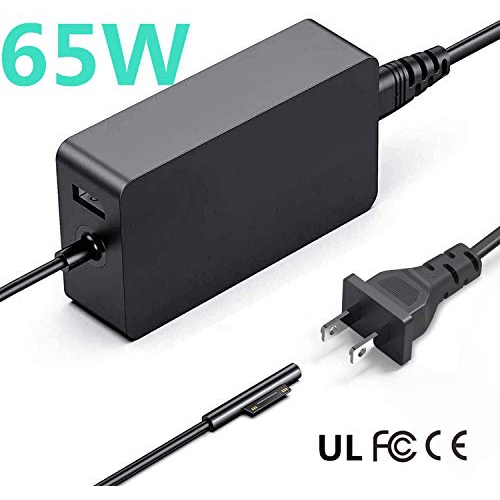
AUKEH Surface Book Charger, 15V 4A 65W Charger Adapter Power Supply for Microsoft Windows Surface Pro 3/4 / 5 & 6 Charger
About this product
A universal 65W charger adapter with USB port, compatible with multiple Microsoft Surface devices.
(9)$22.00 Your price for this item is $22 -
6
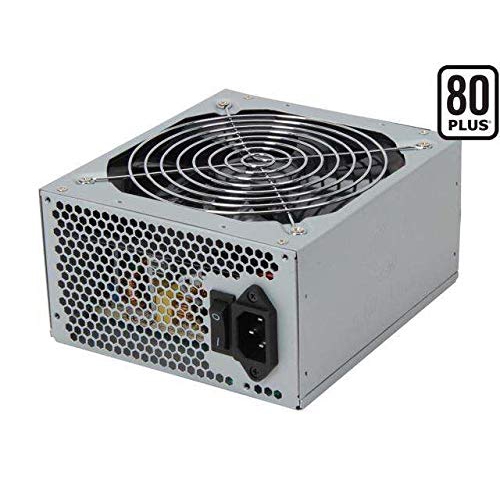
COOLMAX Zx Series Zx-700 700W Atx12V V2.2 / Eps12V V2.91 Sli Ready Crossfire Ready 80 Plus Certified Active Pfc Power Supply
About this product
A reliable 700W power supply with 80 PLUS certification, active PFC, and support for SLI and CrossFire.
$109.00 Your price for this item is $109 -
7
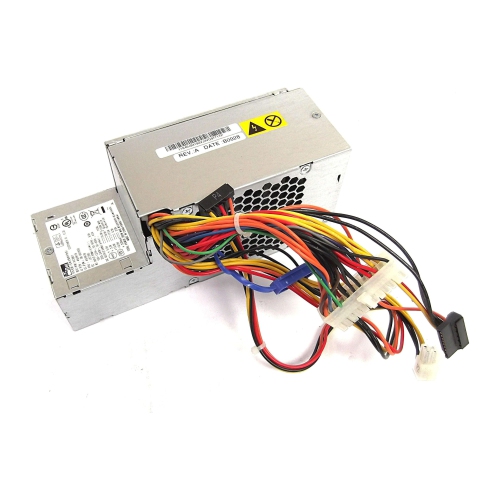
LENOVO Thinkcentre M57 M58 280W Power Supply Unit - Ps-5281-01Vf, 54Y8804, 54Y8806
About this product
A 280W power supply for Lenovo Thinkcentre M57 M58 desktops, with model number PS-5281-01VF and FRU 54Y8804.
$135.98 Your price for this item is $135.98 -
8
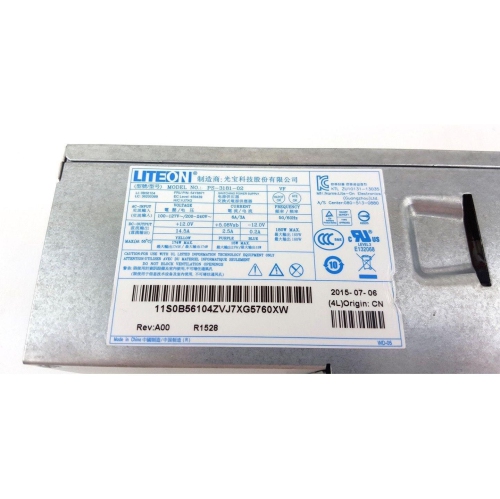
LENOVO Thinkcentre E73 M79 180W Power Supply Unit - Model 54Y8871
About this product
A reliable 180W replacement power supply designed for select ThinkCentre desktop computers.
$129.98 Your price for this item is $129.98 -
9
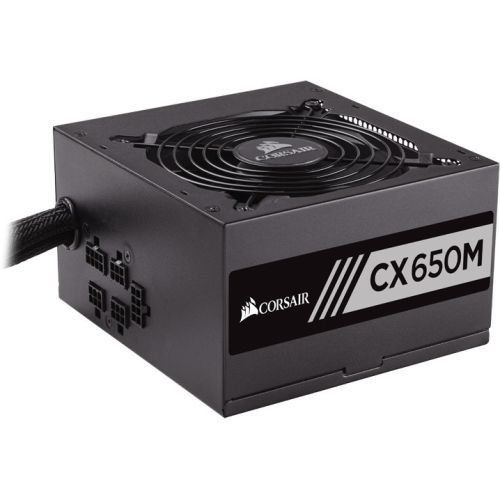
CORSAIR Cx650M Power Supply - Eps12V - 120 V Ac, 230 V Ac Input Voltage - 3.3 V Dc, 5 V Dc, 12 V Dc
About this product
A modular power supply offering reliable, low-noise performance with 80 Plus Bronze efficiency for desktop upgrades.
$139.99Your price for this item is $139.99SAVE $20 -
10
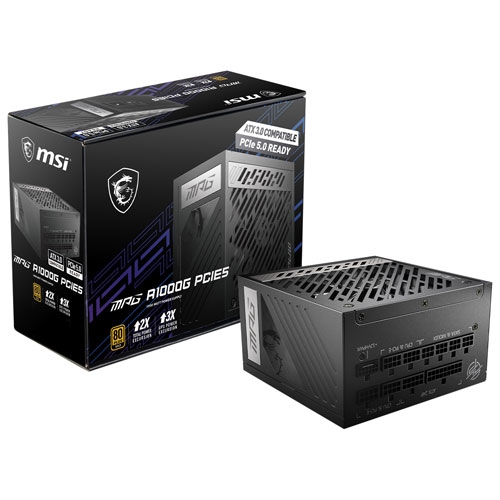
MSI Refurbished (Good) Mpg A1000G PCie 5 80 Plus Gold 1000W Full Modular Atx 3.0 Gaming Power Supply - In Black
About this product
A full modular black power supply offering 1000W output, 80 Plus Gold efficiency, and industrial-grade protection.
$270.00 Your price for this item is $270
FAQ
A power supply unit (PSU) converts alternating current (AC) from a wall outlet into direct current (DC) used by computer components. It distributes power to the motherboard, processor, graphics card and connected drives through dedicated cables.
A fully modular PSU has detachable power cables, while a semi-modular PSU has some permanently attached cables, typically for the motherboard and processor. A non-modular PSU has all cables permanently attached. These terms describe how the cables connect to the power supply.
Common connectors include a 24-pin motherboard connector, 4+4-pin CPU power connectors, 6+2-pin PCIe graphics card connectors and SATA power connectors for drives and accessories. Some newer PSUs also include a 16-pin graphics card power connector, such as 12V-2x6. Connector types and quantities vary, so compare the PSU specifications with your components’ requirements.
ATX 3.x refers to a generation of desktop power supply specifications that includes ATX 3.0 and ATX 3.1. These specifications define electrical requirements, including how PSUs handle brief changes in power demand. Newer graphics card power connections are also associated with this generation, but the included connectors depend on the PSU.
A power supply unit (PSU) is an internal computer component that converts wall power for the computer’s hardware. An uninterruptible power supply (UPS) is an external device with a battery that provides temporary power during an outage. A desktop computer still needs its internal PSU when connected to a UPS.
Top selling and popular products
Discover more categories related to Best Power Supply Units
Some products may be subject to Environmental Handling Fees (EHF) depending on your province. Learn more about EHFs.