High-End Power Supply
High-End Power Supply options deliver the reliable performance and advanced technology needed to support demanding computer systems. Ideal for gaming rigs, workstations, and professional setups, these premium power supplies ensure stable energy delivery for optimal device operation. Explore a wide range of High-End Power Supply solutions designed to meet the needs of enthusiasts and professionals seeking top-tier quality and efficiency for their builds.
Sort
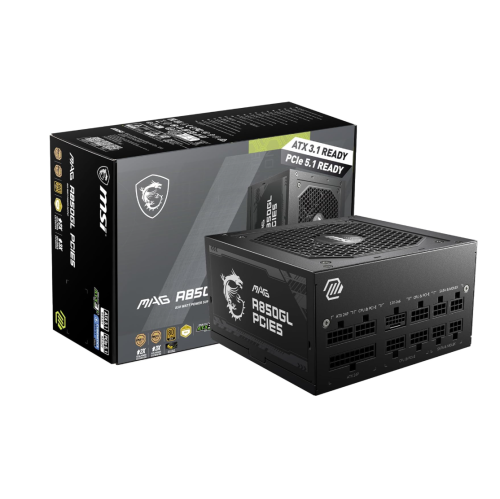
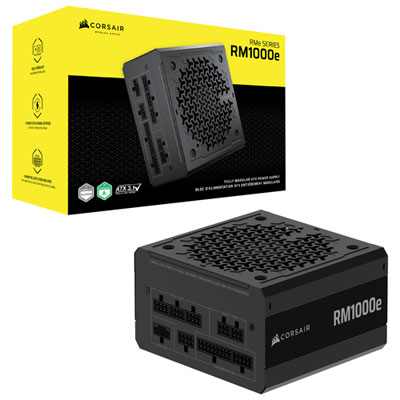
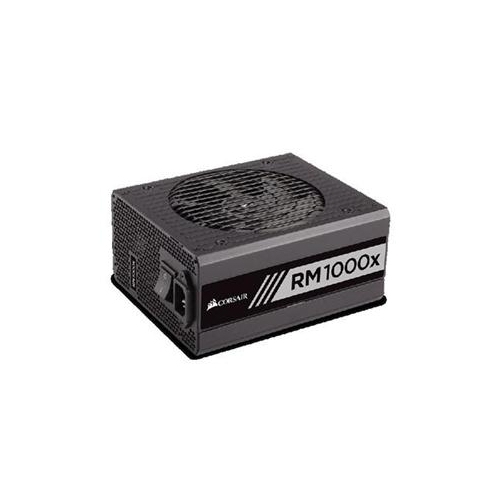
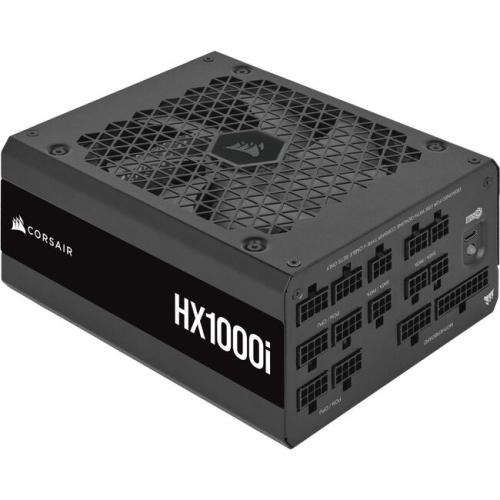
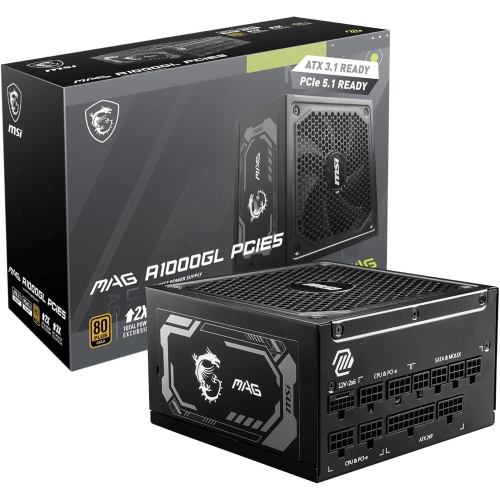
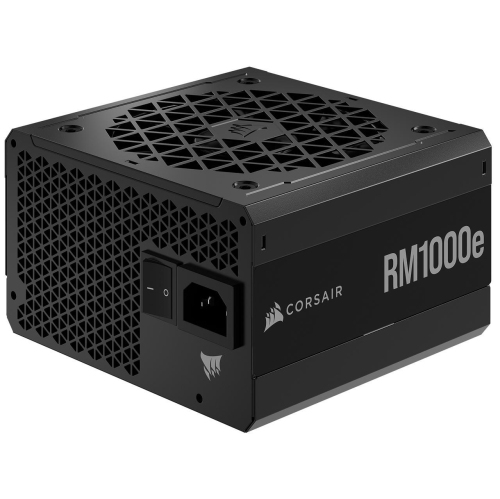
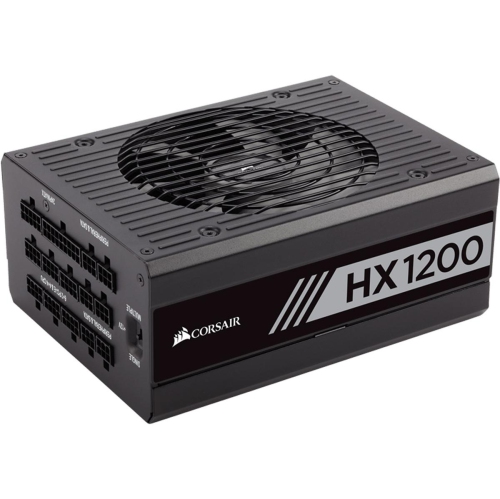
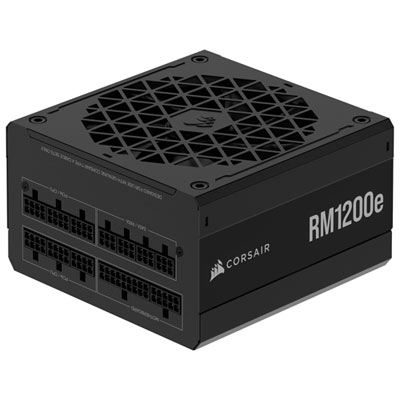
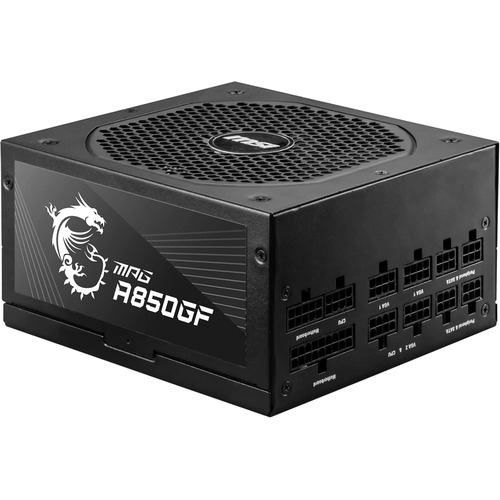
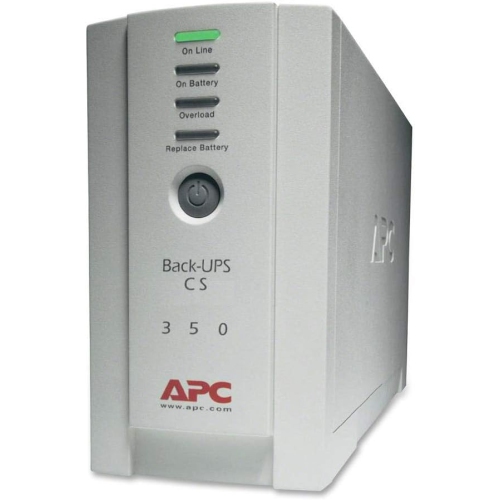
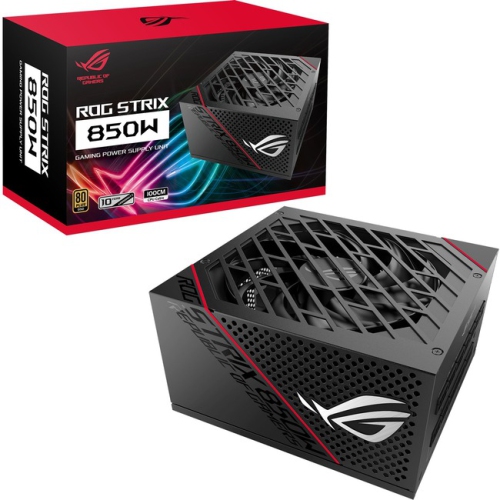
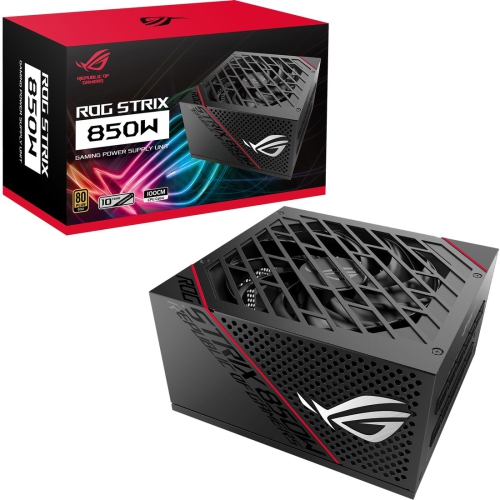
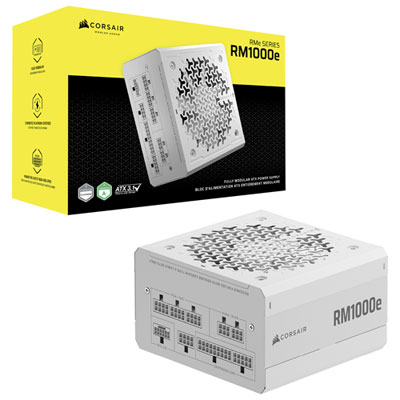
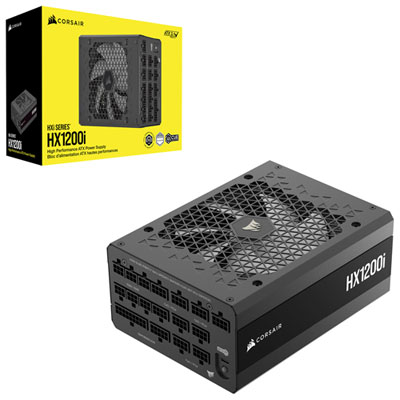
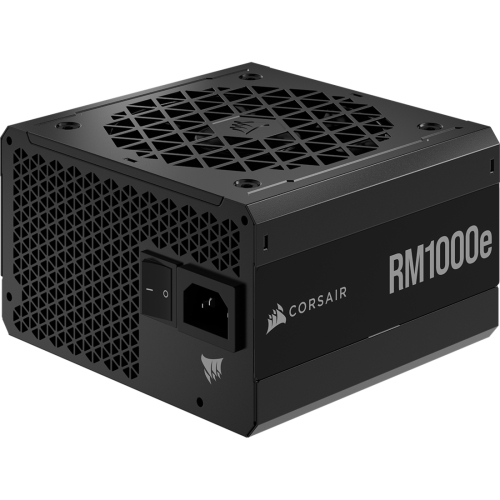

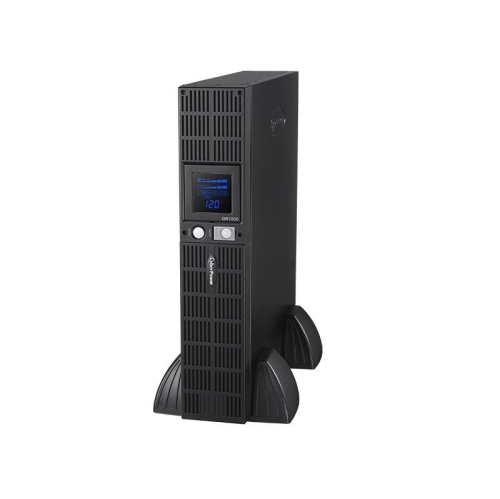
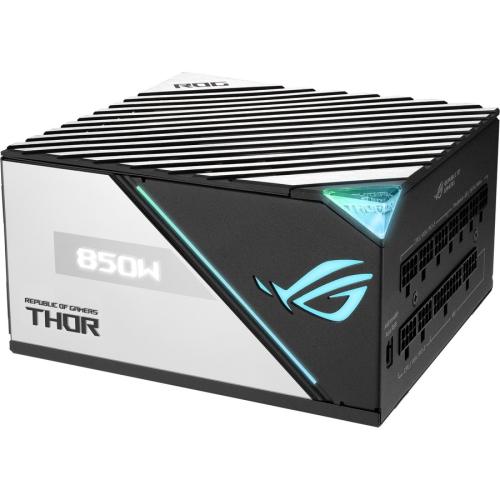

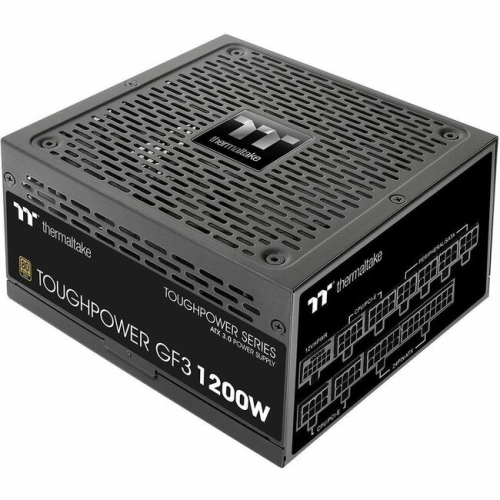
Why demanding PCs need more than a wattage rating
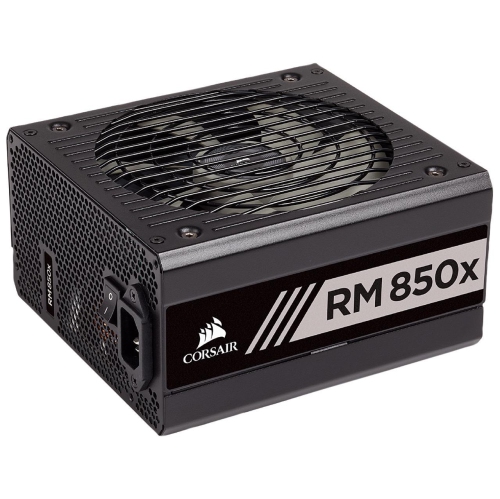
High-end power supply units (PSUs) provide stable, carefully regulated power for demanding desktop computers, with features that can include high electrical efficiency, low ripple, comprehensive protection circuits, and modern connection standards. Depending on the model, specifications may include ATX 3.1 compliance, PCIe 5.1 power connection support, a native 12V-2x6 graphics power cable, and a long manufacturer warranty. These features are particularly relevant to gaming PCs, creative workstations, and enthusiast systems that combine powerful processors with demanding graphics cards. A computer rendering a detailed animation or running a graphically intensive game can place very different demands on its power supply than one handling email and documents. Brief power excursions, where components draw more power for a short interval, also matter alongside sustained consumption. A suitable PSU needs to accommodate the intended hardware under both conditions. Wattage describes the unit’s rated output capacity, not the amount of electricity a computer constantly consumes, so a higher rating does not mean the system always draws more power. Useful capacity depends on the processor, graphics card, connected drives, cooling hardware, and any planned upgrades. Sensible headroom leaves room for demanding workloads without making the largest possible wattage rating the default choice. Electrical quality matters just as much: tight voltage regulation helps keep output within specified limits, while low ripple means less unwanted variation in the supplied DC power. Efficiency describes how much incoming AC power becomes usable DC power rather than being lost as heat. It is a valuable characteristic, but an efficiency rating alone does not establish build quality, quiet operation, or protection performance. Detailed specifications and independent electrical testing provide a fuller picture of what separates a premium power supply from a unit with an impressive wattage label. A high-end PSU will not automatically increase frame rates or shorten rendering times, but a well-matched unit provides the electrical foundation that demanding components need to operate reliably.
Physical fit and cable compatibility are central considerations for high-end power supplies, especially in builds where a large graphics card, liquid-cooling radiator, and multiple drives already compete for space. ATX power supplies are common in desktop towers, while SFX and SFX-L designs serve many compact systems. These form factors are not interchangeable without checking the case specifications, and even units within the same general category can differ in length. Clearance needs to account for the PSU body, cable plugs, and enough space to route wiring without sharply bending it against a side panel or drive cage. A fully modular design allows unused cables to remain outside the computer, helping keep the interior accessible and reducing cable clutter. A semi-modular design keeps some essential leads attached while allowing others to be added as needed. Neither arrangement guarantees better electrical performance; the practical difference is how the wiring suits the build. Cable length is also important. A spacious tower may need a longer processor power lead to reach behind the motherboard tray, while a compact case benefits from cables that do not bunch up around fans. Motherboard, processor, graphics card, and drive connections must all match the hardware’s requirements. Processor power connectors and graphics power connectors are not interchangeable, even when their appearance seems similar. For compatible graphics cards, a native 12V-2x6 cable can simplify routing, but the connector must be fully seated and routed according to the hardware manufacturer’s instructions. ATX 3.1 compliance addresses modern desktop power requirements, including specified power excursion behaviour, but the exact connector selection still needs checking. Multiple graphics power connections, additional processor sockets, and several storage drives can each affect the required cable set. Modular cables should never be assumed compatible across different power supplies, including units with sockets that look identical. Their wiring can differ at the PSU end, making the supplied cables or explicitly approved replacements essential to a safe installation. Braided sleeving, flexible insulation, and neatly finished connectors can make assembly easier, but fit, correct wiring, and secure connections remain more important than appearance.
Durability in a premium PSU comes from the complete design rather than any single component claim. Capacitor quality, circuit layout, cooling, soldering, and the suitability of internal components all contribute to long-term performance. A continuous output rating is more useful than a peak figure that the unit can support only briefly, and the stated operating conditions help put that rating in context. Protection features commonly include safeguards against excessive voltage, insufficient voltage, excessive current, short circuits, excessive overall load, and overheating. Their implementation matters, particularly in a workstation expected to handle extended rendering sessions or a gaming computer used for demanding titles. Acoustic behaviour is another practical distinction. A larger, well-controlled fan may move air with less noticeable noise, while some designs stop the fan at lighter loads. Fan-stop operation does not mean the unit remains silent under every workload, and published noise measurements are most useful when their test conditions are clear. Inside the case, an unobstructed intake and clean dust filter help the cooling system work as intended. Routine care should follow the manufacturer’s directions, with the computer shut down and disconnected before external cleaning. A PSU enclosure should never be opened for cleaning or repair, since internal components can retain hazardous electrical charge after disconnection. Warranty length and support terms deserve attention alongside construction and performance, particularly when the power supply is intended to serve through several hardware upgrades. The Best Power Supply Units collection provides another way to explore options for different desktop builds. For an experienced PC builder, a carefully matched high-end power supply can also be a practical gift, provided the case dimensions, component requirements, and connection needs are known beforehand. Whether the intended system is a quiet editing workstation, a compact gaming desktop, or a tower built for demanding workloads, the strongest match balances electrical performance, usable capacity, physical compatibility, and dependable support rather than relying on wattage alone.
Top selling and popular products
-
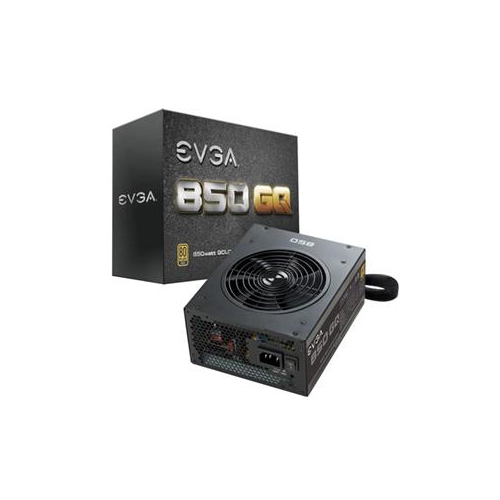 Your price for this item is $264.68
-
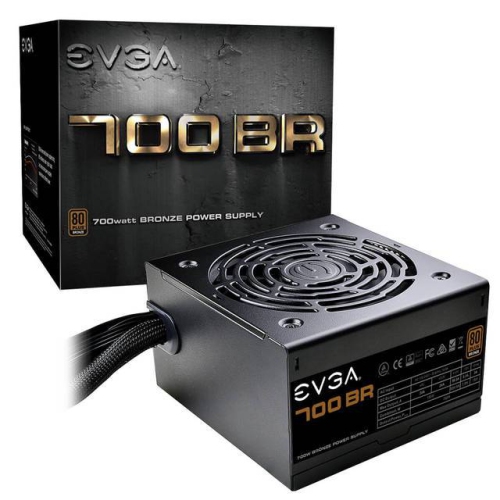 Your price for this item is $284.68
-
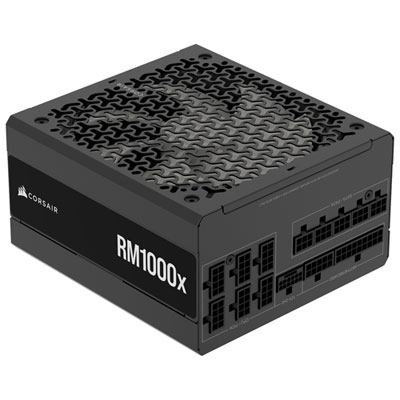 Your price for this item is $214.99
-
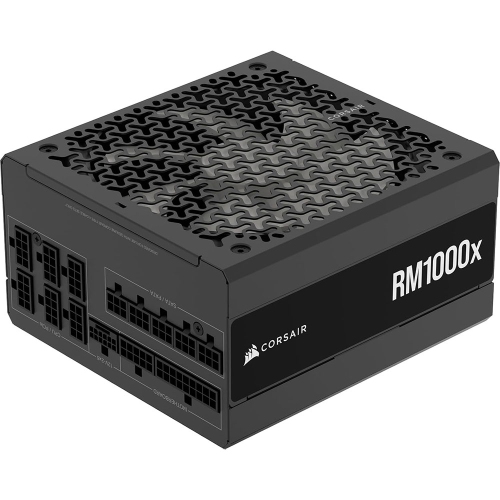 Your price for this item is $294.99
-
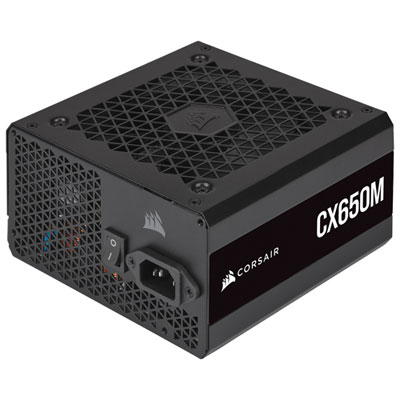 Your price for this item is $99.95
-
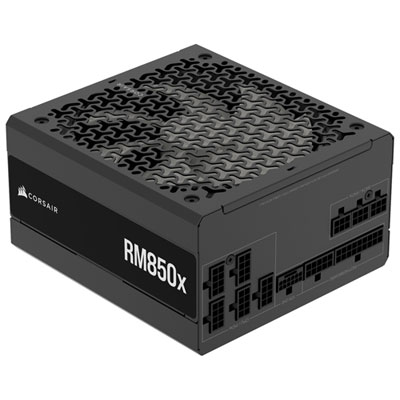 Your price for this item is $164.99
-
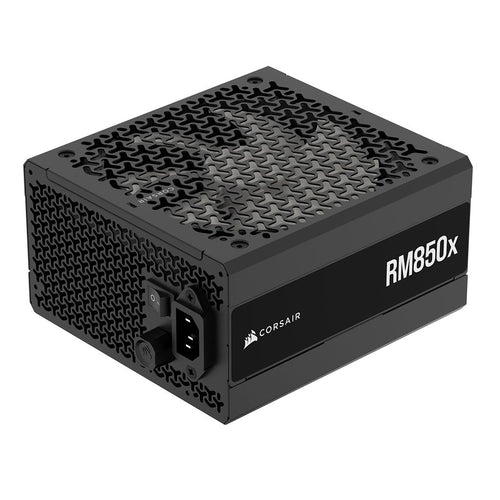 Your price for this item is $199.99
-
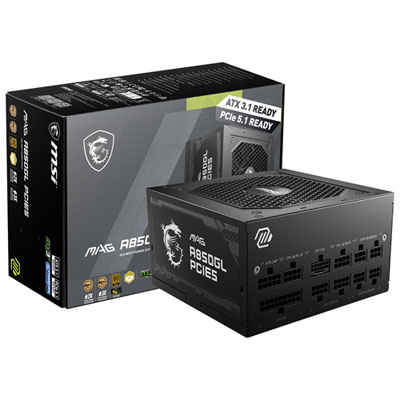 Your price for this item is $194.99
Discover more categories related to High-End Power Supply
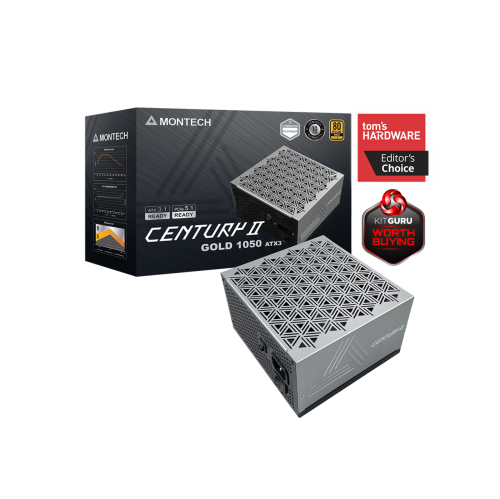
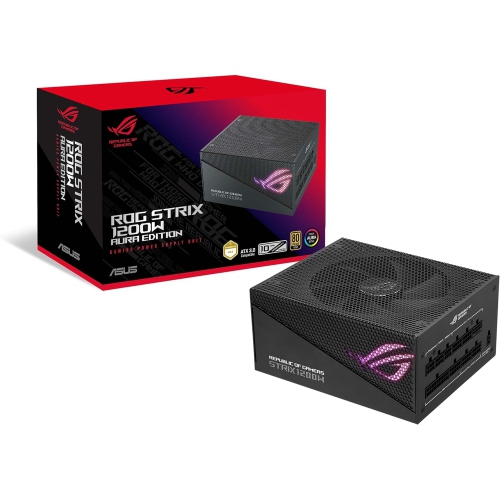
Top Collections:
Best Black Friday Deals This Year, Best Black Friday Deals On Electronics, Kindle Devices, Pokemon Centers, Best Black Friday Deals On Apple Products, Best Cameras for Sports Photography, Dyson Airwrap, Pokémon 30th Celebration Cards, Apple iPhone 17 Pro, Canon G7X Cameras
Some products may be subject to Environmental Handling Fees
(EHF) depending on your province.
Learn more about EHFs.