Best Smart Displays for Home Office
Make your workspace more connected with the best smart displays for your home office, ranked by user review ratings. Whether you want to check your calendar, set reminders, or manage compatible smart home devices, a smart display can help keep everyday tasks within easy reach. Explore top-rated options to find the right fit for your desk and daily routine.
What to look for in smart displays for home offices
1. Screen Size and Placement
2. Video Calling and Audio
3. Voice Assistant and Compatibility
4. Privacy Controls
-
1
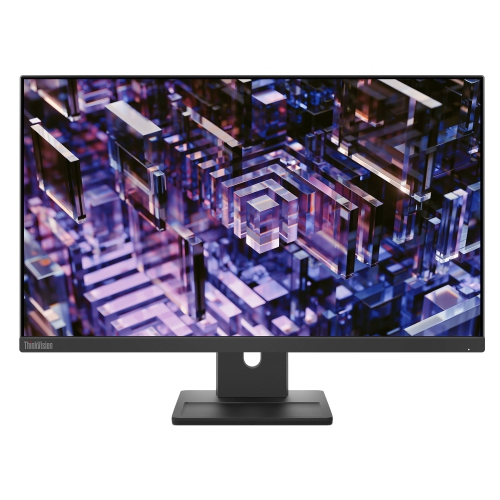
LENOVO Thinkvision 23.8 Inch Ips Qhd 100Hz Monitor - E24Q-30
About this product
A high-resolution 23.8-inch monitor delivering sharp visuals, ideal for work or entertainment setups.
(3)$300.68Your price for this item is $300.68SAVE $30 -
2
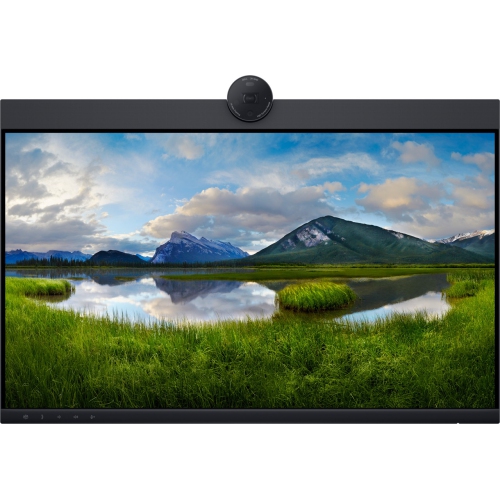
DELL Pro 24 Plus 24" 1080P HD Ips Led Monitor Para Videoconferência (P2424Heb) - Light In Blue
About this product
A Full HD IPS monitor with built-in webcam, USB hub, KVM switch, HDMI, and DisplayPort connectivity.
(2)$485.89Your price for this item is $485.89SAVE $263 -
3
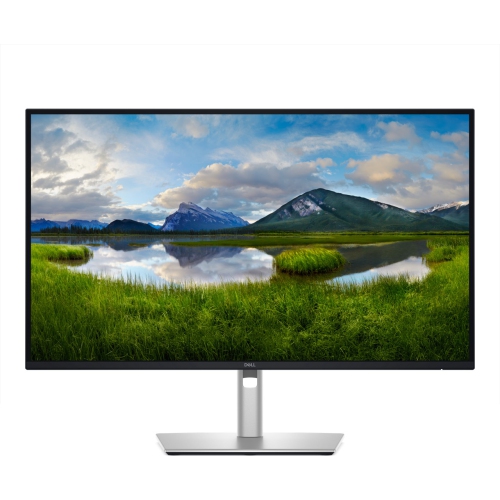
DELL Pro 27 Plus 27" 4K Uhd Ips Led USB-C Hub Monitor (P2725Qe) - Light - 100Hz In Blue
About this product
A 27-inch 4K UHD monitor delivering crisp visuals, ideal for professional computing and entertainment needs.
(1)$674.99Your price for this item is $674.99SAVE $45 -
4

LENOVO Thinksmart I5-1145G7E 16GB Ram 256GB SSD Core & Ip Controller Kit - (12Qj0004Us)
About this product
A powerful Windows-based meeting solution with 16GB RAM, 256GB SSD, and intuitive HD touchscreen controller.
(1)$2,899.00 Your price for this item is $2899 -
5
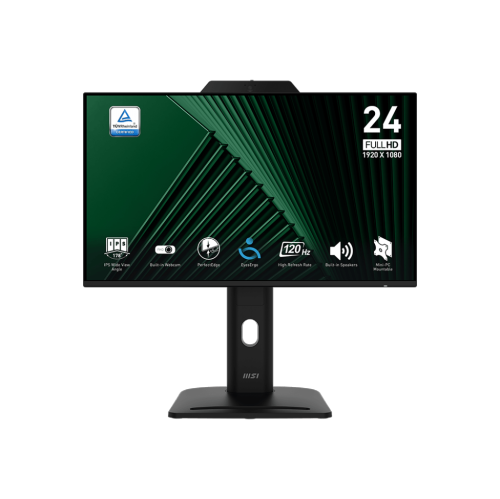
MSI Pro 24" 1080P HD Ips Led Monitor W/ Webcam & Speakers (Mp242Pmg) - Flicker-Free - 120Hz - Adaptive-Sync
About this product
An adjustable IPS monitor offering Full HD resolution, 120Hz refresh rate, and rapid 1ms response time.
(1)$255.14Your price for this item is $255.14SAVE $25 -
6

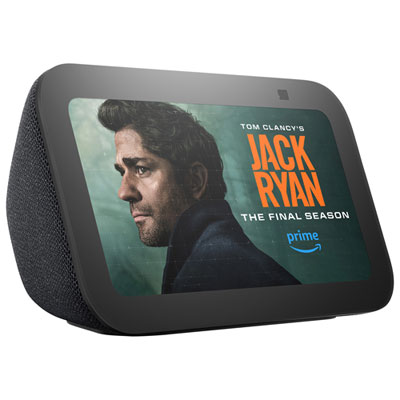
Amazon Echo Show 21 Smart Display with Alexa - Designed for Alexa+
About this product
A versatile smart display featuring a 21-inch Full HD screen, built-in Fire TV, and Alexa integration.
What customers like
(342)$499.99Your price for this item is $499.99SAVE $50 -
7
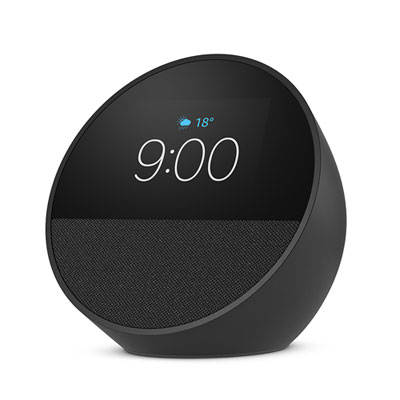
Amazon Echo Spot Smart Alarm Clock with Alexa, Black - Designed for Alexa+
About this product
A sleek black smart alarm clock with Alexa, vibrant display, rich sound, and smart home control features.
What customers like
(635)$74.99Your price for this item is $74.99SAVE $25 -
8
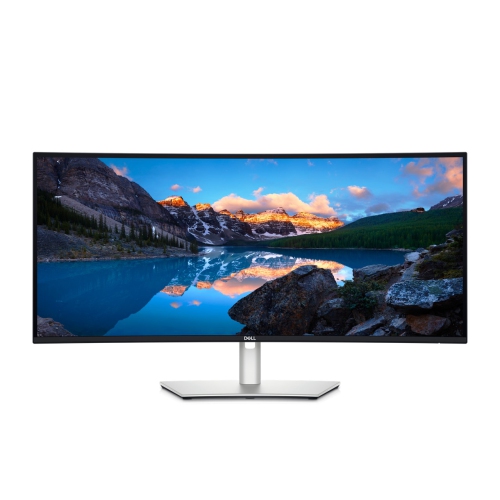
DELL Ultrasharp 34" Ultrawide Curved 1440P Uwqhd Ips Lcd Thunderbolt Hub Monitor (U3425We) - 120Hz
About this product
A curved Thunderbolt hub monitor offering immersive visuals and seamless connectivity for enhanced productivity.
(7)$1,199.00Your price for this item is $1199SAVE $300 -
9
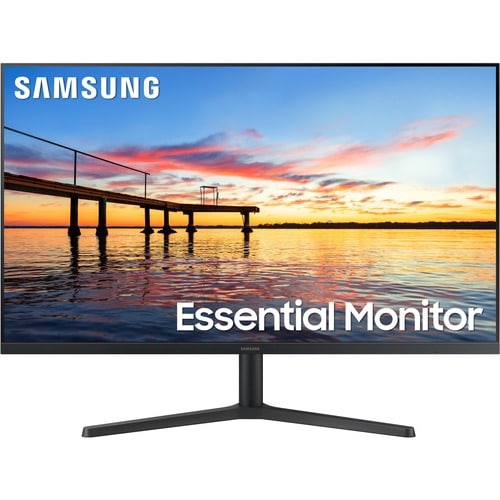
SAMSUNG S30B 32" 1080P HD Va Monitor (Ls32B304Nwnxgo) - Flicker-Free - 75Hz - Amd Freesync
About this product
A sleek black monitor featuring FHD resolution, 75Hz refresh rate, AMD FreeSync, and eye comfort technologies.
What customers like
(24)$237.99Your price for this item is $237.99SAVE $41
FAQ
Smart displays typically combine a touchscreen, speakers and a voice assistant. Common features include calendar views, reminders, weather updates, music playback and compatible smart home controls. Some models also include a camera and support video calling.
Smart displays add a screen to many of the voice-controlled features found on smart speakers. They can show appointment details, visual timers, photos and supported video content, while smart speakers primarily provide information through audio.
Video calling support depends on the display’s operating system and compatible services. A built-in camera does not necessarily mean a display supports your workplace’s meeting platform. Check compatibility with your preferred calling service, along with any account or subscription requirements.
Many smart displays can show appointments and reminders from compatible linked accounts. Support varies by calendar provider, device and account type. Workplace-managed accounts may have restrictions on linking to a smart display, so check which calendar services and account permissions are supported.
Most smart displays use Wi-Fi for online features and need a nearby power outlet. Some also offer Bluetooth for supported audio connections or built-in hubs for compatible smart home devices. Connection options vary, and a smart display should not be assumed to accept video input like a computer monitor.
Top selling and popular products
Discover more categories related to Best Smart Displays for Home Office
Some products may be subject to Environmental Handling Fees (EHF) depending on your province. Learn more about EHFs.