Smart Displays for Your Home
Smart Displays for Your Home offer a modern way to stay connected, organized, and entertained throughout your living space. Designed to fit seamlessly into your daily routine, these innovative devices bring convenience to your fingertips with voice control, touchscreens, and integration with other smart home products. Whether you’re looking to streamline tasks, manage your schedule, or enhance your home’s ambiance, Smart Displays for Your Home provide versatile options to suit every lifestyle. Explore our selection to find the perfect addition for any room in your home.
Sort



Everyday tasks made simpler with voice and screen
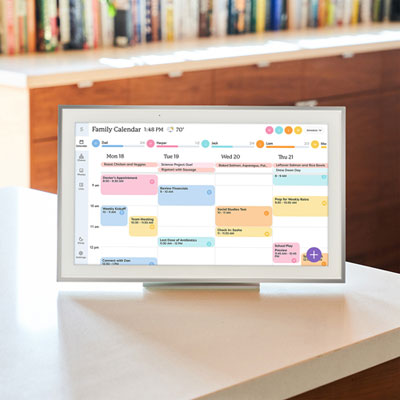
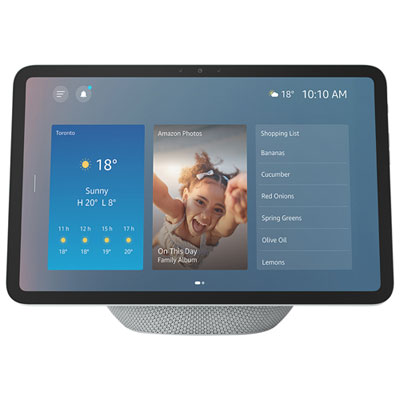
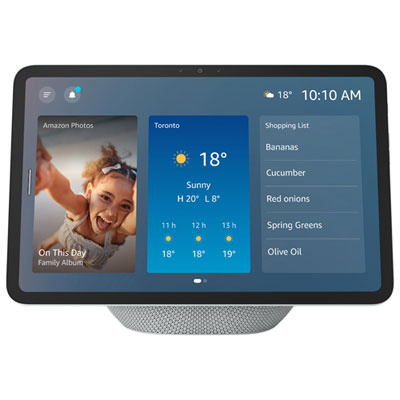
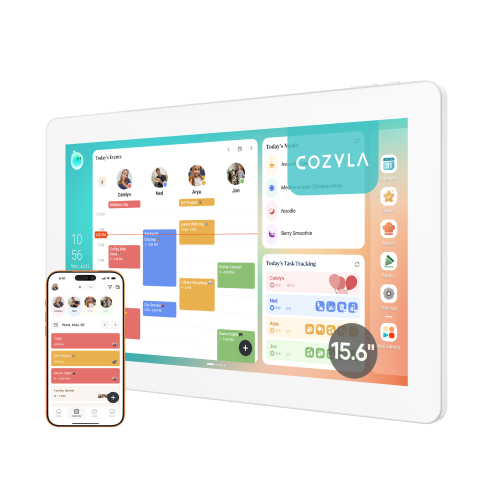
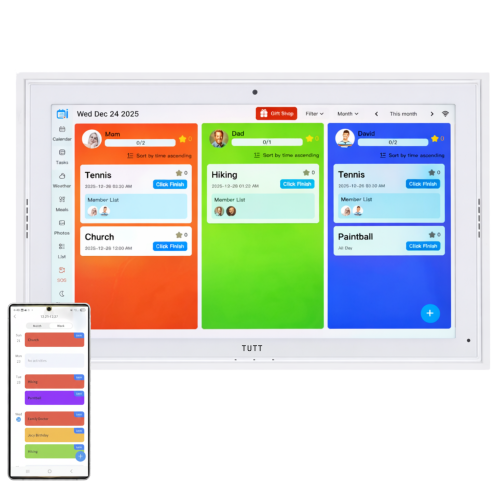
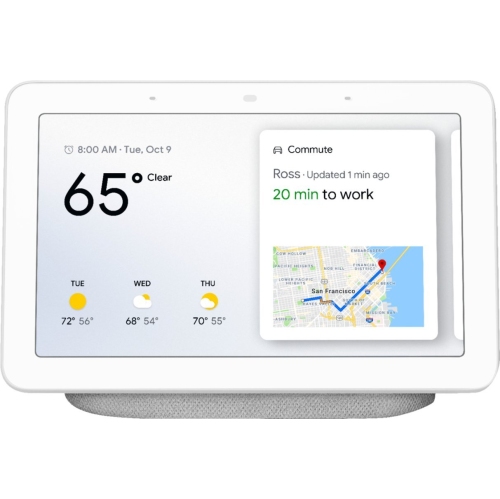
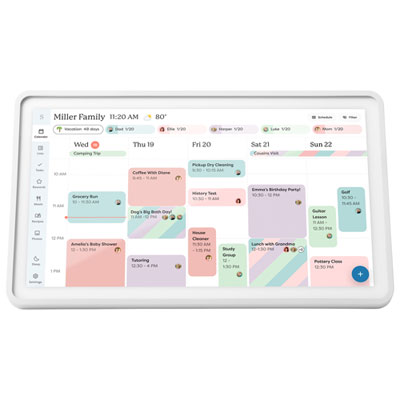
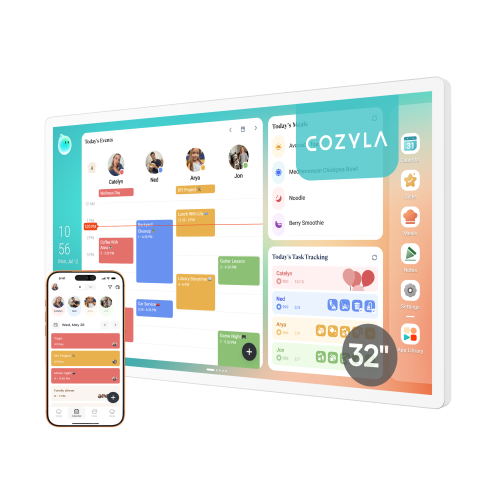
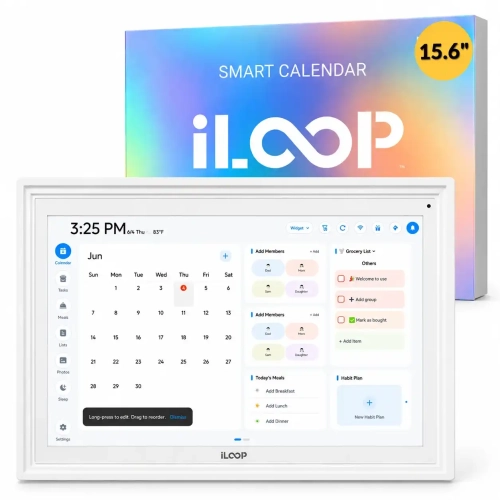
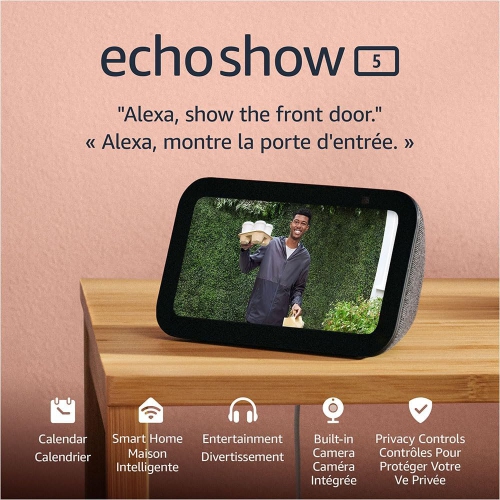
Smart displays combine a touchscreen, speakers, and a voice assistant to bring visual information and hands-free controls into everyday household routines. Unlike a conventional monitor, a smart display can show supported content and respond to commands without being connected to a computer. Depending on the model and its compatible services, it can display recipes, play music, stream videos, make video calls, and control connected smart home devices. The screen adds useful context to a spoken response: a timer becomes a visible countdown, a calendar shows appointments at a glance, and a supported doorbell camera can show who is at the entrance. In a kitchen, that might mean keeping recipe instructions in view while asking for a measurement conversion with flour-covered hands. On a living room side table, the same type of device might display family photos between music sessions or provide a convenient place for a video conversation. These displays are generally intended for shared spaces rather than private, portable use, although their size and design influence where they fit best. A compact screen can suit a bedside table or a small counter, while a larger display makes recipes, camera views, and video calls easier to see from farther away. Most everyday connected features depend on reliable Wi-Fi, and initial setup often requires a compatible smartphone, an app, and an account. Streaming services, calling features, and photo-sharing options vary, so support for the services a household already uses matters more than a long list of unfamiliar functions. Some services also require separate subscriptions. A smart display is not necessarily a replacement for a tablet, television, or dedicated home security monitor; its strength is making frequently used information and controls accessible in one familiar spot. For people who prefer a quick spoken request to opening an app, the combination of sound and screen can make small tasks feel more direct, especially when several things are happening at once.
The physical design of a smart display affects how comfortably it fits into a room and how well it stands up to daily handling. Housings may combine plastic, metal, glass, and fabric-covered speaker sections, with finishes that range from discreet neutrals to more noticeable accents. A smooth housing can be easier to wipe down, while textured speaker fabric may need more careful dust removal. Cleaning should follow the manufacturer’s directions, with liquids kept away from openings and cleaning products never sprayed directly onto the device. A kitchen placement needs particular care: a display can be useful near a food preparation area without sitting beside the sink, close to a hot cooking surface, or in the path of steam and splashes. Water resistance should never be assumed. A stable base, sufficient counter depth, and a power cord routed away from busy edges are practical considerations in homes with children or pets. Many smart displays need continuous outlet power, so the location of a socket can be just as important as the available surface space. Where wall mounting is supported, the correct mounting hardware and access to power also matter. Screen angle, brightness controls, and reflections influence readability throughout the day, particularly near windows or under bright overhead lighting. An adjustable stand can help position a screen for someone seated at a desk rather than standing at a counter. Touch controls should be reachable without stretching across furniture, and commonly used text should be readable from the distance at which the display will actually be used. Speaker performance deserves similar attention: clear speech is useful for calls and spoken responses, while music listening may benefit from fuller sound or support for compatible external speakers. Microphone performance also varies with placement and background noise. Keeping the device clear of obstructions can help, but no voice interface will hear every request equally well over a running tap, a loud television, or several conversations. These details often shape everyday satisfaction more than appearance alone.
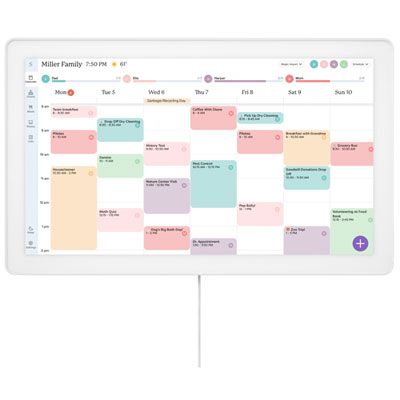
For connected households, smart displays with home assistants can provide a central place to interact with compatible lights, plugs, thermostats, cameras, and other supported devices. Compatibility needs to extend beyond a general claim of smart home support: the display, assistant, connected device, and required apps must work together for the intended function. Viewing a camera feed, for example, is different from accessing every setting offered in that camera’s own app. Some displays include a built-in hub for certain connections, while others depend on a separate bridge or an internet-based service. Supported routines can group actions around a phrase or schedule, such as adjusting lights and starting music, but the available actions depend on the devices and services involved. Shared use brings a few further considerations. Personal calendars, photos, messages, and shopping lists may appear on a screen that anyone in the room can see, so account permissions and household access settings deserve attention. Where available, a physical camera shutter, microphone mute control, and adjustable camera permissions can offer more control over how a display is used. A muted microphone or covered camera may also limit related features. Voice profiles and parental controls vary and should not be treated as substitutes for reviewing access to personal information. Accessibility features can make a meaningful difference, including adjustable text, captions, screen-reading support, and alternatives to voice commands, although these are not identical across devices. A display may suit someone who likes seeing reminders as well as hearing them, a family that shares a calendar, or a person who regularly calls relatives from a familiar chair. As a housewarming or birthday gift, it is most useful when it matches the recipient’s existing devices, preferred services, and comfort with account setup. The strongest fit is a display that supports a few genuinely useful habits, sits comfortably where those habits happen, and keeps its controls understandable for the people sharing the space.
The physical design of a smart display affects how comfortably it fits into a room and how well it stands up to daily handling. Housings may combine plastic, metal, glass, and fabric-covered speaker sections, with finishes that range from discreet neutrals to more noticeable accents. A smooth housing can be easier to wipe down, while textured speaker fabric may need more careful dust removal. Cleaning should follow the manufacturer’s directions, with liquids kept away from openings and cleaning products never sprayed directly onto the device. A kitchen placement needs particular care: a display can be useful near a food preparation area without sitting beside the sink, close to a hot cooking surface, or in the path of steam and splashes. Water resistance should never be assumed. A stable base, sufficient counter depth, and a power cord routed away from busy edges are practical considerations in homes with children or pets. Many smart displays need continuous outlet power, so the location of a socket can be just as important as the available surface space. Where wall mounting is supported, the correct mounting hardware and access to power also matter. Screen angle, brightness controls, and reflections influence readability throughout the day, particularly near windows or under bright overhead lighting. An adjustable stand can help position a screen for someone seated at a desk rather than standing at a counter. Touch controls should be reachable without stretching across furniture, and commonly used text should be readable from the distance at which the display will actually be used. Speaker performance deserves similar attention: clear speech is useful for calls and spoken responses, while music listening may benefit from fuller sound or support for compatible external speakers. Microphone performance also varies with placement and background noise. Keeping the device clear of obstructions can help, but no voice interface will hear every request equally well over a running tap, a loud television, or several conversations. These details often shape everyday satisfaction more than appearance alone.
For connected households, smart displays with home assistants can provide a central place to interact with compatible lights, plugs, thermostats, cameras, and other supported devices. Compatibility needs to extend beyond a general claim of smart home support: the display, assistant, connected device, and required apps must work together for the intended function. Viewing a camera feed, for example, is different from accessing every setting offered in that camera’s own app. Some displays include a built-in hub for certain connections, while others depend on a separate bridge or an internet-based service. Supported routines can group actions around a phrase or schedule, such as adjusting lights and starting music, but the available actions depend on the devices and services involved. Shared use brings a few further considerations. Personal calendars, photos, messages, and shopping lists may appear on a screen that anyone in the room can see, so account permissions and household access settings deserve attention. Where available, a physical camera shutter, microphone mute control, and adjustable camera permissions can offer more control over how a display is used. A muted microphone or covered camera may also limit related features. Voice profiles and parental controls vary and should not be treated as substitutes for reviewing access to personal information. Accessibility features can make a meaningful difference, including adjustable text, captions, screen-reading support, and alternatives to voice commands, although these are not identical across devices. A display may suit someone who likes seeing reminders as well as hearing them, a family that shares a calendar, or a person who regularly calls relatives from a familiar chair. As a housewarming or birthday gift, it is most useful when it matches the recipient’s existing devices, preferred services, and comfort with account setup. The strongest fit is a display that supports a few genuinely useful habits, sits comfortably where those habits happen, and keeps its controls understandable for the people sharing the space.
Top selling and popular products
-
 Your price for this item is $449.99
-
 Your price for this item is $139.99
-
 Your price for this item is $239.99
-
 Your price for this item is $199.99
-
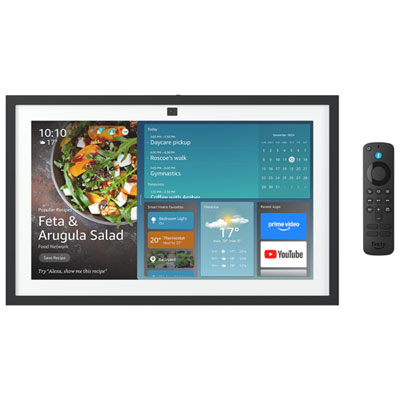 Your price for this item is $499.99
-
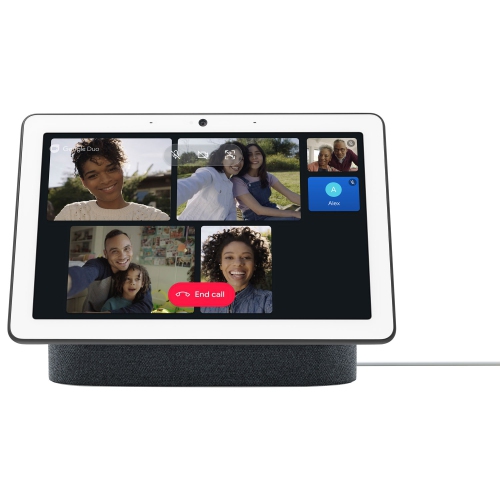 Your price for this item is $719.99
-
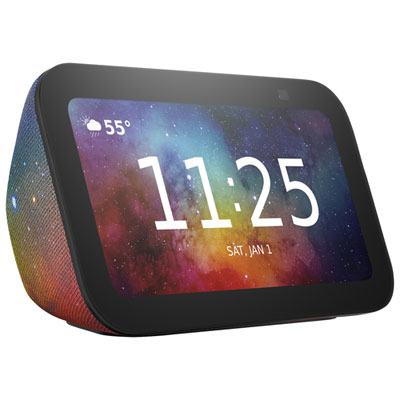 Your price for this item is $154.99
-
 Your price for this item is $359.99
Discover more categories related to Smart Displays for Your Home

Top Collections:
Best Black Friday Deals This Year, Best Black Friday Deals On Electronics, Kindle Devices, Pokemon Centers, Best Black Friday Deals On Apple Products, Best Cameras for Sports Photography, Dyson Airwrap, Pokémon 30th Celebration Cards, Apple iPhone 17 Pro, Canon G7X Cameras
Some products may be subject to Environmental Handling Fees
(EHF) depending on your province.
Learn more about EHFs.