Best Tablets for Home Office Use
The best tablets for home office use can help you stay productive, from managing emails and joining video calls to reviewing documents and taking notes. Look for a clear display, reliable battery life, and compatibility with a keyboard or stylus to suit your workflow. Explore the tablets below, ranked by user review ratings, to find an option for your home office setup.
What to look for in tablets for home office use
1. Performance and App Compatibility
2. Display and Multitasking
3. Keyboard and Accessory Support
4. Connectivity and Battery Life
-
1
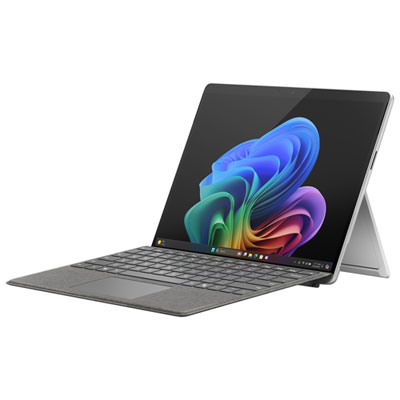
Microsoft Surface Pro (OLED) Copilot+ PC 13" 1TB Tablet with Snapdragon X Elite/16GB RAM (2024) - Platinum - Device Only
About this product
A platinum ultra-portable tablet featuring a 13" OLED display, Snapdragon X Elite, 16GB RAM, and 1TB storage.
What customers like
(25)$3,049.97 Your price for this item is $3049.97 -
2
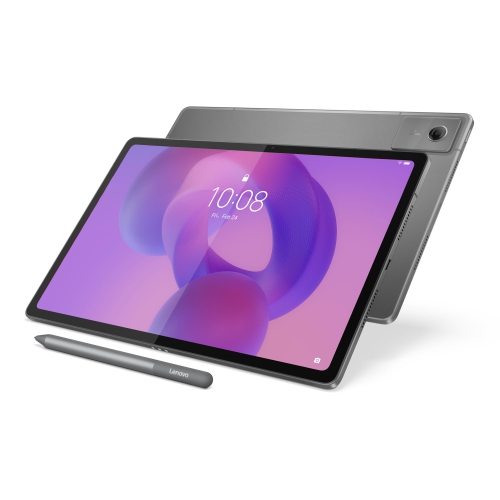
LENOVO Idea Tab Plus 12.1-Inch 128GB, 8GB Ram, Dimensity 6400
About this product
A versatile tablet featuring a 12.1" IPS 90Hz display, 8GB RAM, and 128GB storage.
What customers like
(44)$418.00Your price for this item is $418SAVE $81 -
3
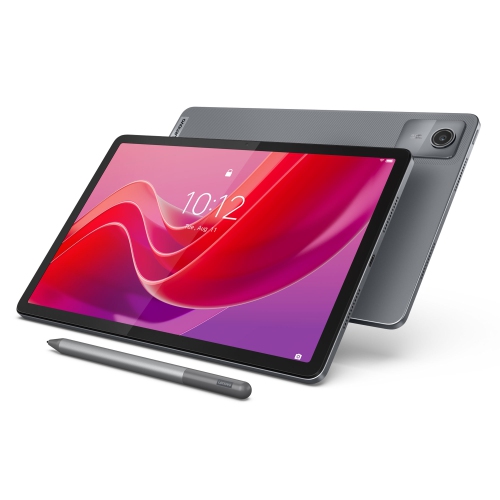
LENOVO Tab M11 11-Inch 128GB, 4GB Ram
About this product
An 11" IPS tablet with 400 nits brightness, 4GB RAM, and 128GB eMMC storage.
What customers like
(131)$331.55Your price for this item is $331.55SAVE $17 -
4
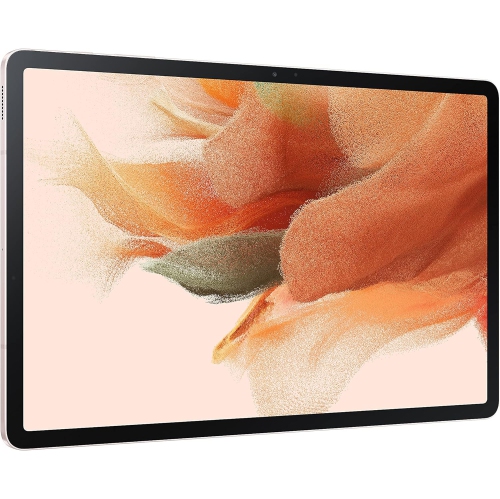
SAMSUNG Galaxy Tab S7 Fe 12.4” 256GB Wifi Android Tablet, Large Screen, S Pen Included, Multi Device Connectivity, Long Lasting Battery, Us
About this product
A versatile pink Android tablet featuring a 12.4" display, 256GB storage, S Pen, and long battery life.
What customers like
(13)$449.00 Your price for this item is $449 -
5
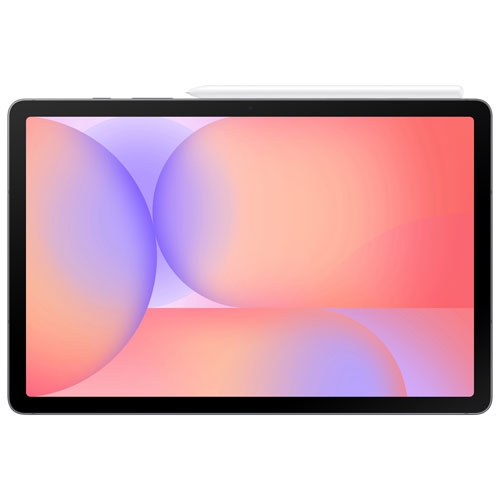
SAMSUNG - Galaxy Tab S10 Lite 10.9-Inch 128GB, Exynos 1380 With S Pen - In Grey
About this product
A sleek grey tablet featuring a 10.9" display, Exynos 1380 processor, and included S Pen.
(4)$399.99Your price for this item is $399.99SAVE $20 -
6
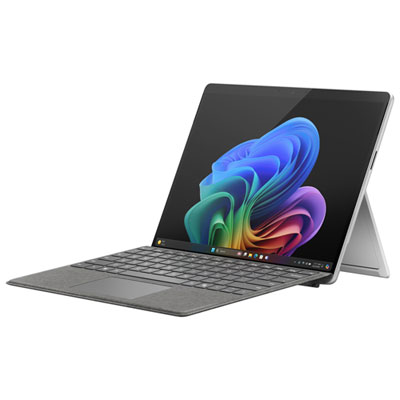
Microsoft Surface Pro (OLED) Copilot+ PC 13" 1TB Tablet with Snapdragon X Elite/32GB RAM (2024) - Platinum - Device Only
About this product
A platinum ultra-portable tablet featuring a 13" OLED display, Snapdragon X Elite, and 32GB RAM.
What customers like
(98)$4,049.99 Your price for this item is $4049.99 -
7

SAMSUNG - Galaxy Tab S9+ 12.4-Inch 512GB, Wi-Fi, 12GB Ram, Snapdragon Gen 2 With S Pen - Graphite
About this product
A powerful graphite Android tablet featuring a Snapdragon Gen 2 processor and vibrant Dynamic AMOLED 2X display.
(3)$1,234.97Your price for this item is $1234.97SAVE $265 -
8
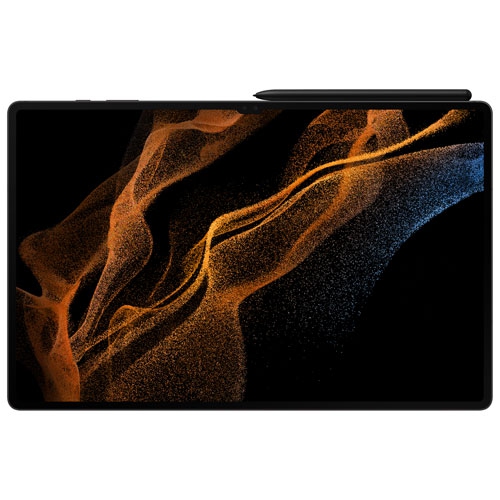
SAMSUNG Refurbished (Excellent) - Galaxy Tab S8 Ultra 14.6-Inch 256GB, Wi-Fi, 12GB Ram With S Pen - Graphite
About this product
A powerful refurbished tablet with a large sAMOLED screen, dual front camera, and ultra-fast S Pen.
(3)$1,259.97Your price for this item is $1259.97SAVE $139 -
9
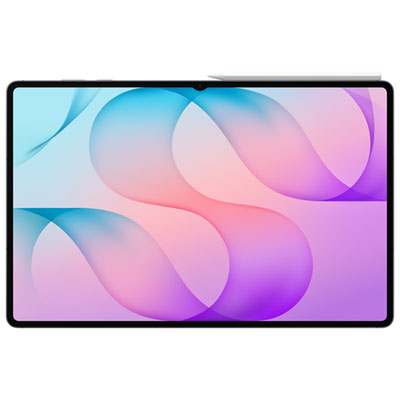
Samsung Galaxy Tab S12 Ultra 14.6" 256GB Android Tablet with MediaTek Dimensity 9500 Processor - Grey
About this product
A grey Android tablet with Dynamic AMOLED 2X display, MediaTek Dimensity 9500 processor, and S Pen.
(3)$1,899.99 Your price for this item is $1899.99 -
10
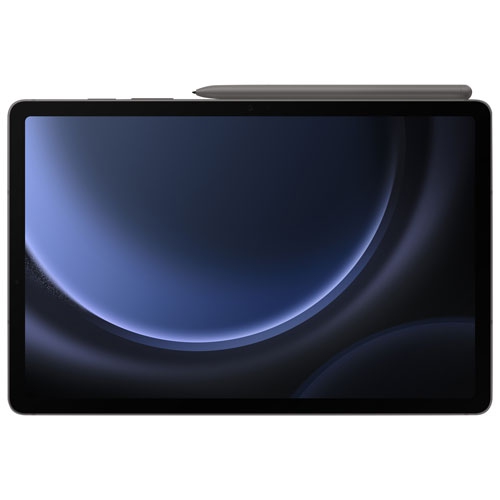
SAMSUNG - Galaxy Tab S9 Fe 10.9-Inch 128GB With S Pen - In Grey
About this product
A sleek grey Android tablet featuring 128GB storage, Exynos 1380 processor, S Pen, and IP68 resistance.
(8)$449.99 Your price for this item is $449.99
FAQ
Look for a tablet with support for your work apps, multitasking tools, keyboard compatibility and file management options. Built-in microphones and a front-facing camera are useful for video meetings, while stylus support can be helpful for handwritten notes and document annotation.
Many tablets support Bluetooth keyboards and mice, while some also work with dedicated keyboard covers or USB accessories. Compatibility depends on the tablet’s operating system, ports and accessory requirements. Check whether your preferred setup supports shortcuts, pointer controls and trackpad gestures.
Many office apps have tablet versions for creating documents, editing spreadsheets, managing email and joining video meetings. However, tablet and browser-based versions may have different features from desktop software. Check that the apps you use support your required file formats and workflows on the tablet’s operating system.
Depending on the model, a tablet may connect through a compatible USB-C adapter, docking station or wireless display feature. Some tablets mirror the built-in display, while others support an extended desktop. Confirm that the tablet supports video output and the display mode you want, as a USB-C port alone does not guarantee either.
Stylus compatibility, handwriting recognition and PDF annotation tools are useful options for meeting notes. Some note-taking apps also let you organise notes into notebooks, search handwriting and sync files across devices. Stylus features and app availability vary by tablet and operating system.
Top selling and popular products
Discover more categories related to Best Tablets for Home Office Use


Some products may be subject to Environmental Handling Fees (EHF) depending on your province. Learn more about EHFs.