Tablets for Home Office Productivity
Tablets for home office productivity offer a flexible solution for managing tasks, staying connected, and enhancing your workflow. With a wide range of options designed to fit various needs, it's easy to find the right device to help you tackle assignments, attend virtual meetings, or organize your schedule. Whether you're working from a dedicated office space or setting up at the kitchen table, tablets for home office productivity can help streamline your day and keep you on track. Explore the selection to discover devices that make remote work more efficient and enjoyable.
Sort
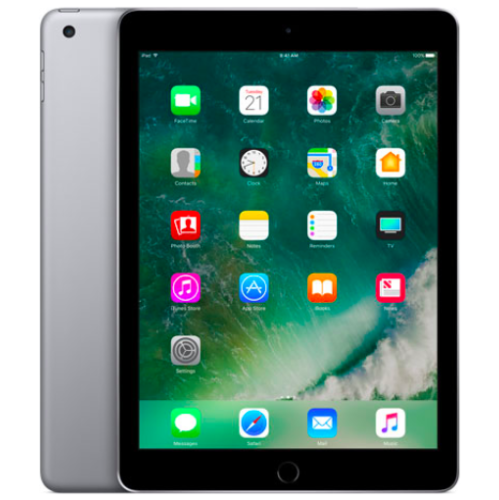
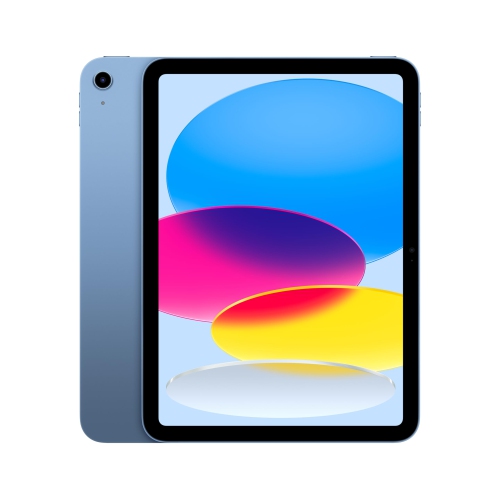
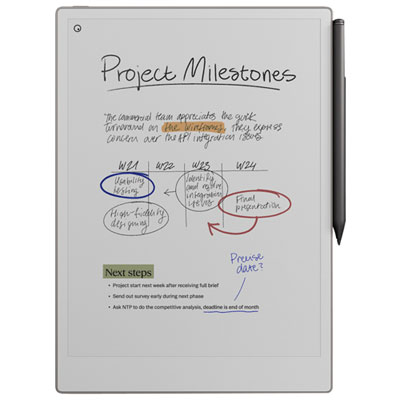
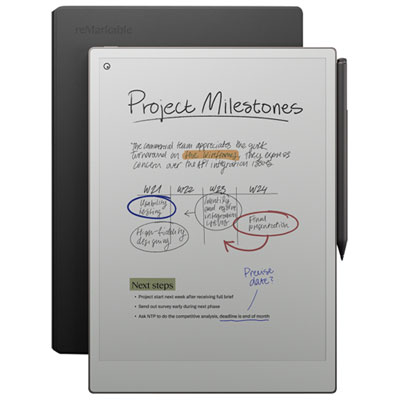
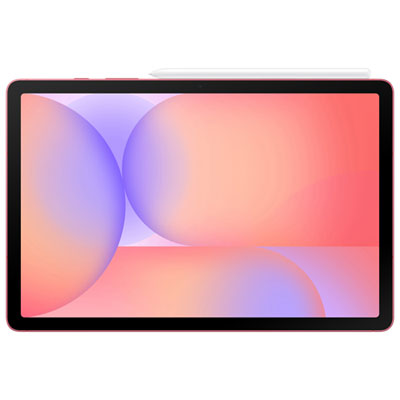
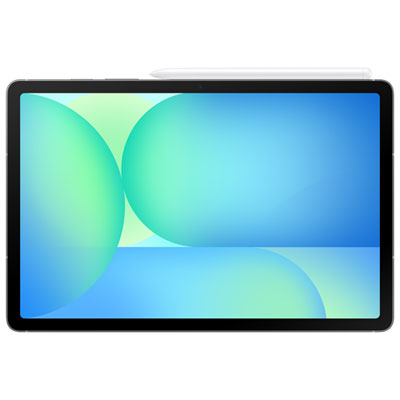
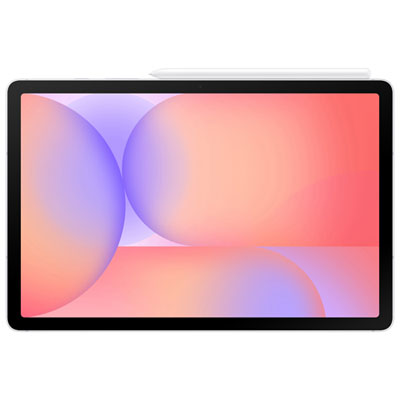
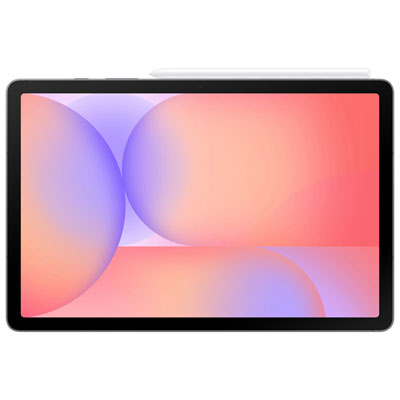

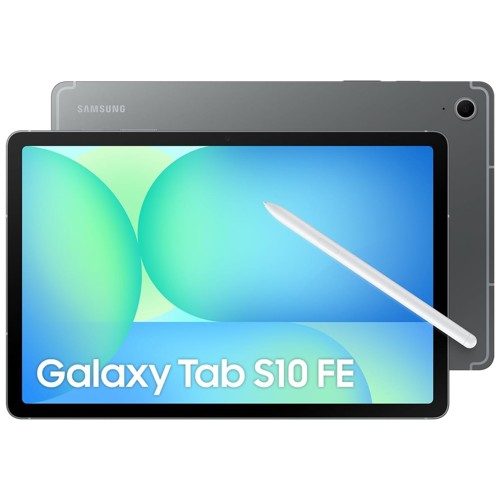
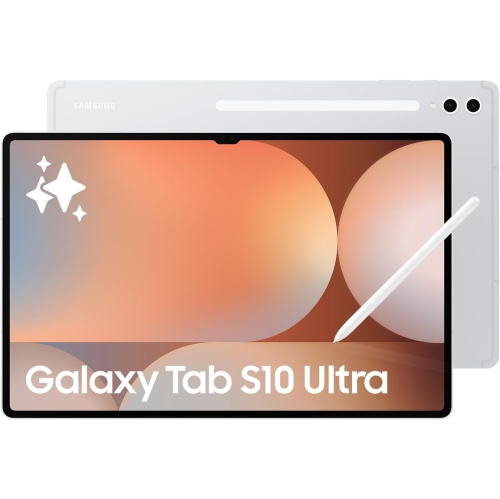
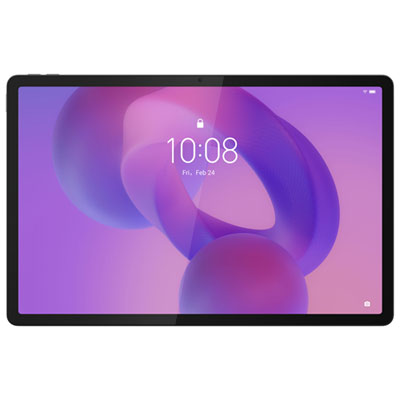
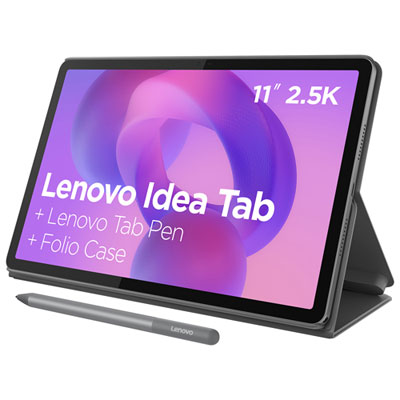
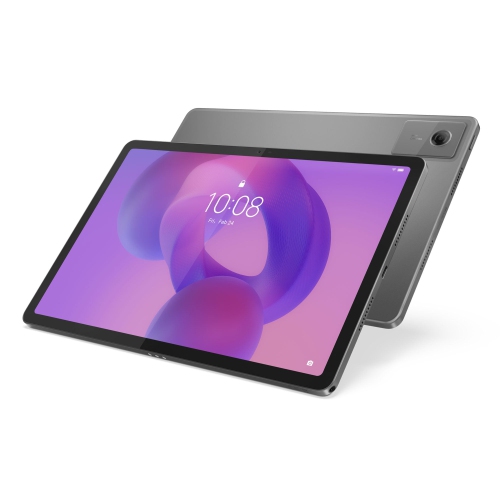
Desktop-like performance meets portable home office flexibility
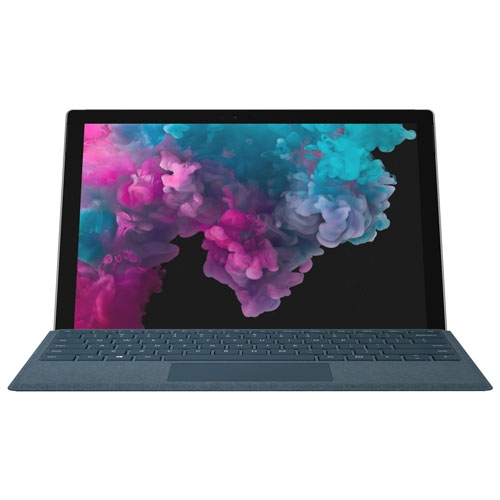
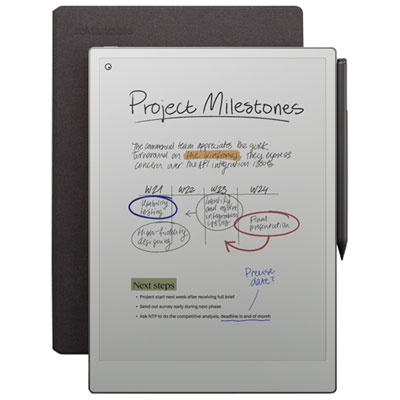
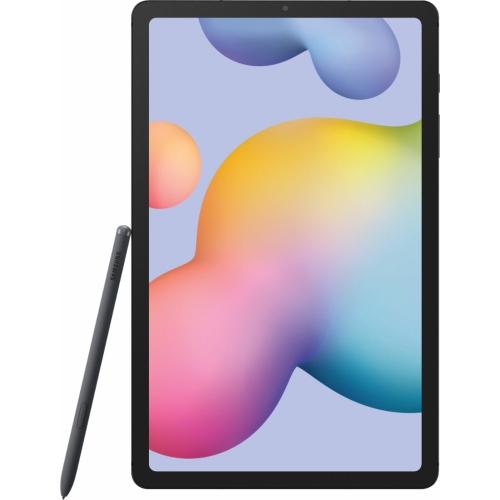
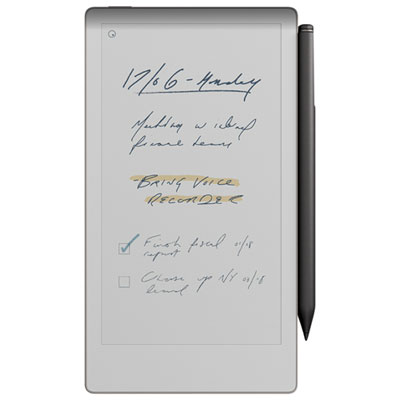
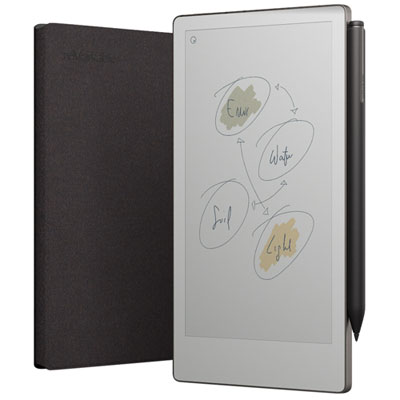
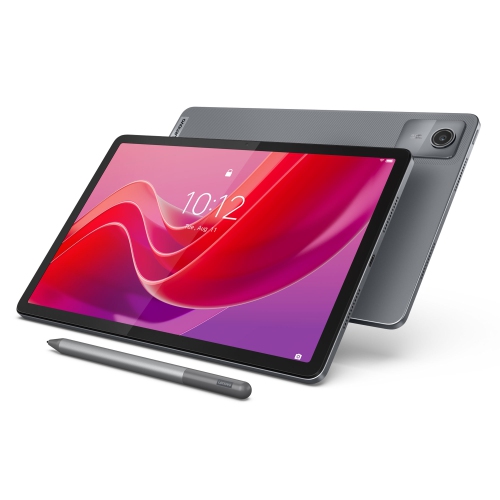
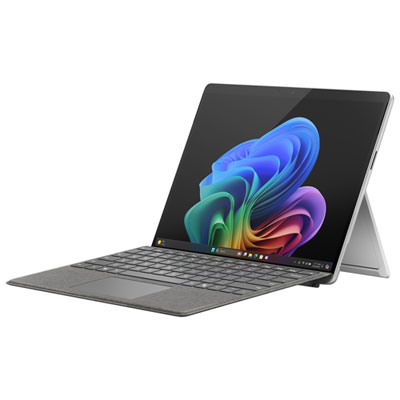
Tablets have become indispensable companions for Canadians seeking to boost productivity in their home office environments. As the weather warms and routines shift, the flexible nature of tablets stands out—whether you’re transforming a spare bedroom into a dedicated workspace or simply carving out a quiet corner at the kitchen table. These devices have evolved far beyond basic web browsing or streaming; modern tablets deliver processing power and multitasking capabilities that rival many laptops, making them well-suited for handling demanding workloads, video calls, and real-time collaboration. The ability to pair a tablet with a high-quality keyboard case and stylus turns it into a true productivity powerhouse, offering a desktop-like experience without sacrificing the portability that’s essential for those who move between rooms or occasionally take work outside to enjoy the summer air. For professionals who rely on handwritten notes or need to mark up documents, tablets with advanced stylus support and digital paper features provide a tactile, paper-like experience that bridges the gap between analogue and digital workflows.
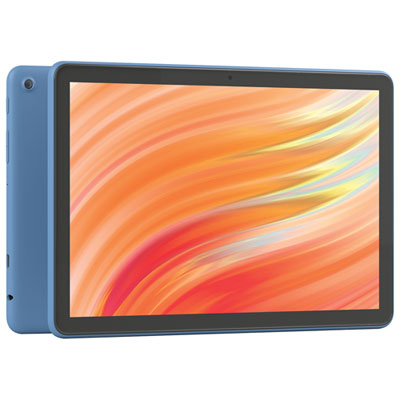
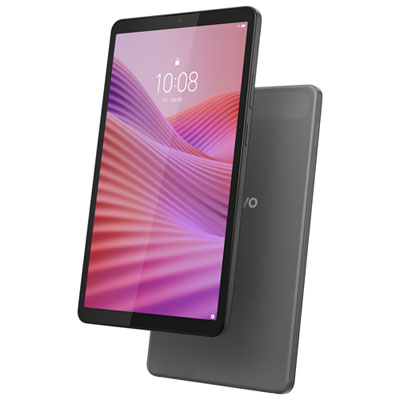
When considering a tablet for home office productivity, it’s important to think about how you work and what features will best support your daily tasks. Those who need to run full desktop applications or require compatibility with legacy office software may gravitate toward tablets with desktop-class operating systems, while users who prioritize app optimization and touch-friendly interfaces might prefer iPadOS or Android-based options. Screen size is another key factor: tablets in the 13 to 14 inch range can comfortably display multiple apps side by side, making multitasking seamless during meetings or when juggling spreadsheets and presentations. Portability is a major advantage, with most tablets weighing under a kilogram, so they’re easy to carry to the patio for a change of scenery or to pack away for weekend travel. Accessories like detachable keyboards and responsive styluses help transform tablets into versatile workstations, ideal for drafting reports, annotating PDFs, or brainstorming creative projects. These features also make tablets a thoughtful gift for students preparing for a new academic year, professionals upgrading their remote work setup, or anyone who values a blend of power and mobility in their tech. Whether you’re managing a busy household, leading a virtual team, or simply want a device that adapts to your evolving needs through the summer and into the cooler months, there’s a tablet configuration to match every workflow and budget.
For those exploring the best options, it’s worth browsing the full range of Productivity Tablets for Home Offices to find a device that aligns with your specific needs. With choices spanning premium, mid-range, and budget-friendly price points, there’s something for everyone—from creative professionals who need a graphics powerhouse to multitaskers who demand seamless app switching and students who value note-taking flexibility. As home office expectations continue to evolve, investing in a tablet designed for productivity can help you stay organized, connected, and efficient—no matter where your workspace happens to be.
When considering a tablet for home office productivity, it’s important to think about how you work and what features will best support your daily tasks. Those who need to run full desktop applications or require compatibility with legacy office software may gravitate toward tablets with desktop-class operating systems, while users who prioritize app optimization and touch-friendly interfaces might prefer iPadOS or Android-based options. Screen size is another key factor: tablets in the 13 to 14 inch range can comfortably display multiple apps side by side, making multitasking seamless during meetings or when juggling spreadsheets and presentations. Portability is a major advantage, with most tablets weighing under a kilogram, so they’re easy to carry to the patio for a change of scenery or to pack away for weekend travel. Accessories like detachable keyboards and responsive styluses help transform tablets into versatile workstations, ideal for drafting reports, annotating PDFs, or brainstorming creative projects. These features also make tablets a thoughtful gift for students preparing for a new academic year, professionals upgrading their remote work setup, or anyone who values a blend of power and mobility in their tech. Whether you’re managing a busy household, leading a virtual team, or simply want a device that adapts to your evolving needs through the summer and into the cooler months, there’s a tablet configuration to match every workflow and budget.
For those exploring the best options, it’s worth browsing the full range of Productivity Tablets for Home Offices to find a device that aligns with your specific needs. With choices spanning premium, mid-range, and budget-friendly price points, there’s something for everyone—from creative professionals who need a graphics powerhouse to multitaskers who demand seamless app switching and students who value note-taking flexibility. As home office expectations continue to evolve, investing in a tablet designed for productivity can help you stay organized, connected, and efficient—no matter where your workspace happens to be.
Top selling and popular products
-
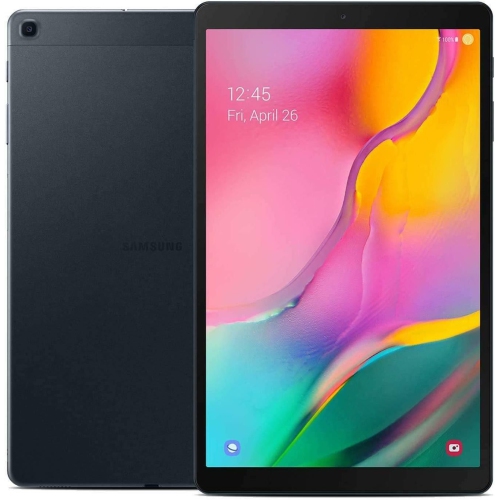 Your price for this item is $301.99
 -
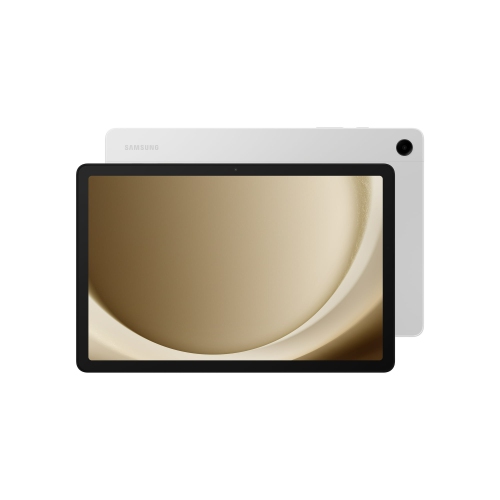 Your price for this item is $499.99
 -
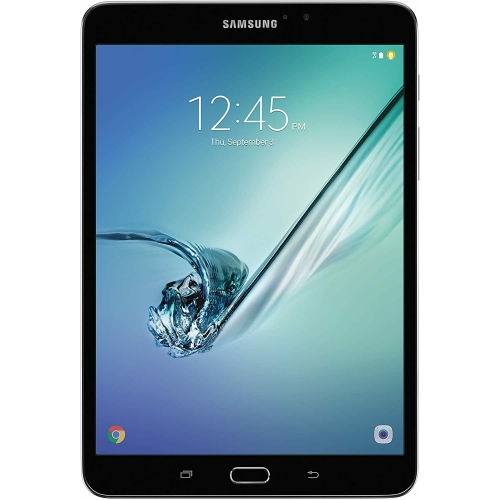 Your price for this item is $199.95
 -
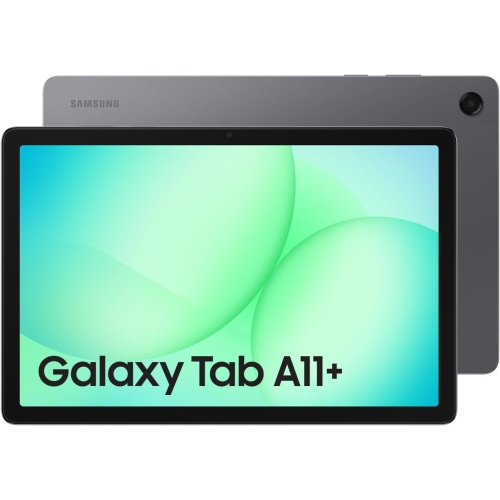 Your price for this item is $325
 -
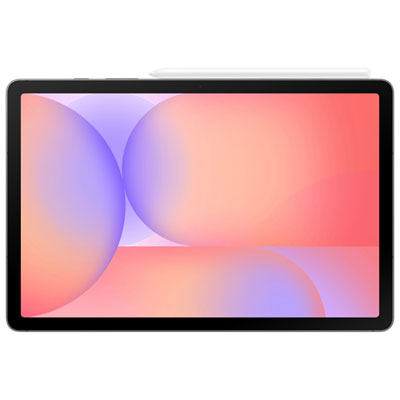 Your price for this item is $579.99
 -
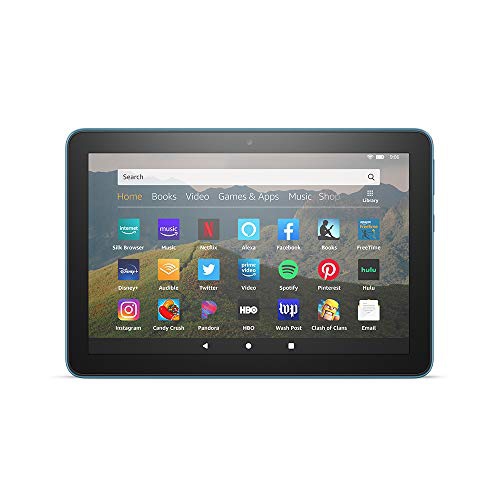 Your price for this item is $139.99
 -
 Your price for this item is $119.99
 -
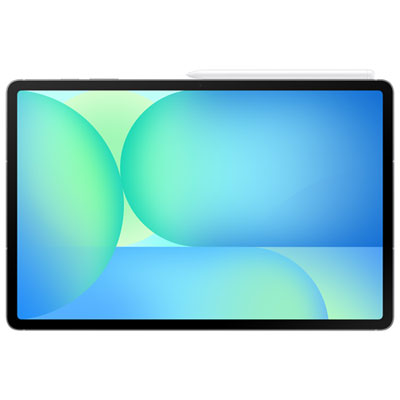 Your price for this item is $799.99
Discover more categories related to Tablets for Home Office Productivity
Top Collections:
Pokemon Centers, Budget 4K TVs, Best Budget Office Chairs, Kindle Devices, Canon G7X Cameras, Apple iPhones 16, iPhone 15 Apple, Laptops for Business Work, Xiaomi Phones, Flip Phones
Some products may be subject to Environmental Handling Fees
(EHF) depending on your province.
Learn more about EHFs.