Best Touch Screen Computer Monitors

The best touch screen computer monitors bring intuitive, hands-on control to everyday tasks, from browsing and working to creative projects. Explore options ranked by user review ratings, and compare screen sizes, display quality, and connectivity to find the right fit for your setup.

Read More

What to look for in touch screen computer monitors

1. Touch Support and Compatibility

Check that the monitor’s touch features work with your computer’s operating system and the apps you use. Multi-touch support lets you use gestures such as pinching to zoom, while compatible pen support can be useful for drawing or taking notes.

2. Screen Size and Resolution

Choose a screen size that fits your desk and keeps touch controls within comfortable reach. Full HD resolution can suit everyday tasks, while higher resolutions offer sharper text and more detail on larger displays.

3. Stand Adjustability and Comfort

Look for a stable stand with tilt adjustment so you can position the screen comfortably for tapping, swiping, or drawing. A monitor that reclines may make extended touch use more comfortable, while VESA mounting compatibility gives you additional positioning options.

4. Ports and Connections

Confirm that the monitor has video inputs that match your computer, such as HDMI, DisplayPort, or USB-C. Many touch screen monitors also need a USB connection for touch input, so check the required connections and included cables before buying.
Citrus catapult arrow
  1. 1

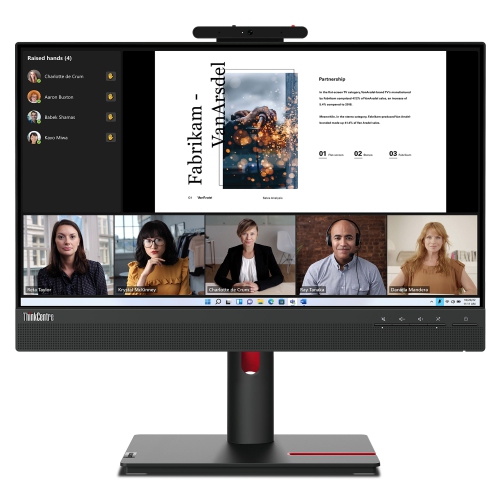
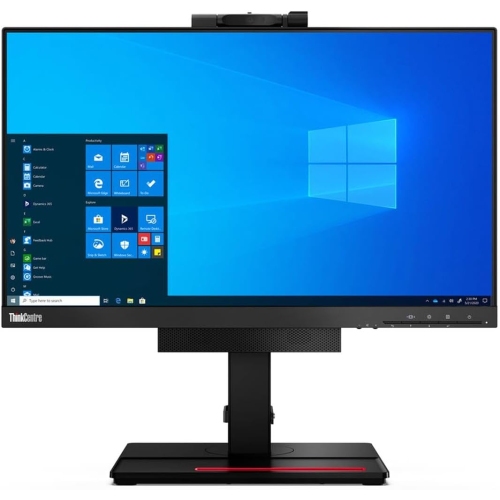
    LENOVO Thinkvision Tio 22 Gen 5 21.5" 1080P HD Wled Monitor

    About this product

    A 21.5-inch touchscreen monitor offering responsive controls and crisp visuals for enhanced productivity.

    (3)
    $468.70
    SAVE $46
    Your price for this item is $468.70
  2. 2

    DELL Inspiron 15.6" Fhd Touchscreen Laptop - Intel Core I5-1334U - 8GB Ddr4 - 512GB SSD - Intel Uhd - Windows 11 Home - In Black

    About this product

    A black touchscreen laptop featuring Intel i5-1334U, 8GB RAM, 672GB storage, and UHD graphics.

    What customers like

    • Ample storage capacity
    • Great value for the price
    • Easy setup and user-friendly
    • Lightweight and sleek design
    • Fast and smooth performance
    (511)
    $949.00
    SAVE $130
    Your price for this item is $949
  3. 3

    HP 17" Envy 17M-Cg0013Dx 17.3" Fhd (1920X1080P) Touchscreen Laptop, Core I7 10Th Gen, 16GB Ram, 512GB SSD, Windows 11 (Refurbished - Good)

    About this product

    A powerful touchscreen laptop featuring a 10th Gen Core i7, 16GB RAM, and 512GB SSD.

    What customers like

    • Comfortable backlit keyboard with numeric pad
    • Easy setup and user-friendly features
    • Strong sound and audio quality
    • Large, vibrant touchscreen display
    • Fast and smooth performance
    (1,289)
    $869.99 Your price for this item is $869.99
  4. 4

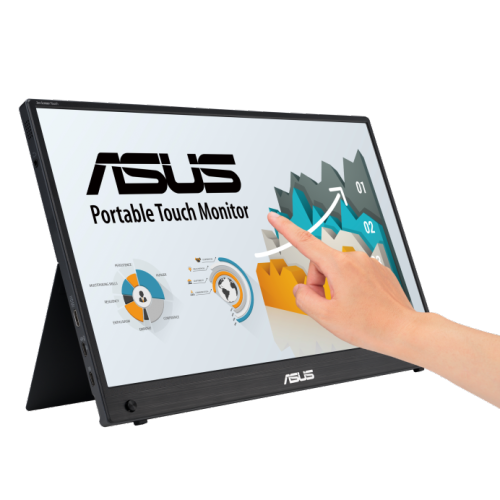
    ASUS Zenview 15.6″ Portable Touch Monitor

    About this product

    A portable 15.6" FHD IPS touchscreen monitor with built-in battery, hybrid signal, and ergonomic kickstand.

    $544.68 Your price for this item is $544.68
  5. 5

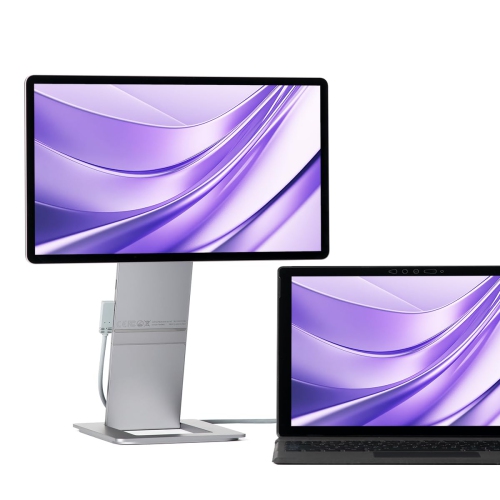
    SOTSU Flipaction Touch 14" Touchscreen 1080P HD Ips Lcd Portable Monitor (Sfa14Tcll) - Metallic In Gray

    About this product

    A grey portable FHD IPS touchscreen monitor with pivoting dual-screen support for laptops, phones, and gaming.

    $551.00
    SAVE $48
    Your price for this item is $551
  6. 6

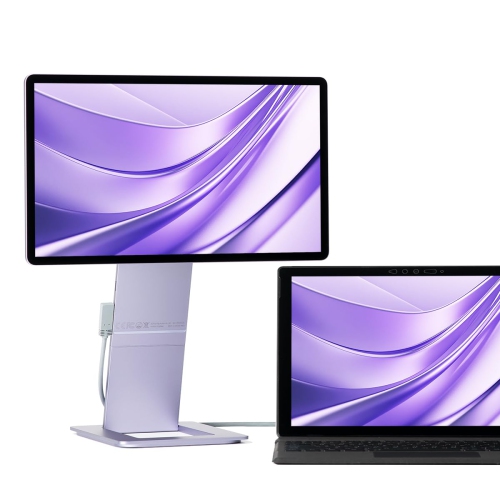
    SOTSU Flipaction Touch 14" Touchscreen 1080P HD Ips Lcd Portable Monitor (Sfa14Tcll) - Luxe In Lilac

    About this product

    A sleek 14" FHD IPS touchscreen monitor with a pivoting dual-screen design, perfect for travel.

    $551.00
    SAVE $48
    Your price for this item is $551
  7. 7

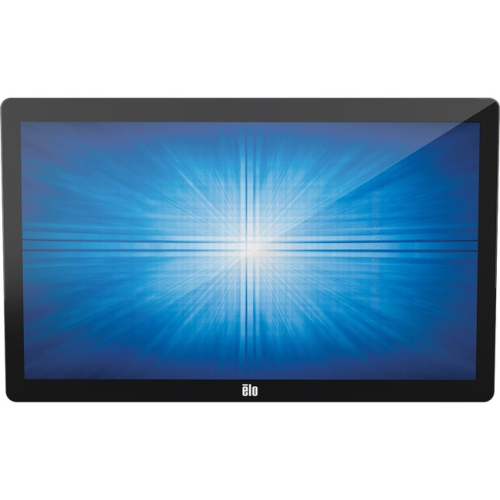
    ELO 2702L 2702L 27" Touchscreen Monitor (E126483)

    About this product

    A Full HD black touchscreen monitor with multi-touch capability, built-in speakers, HDMI, USB, and VGA connectivity.

    $2,174.68 Your price for this item is $2174.68
  8. 8

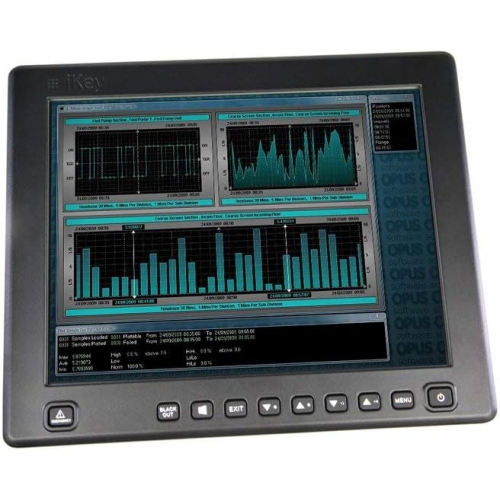
    IKEY Ik-Kv-12.1 12.1-Inch Vision Flat Panel Touch Screen Display

    About this product

    A flat panel 12.1-inch touch screen display designed for interactive computing and enhanced user experience.

    $474.05
    SAVE $24
    Your price for this item is $474.05
  9. 9

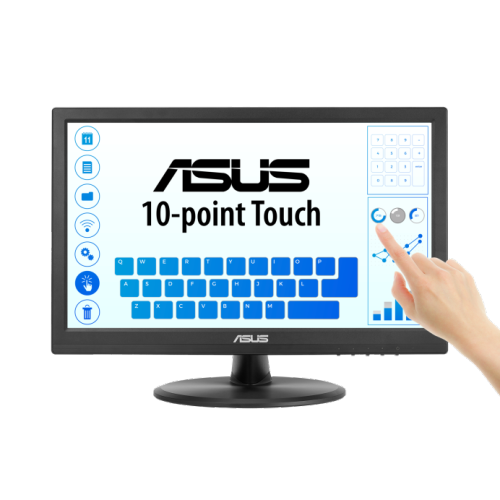
    ASUS Vt 15.6" 1080P HD Ips Touchscreen Monitor (Vt169He) - Flicker-Free/blue Light

    About this product

    A frameless 16" FHD IPS touch monitor with 10-point touch, wide viewing angles, and low blue light.

    $299.03
    SAVE $29
    Your price for this item is $299.03
  10. 10

    UPERFECT 18.5" Dual Touchscreen 1080P HD Ips Lcd Portable Monitor - USB-C - 100Hz - HDr

    About this product

    A dual touchscreen portable monitor with 100Hz refresh rate, HDR, 360° folding, and plug-and-play connectivity.

    $629.99
    SAVE $370
    Your price for this item is $629.99

Why touch monitor comfort goes beyond screen size

The best touch screen computer monitors combine clear picture quality, responsive touch input, and a physical design that suits the way they will be used. A desktop touch monitor fits a fixed workspace, a portable touch display adds a hands-on second screen to a compatible laptop, and a large interactive panel gives groups more room to view and work together. Each serves a different purpose, from tapping through a spreadsheet at a home office desk to moving images around during a team presentation. Unlike an all-in-one computer, a conventional touch monitor generally needs a connected computer to run applications; touch capability changes how someone interacts with those applications, rather than replacing the computer itself. The range of Touchscreen Monitors spans different screen sizes, resolutions, mounting options, and connection types, so the right fit depends as much on the workspace as the display. A 24-inch screen can provide a comfortable desktop viewing area without taking over a modest desk, while a 27-inch display offers more space for documents, dashboards, and side-by-side windows. Larger screens need enough room for both viewing and reaching: an interface that looks comfortably sized from a chair can still feel awkward if its controls sit beyond an easy arm’s reach. Portable displays make sense for people who move between workspaces or want a compact companion screen for presentations, study sessions, and travel. Large-format interactive panels are better suited to shared work areas, teaching spaces, and meeting rooms than a typical home desk. Touch can also make everyday tasks feel more direct for someone who prefers pressing an on-screen button to positioning a mouse pointer. For students, home office workers, and family members who regularly share a computer, that flexibility can be useful, provided their software supports the touch actions they expect. The strongest match is not necessarily the largest display or the highest resolution, but the screen that makes regular tasks comfortable and straightforward.

Picture quality and touch performance work together, but they are separate parts of the experience. Full HD resolution can suit everyday documents, web browsing, and basic business applications, particularly on smaller desktop screens. Higher resolutions, including 4K, can show finer image detail and create room for more content, although operating system scaling may be needed to keep text and touch targets comfortably sized. An IPS panel typically provides wide viewing angles, helping colours and contrast remain more consistent when the screen is tilted back or viewed by someone seated beside it. Brightness and surface finish matter in a room with overhead lighting or a window behind the user. A glossy glass surface can look crisp but show reflections and fingerprints, while an anti-glare treatment can reduce distracting reflections. Projected capacitive touch technology, common in modern touch displays, supports direct finger input through the screen’s front surface. Multi-touch support allows gestures such as pinching to zoom and moving content with more than one finger, where the operating system and application support them. Ten-point touch describes the ability to detect up to ten simultaneous contact points; it does not, by itself, establish drawing accuracy or pen performance. Stylus compatibility deserves particular attention for handwritten notes, diagrams, or creative work. A screen that responds to a basic capacitive stylus is not necessarily equipped for an active pen with pressure sensitivity and palm rejection. Those features need explicit support from the display, pen, and software. Connections are equally important. HDMI and DisplayPort commonly carry the picture, while a separate USB connection carries touch input back to the computer. Some USB-C monitors can handle video and touch through one cable, but both the computer’s port and the cable must support the required functions. Power needs also vary, so a single-cable setup is not universal. Operating system compatibility should include touch functionality, not just the ability to display an image, since gesture support and driver requirements can differ across platforms.

Comfort, construction, and care often determine how well a touch monitor fits into daily life after the initial setup. Reaching forward repeatedly to a screen positioned for mouse-and-keyboard use can tire the shoulders, which makes a stable, adjustable stand especially valuable. A display that tilts towards a low working angle can be easier to tap, annotate, or navigate for short hands-on tasks, while a more upright position suits reading and conventional desktop work. Height adjustment helps position the screen for different users, and compatible VESA mounting points provide options for a suitable monitor arm or wall mount. The mounting hardware must support the display’s weight and allow enough clearance for cables and movement. Stability matters during touch use: a stand that shifts with each tap interrupts even a simple task such as selecting cells or advancing presentation slides. Glass-fronted screens offer a smooth contact surface, with housings commonly made from plastic, metal, or a combination of both. Durability depends on the complete construction, including the stand, hinges, ports, and protective surface treatment, rather than the housing material alone. A frequently handled shared workstation has different demands from a screen used occasionally at home; commercial use may call for a display specifically rated for longer operating hours or repeated public interaction. Portable screens benefit from a fitted protective cover or padded sleeve, particularly when packed beside chargers and other hard accessories. Cables should have enough slack to accommodate adjustments without pulling on the ports. Routine care is simple but important because fingerprints are more noticeable on a display that is touched throughout the day. Power the screen off before cleaning, use a soft microfibre cloth, and follow the manufacturer’s instructions for any cleaning solution. Avoid spraying liquid directly onto the panel or applying heavy pressure. For someone receiving a touch monitor as a gift, compatibility with their computer and enough space on their desk matter more than an impressive specification alone. A well-matched screen can make reviewing notes, sharing photographs, navigating work applications, and presenting ideas feel more immediate, while still leaving a keyboard and mouse close at hand for longer typing sessions and precise pointer work.
Read More

FAQ

Some products may be subject to Environmental Handling Fees (EHF) depending on your province. Learn more about EHFs.