Best USB-C Hubs for Student Laptops
The best USB-C hubs for student laptops make it easier to connect monitors, keyboards, external drives, and other study essentials through a single port. Whether you’re setting up a dorm room workspace or preparing for a class presentation, look for the ports, charging support, and laptop compatibility you need. Explore the options below, ranked by user review ratings, to find a hub that fits your coursework and budget.
What to look for in USB-C hubs for student laptops
1. Laptop Compatibility
2. Ports and Connections
3. Charging Support
4. Portability and Build
-
1
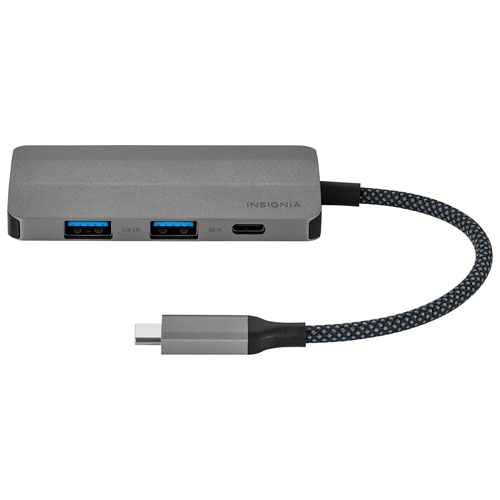
INSIGNIA - 4-In-1 USB-C Hub
About this product
A versatile hub featuring two USB-A ports, one USB-C port, and one HDMI port for easy connectivity.
(1)$9.99Your price for this item is $9.99SAVE $35 -
2
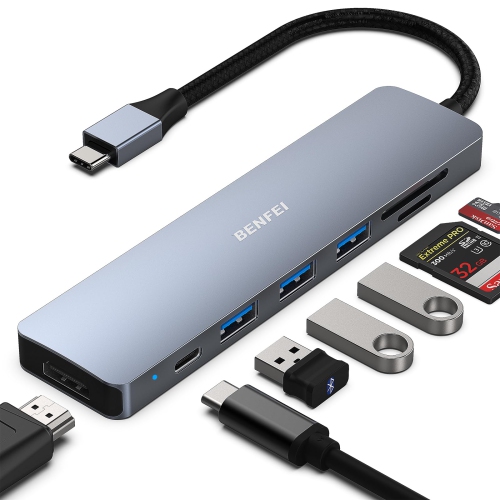
BENFEI 7 Port USB-C Hub Wih 4K HDMI/ Sd/tf Card Reader/3 USB 3.0/power Delivery
About this product
A versatile 7-in-1 USB-C hub offering HDMI, 3 USB 3.0 ports, SD/microSD slots, and 60W power delivery.
$19.54Your price for this item is $19.54SAVE $3 -
3
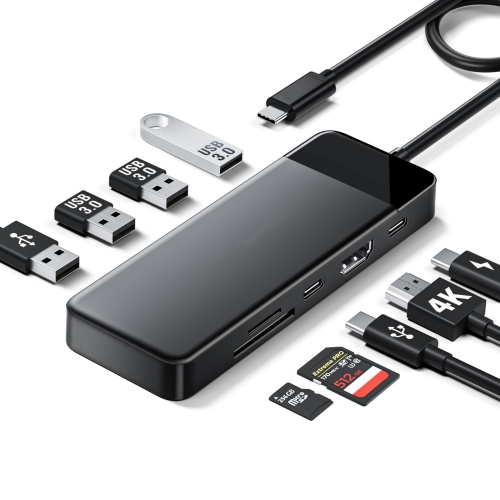
NIERBO 9-In-1 USB C Hub Multiport Adapter, USB C Dongle w 4K HDMI for Macbook Pro Air, 3 USB 3.0 5GBps Port, Type C Data Port, 100W Pd, Sd/tf Card
About this product
A versatile USB-C hub offering 4K HDMI, 3 USB 3.0 ports, SD/TF slots, and 100W PD charging.
$74.99Your price for this item is $74.99SAVE $33 -
4
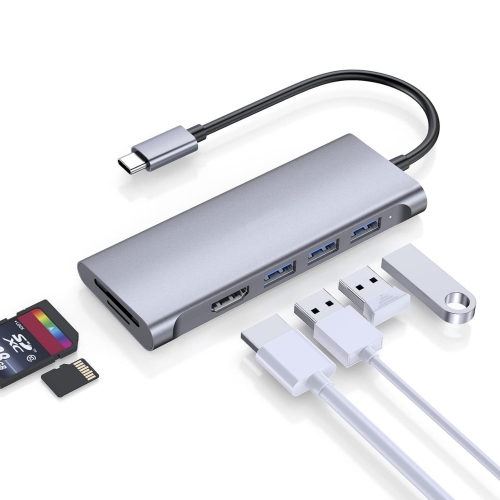
NIERBO 6 In 1 USB C Hub w 4K HDMI, 3 USB 3.0, Sd 3.0 Card Reader for 2023-2016 Macbook Pro 13/15/16, New Mac Air/ipad Pro/surface, Multiport Stable
About this product
A gray multiport USB-C hub offering 4K HDMI, three USB 3.0 ports, and SD 3.0 card reader.
$139.99Your price for this item is $139.99SAVE $60 -
5
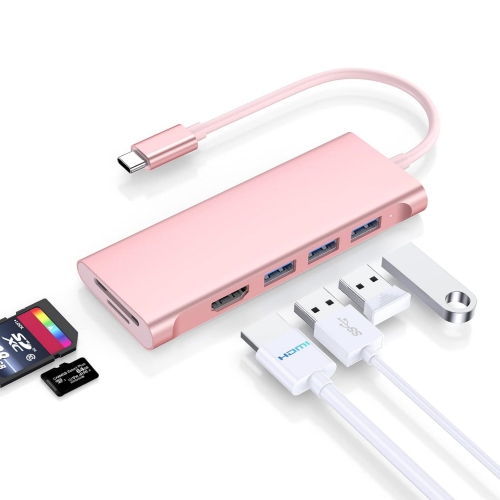
NIERBO 6 In 1 USB C Hub w 4K HDMI, 3 USB 3.0, Sd 3.0 Card Reader for 2023-2016 Macbook Pro 13/15/16, New Mac Air/ipad Pro/surface, Multiport Stable
About this product
A gold multiport USB-C hub featuring 4K HDMI, three USB 3.0 ports, and an SD 3.0 card reader.
$139.99Your price for this item is $139.99SAVE $60 -
6
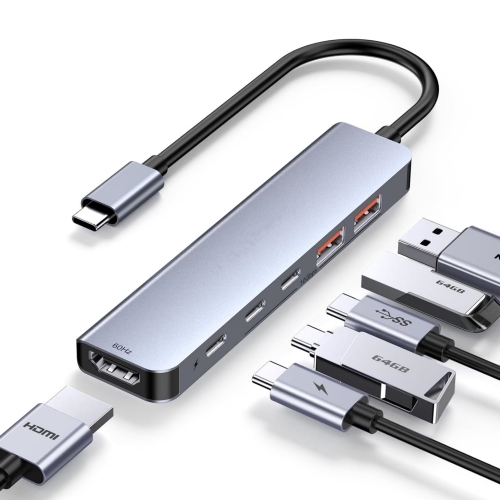
NIERBO 6 In 1 10GBps USB C 3.2 Hub w 4K 60Hz HDMI, 10G USB C And USB A 3.2, 100W Pd, for 2018-2025 Macbook Air, New Mac Pro, Stable Driver USB
About this product
A gray multiport adapter offering 4K HDMI, 10Gbps USB-C and USB-A, plus 100W power delivery.
$79.99Your price for this item is $79.99SAVE $35 -
7
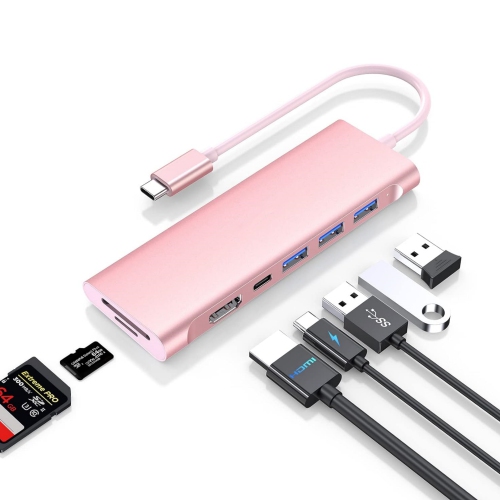
NIERBO USB C Multiport Hub w 4K HDMI, 3 USB 3.0, Sd/micro Sd Card Reader, 100W Pd Compatible 2023-2016 Macbook Pro, New Mac Air, Other Type C
About this product
A gold multiport hub featuring 4K HDMI, three USB 3.0 ports, card readers, and 100W PD.
$119.99Your price for this item is $119.99SAVE $52 -
8
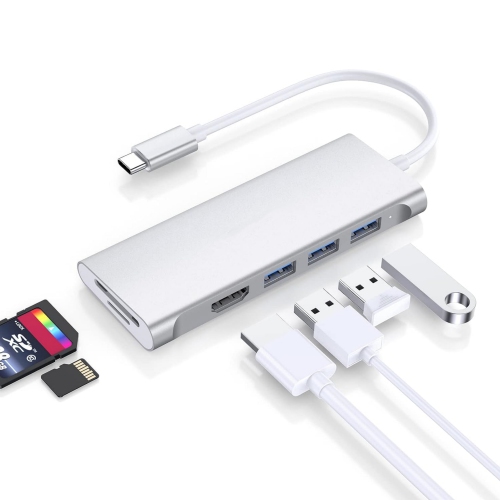
NIERBO 6 In 1 USB C Hub w 4K HDMI, 3 USB 3.0, Sd 3.0 Card Reader for 2023-2016 Macbook Pro 13/15/16, New Mac Air/ipad Pro/surface, Multiport Stable
About this product
A silver multiport USB-C hub featuring 4K HDMI, three USB 3.0 ports, and SD 3.0 card reader.
$139.99Your price for this item is $139.99SAVE $60 -
9
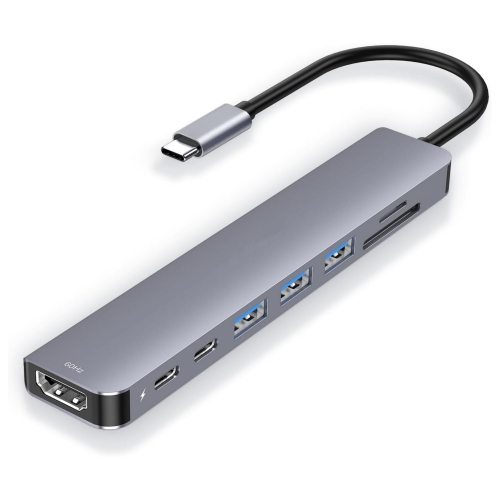
NIERBO 8 In 1 USB C Hub Multiport Adapter w 4K60Hz HDMI, Type C Data Sync, 100W Pd Charging, Sd/micro Sd Card Reader, 3 USB 3.0, for 2023-2016
About this product
An aluminum gray hub offering 4K HDMI, 100W PD charging, USB 3.0, and SD/microSD card readers.
$129.99Your price for this item is $129.99SAVE $56 -
10
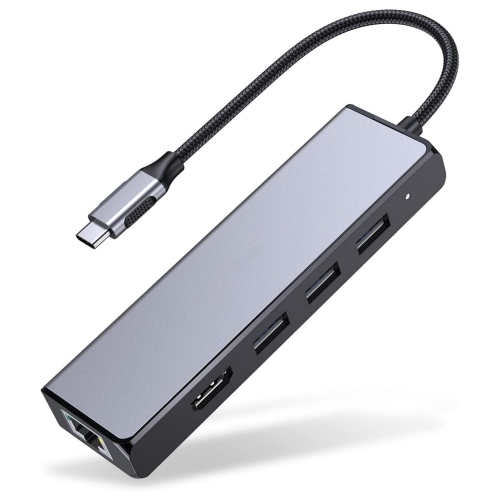
NIERBO USB C Hub w Gigabit Ethernet, 4K HDMI Output, And 3 USB 3.0 Compatible 2022-2016 Macbook Pro 13/15/16, New Mac Air & Surface, Chromebook
About this product
A gray USB-C hub offering Gigabit Ethernet, 4K HDMI output, and three USB 3.0 ports.
$109.99Your price for this item is $109.99SAVE $48
FAQ
Choose ports based on the accessories you use for classes and coursework. USB-A ports connect items such as a mouse, keyboard or flash drive, while HDMI connects an external display. An SD card reader is useful for transferring photos and media files, and Ethernet provides a wired network connection.
Compatibility depends on both the hub and the laptop’s USB-C port capabilities. Some ports support data transfer only, while others also support charging or video output. Check your laptop’s specifications and the hub’s operating system requirements, especially if you use Windows, macOS or ChromeOS.
A hub with USB Power Delivery pass-through can supply power to a compatible laptop while other ports are in use. You typically connect a compatible USB-C charger to the hub’s designated power input. Check the hub’s stated power delivery to the laptop, as the hub uses some of the incoming power itself.
For most USB-C hubs with HDMI or DisplayPort outputs, the laptop’s USB-C port must support DisplayPort Alt Mode or a compatible Thunderbolt connection. Also check the hub’s supported display resolutions and refresh rates. Multiple-display support varies by hub, laptop and operating system, so multiple video ports do not always mean you can extend your desktop across multiple monitors.
A USB-C hub usually adds a selection of ports through one laptop connection, making it convenient to carry between classes and study spaces. A docking station generally offers more connections for a desk setup and may include its own power supply. Features overlap, so compare the ports, charging support and display connections you need rather than relying on the product name alone.
Top selling and popular products
Discover more categories related to Best USB-C Hubs for Student Laptops



Some products may be subject to Environmental Handling Fees (EHF) depending on your province. Learn more about EHFs.