Best Vertical Mice for Gaming

Find a more comfortable grip for your next gaming session with the best vertical mice for gaming, ranked by user review ratings. A vertical design encourages a more natural hand position, while features such as adjustable sensitivity and programmable buttons can help you tailor your setup. Explore the top-rated options to find a fit for your hand size, play style, and budget.

Read More

What to look for in vertical mice for gaming

1. Grip and Fit

Look for a shape and size that suit your hand, with easy access to the main buttons and scroll wheel. Check whether the mouse is designed for right- or left-handed use, and allow time to adjust to its upright grip.

2. Sensor Performance

Choose a mouse with reliable tracking and adjustable DPI so you can fine-tune cursor sensitivity. For fast-paced games, check independent testing for tracking accuracy during quick movements rather than relying on maximum DPI alone.

3. Connection and Responsiveness

Wired USB or a low-latency 2.4 GHz wireless connection is generally better suited to gaming than Bluetooth. Check the supported polling rate, which determines how often the mouse reports its position, and consider battery life if you choose wireless.

4. Buttons and Customization

Consider how many programmable buttons you need for in-game shortcuts and whether they are easy to reach without shifting your grip. Check that any customization software supports your operating system and offers the button mapping or sensitivity profiles you want.
Citrus catapult arrow
  1. 1

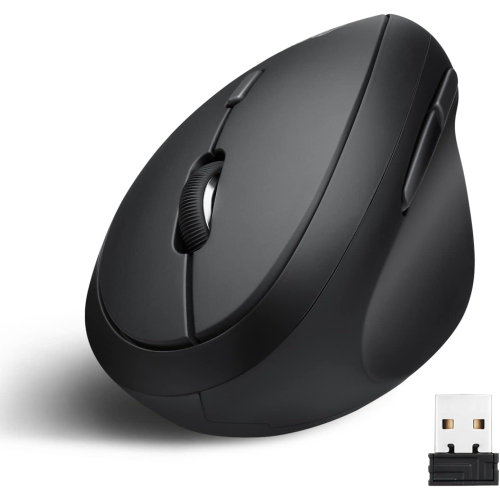
    NAVOR Rechargeable Ergonomic Vertical Right-Handed Wireless Mouse Bluetooth 5.1 & 2.4G Adjustable 3 Level Dpi 800/1200/1600 Type-C Fast Charging

    About this product

    An ergonomic wireless vertical mouse with a portable design for comfortable, strain-free computer use.

    (1)
    $29.77
    SAVE $50
    Your price for this item is $29.77
  2. 2

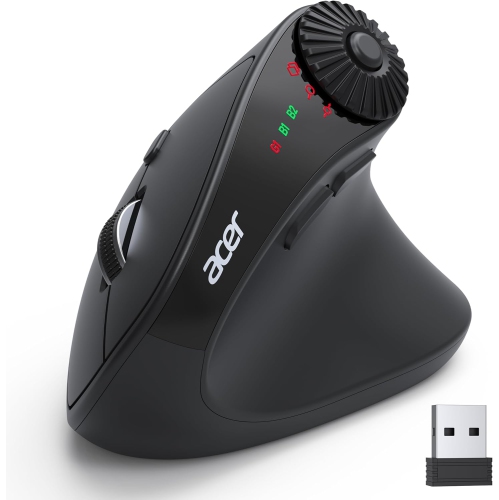
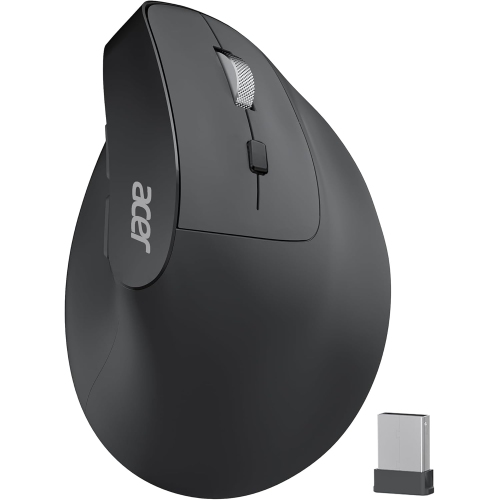
    ACER Wireless Ergonomic Mouse With Side Scroll Wheel, 4000Dpi Bluetooth (Bt5.2+2.4Ghz) Vertical Mouse for Laptop. In Black

    About this product

    A black wireless vertical mouse featuring ergonomic design, 4000DPI sensitivity, Bluetooth connectivity, and side scroll wheel.

    What customers like

    • Great value and affordable price
    • Versatile dual connectivity with seamless switching
    • Useful side scroll wheel enhances productivity
    • Smooth and accurate tracking with high DPI
    • Comfortable ergonomic design reduces wrist strain
    (32)
    $36.99
    SAVE $23
    Your price for this item is $36.99
  3. 3

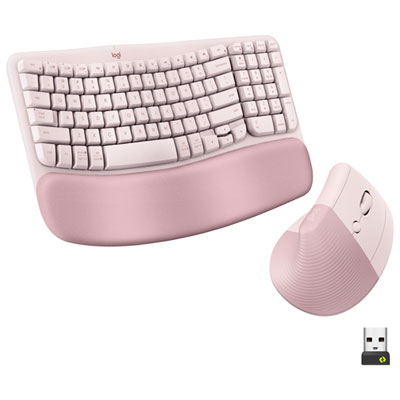
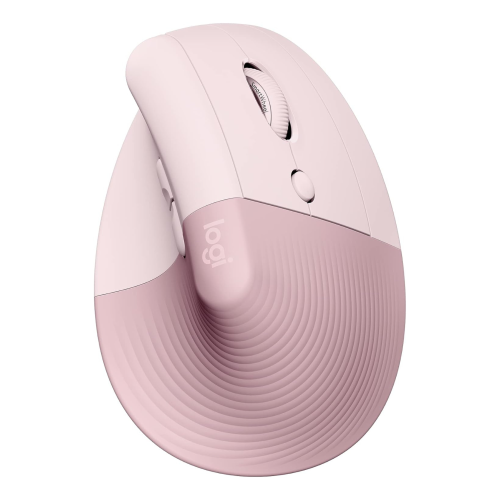
    Logitech Wave Keys Full-Size Ergonomic Keyboard & Lift Vertical Mouse Combo- Rose - EN - Only at Best Buy

    About this product

    A pink ergonomic keyboard and mouse combo featuring a wavy keyframe and cushioned palm rest for comfort.

    What customers like

    • Long-lasting battery life
    • Easy multi-device connectivity
    • Attractive and modern design
    • Exceptional ergonomic comfort
    • Smooth and quiet typing and mouse operation
    (77)
    $159.99 Your price for this item is $159.99
  4. 4

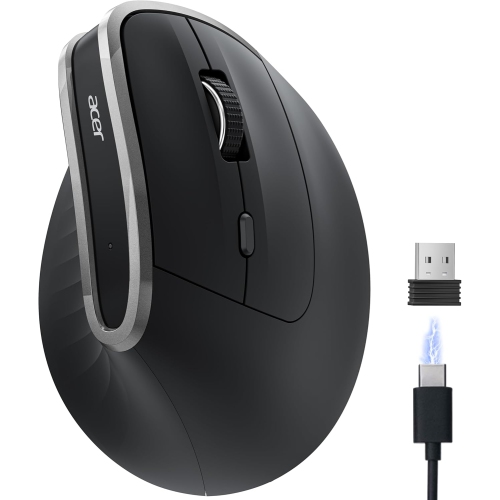
    ACER Wireless Ergonomic Mouse, Rechargeable Mouse, 3 Adjustable Dpi, Ergo Mice, 2.4Ghz Computer Mouse With 6 Buttons

    About this product

    A rechargeable wireless mouse featuring an ergonomic design, 3 adjustable DPI settings, and 6 convenient buttons.

    What customers like

    • Reduces wrist and hand strain
    • Long-lasting rechargeable battery
    • Comfortable ergonomic design
    • Great value for money
    • Easy to use and set up
    (32)
    $27.99
    SAVE $12
    Your price for this item is $27.99
  5. 5

    LOGITECH Mx Vertical Wireless Mouse Advanced Ergonomic Design Reduces Muscle Strain, Control And Move Content Between 3 Windows And Apple Computers

    About this product

    An advanced ergonomic wireless mouse designed to reduce muscle strain and seamlessly switch between three computers.

    What customers like

    • Comfortable and natural hand position
    • Long battery life and convenient charging options
    • Customizable buttons and settings for personalisation
    • Ergonomic design reduces wrist and muscle strain
    • Multiple connectivity options including Bluetooth and USB-C
    (2,114)
    $180.75
    SAVE $18
    Your price for this item is $180.75
  6. 6

    Insignia 6-Button Bluetooth Ergonomic Mouse - Black - Only at Best Buy

    About this product

    An ergonomic black Bluetooth mouse featuring six buttons, optical tracking, and a comfortable vertical design.

    What customers like

    • Smooth and responsive performance
    • Ergonomic and comfortable design
    • Excellent value for price
    • Reliable Bluetooth connectivity
    • Easy setup and compatibility with multiple devices
    (137)
    $19.99
    SAVE $20
    Your price for this item is $19.99
  7. 7

    ACER Wireless Mouse Ergonomic, Rechargeable USB C Vertical Mouse 3 Adjustable Dpi 1600/1200/1000, Ergo Mice, 2.4Ghz Computer Mice w 6 Buttons, USB

    About this product

    An ergonomic wireless vertical mouse with 6 buttons, adjustable DPI, and rechargeable USB-C connectivity.

    What customers like

    • Easy setup and strong wireless connection
    • Adjustable DPI settings
    • Reduces wrist strain and pain
    • Comfortable ergonomic design
    • Long battery life with USB-C charging
    (28)
    $22.99
    SAVE $14
    Your price for this item is $22.99
  8. 8

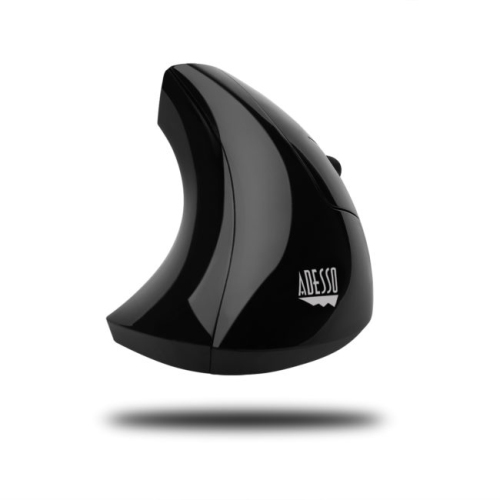
    ADESSO E10 Imouse E10 2.4 Ghz Rf Wireless Vertical Ergonomic Mouse (Imouse E10)

    About this product

    A wireless vertical ergonomic mouse offering 2.4 GHz RF technology for comfortable, tangle-free use.

    What customers like

    • Effective pain and stress relief
    • Ergonomic design reduces wrist and hand strain
    • Durable and well-built
    • Comfortable fit for large hands
    • Wireless convenience with good battery life
    (34)
    $59.99 Your price for this item is $59.99
  9. 9

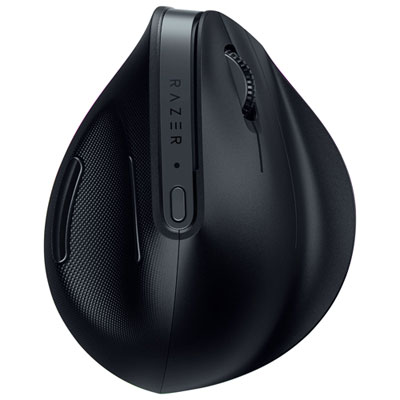
    Razer Pro Click V2 Ergonomic Wireless Gaming Mouse (RZ01-05250100-R3U1)

    About this product

    An ergonomic wireless mouse featuring a high-performance sensor, customizable RGB lighting, and multi-device connectivity.

    (9)
    $174.99 Your price for this item is $174.99

How a handshake grip changes the gaming experience

The best vertical mice for gaming combine a comfortable hand position with dependable tracking, responsive clicks, and a shape that suits the way someone plays. Unlike a conventional mouse, a vertical mouse places the palm at an angle, closer to a handshake position, rather than flat against the desk. That design can feel more comfortable for some players, particularly when the same setup handles work, study, and evening gaming. Comfort is individual, though: a vertical shape does not guarantee relief from discomfort, and it cannot replace a well-positioned desk, supported forearm, or regular breaks. Gaming suitability also varies, since many vertical mice are built primarily for everyday computer use rather than competitive play. A good fit for turn-based strategy, building games, and relaxed exploration may feel quite different during a fast shooter that demands repeated flicks and precise tracking. Hand size, handedness, and grip style matter as much as the angle of the shell. The fingers should reach the main buttons without stretching, while the thumb should rest naturally without having to squeeze the mouse to keep it steady. A tall body can support a larger palm but may leave smaller hands reaching for the scroll wheel; a compact shape can be easier to manoeuvre but offer less support for long fingers. Many vertical designs are shaped for one particular hand, so a sculpted right-handed shell should not be assumed to suit a left-handed player. The transition from a flat mouse also takes practice. Clicking applies pressure from a different direction, and lifting or repositioning the mouse can initially feel unfamiliar. For players who split their time between spreadsheets, creative projects, and games, that adjustment may be worthwhile if the shape feels comfortable across those activities. Players who prefer a less upright profile can also explore Ergonomic Mice for Gaming, where comfort-focused shapes extend beyond fully vertical designs.

For gaming performance, sensor behaviour and connection quality deserve attention alongside the physical shape. DPI describes sensitivity, or how far the pointer moves in relation to physical mouse movement; a higher maximum DPI does not automatically mean better accuracy. Adjustable sensitivity is useful because different activities call for different movement ranges. A broad sweep across a mouse pad can suit careful aiming, while a smaller wrist or forearm movement may feel more convenient when navigating an expansive strategy-game interface. Consistent tracking at a comfortable setting is more valuable than a large number on a specification sheet. Polling rate is another consideration: it describes how frequently the mouse reports to the computer, with 1,000 Hz representing up to 1,000 reports per second. A higher polling rate can reduce the interval between reports, but overall responsiveness also depends on the sensor, connection, computer, and game. Wired connections remove the need to monitor battery charge and can suit a permanent desktop setup, provided the cable has enough slack to avoid pulling against the mouse. Wireless designs keep the desk clearer and make it easier to move between spaces. A dedicated USB receiver may offer lower latency than Bluetooth, although implementation varies and connection type alone does not establish gaming performance. Bluetooth can be convenient for everyday use, particularly on a laptop with limited ports. Wireless mice also differ in whether they use replaceable batteries or charge through a cable, and whether they remain usable while charging. Button placement is equally important in practice. Reachable side buttons can keep frequently used actions close to the thumb, while programmable controls may support shortcuts or in-game commands where software and game rules permit. Compatibility should extend beyond basic pointer movement to any settings software needed for remapping or sensitivity adjustment. A clearly stepped scroll wheel can help with deliberate selections, and a predictable click feel matters when an accidental press could interrupt a carefully timed action.

Materials, weight, and everyday wear influence how a vertical gaming mouse feels long after the initial adjustment. Rigid plastic shells provide structure, while textured surfaces or soft-touch sections can add grip when hands become warm during a longer session. Surface finishes feel different from person to person: a smooth shell may be easy to wipe clean, whereas a grippier coating can feel secure but needs care suited to its material. The mouse should remain stable without requiring a tight hold, and its weight should match the amount of movement involved. A lighter body may be easier to reposition repeatedly, while a heavier one can feel planted during slower, deliberate movements. Neither is automatically better, especially with a taller shape that changes how the hand applies force. Smooth glide feet and a clean, even mouse pad help movement stay consistent; grit beneath the mouse can make tracking feel rough and wear contact surfaces. Desk layout makes a practical difference, too. Enough room beside the keyboard allows the forearm to move without bumping into a monitor stand, mug, or cable, and keeping the mouse within easy reach helps avoid stretching the shoulder throughout a session. For care, disconnect or switch off the mouse before wiping it with a soft cloth, following the manufacturer's cleaning directions and keeping moisture away from openings. Dust around the sensor, residue on the scroll wheel, and debris along the glide feet are worth addressing gently rather than with abrasive scrubbing. Durability also depends on how the mouse is handled: cables need protection from sharp bends, and a taller shell benefits from a protective compartment when travelling with a laptop. As a gift, a vertical mouse can be a thoughtful option for someone who enjoys PC games and spends substantial time at a desk, but handedness and familiar grip preferences are important details to know first. Its appeal is not limited to any single genre or skill level. The strongest match is a mouse that fits the hand, supports the required controls and connection, and feels dependable through both everyday tasks and the games that fill an evening.
Read More

FAQ

Some products may be subject to Environmental Handling Fees (EHF) depending on your province. Learn more about EHFs.