Ergonomic Mice for Gaming
Elevate your gaming experience with an ergonomic mouse for gaming, designed to provide comfort and precision during those intense gaming sessions. These mice are crafted to fit naturally in your hand, reducing strain and enhancing control, so you can focus on what truly matters—your performance. Whether you're diving into a marathon session or enjoying a quick match, an ergonomic design ensures that your grip remains comfortable and responsive. Explore our selection of ergonomic gaming mice to find the perfect match for your style and needs, ensuring every click counts in your next adventure.
Sort
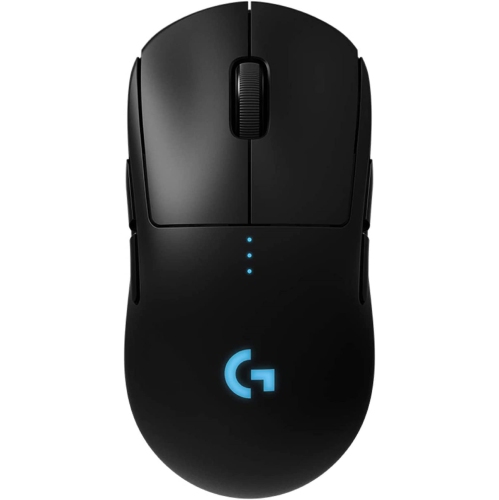
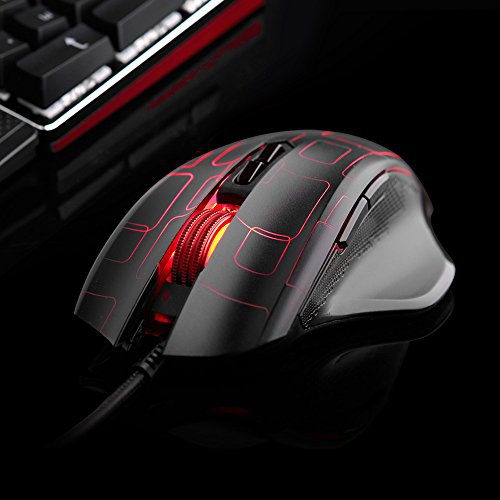
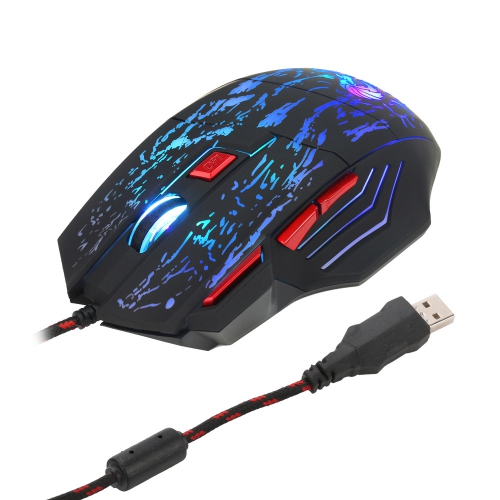
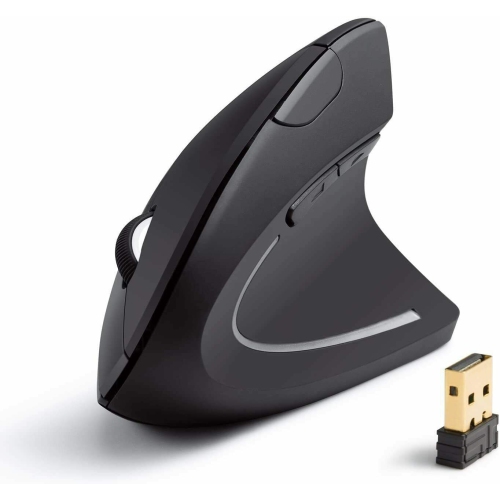
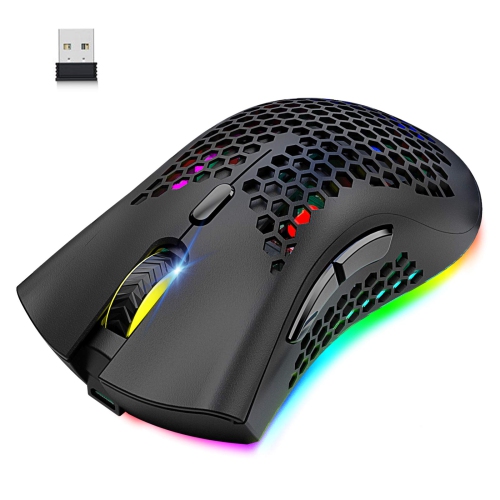
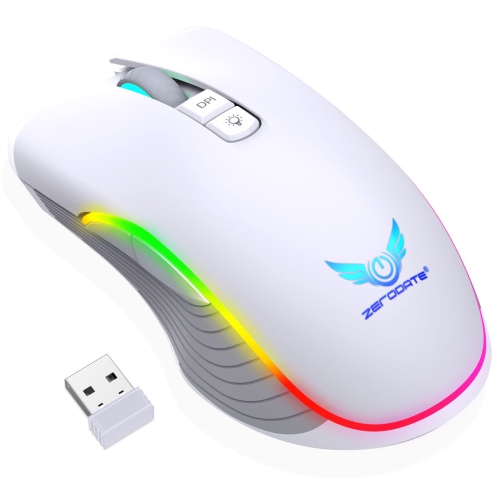
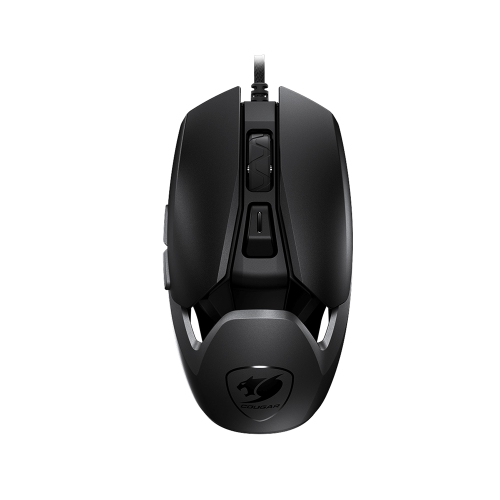
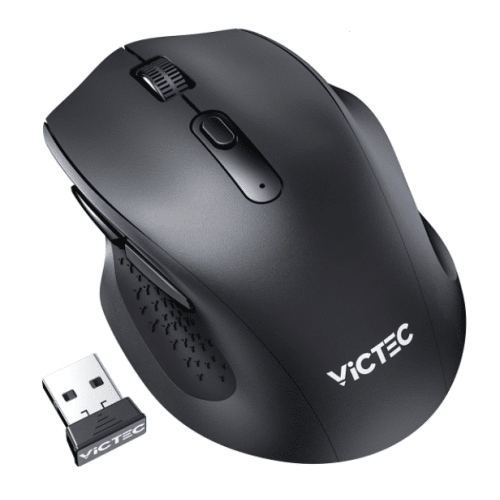
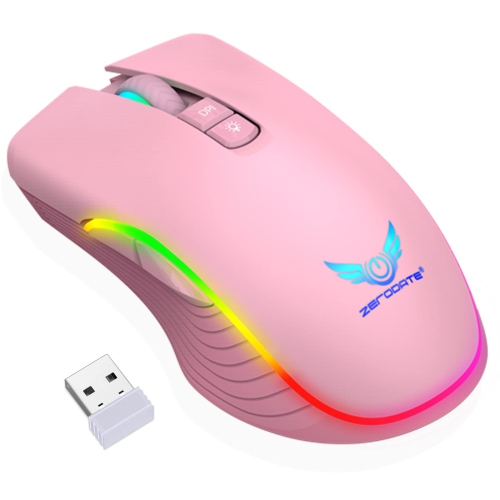
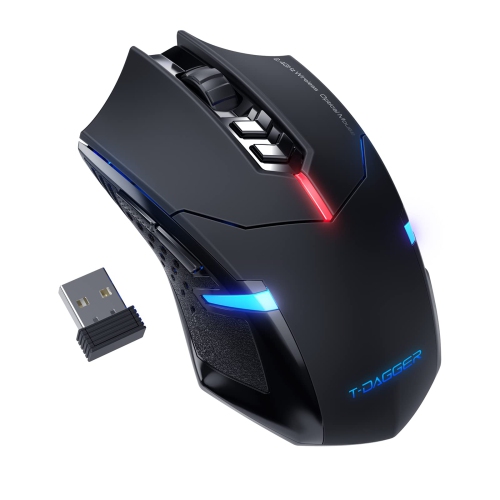
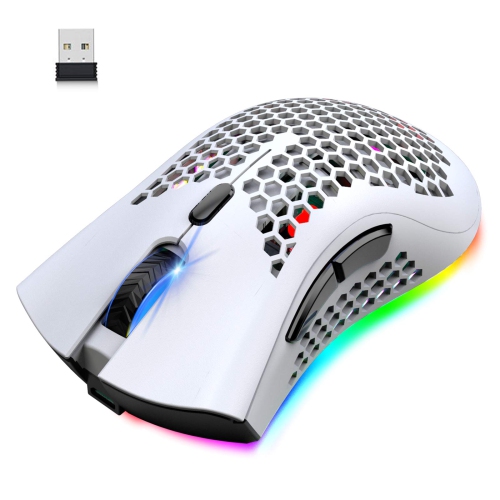

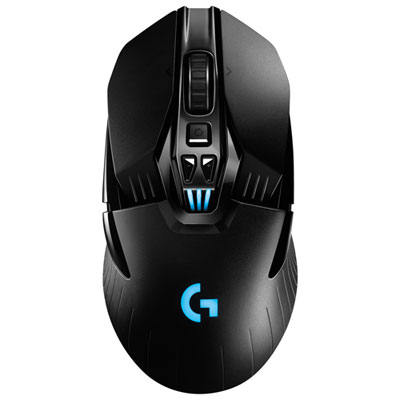
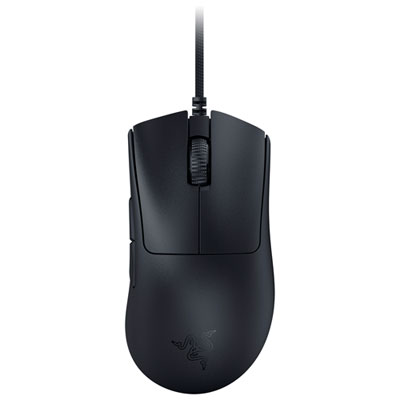
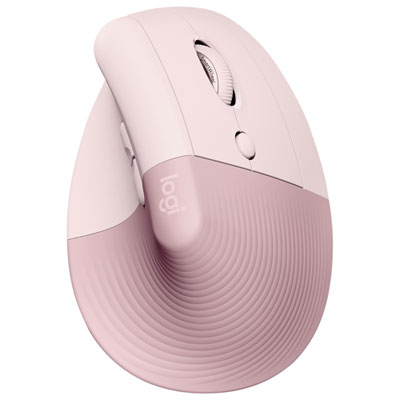
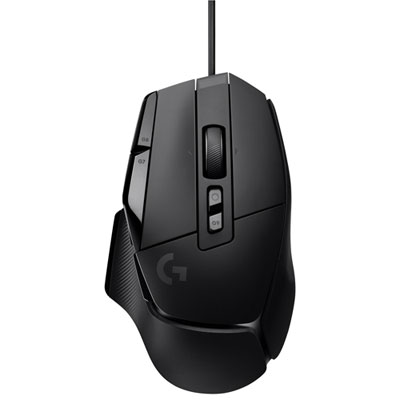
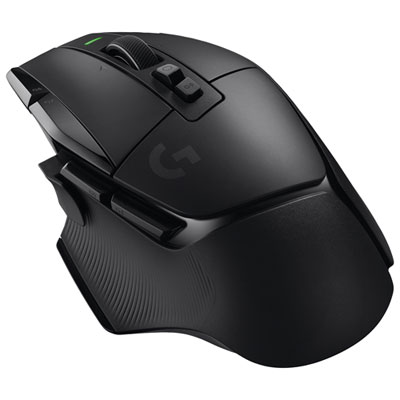
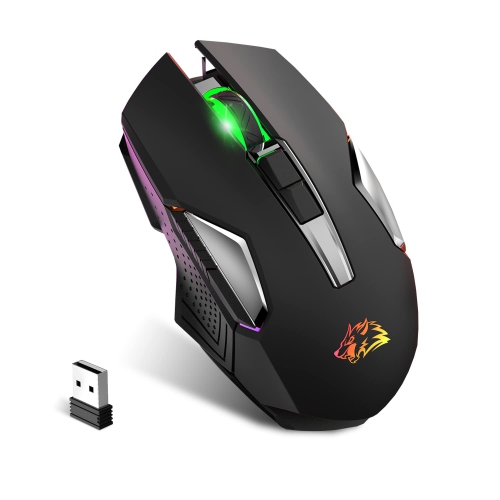
How mouse shape affects comfort and control during play
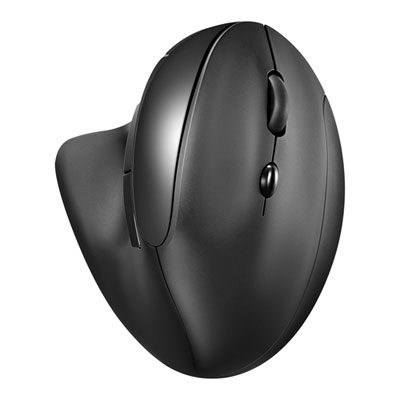
Ergonomic mice for gaming pair hand-supporting shapes with the tracking accuracy and responsive controls needed for play. Their defining feature is fit: a curved shell, sloped button layout, or thumb rest can help the hand settle into a comfortable position without gripping tightly to maintain control. Some use a familiar horizontal shape with an asymmetric contour, while others place the hand at a steeper angle. Neither approach guarantees comfort for every player, and an ergonomic label does not automatically mean a mouse has gaming-focused performance. Hand size, grip style, weight, and button placement all affect how a mouse feels during a match. For a palm grip, where much of the hand rests on the shell, the length and height of the rear curve can make a noticeable difference. A claw grip places more emphasis on support beneath the back of the hand and room for arched fingers, while a fingertip grip generally benefits from a shape that moves freely beneath the fingers. A mouse that feels supportive in a large hand may leave someone with smaller hands stretching for the scroll wheel or side buttons. Likewise, a pronounced thumb shelf may feel reassuring during slow, precise movements but less convenient for players who frequently lift and reposition their mouse. Right-handed contours are common, so left-handed players should pay particular attention to shell symmetry and the location of secondary controls. A symmetrical outline alone does not guarantee that every button is accessible from either hand. Comfort also depends on the surrounding setup: keeping the mouse close to the keyboard, supporting the forearm, and allowing space for movement can help avoid awkward reaching. During long gaming sessions, a well-fitting mouse works alongside changes in position and regular breaks; it is not a treatment for persistent hand or wrist discomfort. The most useful shape is one that supports the player's usual movements without forcing a new grip just to reach essential controls.
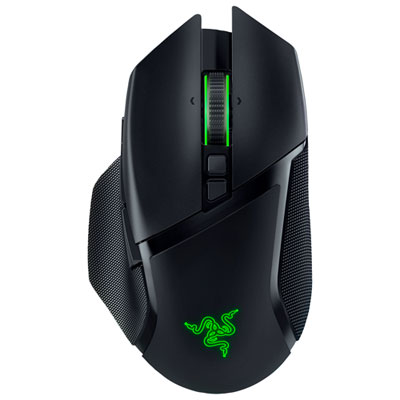
Gaming performance adds another layer to that fit. An optical sensor should track consistently across the intended mouse surface, whether the player makes broad arm movements in a first-person shooter or small adjustments while managing a strategy game. DPI describes sensitivity, with higher settings moving the pointer farther for a given physical movement; a higher maximum DPI does not, by itself, make a mouse more accurate. Adjustable settings are useful for matching cursor speed to screen resolution, desk space, and personal preference. Polling rate describes how often the mouse reports to the computer, although the benefit of very high settings depends on the game, display, and system. For fast-paced play, reliable tracking and predictable response usually matter more than a headline specification. Weight also changes the experience. A lighter mouse can be easier to reposition repeatedly, while a heavier design may feel more planted to someone who prefers deliberate movements. Balance matters as much as total weight, especially when lifting the mouse at the edge of a pad. Wired gaming mice provide a direct connection without battery charging, but cable flexibility and desk routing affect how freely they move. Wireless gaming mice remove cable drag, though battery life, charging arrangements, and receiver placement become practical considerations. A dedicated low-latency wireless connection is generally better suited to reaction-sensitive gaming than Bluetooth, where supported options and performance vary. Programmable side buttons can put game actions within reach, from push-to-talk in a team match to frequently used abilities in a role-playing game. Their value depends on whether they are easy to distinguish without looking and difficult to press accidentally. Players switching between games may appreciate saved profiles or onboard memory, where supported, while those using shared computers should check whether customization requires software. Compatibility deserves attention too: basic pointer functions may work across operating systems even when advanced settings do not. Vertical designs can offer a different wrist position, but their shape may require an adjustment period, and gaming suitability still depends on sensor performance, latency, and accessible controls.
Materials and construction influence both everyday comfort and how an ergonomic gaming mouse wears over time. Solid plastic shells can provide a smooth, consistent contact surface, while textured sides or rubberized grips may make the mouse easier to hold with a relaxed hand. Grip coatings can wear differently from uncoated plastic, particularly along the thumb and fingertips, where contact is frequent. Perforated shells can reduce weight but have more openings where dust and debris may collect. Smooth feet on the underside help the mouse glide across a compatible pad; worn or damaged feet can make movement feel uneven even when the sensor is working properly. Button feel is another detail worth considering, especially for games that involve repeated clicking. A firm, distinct click may suit someone who wants clear feedback, while a lighter actuation can feel less demanding during frequent inputs. Published switch durability ratings provide context, but they are not a promise of a particular lifespan. Keeping the mouse clean helps preserve its feel: disconnect it or switch it off before cleaning, use a soft cloth as directed by the manufacturer, and avoid letting liquid enter button gaps or the sensor opening. A clean mouse pad also limits the grit that can collect around the feet. For a portable setup, a protective compartment can help prevent pressure on buttons and damage to a cable or wireless receiver. These mice can suit dedicated gamers, students who play after coursework, and people who use the same desk for work and recreation. Someone moving between games and creative projects may also find ergonomic mice for graphic designers relevant when comparing comfort and control across tasks. As a gift, an ergonomic gaming mouse is most personal when the recipient's dominant hand, preferred grip, and connection needs are known. Familiarity with their existing setup helps distinguish genuinely useful features from extras they may never use, whether their priority is a reachable thumb button, a lighter shell, or more room to move across the desk.
Gaming performance adds another layer to that fit. An optical sensor should track consistently across the intended mouse surface, whether the player makes broad arm movements in a first-person shooter or small adjustments while managing a strategy game. DPI describes sensitivity, with higher settings moving the pointer farther for a given physical movement; a higher maximum DPI does not, by itself, make a mouse more accurate. Adjustable settings are useful for matching cursor speed to screen resolution, desk space, and personal preference. Polling rate describes how often the mouse reports to the computer, although the benefit of very high settings depends on the game, display, and system. For fast-paced play, reliable tracking and predictable response usually matter more than a headline specification. Weight also changes the experience. A lighter mouse can be easier to reposition repeatedly, while a heavier design may feel more planted to someone who prefers deliberate movements. Balance matters as much as total weight, especially when lifting the mouse at the edge of a pad. Wired gaming mice provide a direct connection without battery charging, but cable flexibility and desk routing affect how freely they move. Wireless gaming mice remove cable drag, though battery life, charging arrangements, and receiver placement become practical considerations. A dedicated low-latency wireless connection is generally better suited to reaction-sensitive gaming than Bluetooth, where supported options and performance vary. Programmable side buttons can put game actions within reach, from push-to-talk in a team match to frequently used abilities in a role-playing game. Their value depends on whether they are easy to distinguish without looking and difficult to press accidentally. Players switching between games may appreciate saved profiles or onboard memory, where supported, while those using shared computers should check whether customization requires software. Compatibility deserves attention too: basic pointer functions may work across operating systems even when advanced settings do not. Vertical designs can offer a different wrist position, but their shape may require an adjustment period, and gaming suitability still depends on sensor performance, latency, and accessible controls.
Materials and construction influence both everyday comfort and how an ergonomic gaming mouse wears over time. Solid plastic shells can provide a smooth, consistent contact surface, while textured sides or rubberized grips may make the mouse easier to hold with a relaxed hand. Grip coatings can wear differently from uncoated plastic, particularly along the thumb and fingertips, where contact is frequent. Perforated shells can reduce weight but have more openings where dust and debris may collect. Smooth feet on the underside help the mouse glide across a compatible pad; worn or damaged feet can make movement feel uneven even when the sensor is working properly. Button feel is another detail worth considering, especially for games that involve repeated clicking. A firm, distinct click may suit someone who wants clear feedback, while a lighter actuation can feel less demanding during frequent inputs. Published switch durability ratings provide context, but they are not a promise of a particular lifespan. Keeping the mouse clean helps preserve its feel: disconnect it or switch it off before cleaning, use a soft cloth as directed by the manufacturer, and avoid letting liquid enter button gaps or the sensor opening. A clean mouse pad also limits the grit that can collect around the feet. For a portable setup, a protective compartment can help prevent pressure on buttons and damage to a cable or wireless receiver. These mice can suit dedicated gamers, students who play after coursework, and people who use the same desk for work and recreation. Someone moving between games and creative projects may also find ergonomic mice for graphic designers relevant when comparing comfort and control across tasks. As a gift, an ergonomic gaming mouse is most personal when the recipient's dominant hand, preferred grip, and connection needs are known. Familiarity with their existing setup helps distinguish genuinely useful features from extras they may never use, whether their priority is a reachable thumb button, a lighter shell, or more room to move across the desk.
Top selling and popular products
-
 Your price for this item is $59.99
 -
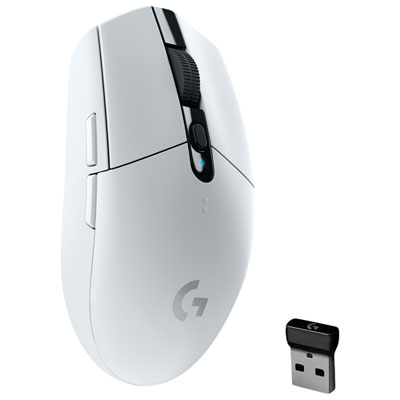 Your price for this item is $69.99
 -
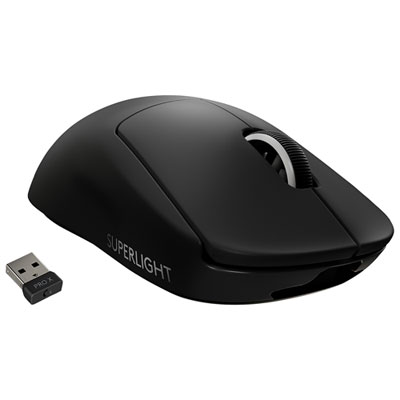 Your price for this item is $199.99
 -
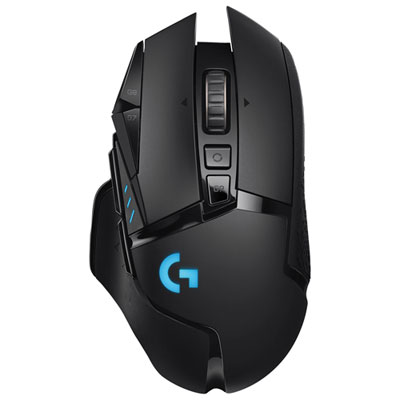 Your price for this item is $149.99
 -
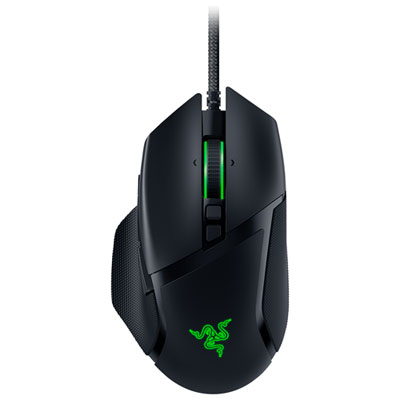 Your price for this item is $47.99
 -
 Your price for this item is $39.99
 -
 Your price for this item is $95.98
 -
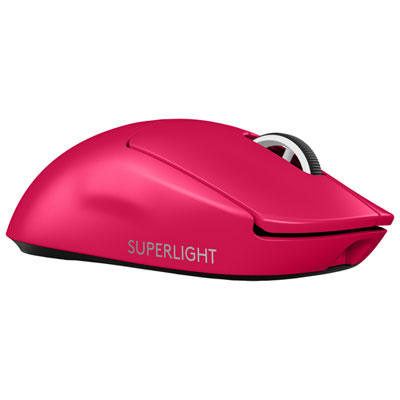 Your price for this item is $219.99
Discover more categories related to Ergonomic Mice for Gaming
Top Collections:
Pokemon Centers, Kindle Devices, Best Budget Office Chairs, Apple iPhones 16, Best Laptops for Writers, iPhone 15 Apple, Canon G7X Cameras, Refurbished Apple Laptops, Alarm Clock, Motorola Razr Phones
Some products may be subject to Environmental Handling Fees
(EHF) depending on your province.
Learn more about EHFs.