Best Wi-Fi Routers for Multi-Storey Homes
Keep every floor connected with the best Wi-Fi routers for multi-storey homes, ranked based on user review ratings. Whether you’re streaming in the basement, working upstairs, or gaming on the main floor, explore options that can help extend coverage and reduce dead zones. Compare range, speed, and mesh compatibility to find the right fit for your home’s layout and connected devices.

Read More

What to look for in Wi-Fi routers for multi-storey homes

1. Coverage Across Floors

Look for coverage suited to your home’s size and layout, keeping in mind that floors, walls, and building materials can weaken Wi-Fi signals. A centrally placed router may suit a smaller home, while a mesh system can help extend coverage across multiple storeys.

2. Mesh Support and Expandability

Mesh systems use multiple units to share a Wi-Fi network throughout your home. Choose a system that supports additional compatible nodes so you can address weak spots on other floors as needed.

3. Speed and Device Capacity

Match your router’s capabilities to your internet plan and the number of devices streaming, gaming, or making video calls at once. Wi-Fi 6, Wi-Fi 6E, and Wi-Fi 7 offer features that help manage busy networks, though some benefits require compatible devices.

4. Backhaul and Wired Connections

Backhaul is the connection between mesh units, and its quality affects performance across floors. Ethernet backhaul provides a reliable wired link where cabling is available, while a dedicated wireless backhaul band can help keep traffic between mesh units separate from device traffic.
Citrus catapult arrow
  1. 1

    About this product

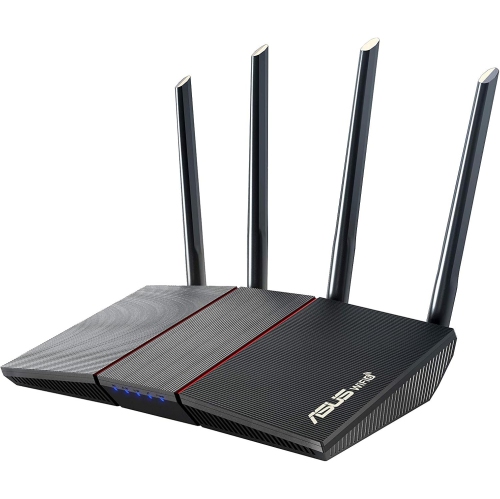
    A high-performance wireless router offering fast 802.11ac speeds and reliable Ethernet connectivity for your network.

    What customers like

    • Fast speeds and improved performance
    • Advanced features and customization options
    • Easy and user-friendly setup
    • Strong and reliable signal strength
    • Tri-band technology for multiple devices
    (11,118)
    $219.00 Your price for this item is $219
  2. 2

    About this product

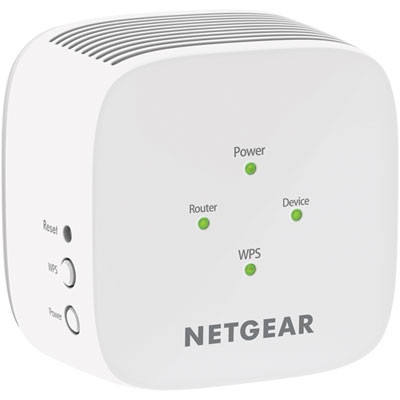
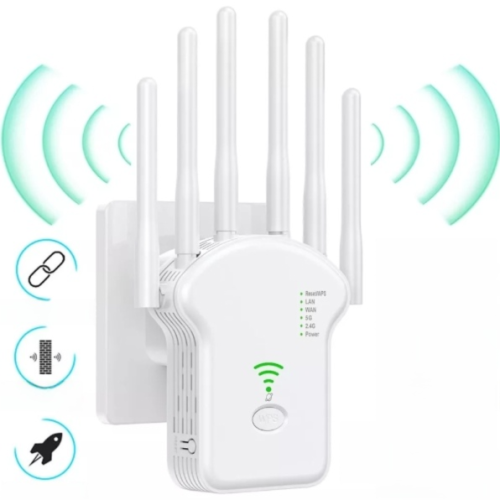
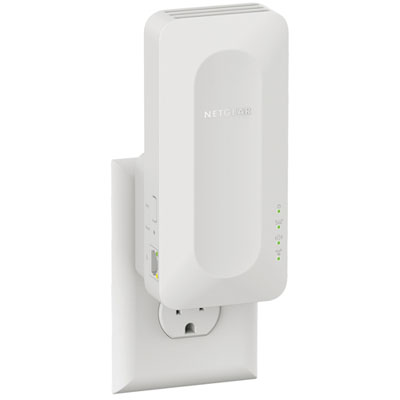
    A powerful Wi-Fi range extender that expands your network coverage and delivers fast, reliable connections.

    What customers like

    • Resolved connection issues
    • Improved range
    • Easy to use
    • Reliable
    • Fast
    (408)
    $45.95 Your price for this item is $45.95
  3. 3

    About this product

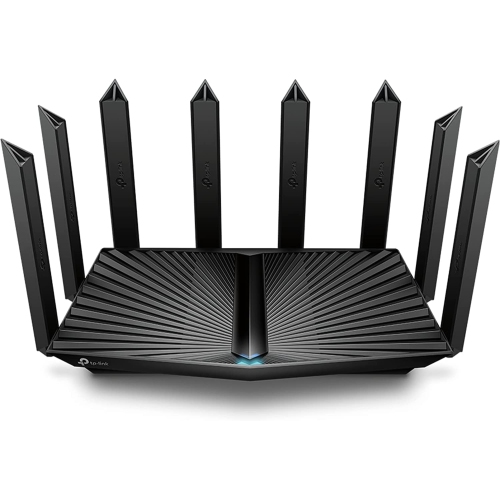
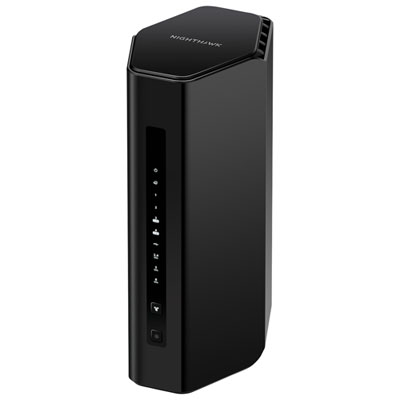
    A dual-band mesh router delivering seamless, high-speed Wi-Fi 7 connectivity for large homes or offices.

    (1)
    $179.00
    SAVE $70
    Your price for this item is $179
  4. 4

    About this product

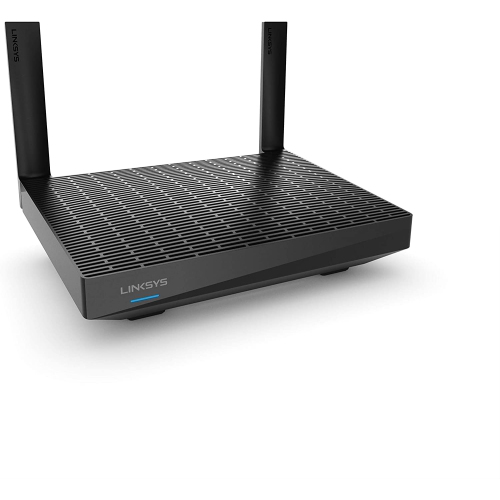
    A dual-band Wi-Fi 6 mesh router offering fast, reliable coverage for up to 20+ devices.

    $117.25
    SAVE $27
    Your price for this item is $117.25
  5. 5

    About this product

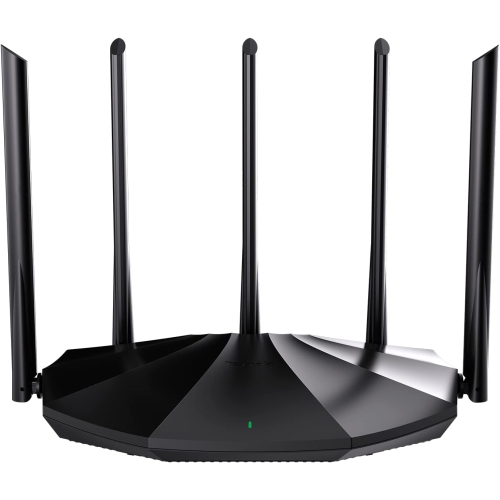
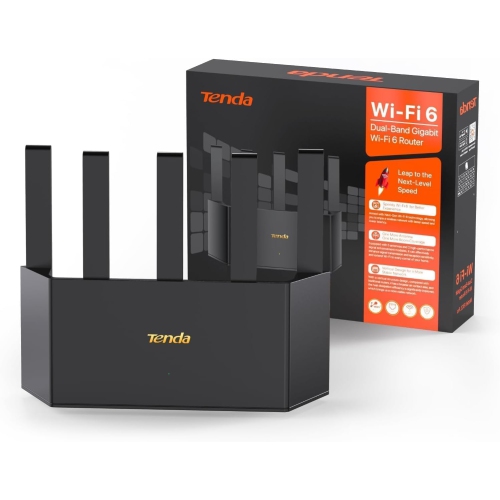
    A dual band Wi-Fi 6 router with long-range coverage, five high-gain antennas, and four gigabit ports.

    $97.99
    SAVE $51
    Your price for this item is $97.99
  6. 6

    About this product

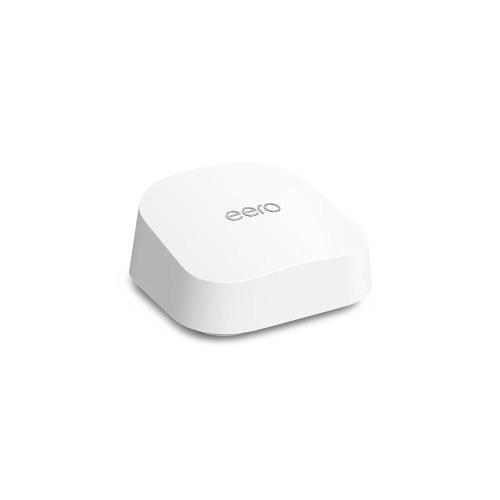
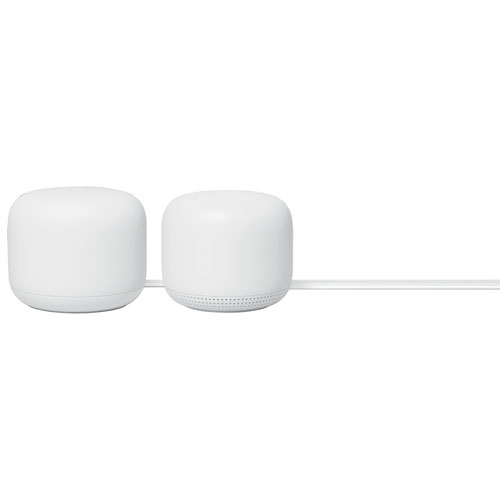
    A two-pack system that blankets your home in fast Wi-Fi and features built-in Google Assistant speakers.

    $289.25
    SAVE $38
    Your price for this item is $289.25
  7. 7

    About this product

    A dual-band Wi-Fi 6 router with a 1.5GHz quad-core processor for fast, reliable connectivity.

    $104.96 Your price for this item is $104.96
  8. 8

    About this product

    A dual-band Wi-Fi 6 router offering 2.5 Gbps WAN/LAN port, 8K streaming, and long-range coverage.

    $349.88 Your price for this item is $349.88
  9. 9

    About this product

    A wireless repeater that amplifies weak Wi-Fi signals for seamless coverage throughout large spaces.

    $74.04
    SAVE $74
    Your price for this item is $74.04
  10. 10

    About this product

    A high-speed WiFi 6 router with four gigabit ports, long-range coverage, WPA3, and IPv6 support.

    $97.99
    SAVE $51
    Your price for this item is $97.99

Best Wi-Fi Routers for Multi-Storey Homes
The best Wi-Fi routers for multi-storey homes provide dependable coverage between floors, enough capacity for connected devices, and flexible placement that suits the layout of the house. For many larger or taller homes, a mesh Wi-Fi system is a strong choice because it uses a main router and additional nodes to spread coverage beyond a single location. Rather than asking one router in a ground-floor living room to reach an upstairs office and a basement television, mesh systems create overlapping areas of coverage under one network name. Compatible devices can move between those access points as someone carries a laptop from the kitchen to a bedroom, although roaming behaviour also depends on the device. A well-positioned standalone router can still suit a compact two-storey home, especially when it sits near the centre of the living space and has relatively few barriers around it. Floor area alone does not tell the whole story: concrete floors, brick walls, metal ductwork, and a utility room tucked into a basement corner can all make coverage more difficult. Advertised coverage figures are useful for broad comparisons, but they are not a promise that every room will receive the same speed. The home's construction, neighbouring networks, and router placement all influence results. For households with video calls upstairs, online gaming downstairs, and streaming in the family room, consistent coverage and sufficient capacity often matter more than the largest speed figure on the box. Mesh systems also offer room to expand when a spare bedroom becomes an office or a finished basement adds another regularly used living area, provided additional nodes are compatible with the system. A practical match balances the number of floors, the locations where connections matter most, and the household's internet plan. Broader networking needs, including smaller layouts and single-router setups, are also covered by Best Routers for Home. Within a multi-storey setting, the key distinction is whether one central access point can serve the home reliably or whether several coordinated access points are better suited to the space.

Wi-Fi generation, radio bands, and the connection between mesh nodes help explain how different routers handle a busy home. Wi-Fi 6 can be a practical fit for families with multiple phones, laptops, televisions, and smart home devices, with features designed to manage compatible connections efficiently. Wi-Fi 6E adds access to the 6 GHz band, while Wi-Fi 7 offers further capabilities, including wider channels and multi-link operation on supported equipment. These benefits depend on compatible client devices, local conditions, and the router's implementation; a newer router does not automatically make every older device faster. The 2.4 GHz band generally reaches farther through obstacles but offers less throughput, while 5 GHz often provides a useful balance of speed and reach. The 6 GHz band can provide more room for high-throughput connections nearby, but it is less suited to passing through several dense walls or floors. A tri-band label also deserves a closer look, since it can describe different combinations of radio bands. For mesh systems, backhaul is the link that carries traffic between nodes and the main router. Dedicated wireless backhaul can reduce competition with connected devices, though its performance still depends on the signal between nodes. Wired Ethernet backhaul is especially useful in homes with network cabling between floors because it avoids relying on a wireless signal for that connection. An upstairs node linked by Ethernet can serve nearby laptops even when a concrete floor makes wireless communication with the main router difficult. Port specifications matter here as well. Multi-gigabit internet service requires suitable WAN and LAN ports to carry those speeds along the relevant wired path, and a wired desktop or network storage device may benefit from faster local connections. Published wireless speed ratings usually describe theoretical combined capacity rather than the speed a single phone will receive. For working households, students, gamers, and people sharing large files, balanced performance means matching wireless capabilities, Ethernet connections, and internet service instead of treating any one specification as the whole picture.

Physical fit and everyday management are just as important as radio specifications when routers become part of a lived-in home. A router needs a stable, open position with ventilation, not a spot buried behind books, enclosed in a cabinet, or pressed against other electronics. Many units use lightweight plastic housings, with either internal antennas for a more discreet shape or external antennas that require extra clearance. Housing material and antenna count alone do not establish range or durability; build quality, ventilation, and appropriate placement matter more in daily use. Dimensions, cable access, outlet locations, and wall-mount support can determine whether a unit fits neatly on a landing shelf or beside a desk. With wireless mesh, an additional node works best where it can still receive a solid connection from another node, rather than at the far edge of an existing dead zone. A landing between the main living area and upstairs bedrooms may be more effective than the back corner of the room with the weakest signal. More nodes are not automatically better, either, since unnecessary overlap can add interference without improving useful coverage. Setup apps, clear connection status, and straightforward network controls make it easier to see whether a basement node has a weak link or a device has joined an unexpected band. Guest networks can keep visitors separate from the main household network, while supported parental controls can help manage children's access schedules. Security features such as WPA3, automatic firmware updates, and a clear update-support policy contribute to a router's useful working life, although older devices may need compatible security settings. Routine care is simple: keep vents clear, remove dust according to the manufacturer's directions, protect cables from being pinched, and install updates when prompted. For shared homes, families, and anyone moving between floors throughout the day, the most suitable setup is one that stays manageable after installation. Reliable calls at the upstairs desk, responsive browsing at the kitchen table, and steady streaming downstairs are more meaningful measures of success than an impressive specification that the home's layout cannot fully support.
Read More

FAQ

Some products may be subject to Environmental Handling Fees (EHF) depending on your province. Learn more about EHFs.