Best Routers for Home

Find the best routers for home to keep your devices connected, whether you’re streaming movies, gaming online, or working from home. Ranked based on user review ratings, this selection makes it easy to explore highly rated options and compare Wi-Fi speed, coverage, and features to find the right fit for your space.

Read More

What to look for in home routers

1. Coverage and Home Layout

Choose a router that can reach the rooms where you need reliable Wi-Fi, keeping in mind that walls and floors can weaken the signal. A mesh system can help extend coverage across larger homes or multiple storeys.

2. Wi-Fi Standards and Speed

Match your router to your internet plan and the Wi-Fi standards supported by your devices. Wi-Fi 6, Wi-Fi 6E, and Wi-Fi 7 offer different capabilities, with compatible devices needed to take full advantage of newer features.

3. Device Capacity and Wired Connections

Consider how many devices will connect at once, especially for streaming, gaming, and video calls. Check the number and speed of Ethernet ports if you want wired connections for computers, consoles, or other devices.

4. Security and Network Management

Look for WPA3 security, automatic firmware updates, and a guest network to help protect and manage your home network. Parental controls and app-based settings can add convenience, but check whether advanced features require a paid subscription.
Citrus catapult arrow
  1. 1

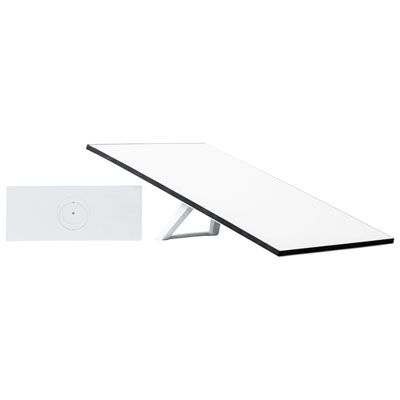
    Starlink Standard Kit

    About this product

    A weather-resistant kit with a Wi-Fi 6 router, supporting 235 devices and wide coverage for remote connectivity.

    What customers like

    • Easy setup and installation
    • Fast and reliable internet speeds
    • Excellent performance for streaming and gaming
    • Great coverage and connectivity for multiple devices
    • Ideal solution for rural and remote areas
    (2,777)
    $499.99 Your price for this item is $499.99
  2. 2

    eero 6+ Dual-Band Whole Home Mesh Wi-Fi 6 Router (R010112)

    About this product

    A dual-band mesh router in white delivering fast, reliable Wi-Fi 6 coverage for seamless whole-home connectivity.

    What customers like

    • Easy setup and installation
    • Fast and reliable internet speeds
    • Excellent Wi-Fi coverage and range
    • User-friendly app and features
    (639)
    $134.99
    SAVE $55
    Your price for this item is $134.99
  3. 3

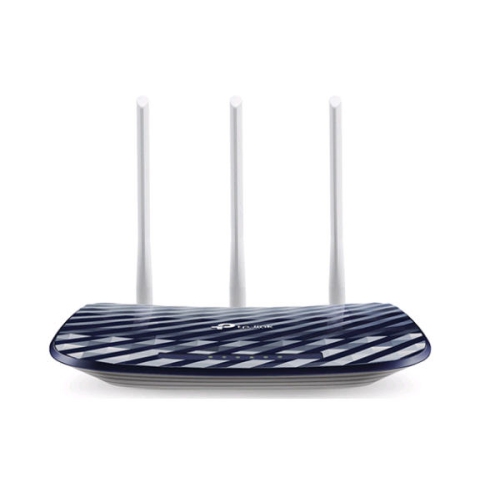
    TP LINK Tp-Link Archer C20 Ieee 802.11Ac Ethernet Wireless Router

    About this product

    A dual-band wireless router offering 433Mbps at 5GHz and 300Mbps at 2.4GHz speeds.

    What customers like

    • Fast internet speeds and performance
    • Dual band connectivity for flexibility
    • Easy setup and installation
    • Strong and reliable signal coverage
    • Excellent value and budget-friendly
    (42)
    $59.00 Your price for this item is $59
  4. 4

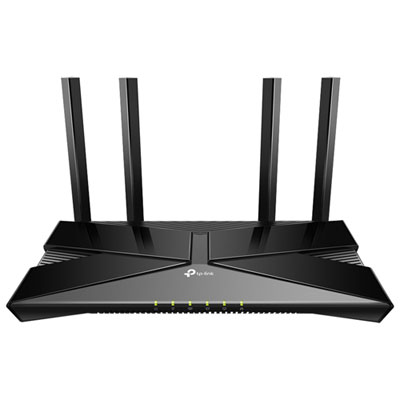
    TP-Link Archer AX23 Wireless Dual-Band Wi-Fi 6 Router

    About this product

    A dual-band Wi-Fi 6 router in black delivering 1.8Gbps speeds and supporting up to 25 devices.

    (14)
    $69.99
    SAVE $10
    Your price for this item is $69.99
  5. 5

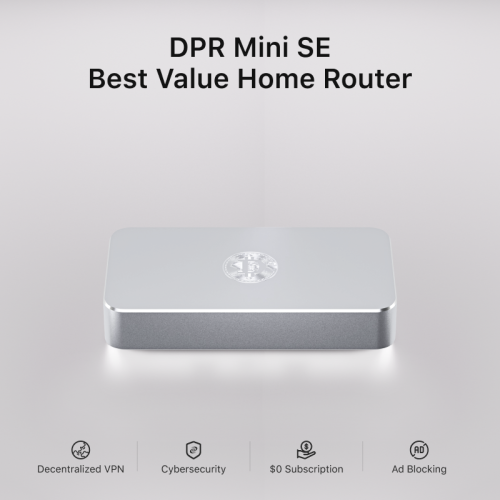
    DEEPER NETWORK Dpr Mini Se - Best Value Smart Router With Powerful Decentralized Vpn (Dpn), 500Mbps Max Bandwidth

    About this product

    A smart router with decentralized VPN, 500Mbps bandwidth, ad blocker, parental controls, and 7-layer firewall.

    (7)
    $409.00 Your price for this item is $409
  6. 6

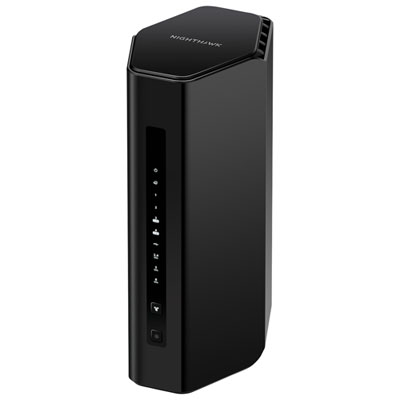
    NETGEAR Nighthawk RS300 Tri-Band Wi-Fi 7 Router

    About this product

    A tri-band router offering Wi-Fi 7 speeds up to 9.3Gbps and support for up to 100 devices.

    (6)
    $314.99 Your price for this item is $314.99
  7. 7

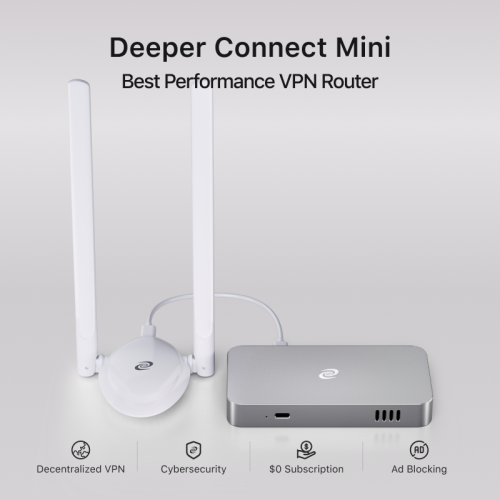
    DEEPER NETWORK Deeper Connect Mini - Best Performance Decentralized Vpn w A 7-Layer Enterprise-Grade Firewall. Lifetime Free Vpn Router for Home

    About this product

    A decentralized VPN router with a 7-layer firewall, ad blocking, parental controls, and lifetime free service.

    (5)
    $549.00 Your price for this item is $549
  8. 8

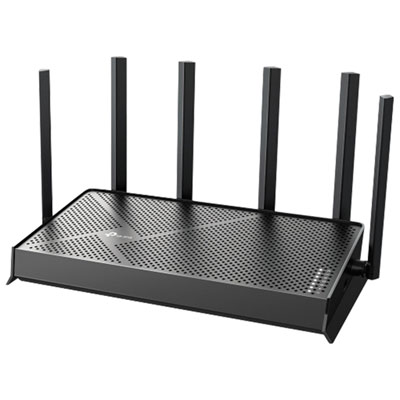
    TP-Link Archer BE6500 Dual-Band Wi-Fi 7 Router

    About this product

    A dual-band Wi-Fi 7 router offering up to 6.5Gbps speeds, 2.5G ports, and advanced coverage.

    (5)
    $169.99
    SAVE $30
    Your price for this item is $169.99
  9. 9

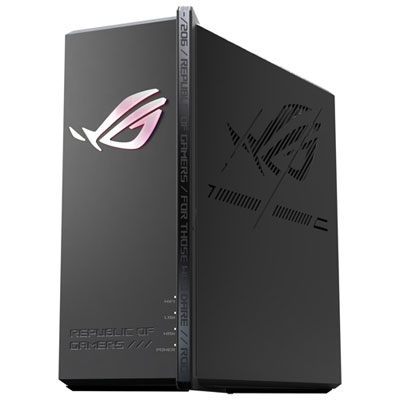
    ASUS ROG Strix Wireless Tri-Band Wi-Fi 7 Gaming Router (GS-BE12000)

    About this product

    A black tri-band Wi-Fi 7 router offering ultra-fast speeds, low-latency gaming, and advanced network security.

    (2)
    $579.99 Your price for this item is $579.99
  10. 10

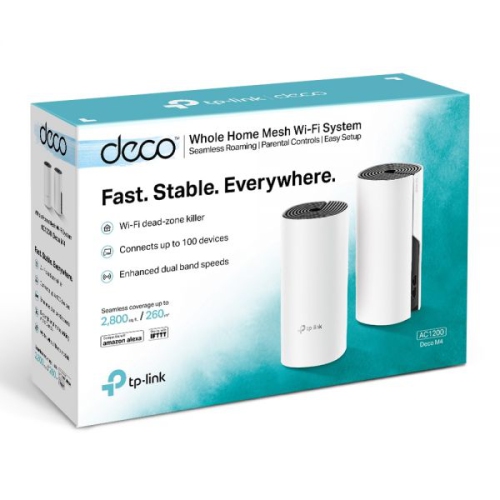
    TP-LINK (Deco M4) Ac1200 Whole Home Mesh Wifi System–(2-Pack)

    About this product

    A dual-unit mesh Wi-Fi system delivering seamless AC1200 wireless coverage throughout your entire home.

    (1)
    $199.00
    SAVE $35
    Your price for this item is $199

Reliable home Wi-Fi takes more than a speed rating

The best routers for home keep everyday connections steady across the rooms and devices that matter most, whether that means video calls at the kitchen table, streaming in the living room, or online gaming upstairs. A strong match depends on the home’s layout, the internet plan, and the number of devices sharing the connection rather than a single advertised speed. For a smaller apartment, a well-placed standalone router may provide all the coverage needed. In a larger house, a long bungalow, or a home with several floors, a mesh router system can extend coverage through multiple units that work together under one network name. Building materials make a difference: concrete floors, brick walls, metal ductwork, and even large appliances can weaken wireless signals between rooms. Open shelving near the centre of the home usually gives a router a better starting point than a cupboard beside the electrical panel. Internet routers also serve different households in different ways. Someone working from home may value consistent call quality and dependable coverage in a spare-bedroom office, while a busy family may need capacity for laptops, televisions, phones, and connected home devices operating at once. Students sharing a rental can benefit from straightforward management tools and enough wired connections for desks or gaming setups. For households comparing wireless coverage and connection features, Best Wireless Routers for Home brings the focus to routers suited to everyday home networking. The most useful performance measure is how well the connection supports those daily routines, not simply the largest number on the packaging. Published wireless speed ratings often combine the theoretical capacity of several bands; they do not represent the speed a single phone or laptop will receive. Actual results depend on the internet service, device capabilities, distance, interference, and network activity. A router can improve the way an existing connection reaches the household, but it cannot raise the internet service beyond the plan’s limits.

Wi-Fi generations and frequency bands help distinguish home routers, especially when several people are online together. Wi-Fi 6 offers features that improve efficiency with compatible devices on busy networks, making it a practical option for streaming, remote work, and connected households. Wi-Fi 6E adds access to the 6 GHz band, while Wi-Fi 7 introduces capabilities such as Multi-Link Operation, which can let compatible devices use multiple bands or channels for a connection. Support varies by router and client device, so the generation name alone does not tell the whole story. Not every Wi-Fi 7 router includes 6 GHz, and older devices cannot use that band simply because the router supports it. The 2.4 GHz band generally reaches farther and remains important for many smart-home accessories, while 5 GHz offers a useful balance of speed and coverage for everyday devices. The 6 GHz band can provide additional room for compatible devices at shorter distances, but it is more easily weakened by walls and floors. Dual-band, tri-band, and mesh configurations therefore suit different spaces rather than forming a simple ladder of better performance. A dedicated wireless backhaul can help mesh units communicate without sharing the same radio capacity used by connected devices, although the benefit depends on the system’s design. Where Ethernet cabling is available, wired backhaul can provide a reliable link between mesh units. Port specifications matter just as much for wired use. A multi-gigabit internet plan needs a suitable WAN port, and a compatible LAN port is needed to deliver those higher speeds to a wired computer or other device. Gigabit Ethernet remains useful for many household connections. Gaming routers may include traffic prioritization tools, but a stable wired connection and sensible network management often matter more than gaming styling. Quality of Service features can help manage competing traffic during a large download or a busy evening, though they cannot eliminate delays elsewhere on the internet. For a television beside a media cabinet or a desktop that stays in one place, Ethernet can also leave more wireless capacity for portable devices.

Day-to-day usability, security, and physical design shape how comfortably a router fits into the home over time. App-based setup can make initial configuration easier, while a browser-based management interface may appeal to people who want more control over network settings. Clear device names, guest networking, and scheduling tools help households manage visitors and shared connections without repeatedly changing the main Wi-Fi password. Parental controls vary in scope and may require a separate subscription; filtering and time limits are useful tools, but they do not replace age-appropriate supervision. WPA3 security is worth considering for compatible devices, alongside automatic firmware updates and a clear manufacturer support policy. A router that continues receiving security updates is better suited to long-term use than one chosen solely for its peak speed. Compatibility with the internet provider’s equipment also deserves attention. Many homes still need a modem or fibre terminal, and using a separate router with a provider-supplied gateway may require bridge mode or another supported configuration to avoid overlapping routing functions. Physically, routers range from low-profile enclosures to upright towers and designs with adjustable external antennas. Antenna count alone is not a dependable measure of range. Dimensions, cable access, ventilation, and the position of nearby power outlets have a more direct effect on practical placement. Plastic housings are common, with vent openings that need breathing room; stacking equipment or covering a router with papers can trap heat. Routine care is usually simple: keep vents clear, remove surface dust according to the manufacturer’s instructions, and keep liquids away from the enclosure and connections. Mesh units need thoughtful placement too, within a useful signal range of another unit rather than at the far edge of an existing dead zone. For a household moving into a new space or setting up a home office, a router can be a practical gift when the recipient’s internet equipment and coverage needs are known. Across these uses, the right home router balances coverage, dependable connections, manageable controls, and room for the household’s devices to grow.
Read More

FAQ

Some products may be subject to Environmental Handling Fees (EHF) depending on your province. Learn more about EHFs.