Best Wi-Fi Routers Under $300

Upgrade your home connection with the best Wi-Fi routers under $300, ranked by customer review ratings. Whether you’re streaming, gaming, or connecting multiple devices, explore options that balance speed, coverage, and value to find the right fit for your home and budget.

Read More

What to look for in Wi-Fi routers under $300

1. Wi-Fi Standards and Speed

Look for Wi-Fi 6 or newer to support fast connections and efficient performance with compatible devices. Match the router’s capabilities to your internet plan, keeping in mind that advertised wireless speeds are theoretical maximums rather than guaranteed download speeds.

2. Coverage and Mesh Support

Consider your home’s size, layout and wall materials when comparing coverage claims. A mesh-compatible router lets you add compatible units later to extend coverage, though extra units may bring your total cost above $300.

3. Device Capacity and Traffic Management

Choose a router that can handle your household’s mix of computers, phones, smart home devices and streaming equipment. Quality of Service (QoS) controls can help prioritize gaming or video calls when several devices are using the connection.

4. Wired Ports and Security

Check that the router has enough Ethernet ports for wired devices and a WAN port that supports your internet plan’s speed. Look for WPA3 security and automatic firmware updates, and check whether advanced parental controls or security features require a paid subscription.
  1. 1

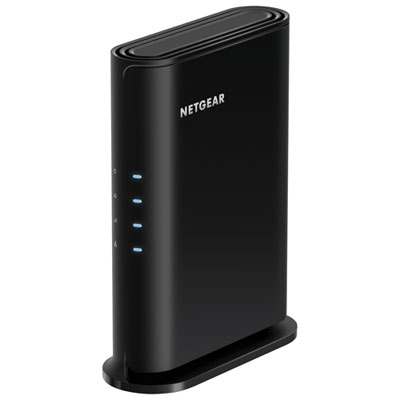
    NETGEAR 4-Stream Wireless AX1800 Wi-Fi 6 Router (RAX9-100CNS)

    About this product

    A Wi-Fi 6 router with four streams, five Gigabit ports, parental controls, and support for 20 devices.

    (1)
    $79.99
    SAVE $20
    Your price for this item is $79.99
  2. 2

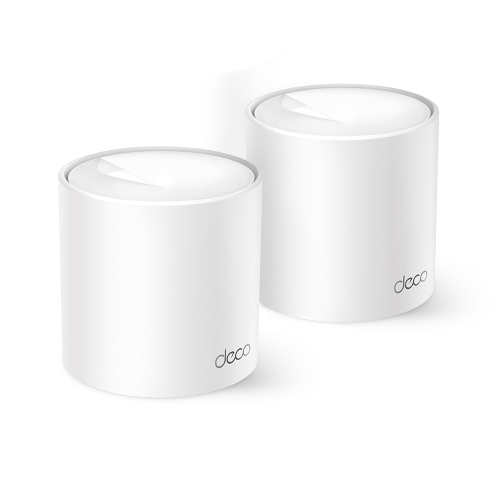
    TP-LINK (Open Box) Deco W3000 Ax1500 Wi-Fi 6 Mesh System, 3, 900 Sq. Ft., 120 Devices, Ai-Driven Mesh, 2 Gigabit Ports/unit, 2-Pack

    About this product

    A dual-band Wi-Fi 6 mesh system with AI-driven mesh, parental controls, and two Gigabit ports per unit.

    (1)
    $74.99
    SAVE $75
    Your price for this item is $74.99
  3. 3

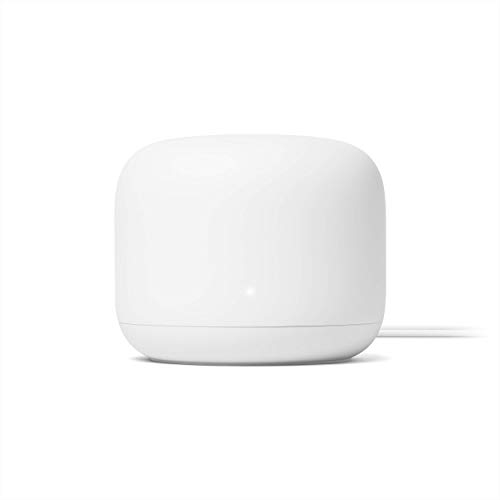
    GOOGLE Nest Wifi Router 4X4 Ac2200 Mesh Wi-Fi Router With 2200 Sq Ft Coverage (Renewed)

    About this product

    A renewed 4x4 AC2200 mesh Wi-Fi router providing up to 2,200 square feet of reliable coverage.

    (1)
    $149.90
    SAVE $40
    Your price for this item is $149.90
  4. 4

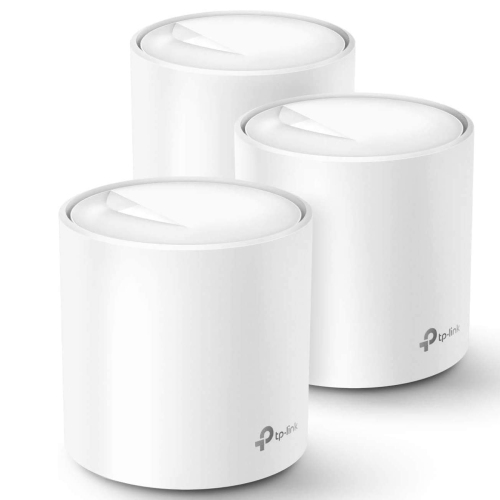
    TP-LINK (Open Box) Deco X60 Ax3000 Mesh Wi-Fi 6 System, Up to 7000 Sq. Ft. Coverage, 150 Devices, 6 Gigabit Ports (3-Pack) In White

    About this product

    A white mesh Wi-Fi 6 system offering fast dual-band speeds, robust security, and seamless whole-home coverage.

    (6)
    $149.99
    SAVE $180
    Your price for this item is $149.99
  5. 5

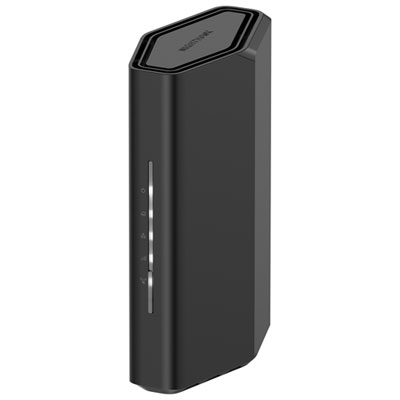
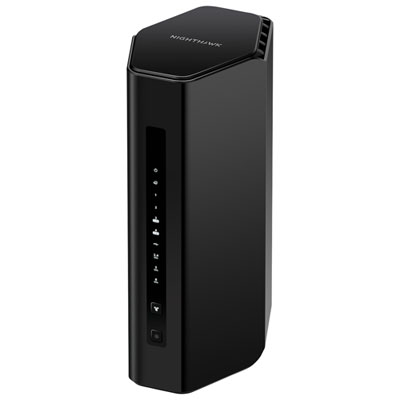
    NETGEAR Nighthawk Wireless BE3600 Dual-Band Wi-Fi 7 Router (RS100-100CNS)

    About this product

    A dual-band Wi-Fi 7 router delivering up to 3.6Gbps speeds and advanced security for seamless connectivity.

    What customers like

    • Compact and sleek design
    • Easy to install and set up
    • Strong coverage and good range
    • Fast and reliable connection
    • Supports multiple devices with stable performance
    (663)
    $139.99
    SAVE $40
    Your price for this item is $139.99
  6. 6

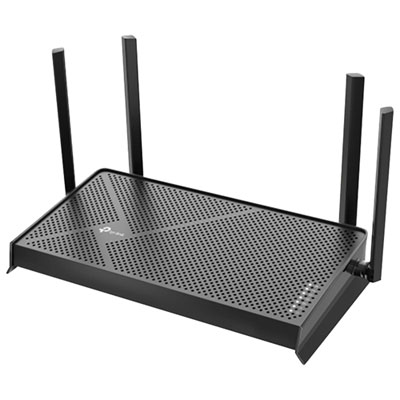
    TP-Link Archer BE230 Dual-Band Wi-Fi 7 Router

    About this product

    A dual-band Wi-Fi 7 router with 3.6Gbps speeds, 2.5G ports, and advanced beamforming technology.

    (3)
    $129.99 Your price for this item is $129.99
  7. 7

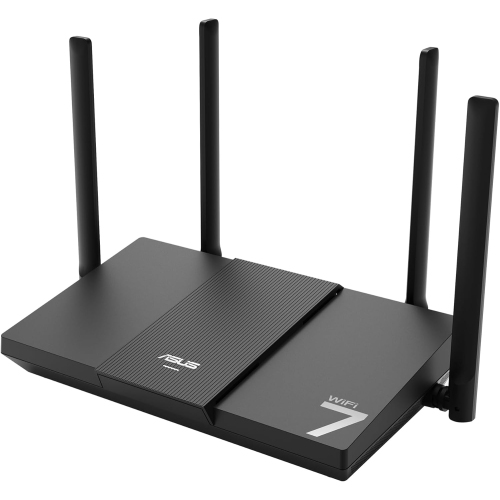
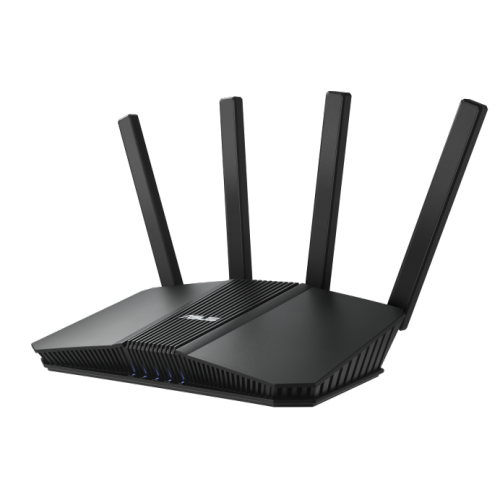
    ASUS Rt-Be50

    About this product

    A dual-band WiFi 7 router delivering speeds up to 3600 Mbps for smooth streaming and gaming.

    (3)
    $141.99
    SAVE $18
    Your price for this item is $141.99
  8. 8

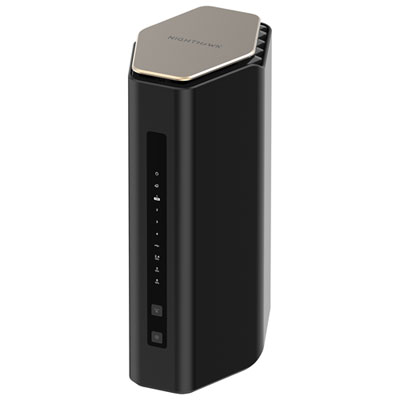
    NETGEAR Wireless BE6500 Dual-Band Wi-Fi 7 Router (RS200-100CNS)

    About this product

    A dual-band Wi-Fi 7 router supporting up to 80 devices with parental controls and guest access.

    What customers like

    • Easy setup and installation
    • Handles multiple devices efficiently
    • Fast and reliable internet speeds
    • Robust security and parental controls
    • Strong signal and wide coverage
    (883)
    $299.99 Your price for this item is $299.99
  9. 9

    ASUS Rt-Be82U Be6500 Dual Band Wireless Wi-Fi 7 Router, 4K-Qam, Mlo, Five 2.5GBe Ports

    About this product

    A dual band Wi-Fi 7 router with 4K-QAM, MLO, five 2.5GbE ports, and advanced security features.

    What customers like

    • Great for gaming
    • Fast and reliable speeds
    • Excellent coverage and range
    • Solves connectivity issues
    • Easy to set up
    (233)
    $249.99 Your price for this item is $249.99
  10. 10

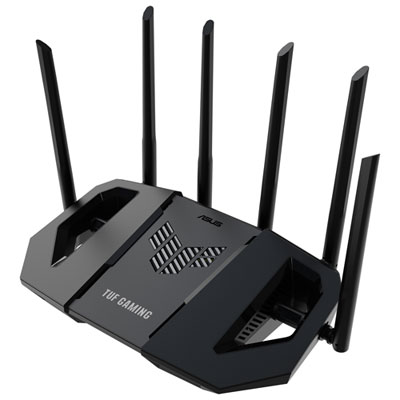
    ASUS TUF Wireless Dual-Band Wi-Fi 7 Gaming Router (TUF-BE6500) - Only at Best Buy

    About this product

    A dual-band Wi-Fi 7 router with six antennas and quad 2.5GbE ports for ultra-fast gaming.

    (19)
    $259.99 Your price for this item is $259.99

Why reliable home Wi-Fi takes more than speed

The best Wi-Fi routers for a home balance reliable coverage, useful connection speeds, and the ability to keep several devices working smoothly at once. A household with a television streaming in 4K, a laptop on a video call, and connected speakers playing in another room needs more than an impressive maximum speed on the box. Consistent performance across those activities matters just as much. Wi-Fi 6 routers support efficient connections in busy households, while Wi-Fi 6E adds access to the 6 GHz band for compatible devices. Wi-Fi 7 introduces further improvements, including multi-link operation on supported equipment, which can help compatible devices use multiple connections for improved throughput or reliability. These standards describe capabilities, not a guarantee that every device will achieve the same speed. Older phones, laptops, and smart home accessories generally continue to connect using a shared supported standard, although network security settings can affect compatibility. Dual-band routers typically provide 2.4 GHz and 5 GHz connections: the former is often useful for longer reach and simple connected devices, while the latter offers greater capacity at shorter distances. Tri-band designs add another band, but the exact combination varies, so that label alone does not confirm support for 6 GHz. Advertised router speeds usually represent combined theoretical capacity across bands rather than the speed a single laptop can receive. Actual results depend on the internet plan, the receiving device, nearby wireless traffic, and the layout of the home. For someone working from a spare bedroom, dependable coverage through the hallway may be more valuable than a higher headline speed near the router. For a family sharing a connection across schoolwork, entertainment, and everyday browsing, efficient handling of simultaneous traffic can make the network feel more responsive. A suitable router therefore matches both the connection entering the home and the ways people actually use it, whether that means quiet evenings with a single streaming screen or several rooms connected throughout the day.

Coverage is shaped by placement and construction as much as by the router itself. An open shelf near the centre of a living space generally gives a wireless signal a better starting point than a closed cabinet behind a television. Concrete walls, brickwork, metal surfaces, and the distance between floors can weaken connections, so a stated coverage area is best understood as an estimate rather than a promise for every floor plan. Compact apartments may be well served by a single router, while long layouts and homes with several storeys can benefit from compatible mesh expansion. Mesh systems use multiple access points to extend a shared network, but expansion requires compatible hardware; devices from different product families are not automatically interchangeable. A wired connection between mesh units can also reduce the demands placed on their wireless links. Physical fit matters, too. Routers commonly have rigid plastic housings, ventilation openings, and either internal or external antennas. External antennas need room for positioning, while a compact upright design may fit more comfortably on a narrow shelf. Clear space around ventilation openings helps the hardware operate as intended, and accessible ports make cable changes less awkward. Routine care is straightforward: keep dust from collecting around vents, wipe the exterior with a dry, soft cloth, and follow the manufacturer's cleaning instructions without spraying liquid into openings. Wired connections deserve attention alongside wireless coverage. Ethernet ports can give a desktop computer, gaming console, or television a steady connection without competing for wireless airtime. Gigabit ports suit many home networks, while 2.5-gigabit or faster ports can support higher-speed internet service or local transfers when the connected equipment also supports those rates. Both the internet-facing port and the ports serving wired devices matter. A fast connection at one end cannot remove a slower link elsewhere, and a router does not replace a separate modem or fibre terminal when the internet service requires one.

Everyday usability often determines how satisfying a router remains after the initial setup. Clear app controls or a well-organized browser interface can make it easier to name a network, review connected devices, and adjust settings without searching through unfamiliar menus. Some routers require an account or an app for certain functions, while others offer more control through a local browser interface. A guest network can keep visiting friends' devices separate from the main household network when isolation is supported and enabled. Parental controls may include schedules, content filters, or device-specific pauses, although their scope varies and some features require a separate subscription. Traffic-prioritization settings can help give a video call or gaming session preference when a connection is busy, but they cannot create additional internet capacity or eliminate delays elsewhere on the internet. Security features are another practical part of long-term ownership. WPA3 support offers newer wireless protection for compatible devices, and WPA2 compatibility remains relevant for some older equipment. Automatic firmware updates, a clear update process, and ongoing manufacturer support help keep the router maintained beyond its first installation. For remote workers, households with students, and people who rely on connected doorbells or cameras, those details can matter as much as peak throughput. A router can also be a useful housewarming gift or a practical addition to a student's first apartment, provided it suits the recipient's internet service and living space. Existing provider equipment may need particular settings, such as bridge mode or an access point configuration, to work neatly with a separate router. For a broader comparison of networking options, explore Best Routers Under $2000. Across home setups, the most useful features are the ones that solve a real need: reaching a distant desk, connecting several wired devices, keeping household controls manageable, or supporting newer phones and laptops without overlooking the equipment already in daily use.
Read More

FAQ

Some products may be subject to Environmental Handling Fees (EHF) depending on your province. Learn more about EHFs.