
Black Friday Gaming Deals
Looking for the hottest Black Friday deals on gaming products? Look no further! Dive into a world of savings with our exclusive Black Friday Gaming Deals. Whether you're a hardcore gamer or just looking to level up your gaming setup, we've got you covered with incredible discounts on a wide range of gaming essentials. From consoles and accessories to games and peripherals, get ready to score big and take your gaming experience to the next level this Black Friday. Remember, our Low Price Guarantee means you can shop confidently knowing that you'll find the best price at Best Buy, all year round. We encourage you to check our website frequently for the most up-to-date information on our latest offers and savings opportunities.
Sort








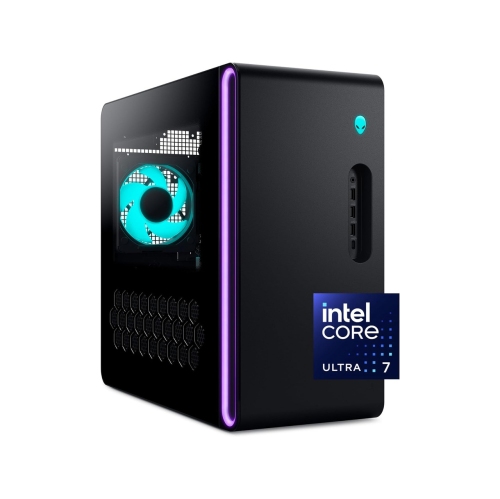
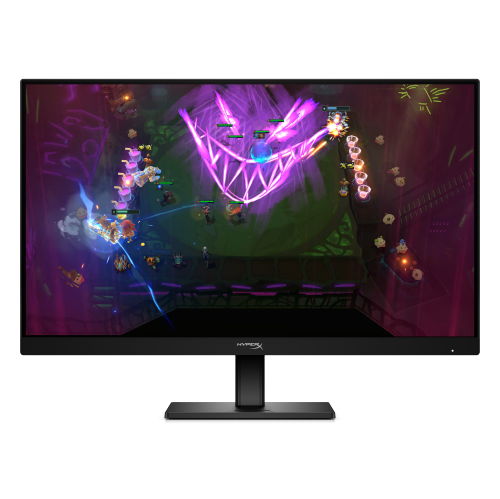
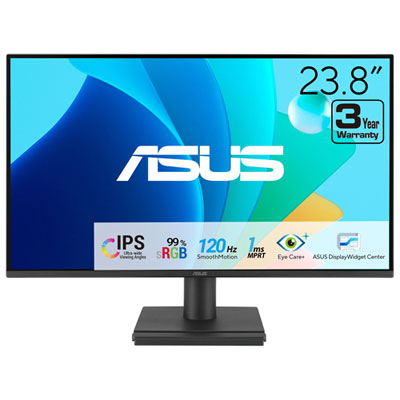
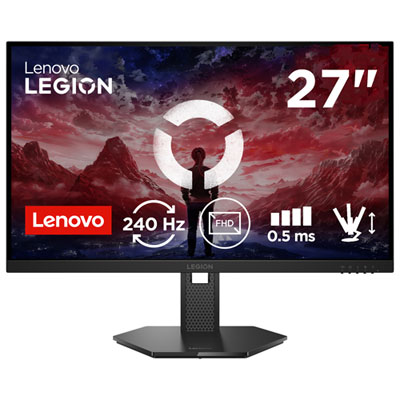










Gaming setups that fit how and where you play
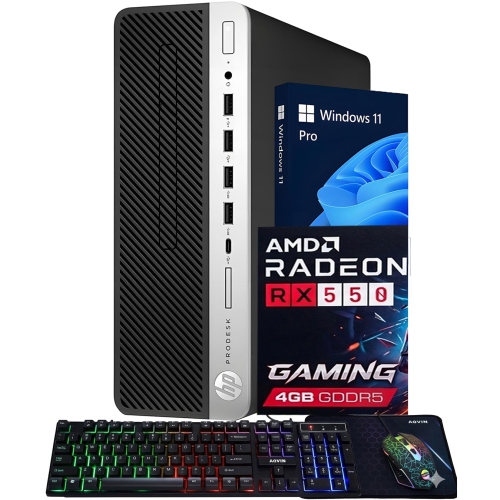
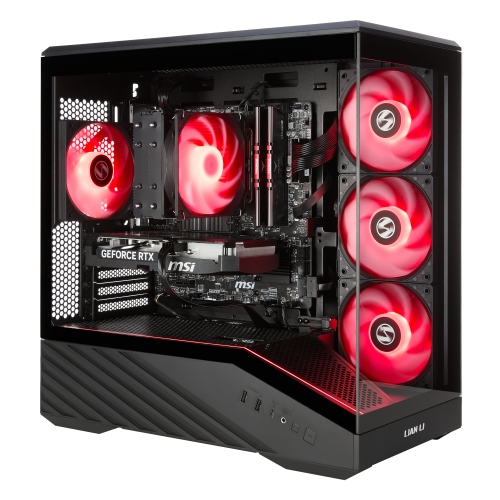
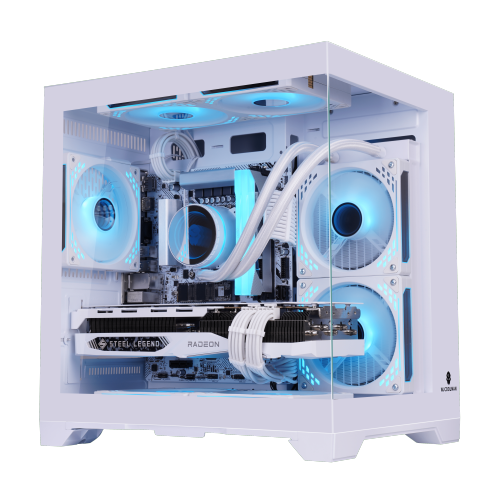
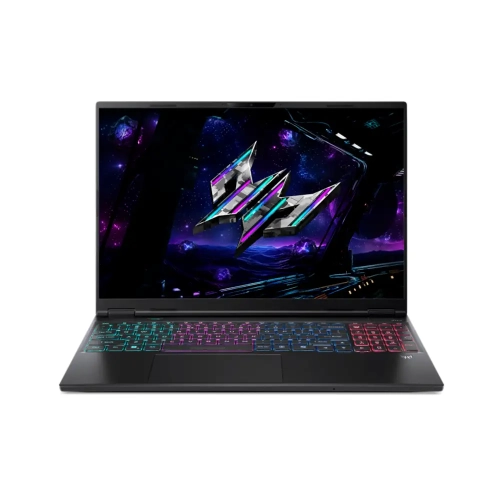
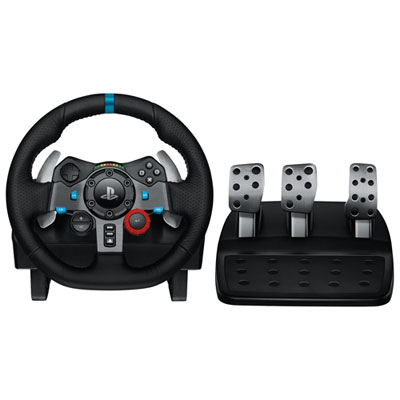
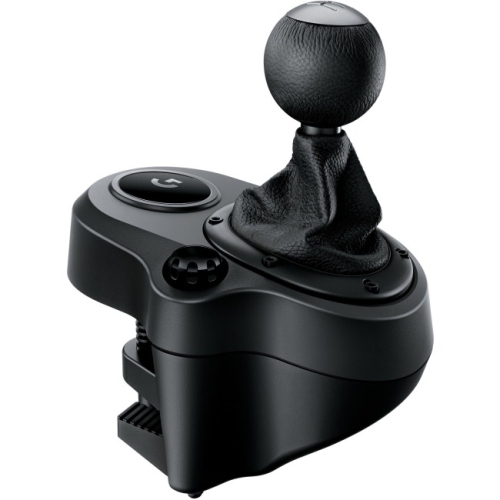
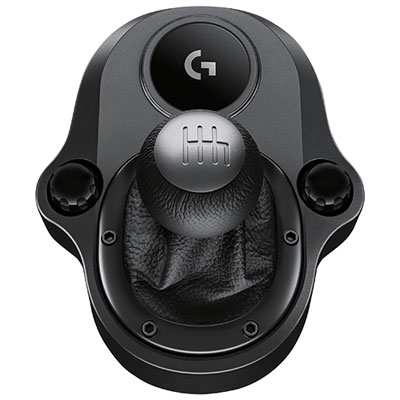
Black Friday gaming brings together the hardware, games and accessories that shape how people play, from a shared living-room console to a dedicated PC setup or a handheld system tucked into a travel bag. The right combination depends on the games someone enjoys, where they spend their playing time and whether they prefer solo adventures, local multiplayer or online competition. A console can suit a household that wants straightforward access to games on a television, while a gaming desktop offers room for component upgrades and a permanent workstation. A gaming laptop combines play, schoolwork and everyday computing in a portable format, though its weight, cooling design and battery performance affect how comfortably it travels. Handheld gaming systems make it easier to continue a session away from the main screen, with controls, screen size and grip shape influencing comfort over longer stretches. Across these categories, platform compatibility matters: games, controllers, headsets and storage accessories do not necessarily work with every system, even when their connectors look similar. Physical and digital games also have different requirements. Disc-based games need a compatible disc drive, while digital purchases are tied to supported accounts and platforms; either format may require downloads, installation space or updates. For households sharing a system, separate profiles, parental controls and accessible control options can make gaming more practical for players with different ages and preferences. Game ratings and content descriptions help distinguish a family-friendly party game from a story intended for an older audience. Gaming gifts feel more personal when they fit the recipient’s existing setup and habits, whether that means comfortable controls for someone who enjoys racing, a headset for a regular multiplayer group or a carrying solution for a player who takes a handheld system between homes. Knowing the platform, preferred game genres and accessories already in use helps a gift become part of an everyday routine rather than something that needs an additional adapter or a different system.
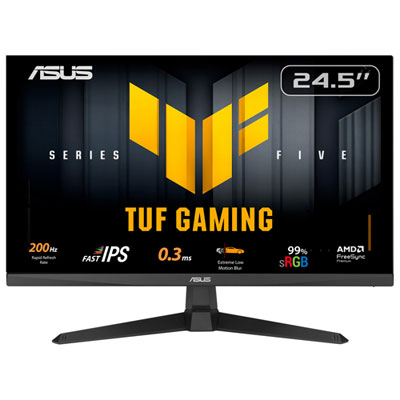
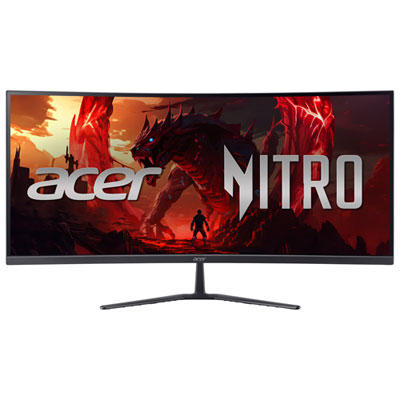
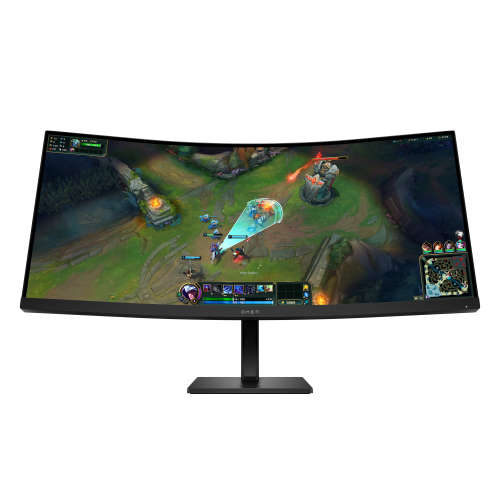
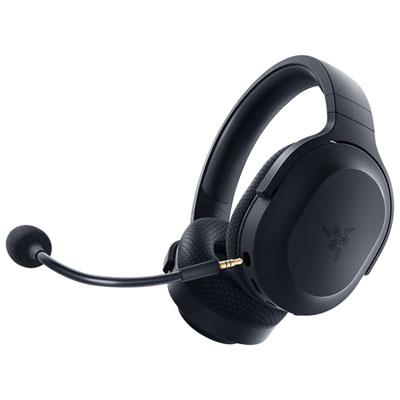
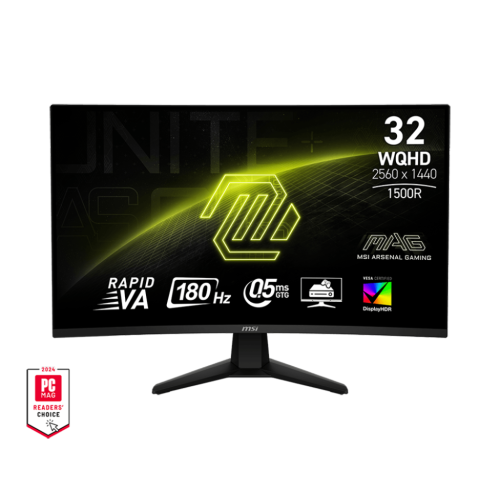
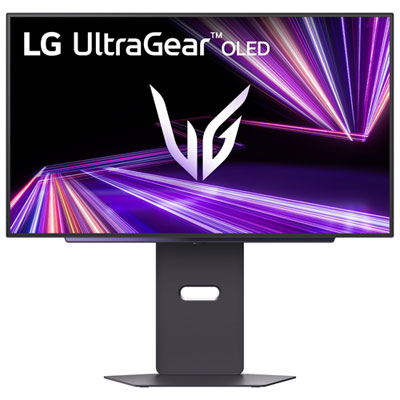
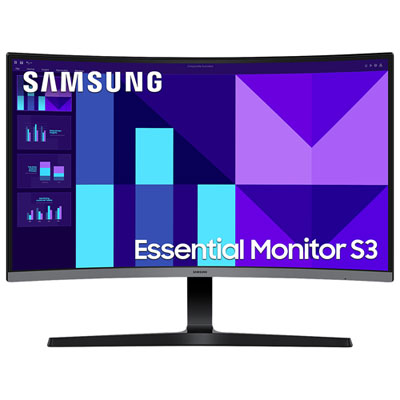
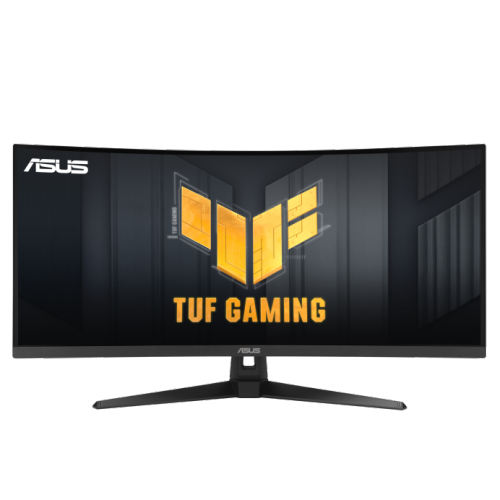
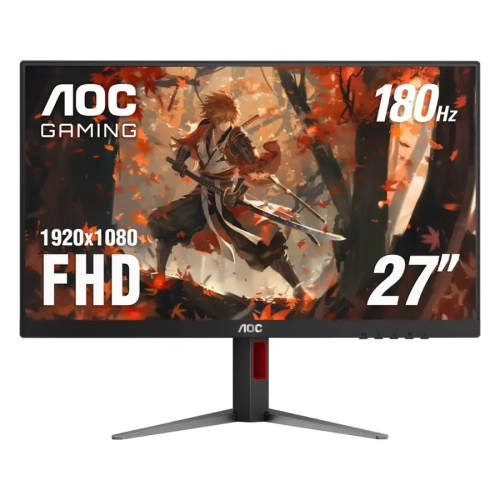
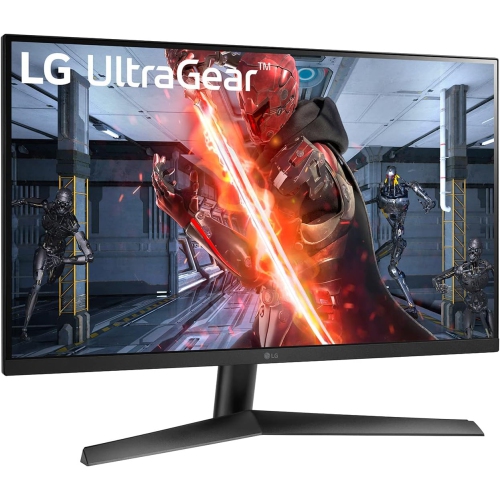
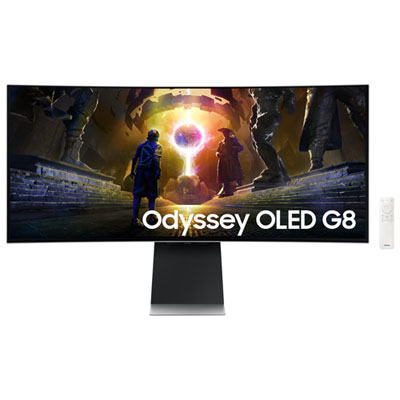
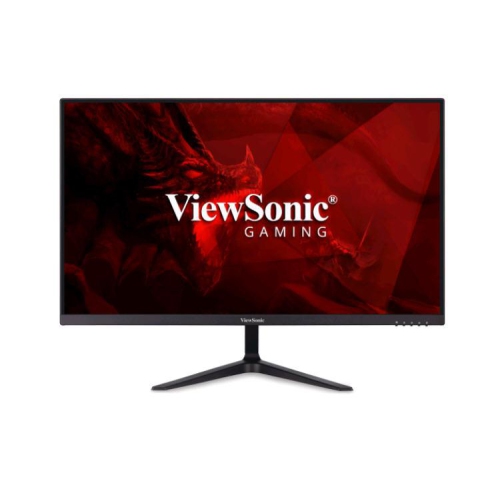
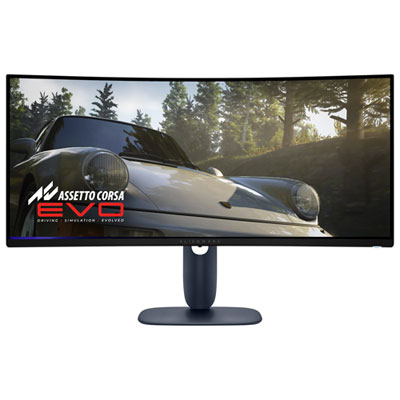
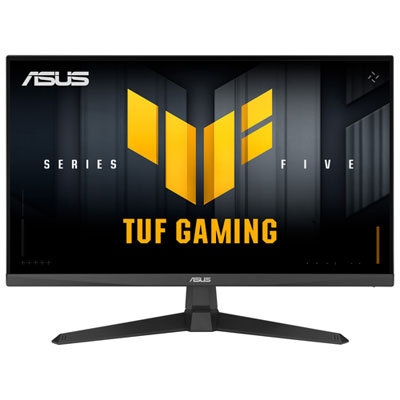
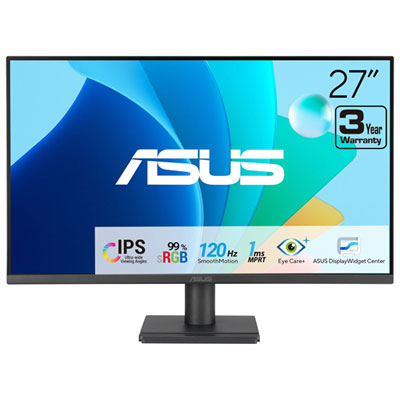
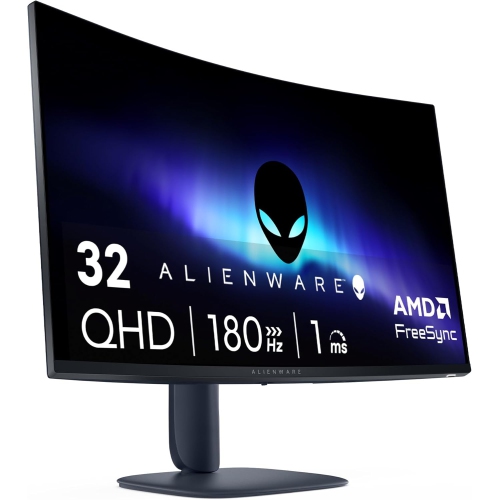
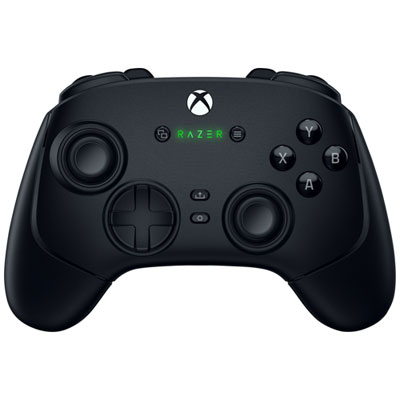
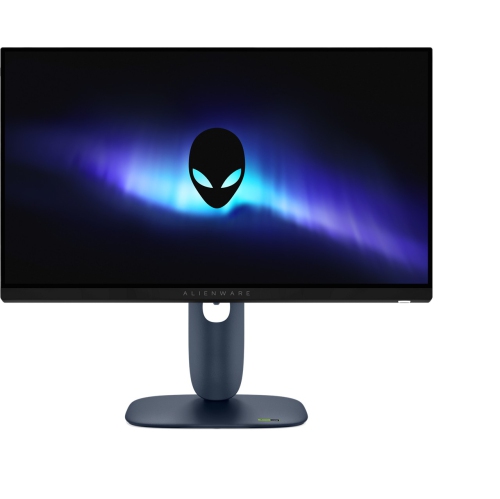
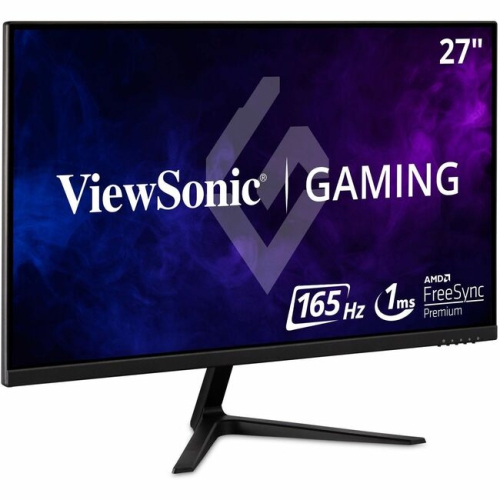
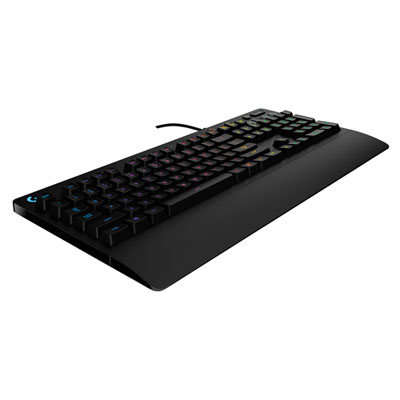
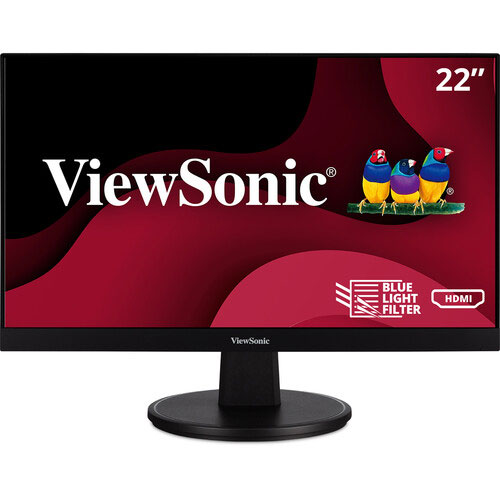
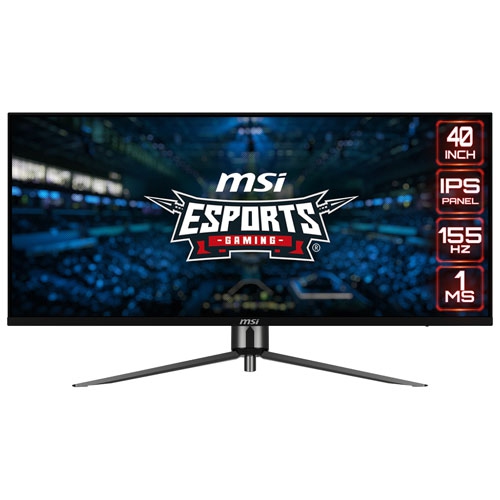
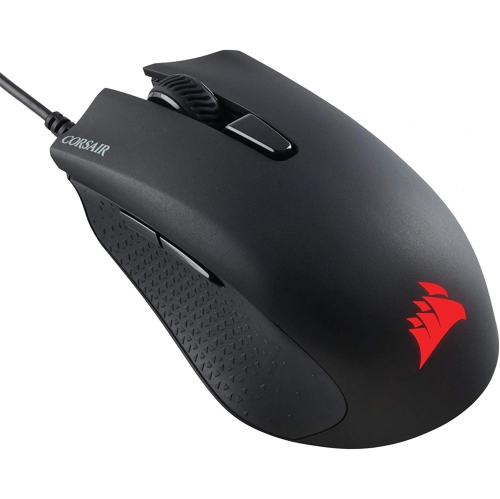
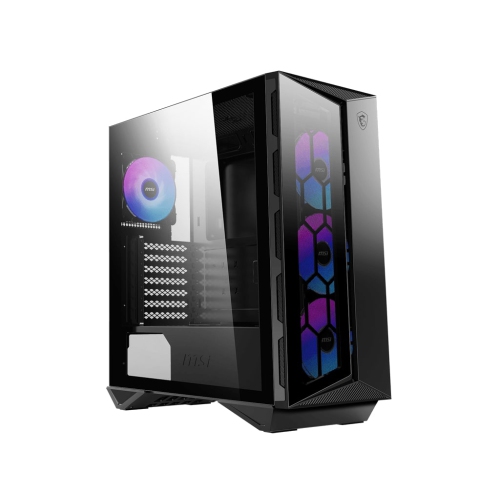
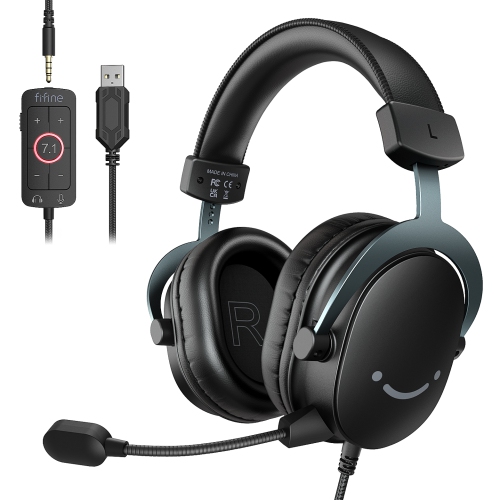
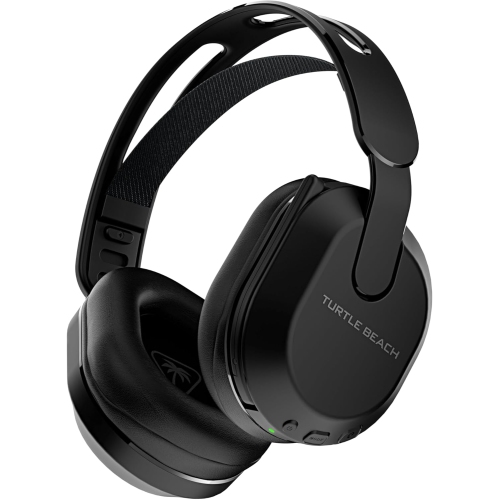
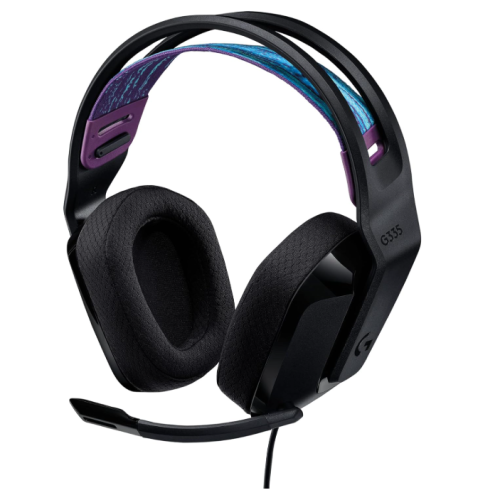
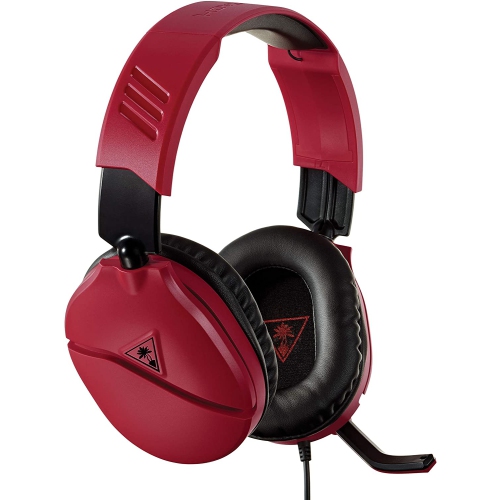
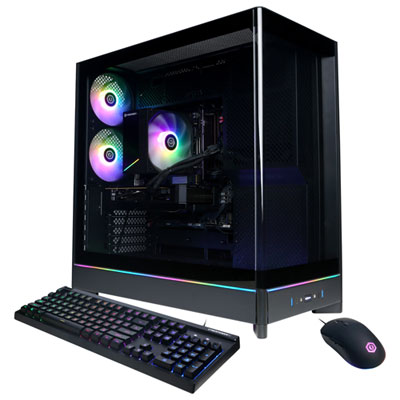
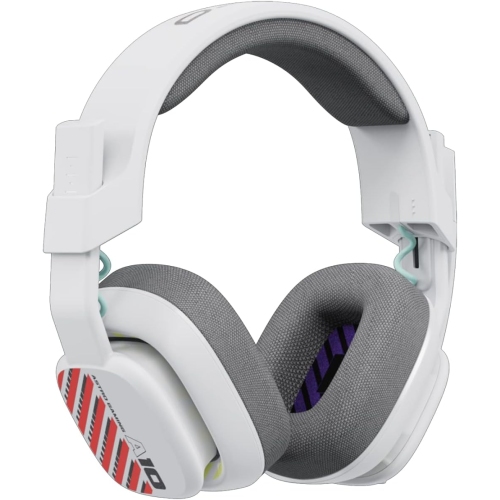
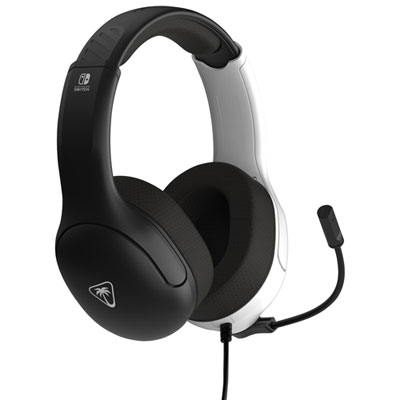
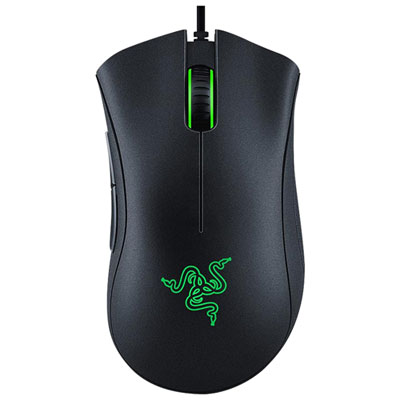
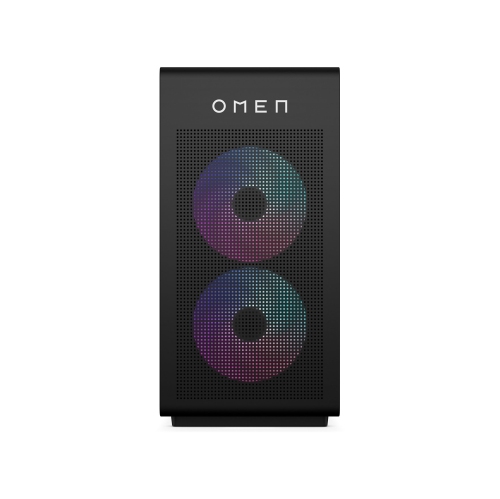
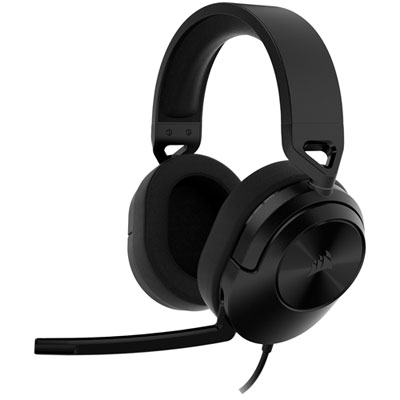
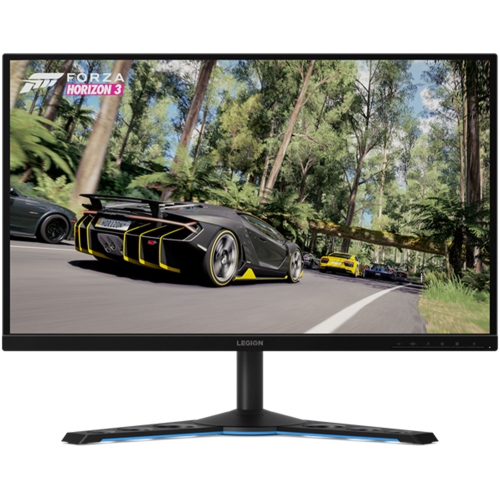
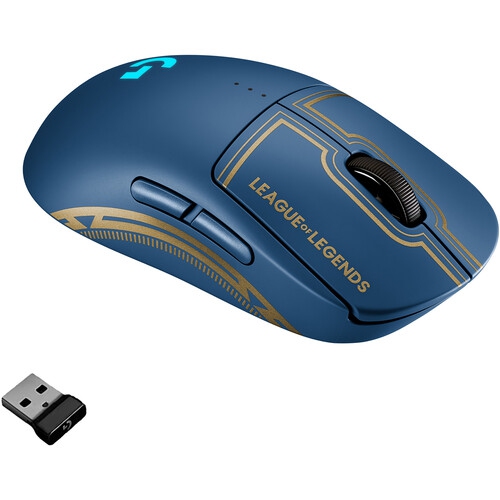
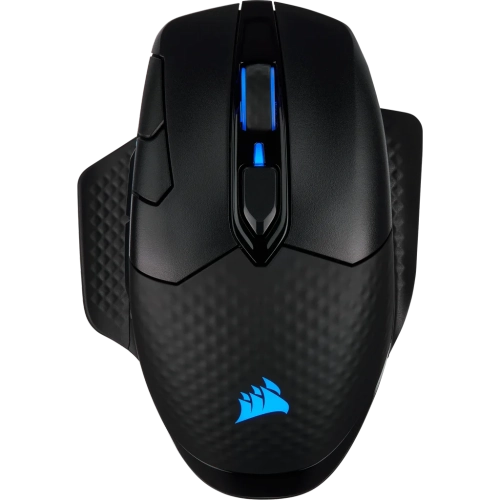
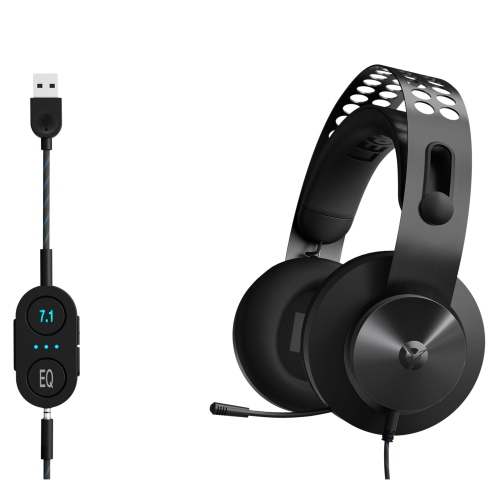
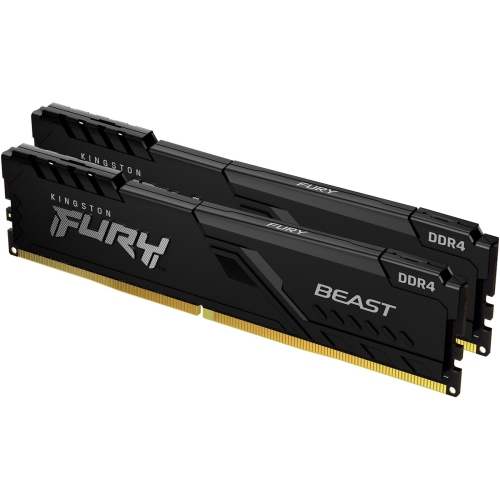
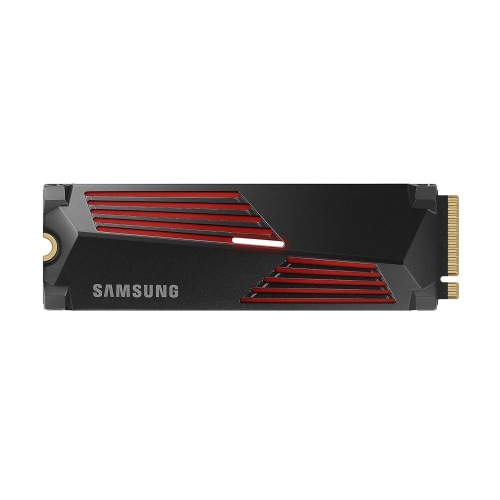
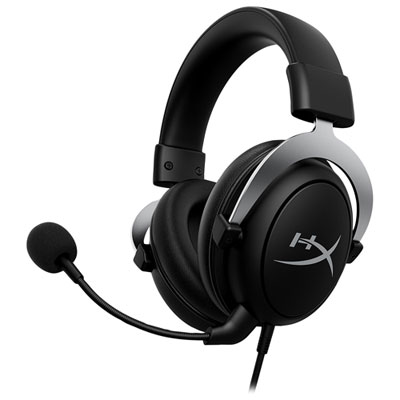
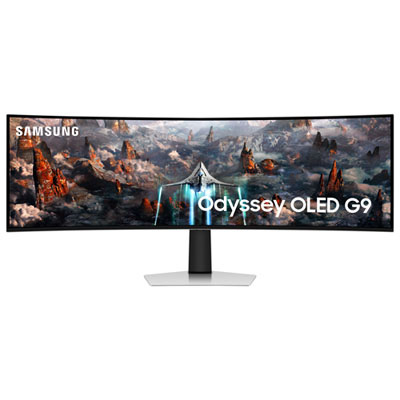
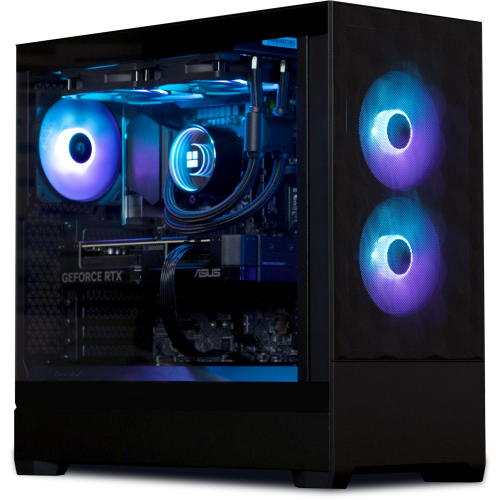
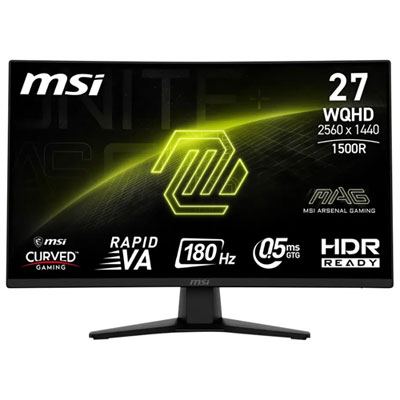
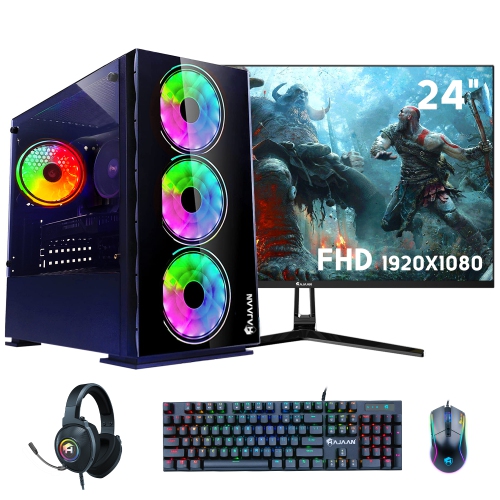
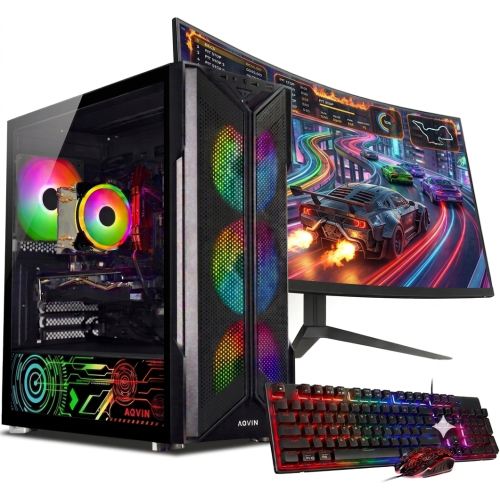
Gaming performance is a balance between the system running the game, the display showing it and the controls connecting the player to the action. On a gaming computer, the processor, graphics hardware, memory and storage all contribute to the experience, but their importance varies by game and settings. Detailed scenery at a higher resolution places more demand on graphics hardware, while fast-paced play benefits from consistent frame delivery and responsive input. A display’s refresh rate describes how often it can update the image; seeing that benefit also depends on the output of the connected system, the game and the connection being used. Screen size should suit the viewing distance, with a desk monitor sitting close enough for small interface details to remain readable without constant head movement. Headsets bring another set of practical considerations. Over-ear cups with sufficient depth can reduce pressure on the ears, an adjustable headband helps distribute weight, and a clearly positioned microphone makes conversation easier during team play. Breathable fabric cushions and wipeable synthetic coverings have different textures and care needs, especially for players who wear glasses or share equipment. Wired accessories avoid the need to recharge during a session, while wireless designs allow more freedom of movement but require attention to battery life, charging and system support. Controller shape, button reach and overall weight can matter as much as extra features, particularly for smaller hands or players who prefer a lighter grip. For keyboard-and-mouse setups, key feel, mouse size and the surface beneath the mouse influence everyday comfort and control. Durability comes from details such as secure connectors, sturdy hinges, well-supported cables and replaceable wear parts where supported. Regular care is usually simple: disconnect equipment before cleaning, use methods recommended by the manufacturer and keep liquids away from openings. Clear ventilation space around computers and consoles supports normal cooling, while neatly routed cables help prevent a charging lead from being pulled off a desk or caught beneath a chair.
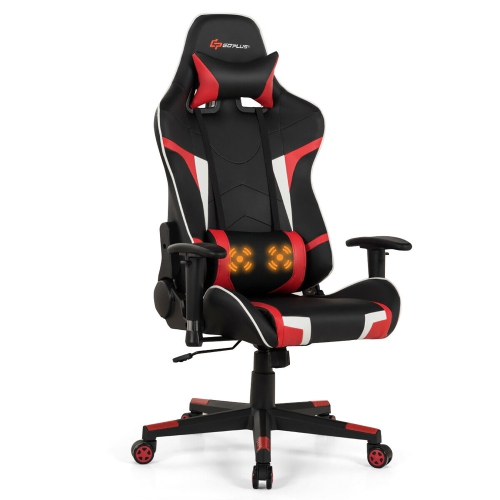
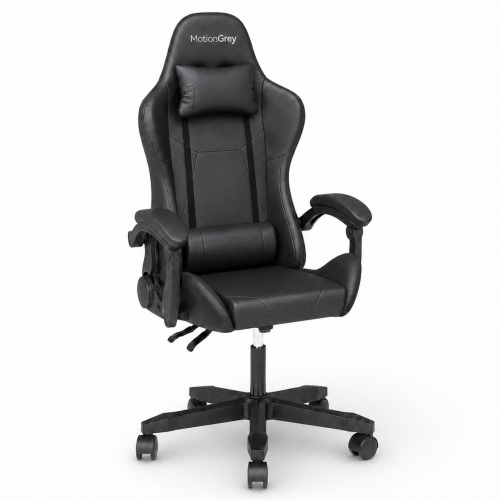
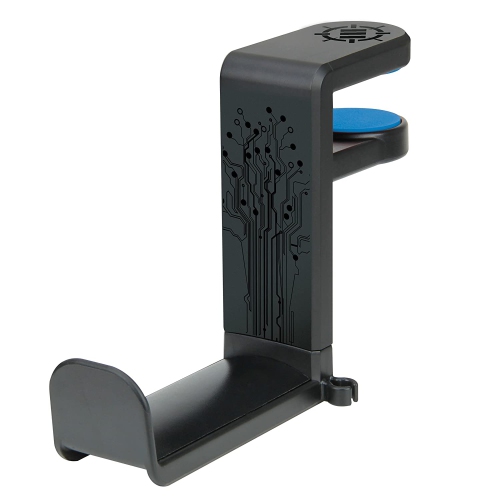
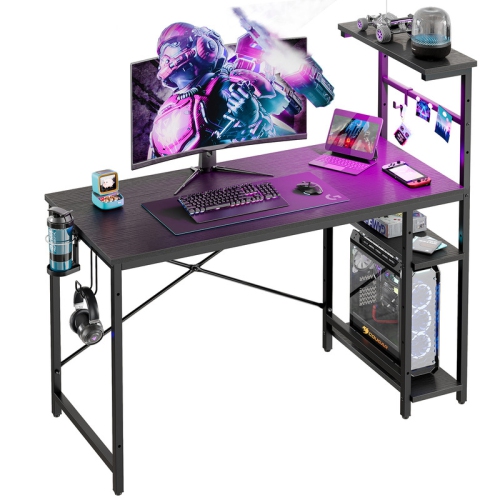
The space around a gaming system has a direct effect on how enjoyable it is to use. A compact corner used for homework and evening play needs a different arrangement from a dedicated room with several screens, speakers and shared seating. Desk depth influences the distance between the player and the monitor, while usable width determines whether there is comfortable space for a keyboard, mouse and other frequently used accessories. A stable frame and an appropriate weight capacity are important when a desktop surface supports multiple displays or heavier equipment. Surface materials also affect daily use: laminate finishes are often straightforward to wipe clean, wood surfaces may need more specific care, and metal frames should have secure joints and a finish suited to regular contact. For shoppers furnishing a dedicated setup, Black Friday Deals on Gaming Desks brings the focus to furniture that supports the screen, controls and equipment around which play takes place. Features such as cable openings, monitor shelves and accessory hooks can help organize the area, but their placement needs to work with the actual devices and available floor space. Chair fit is equally individual. Seat height, seat depth, back support and armrest adjustment influence whether someone can sit with relaxed shoulders, supported feet and enough room to move close to the desk. Upholstery should suit the household, including how easily it can be cleaned and how it feels during longer sessions. In a shared living room, accessible charging spots and a place to store controllers can keep the gaming area tidy without taking over the room. A wired network connection may provide a more consistent connection for online play, while Wi-Fi performance depends partly on distance, obstacles and competing household traffic. Thoughtful placement also leaves room to reach ports, clean around equipment and stand up between matches. Whether Black Friday gaming is centred on a first setup, a family play space or an established hobby, equipment that fits the player’s routines and physical space is easier to enjoy day after day.
Gaming performance is a balance between the system running the game, the display showing it and the controls connecting the player to the action. On a gaming computer, the processor, graphics hardware, memory and storage all contribute to the experience, but their importance varies by game and settings. Detailed scenery at a higher resolution places more demand on graphics hardware, while fast-paced play benefits from consistent frame delivery and responsive input. A display’s refresh rate describes how often it can update the image; seeing that benefit also depends on the output of the connected system, the game and the connection being used. Screen size should suit the viewing distance, with a desk monitor sitting close enough for small interface details to remain readable without constant head movement. Headsets bring another set of practical considerations. Over-ear cups with sufficient depth can reduce pressure on the ears, an adjustable headband helps distribute weight, and a clearly positioned microphone makes conversation easier during team play. Breathable fabric cushions and wipeable synthetic coverings have different textures and care needs, especially for players who wear glasses or share equipment. Wired accessories avoid the need to recharge during a session, while wireless designs allow more freedom of movement but require attention to battery life, charging and system support. Controller shape, button reach and overall weight can matter as much as extra features, particularly for smaller hands or players who prefer a lighter grip. For keyboard-and-mouse setups, key feel, mouse size and the surface beneath the mouse influence everyday comfort and control. Durability comes from details such as secure connectors, sturdy hinges, well-supported cables and replaceable wear parts where supported. Regular care is usually simple: disconnect equipment before cleaning, use methods recommended by the manufacturer and keep liquids away from openings. Clear ventilation space around computers and consoles supports normal cooling, while neatly routed cables help prevent a charging lead from being pulled off a desk or caught beneath a chair.
The space around a gaming system has a direct effect on how enjoyable it is to use. A compact corner used for homework and evening play needs a different arrangement from a dedicated room with several screens, speakers and shared seating. Desk depth influences the distance between the player and the monitor, while usable width determines whether there is comfortable space for a keyboard, mouse and other frequently used accessories. A stable frame and an appropriate weight capacity are important when a desktop surface supports multiple displays or heavier equipment. Surface materials also affect daily use: laminate finishes are often straightforward to wipe clean, wood surfaces may need more specific care, and metal frames should have secure joints and a finish suited to regular contact. For shoppers furnishing a dedicated setup, Black Friday Deals on Gaming Desks brings the focus to furniture that supports the screen, controls and equipment around which play takes place. Features such as cable openings, monitor shelves and accessory hooks can help organize the area, but their placement needs to work with the actual devices and available floor space. Chair fit is equally individual. Seat height, seat depth, back support and armrest adjustment influence whether someone can sit with relaxed shoulders, supported feet and enough room to move close to the desk. Upholstery should suit the household, including how easily it can be cleaned and how it feels during longer sessions. In a shared living room, accessible charging spots and a place to store controllers can keep the gaming area tidy without taking over the room. A wired network connection may provide a more consistent connection for online play, while Wi-Fi performance depends partly on distance, obstacles and competing household traffic. Thoughtful placement also leaves room to reach ports, clean around equipment and stand up between matches. Whether Black Friday gaming is centred on a first setup, a family play space or an established hobby, equipment that fits the player’s routines and physical space is easier to enjoy day after day.
Top selling and popular products
-
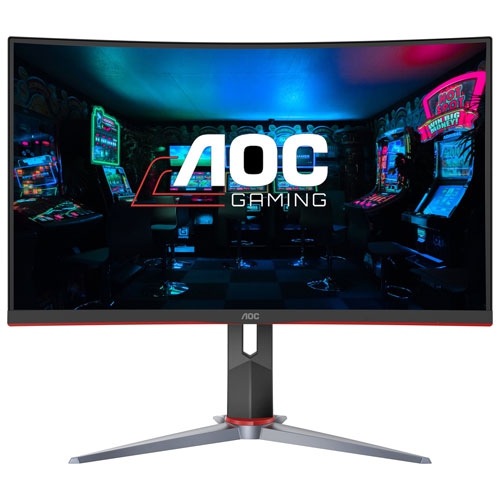 Your price for this item is $275
-
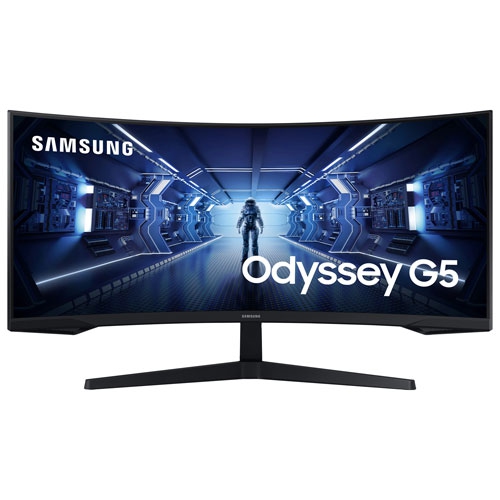 Your price for this item is $559.68
-
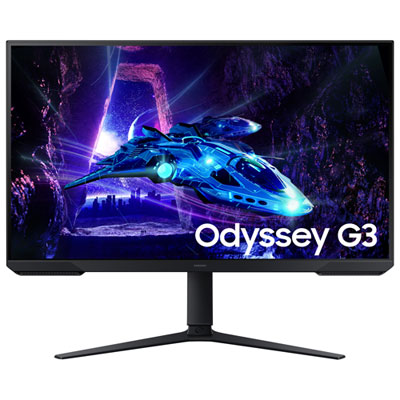 Your price for this item is $209.95
-
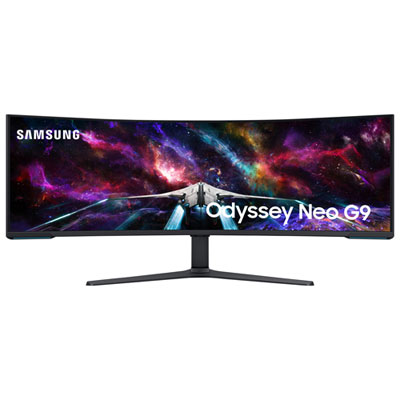 Your price for this item is $3299.99
-
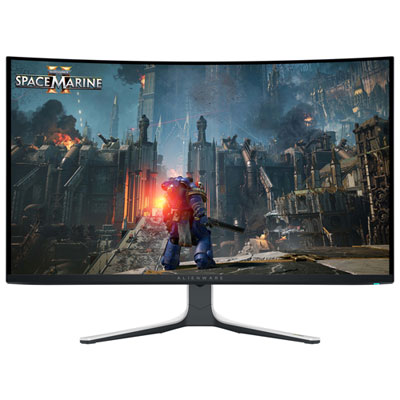 Your price for this item is $1349.99
-
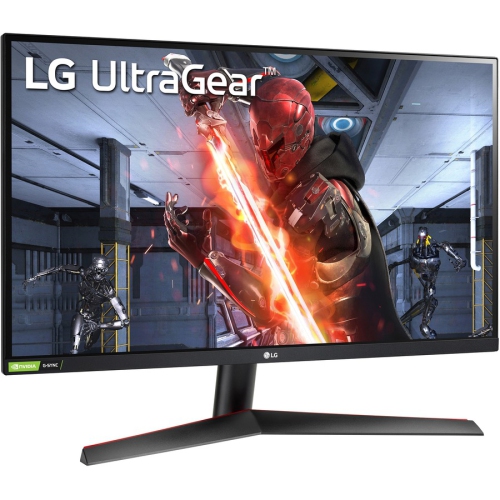 Your price for this item is $554.68
-
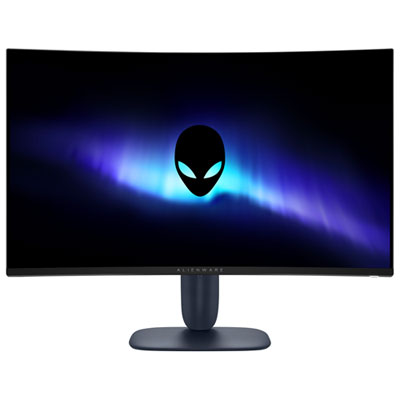 Your price for this item is $339.95
-
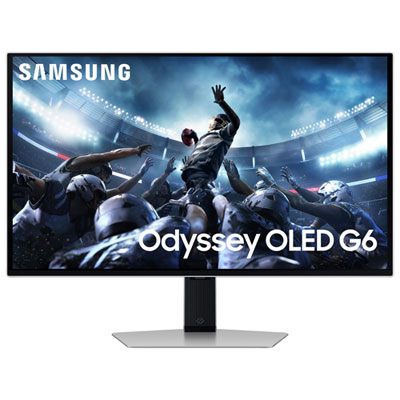 Your price for this item is $1199.99
Discover more categories related to Black Friday Gaming Deals
Top Collections:
Pokemon Centers, Best Black Friday Deals This Year, Best Black Friday Deals On Electronics, Kindle Devices, Best Budget Office Chairs, Best Black Friday Deals On Apple Products, Best Cameras for Sports Photography, Pokémon 30th Celebration Cards, Dyson Airwrap, Canon G7X Cameras
Some products may be subject to Environmental Handling Fees
(EHF) depending on your province.
Learn more about EHFs.