Blue Mice
Blue Mouse options add a stylish touch to any workspace, combining vibrant color with everyday functionality. Whether upgrading your home office or enhancing your gaming setup, these mice offer a pop of personality alongside reliable performance. Browse a range of Blue Mouse choices to find the perfect fit for your needs and express your unique style while staying productive.
Sort

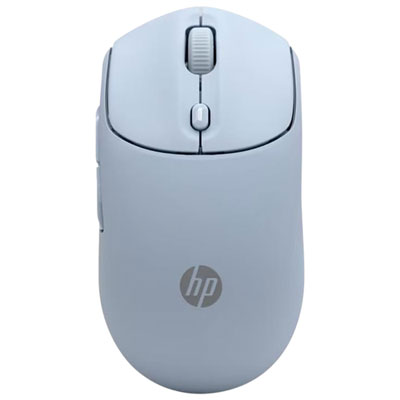


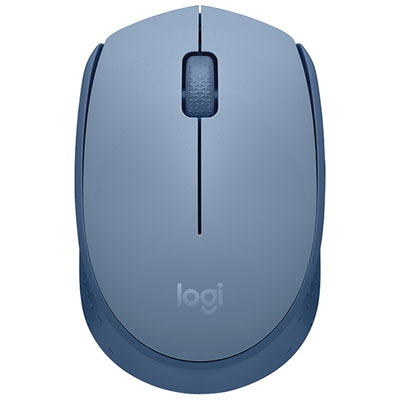

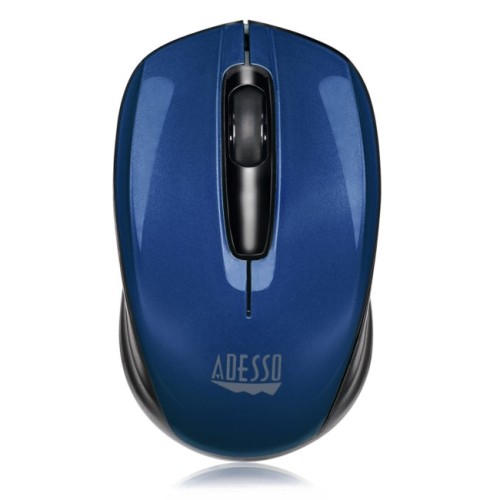
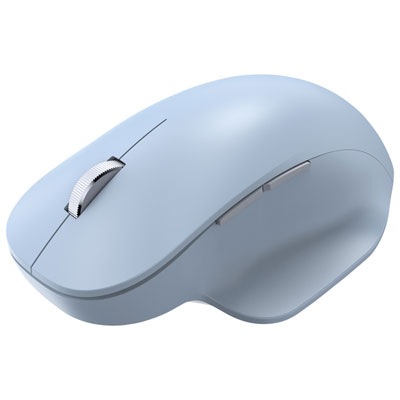


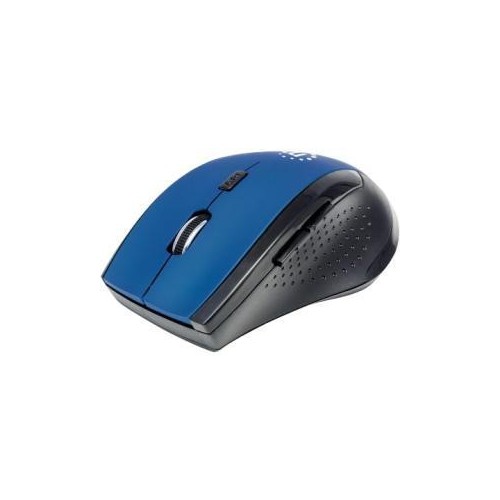
A mouse’s colour is only part of the fit
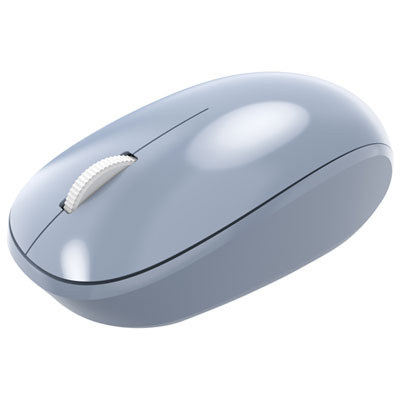
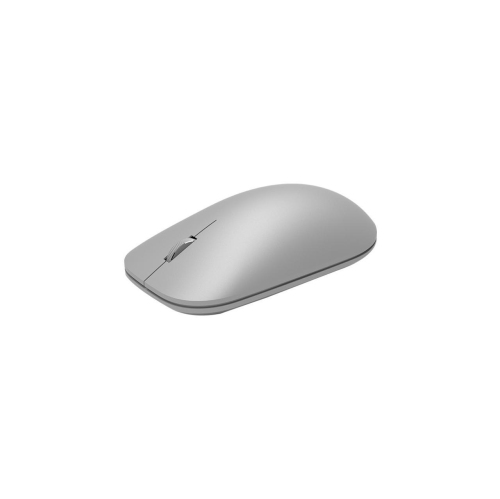
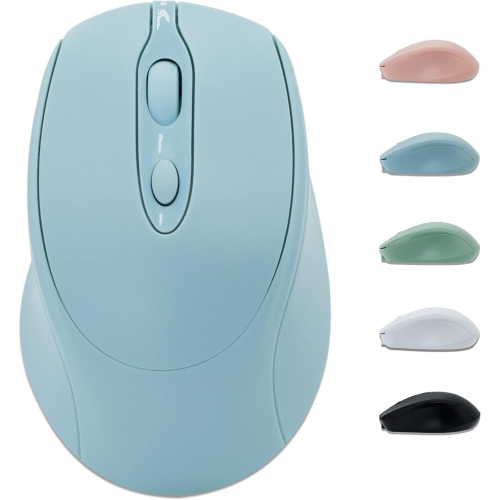
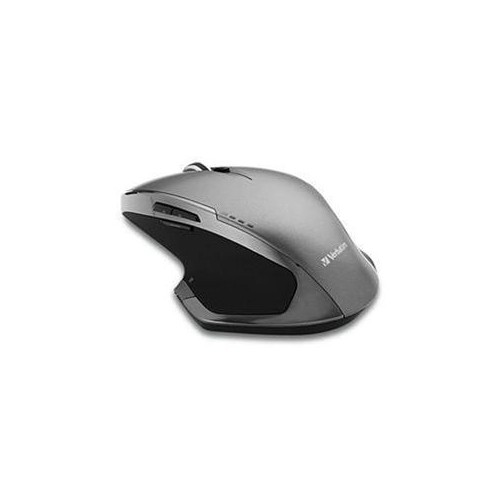
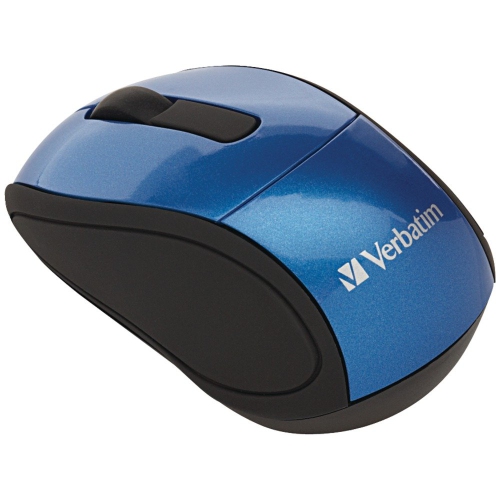
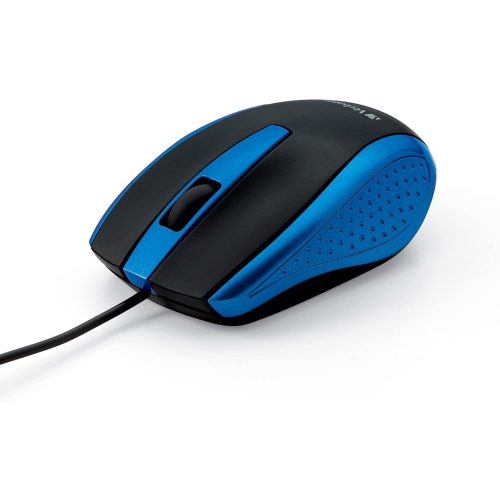
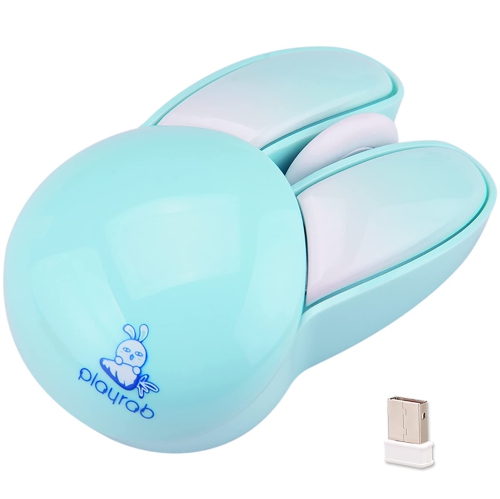
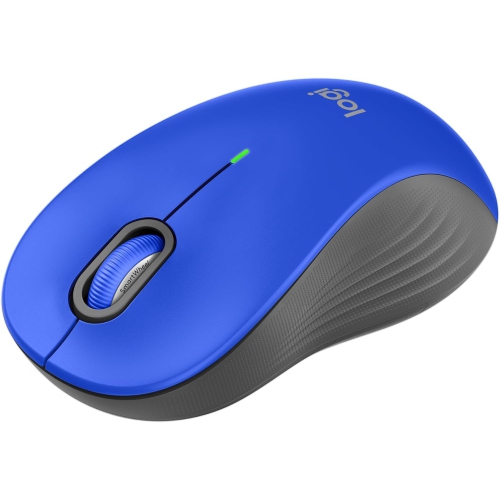
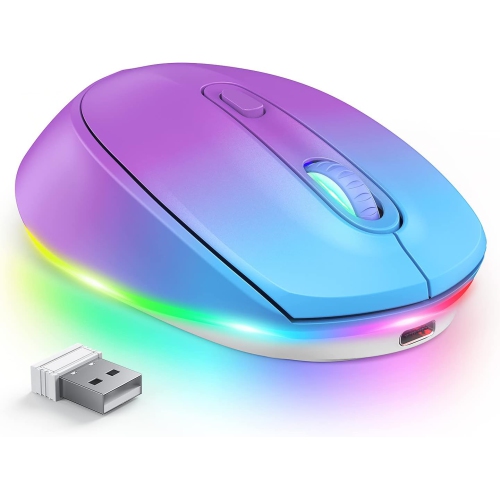
Blue mice are computer mice with blue finishes, bringing a distinctive colour to an everyday tool for navigating, clicking, scrolling, and working across a screen. The colour describes the mouse’s appearance, not its connection type, sensor technology, or performance: a blue mouse can be wired or wireless, compact or full-size, and designed for everyday tasks or gaming. Shades can range from soft powder blue to deep navy, with some designs pairing a blue upper shell with contrasting side grips, buttons, or scroll wheels. A lighter shade can add a gentle accent beside a neutral keyboard, while a darker blue can blend into a desk setup built around black, grey, or wood tones. Colour also has a practical side in shared spaces, making a mouse easier to distinguish from similar accessories on a family desk or in a classroom. The feel beneath the hand matters just as much as the finish. Many mouse housings use moulded plastic, sometimes with textured sides or rubberized grips that provide a different feel from a smooth shell. Matte surfaces tend to look understated, while glossy surfaces catch more light and may show fingerprints more readily. Shape, height, and weight influence how naturally a mouse fits into daily use. A low-profile body slips easily into a laptop bag, whereas a fuller shape may suit someone who prefers support beneath the palm. Smaller dimensions are not automatically more comfortable for smaller hands, since finger position and grip style also affect the fit. Some people rest most of the hand on the mouse; others steer mainly with their fingertips. A symmetrical shape may suit either hand, although side-button placement can still favour right-handed use. These differences make blue computer mice relevant to a broad range of spaces and routines, from a student’s compact study area to a home office where the same mouse handles spreadsheets, video calls, and evening browsing.
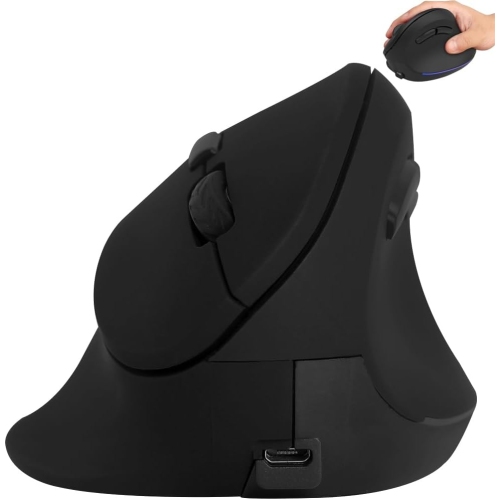
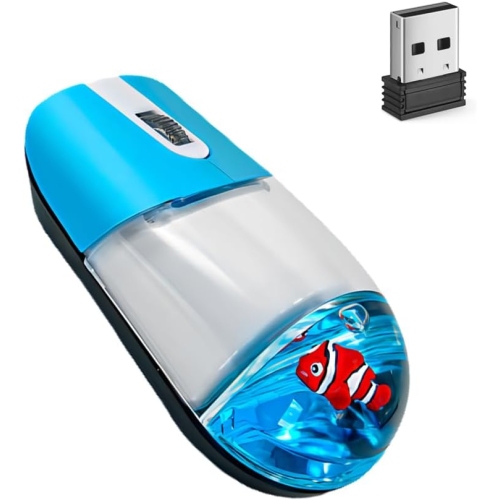
Connection type plays a large part in how a blue mouse fits into a computer setup. A wired mouse draws power through its cable and avoids the need to charge or replace batteries, making it a straightforward choice for a fixed desk. Cable length, flexibility, and routing affect how freely it moves, particularly when the computer sits beneath the desk or the connection runs through a monitor hub. Wireless mice leave more open space around a keyboard and are convenient when a laptop moves between rooms or travels in a bag. Bluetooth connections can keep a USB port free when both the mouse and the device support the required connection. Other wireless designs use a USB receiver, so the receiver’s connector needs to match an available port or a suitable adapter. A storage compartment for that receiver can be useful for someone who regularly packs away a workspace. Device and operating system compatibility remain important, especially where programmable buttons, pairing controls, or software settings are involved. Basic pointer functions and advanced customization do not always have identical support across devices. Battery design also changes the routine: replaceable batteries allow a fresh set to be fitted, while rechargeable designs need access to a compatible charging cable and power source. A mouse may not support use while charging, so that capability is worth distinguishing from charging alone. For everyday work, a scroll wheel with a comfortable feel can make long documents and busy web pages easier to move through. Quiet-click designs may suit shared offices, libraries, or study spaces, although quieter switches should not be assumed to be completely silent. Tracking depends on the sensor and the surface beneath it, rather than the shell’s colour. A blue finish is also separate from references to blue-light tracking technology. Performance on reflective glass, polished stone, or uneven surfaces varies by sensor; a suitable mouse pad provides a more consistent surface and helps protect the desk from repeated movement.
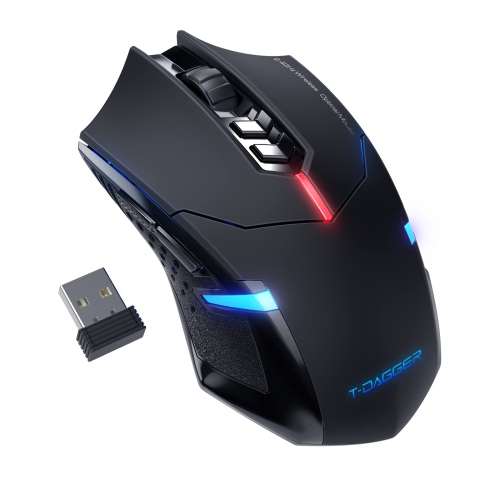
For gaming, creative work, and detailed computer tasks, the most useful features depend on how the mouse will actually be used. Adjustable sensitivity changes how far the pointer travels in response to hand movement, which can help accommodate different screen sizes and personal preferences. A higher sensitivity setting is not automatically better: precise photo adjustments may call for smaller, more controlled movements, while navigating a large display can feel more comfortable with less movement across the desk. For games, shape, weight, button placement, and connection performance can matter more than decorative lighting or a long feature list. Extra buttons may provide convenient shortcuts where supported, but they need to sit within easy reach without being pressed accidentally. Durability is similarly practical. Buttons and scroll wheels receive repeated use, feet underneath the mouse slide across the work surface, and cables can be strained where they meet the housing. Smooth movement, a stable shell, and a cable that is not continually bent or pulled all contribute to a dependable daily experience. Care usually involves removing loose dust and wiping the exterior with a soft cloth, following the manufacturer’s cleaning directions. Excess moisture, harsh cleaners, and abrasive pads can damage finishes or grips, while debris around the sensor or underneath the mouse can interfere with movement. For travel, a separate pouch helps keep the mouse from rubbing against keys, plugs, and other loose objects. As a gift, a blue mouse can be a thoughtful choice for someone setting up a study space, personalizing a workstation, or replacing an uncomfortable accessory, provided the shape and connection suit the recipient’s computer. Matching the shade to a keyboard, desk mat, or laptop sleeve creates a coordinated look without requiring every accessory to be identical. For a lighter colour alternative, White Mice offer another way to coordinate a workspace. The lasting appeal of a blue mouse comes from that balance of personal style and everyday usefulness: a colour that feels right on the desk, paired with a comfortable fit and controls that suit the tasks ahead.
Connection type plays a large part in how a blue mouse fits into a computer setup. A wired mouse draws power through its cable and avoids the need to charge or replace batteries, making it a straightforward choice for a fixed desk. Cable length, flexibility, and routing affect how freely it moves, particularly when the computer sits beneath the desk or the connection runs through a monitor hub. Wireless mice leave more open space around a keyboard and are convenient when a laptop moves between rooms or travels in a bag. Bluetooth connections can keep a USB port free when both the mouse and the device support the required connection. Other wireless designs use a USB receiver, so the receiver’s connector needs to match an available port or a suitable adapter. A storage compartment for that receiver can be useful for someone who regularly packs away a workspace. Device and operating system compatibility remain important, especially where programmable buttons, pairing controls, or software settings are involved. Basic pointer functions and advanced customization do not always have identical support across devices. Battery design also changes the routine: replaceable batteries allow a fresh set to be fitted, while rechargeable designs need access to a compatible charging cable and power source. A mouse may not support use while charging, so that capability is worth distinguishing from charging alone. For everyday work, a scroll wheel with a comfortable feel can make long documents and busy web pages easier to move through. Quiet-click designs may suit shared offices, libraries, or study spaces, although quieter switches should not be assumed to be completely silent. Tracking depends on the sensor and the surface beneath it, rather than the shell’s colour. A blue finish is also separate from references to blue-light tracking technology. Performance on reflective glass, polished stone, or uneven surfaces varies by sensor; a suitable mouse pad provides a more consistent surface and helps protect the desk from repeated movement.
For gaming, creative work, and detailed computer tasks, the most useful features depend on how the mouse will actually be used. Adjustable sensitivity changes how far the pointer travels in response to hand movement, which can help accommodate different screen sizes and personal preferences. A higher sensitivity setting is not automatically better: precise photo adjustments may call for smaller, more controlled movements, while navigating a large display can feel more comfortable with less movement across the desk. For games, shape, weight, button placement, and connection performance can matter more than decorative lighting or a long feature list. Extra buttons may provide convenient shortcuts where supported, but they need to sit within easy reach without being pressed accidentally. Durability is similarly practical. Buttons and scroll wheels receive repeated use, feet underneath the mouse slide across the work surface, and cables can be strained where they meet the housing. Smooth movement, a stable shell, and a cable that is not continually bent or pulled all contribute to a dependable daily experience. Care usually involves removing loose dust and wiping the exterior with a soft cloth, following the manufacturer’s cleaning directions. Excess moisture, harsh cleaners, and abrasive pads can damage finishes or grips, while debris around the sensor or underneath the mouse can interfere with movement. For travel, a separate pouch helps keep the mouse from rubbing against keys, plugs, and other loose objects. As a gift, a blue mouse can be a thoughtful choice for someone setting up a study space, personalizing a workstation, or replacing an uncomfortable accessory, provided the shape and connection suit the recipient’s computer. Matching the shade to a keyboard, desk mat, or laptop sleeve creates a coordinated look without requiring every accessory to be identical. For a lighter colour alternative, White Mice offer another way to coordinate a workspace. The lasting appeal of a blue mouse comes from that balance of personal style and everyday usefulness: a colour that feels right on the desk, paired with a comfortable fit and controls that suit the tasks ahead.
Top selling and popular products
-
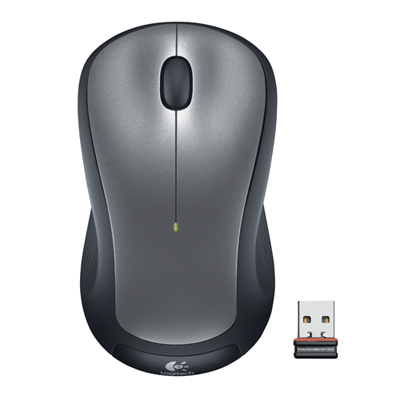 Your price for this item is $29.99
-
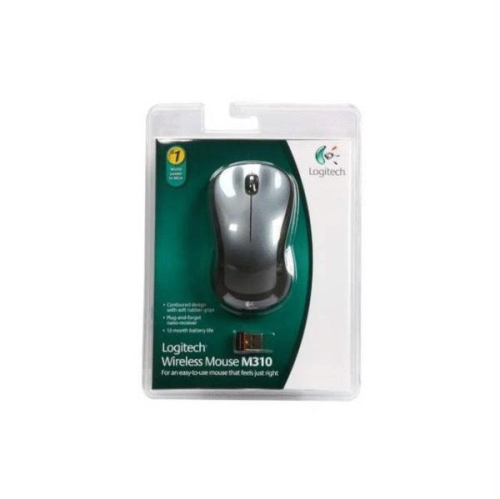 Your price for this item is $50.44
-
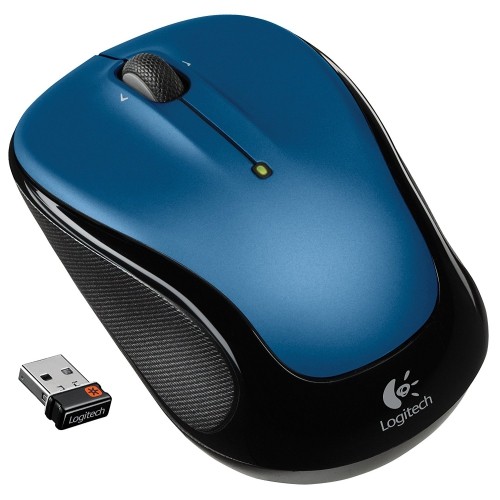 Your price for this item is $39.99
-
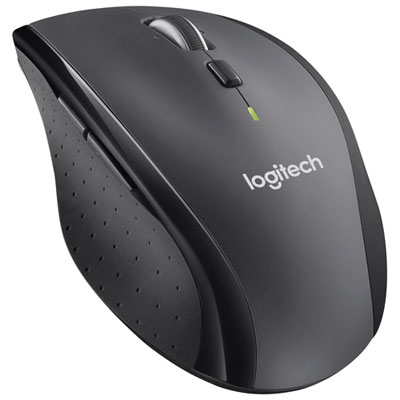 Your price for this item is $49.99
-
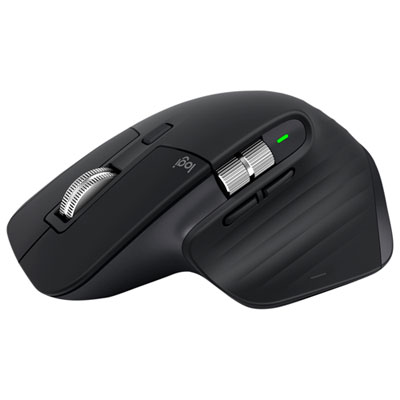 Your price for this item is $159.97
-
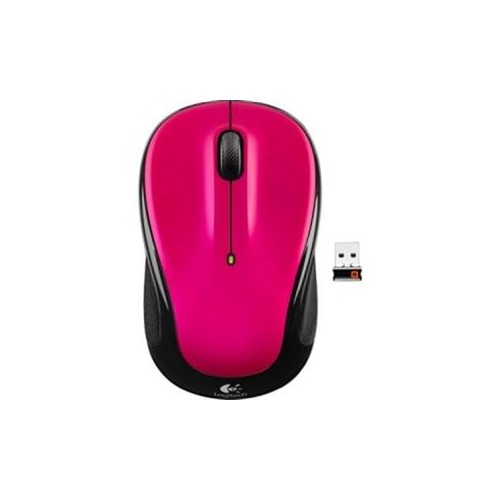 Your price for this item is $64.68
-
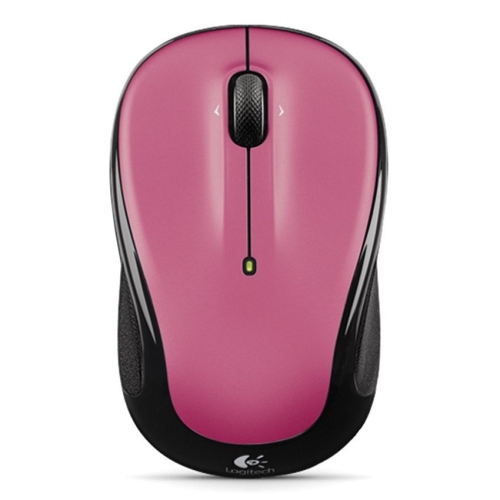 Your price for this item is $48.68
-
 Your price for this item is $31
Discover more categories related to Blue Mice


Top Collections:
Best Black Friday Deals This Year, Best Black Friday Deals On Electronics, Kindle Devices, Pokemon Centers, Best Black Friday Deals On Apple Products, Best Cameras for Sports Photography, Dyson Airwrap, Pokémon 30th Celebration Cards, Apple iPhone 17 Pro, Canon G7X Cameras
Some products may be subject to Environmental Handling Fees
(EHF) depending on your province.
Learn more about EHFs.