Business Card Scanners
Looking to streamline your business operations and make networking a breeze? Look no further than our selection of business card scanners. These handy devices are designed to effortlessly digitize all your important contact information, eliminating the need for manual data entry and ensuring that you never lose a potential lead again. With their advanced scanning technology, compact designs, and easy-to-use interfaces, our business card scanners are the perfect solution for busy professionals who are always on the go. Whether you're attending conferences, trade shows, or simply meeting new clients, our range of business card scanners will help you stay organized and connected in the digital age.
Sort
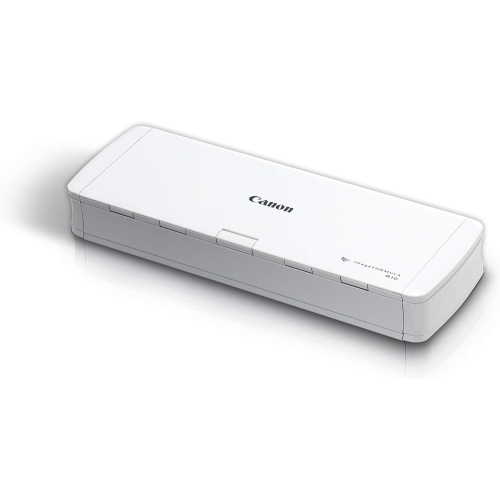
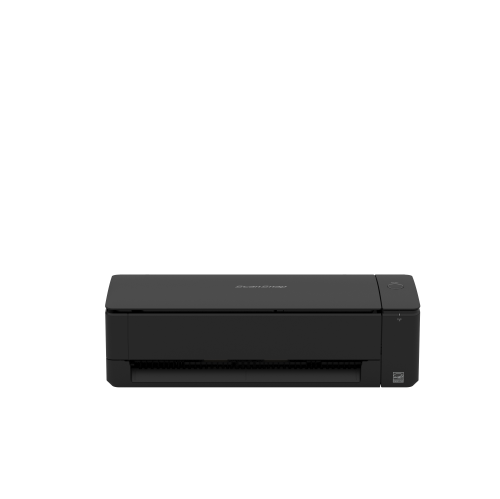
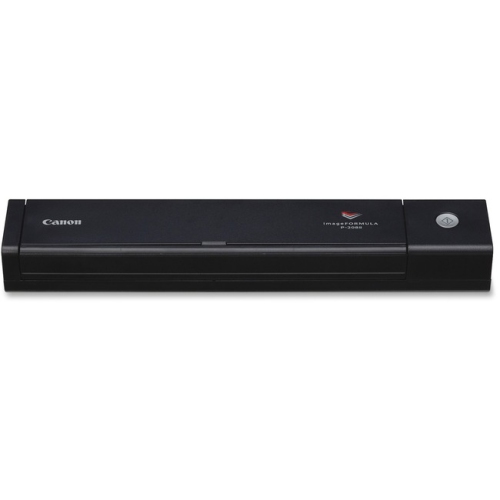
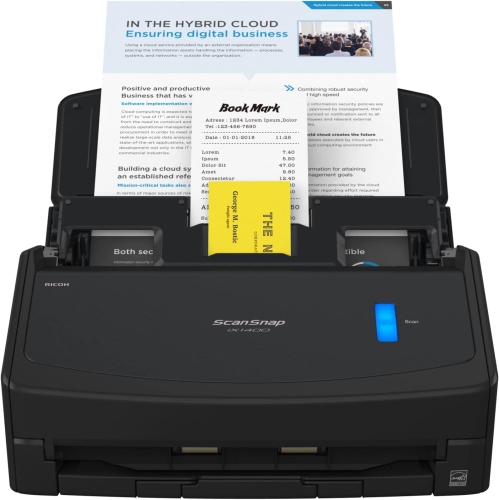

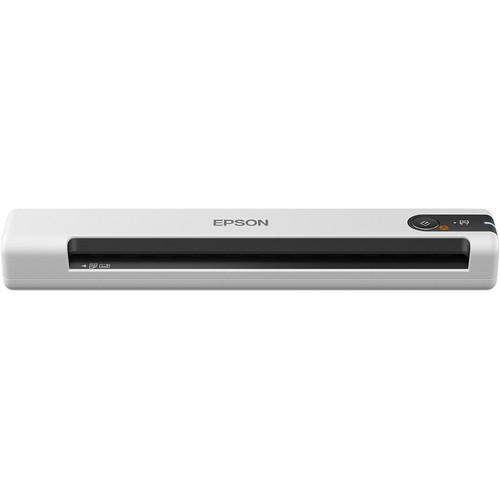
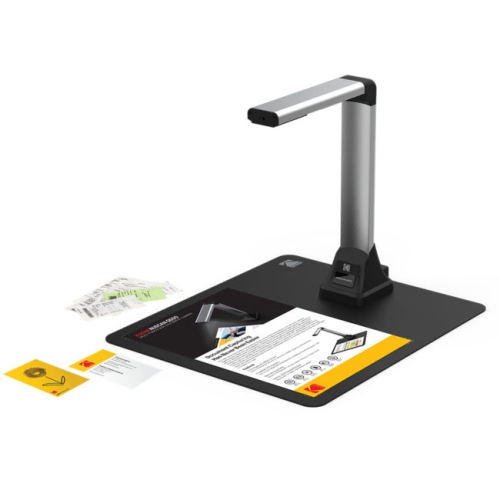
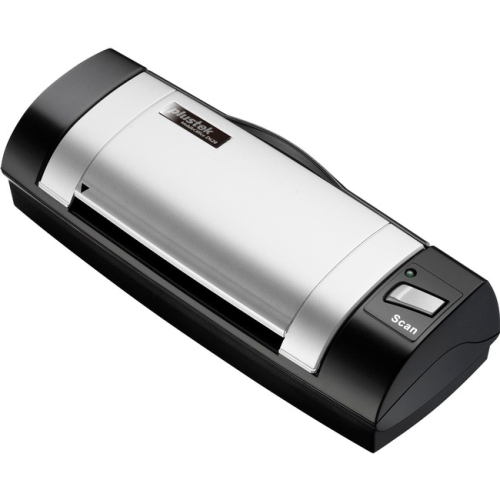
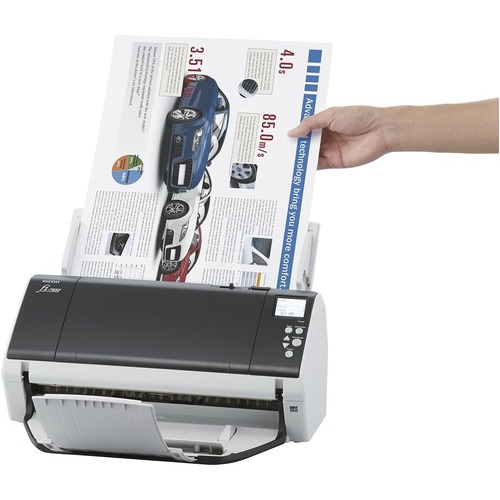
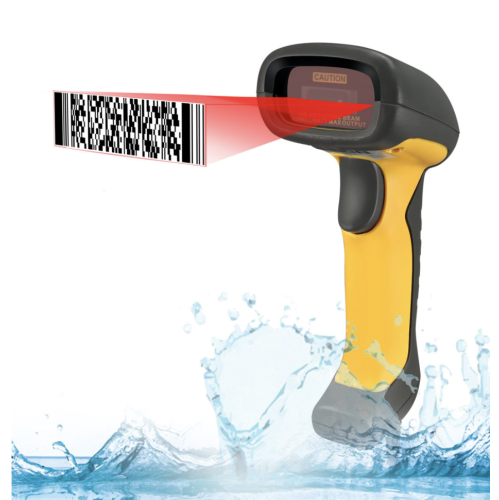
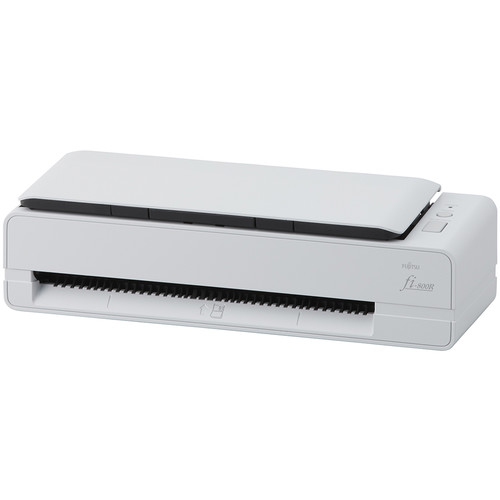
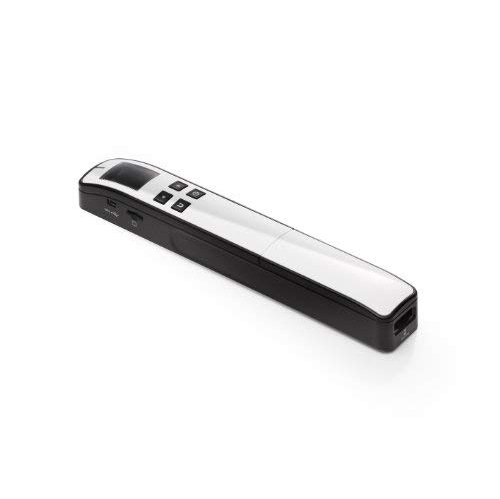
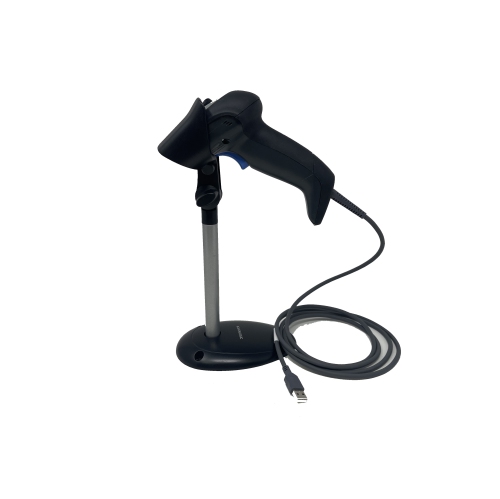
From paper cards to contacts you can search
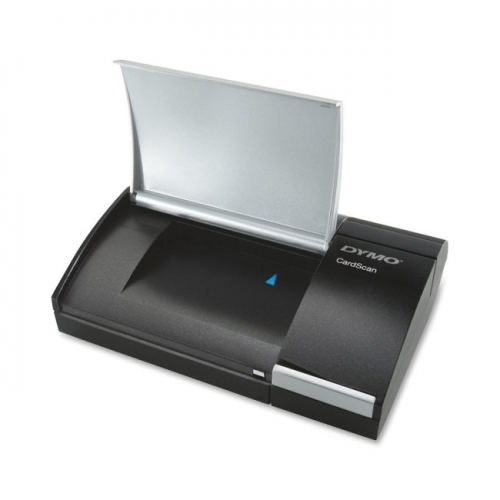
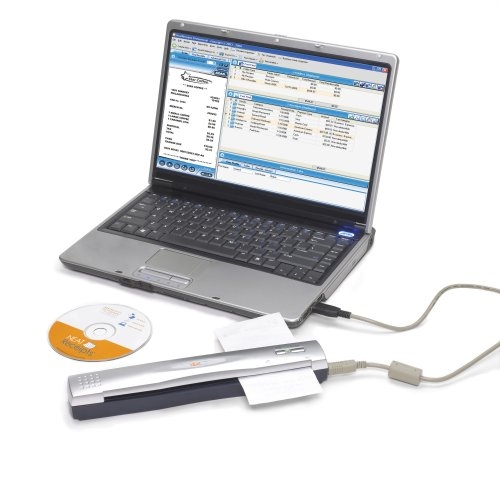
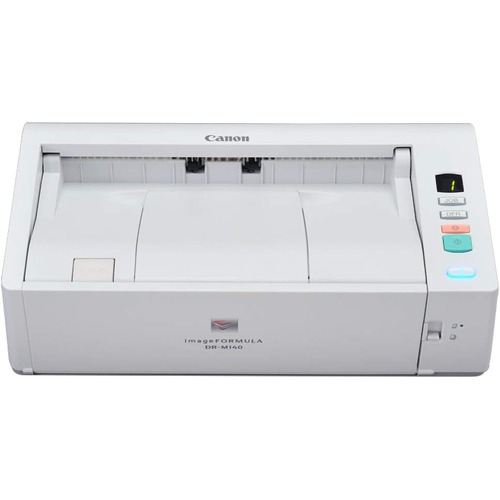
Business card scanners turn printed business cards into digital contact records, helping keep names, phone numbers, email addresses, and company details organized beyond the first introduction. A physical scanner captures an image of the card, while compatible optical character recognition (OCR) software reads the text and places it into searchable fields. That distinction matters: saving a card as an image or PDF is not the same as creating an editable contact that can be added to an address book or customer relationship management (CRM) system. Dedicated card scanners pair a compact scanning mechanism with software designed for contact information, while some portable document scanners also handle business cards when their supported media sizes and software allow it. Phone-based scanning apps offer another way to capture occasional cards, but a physical scanner can provide a consistent feeding and imaging process for repeated desk work. For a sales representative returning from a trade show, a recruiter meeting candidates, or a small-business owner building a supplier network, the appeal is straightforward: a stack of introductions becomes easier to search and follow up on. Instead of remembering which drawer holds a particular card, a user can search by surname, organization, or other captured details, depending on the software. Keeping the original scan alongside the contact record can also help when a stylized logo or an unusual job title needs a second look. OCR accuracy varies with print quality, typeface, contrast, layout, and language support, so a quick review of important fields remains worthwhile. A mistaken character in an email address can prevent a message from reaching its recipient. Clear text on a plain background generally gives recognition software more to work with than decorative lettering, faint print, or text placed over a photograph. For cards with English and French text, supported recognition languages are especially relevant, including how well accents and bilingual layouts carry through to the saved record.
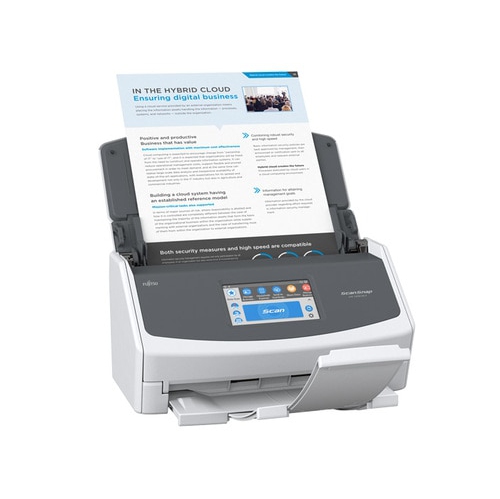
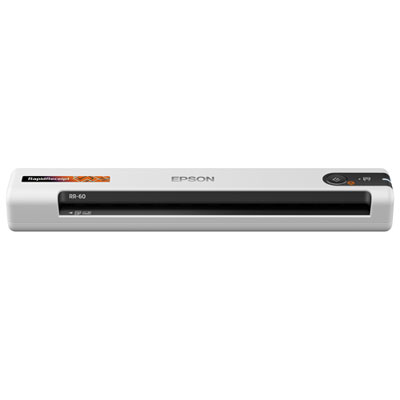
The physical design of a business card scanner shapes how comfortably it fits into a workday. A compact desktop unit can sit beside a keyboard for scanning cards as they arrive, while a portable model may suit someone who moves between a home office, client sites, and shared workspaces. Dimensions alone do not tell the whole story: a feed-through design needs clear space for the card to enter and exit without hitting a monitor stand or curling against a wall. Weight, cable storage, and a protective carrying case matter more when the scanner travels regularly. USB-powered designs can reduce the number of power adapters on a desk, although connection type, power requirements, and computer compatibility still need to match the intended setup. Wireless connectivity, where supported, may offer more placement flexibility, but it does not automatically mean the scanner can send contacts directly to every phone or application. Scanning volume is another useful distinction. A single-card feed can be practical for a handful of new contacts after meetings; a compatible automatic document feeder can reduce manual handling when processing larger batches. Minimum document dimensions and business-card support deserve close attention, since not every document feeder accepts small cards reliably. Duplex scanning captures both sides in one pass on supported models, which is helpful when the reverse contains a second language, a direct phone number, or a handwritten appointment detail. Single-sided scanning can still suit cards with all their information on the front. Card materials also affect suitability. Standard paper cardstock, thick textured stock, glossy finishes, folded designs, and plastic cards do not all behave the same way in a feed mechanism. Supported thickness and size limits are more useful than assuming that anything shaped like a business card will pass through safely. Glossy surfaces can introduce reflections, and embossed lettering or metallic print may be difficult to capture clearly. A straight paper path, adjustable guides, and dependable rollers can help with handling, but compatibility should be confirmed before feeding unusually rigid or delicate cards. Cards carrying handwritten notes may need those details entered manually, even when the printed information is captured well.
Software compatibility determines what happens after the scan and often has as much influence on everyday usefulness as the hardware itself. Supported operating systems, driver requirements, and the features included with contact-management software should match the computer and workflow being used. Export options such as CSV or vCard can make it easier to move captured details into other applications, but field mapping may need attention so that a mobile number does not land in a general notes field. Direct CRM connections are useful where supported; otherwise, importing an exported file may be the practical route. Duplicate detection, editable fields, searchable card images, and space for meeting notes can help keep a growing contact list usable. For example, adding a short note about a supplier’s delivery area immediately after scanning makes the contact more meaningful than a name alone. Shared offices may also need controlled access, clear ownership of contact lists, and a consistent process for correcting records. Business cards contain personal information, so it is worth understanding whether scans remain on the computer, pass through a cloud service, or become accessible to a wider team. Password protection, access settings, and regular backups can support careful handling without replacing an organization’s own privacy practices. Physical upkeep is usually simple but should follow the manufacturer’s directions: keep the feed area free of dust, remove clips or adhesive notes before scanning, and use only approved cleaning materials on rollers and imaging surfaces. A protective case helps shield a portable scanner from knocks and debris, while gentle handling of cables and connectors supports durability. Paper originals can still be useful for checking an unclear detail or keeping a handwritten message. Pairing digital records with Business Card Organizers gives retained cards a designated place rather than leaving them loose beside the scanner. With suitable media handling, accurate contact capture, and an export process that fits existing tools, a business card scanner can make routine follow-up more orderly without adding unnecessary steps to the workday.
The physical design of a business card scanner shapes how comfortably it fits into a workday. A compact desktop unit can sit beside a keyboard for scanning cards as they arrive, while a portable model may suit someone who moves between a home office, client sites, and shared workspaces. Dimensions alone do not tell the whole story: a feed-through design needs clear space for the card to enter and exit without hitting a monitor stand or curling against a wall. Weight, cable storage, and a protective carrying case matter more when the scanner travels regularly. USB-powered designs can reduce the number of power adapters on a desk, although connection type, power requirements, and computer compatibility still need to match the intended setup. Wireless connectivity, where supported, may offer more placement flexibility, but it does not automatically mean the scanner can send contacts directly to every phone or application. Scanning volume is another useful distinction. A single-card feed can be practical for a handful of new contacts after meetings; a compatible automatic document feeder can reduce manual handling when processing larger batches. Minimum document dimensions and business-card support deserve close attention, since not every document feeder accepts small cards reliably. Duplex scanning captures both sides in one pass on supported models, which is helpful when the reverse contains a second language, a direct phone number, or a handwritten appointment detail. Single-sided scanning can still suit cards with all their information on the front. Card materials also affect suitability. Standard paper cardstock, thick textured stock, glossy finishes, folded designs, and plastic cards do not all behave the same way in a feed mechanism. Supported thickness and size limits are more useful than assuming that anything shaped like a business card will pass through safely. Glossy surfaces can introduce reflections, and embossed lettering or metallic print may be difficult to capture clearly. A straight paper path, adjustable guides, and dependable rollers can help with handling, but compatibility should be confirmed before feeding unusually rigid or delicate cards. Cards carrying handwritten notes may need those details entered manually, even when the printed information is captured well.
Software compatibility determines what happens after the scan and often has as much influence on everyday usefulness as the hardware itself. Supported operating systems, driver requirements, and the features included with contact-management software should match the computer and workflow being used. Export options such as CSV or vCard can make it easier to move captured details into other applications, but field mapping may need attention so that a mobile number does not land in a general notes field. Direct CRM connections are useful where supported; otherwise, importing an exported file may be the practical route. Duplicate detection, editable fields, searchable card images, and space for meeting notes can help keep a growing contact list usable. For example, adding a short note about a supplier’s delivery area immediately after scanning makes the contact more meaningful than a name alone. Shared offices may also need controlled access, clear ownership of contact lists, and a consistent process for correcting records. Business cards contain personal information, so it is worth understanding whether scans remain on the computer, pass through a cloud service, or become accessible to a wider team. Password protection, access settings, and regular backups can support careful handling without replacing an organization’s own privacy practices. Physical upkeep is usually simple but should follow the manufacturer’s directions: keep the feed area free of dust, remove clips or adhesive notes before scanning, and use only approved cleaning materials on rollers and imaging surfaces. A protective case helps shield a portable scanner from knocks and debris, while gentle handling of cables and connectors supports durability. Paper originals can still be useful for checking an unclear detail or keeping a handwritten message. Pairing digital records with Business Card Organizers gives retained cards a designated place rather than leaving them loose beside the scanner. With suitable media handling, accurate contact capture, and an export process that fits existing tools, a business card scanner can make routine follow-up more orderly without adding unnecessary steps to the workday.
Top selling and popular products
-
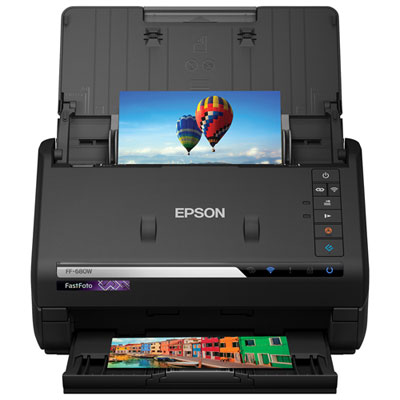 Your price for this item is $849.99
 -
 Your price for this item is $107.99
 -
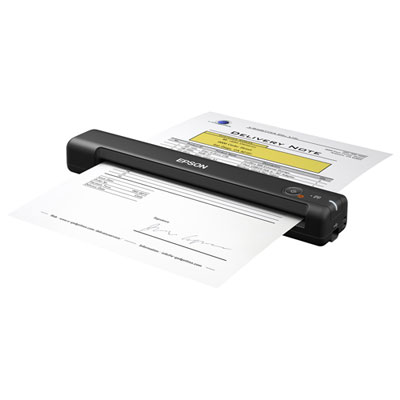 Your price for this item is $149.99
 -
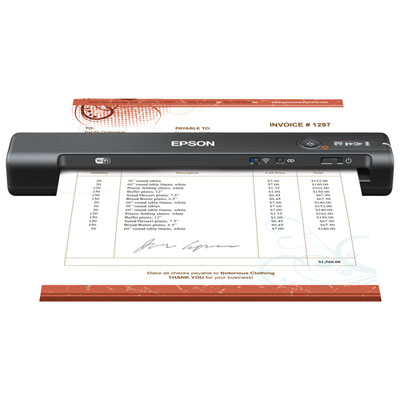 Your price for this item is $239.99
 -
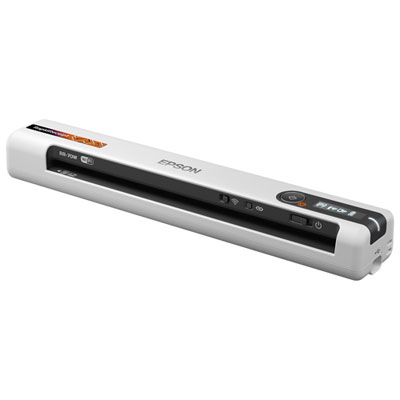 Your price for this item is $369.99
 -
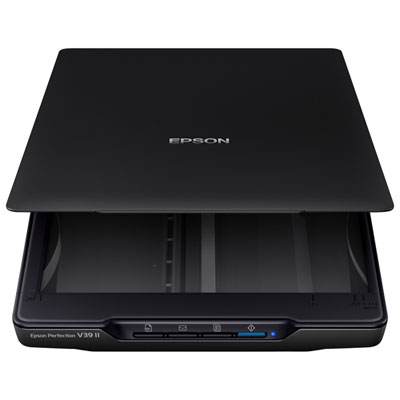 Your price for this item is $129.99
 -
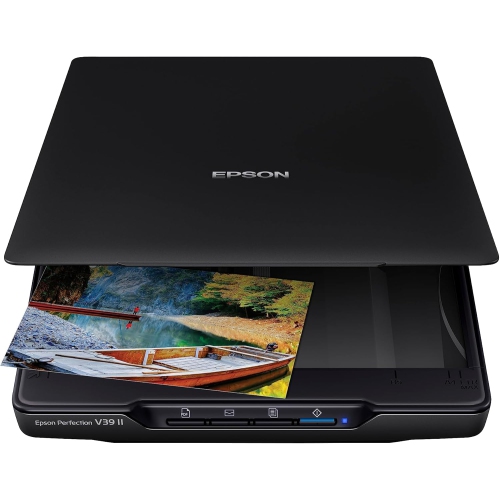 Your price for this item is $228.99
 -
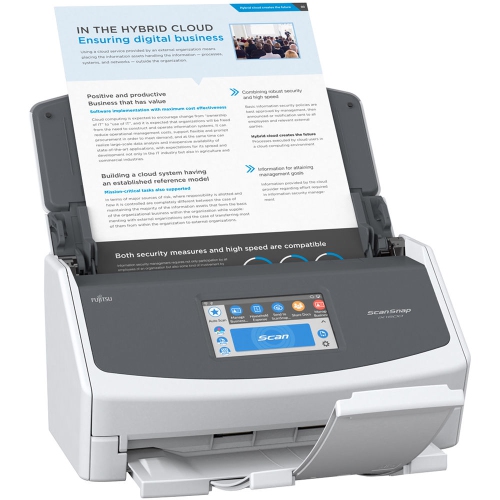 Your price for this item is $804
Discover more categories related to Business Card Scanners

Top Collections:
Pokemon Centers, Kindle Devices, Best Budget Office Chairs, Apple iPhones 16, Best Laptops for Writers, iPhone 15 Apple, Canon G7X Cameras, Refurbished Apple Laptops, Alarm Clock, Motorola Razr Phones
Some products may be subject to Environmental Handling Fees
(EHF) depending on your province.
Learn more about EHFs.