Business Laptops With Dedicated Graphics Card
If you're looking for a business laptop, you want something that can handle both your work and your play. You want a machine that can handle your presentations, but also has enough power to run your most demanding programs. These are some of the best business laptops with dedicated graphics cards.
Sort
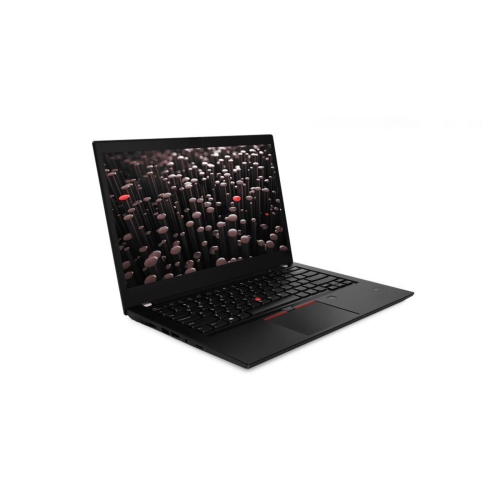
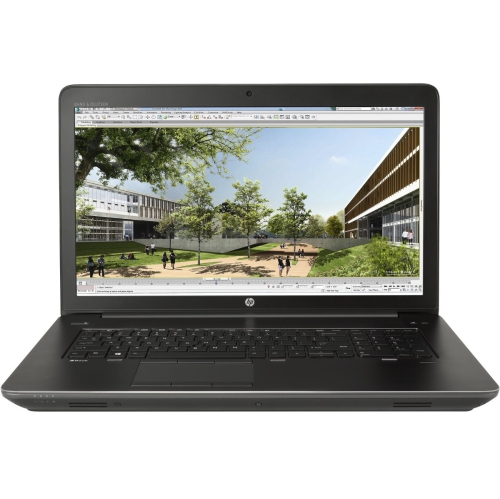
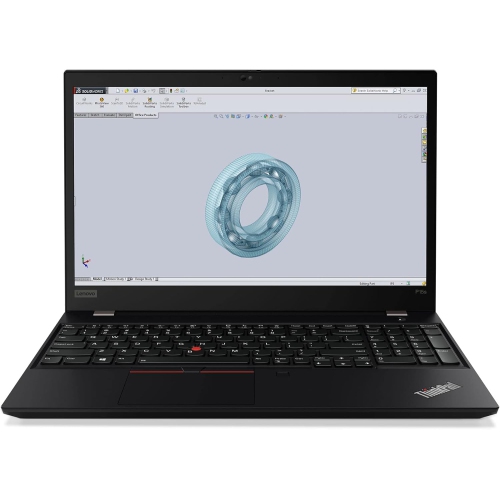
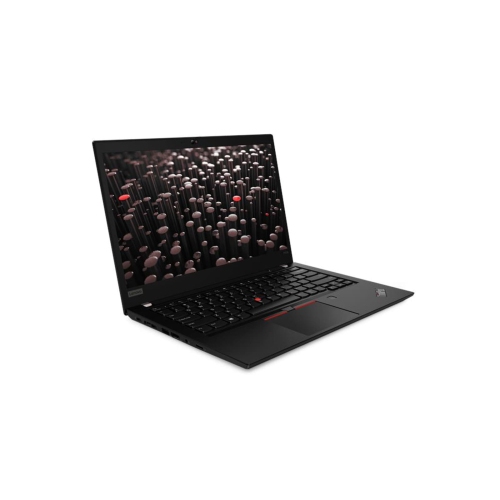
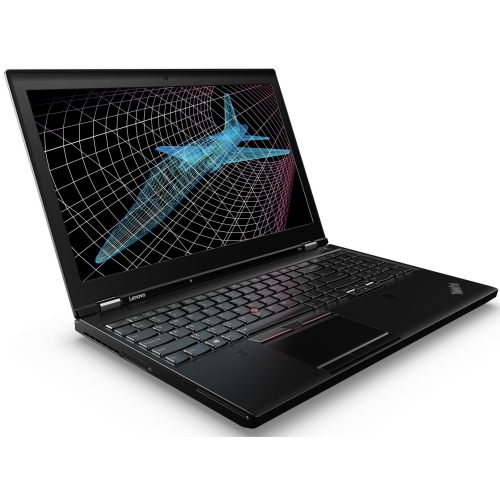
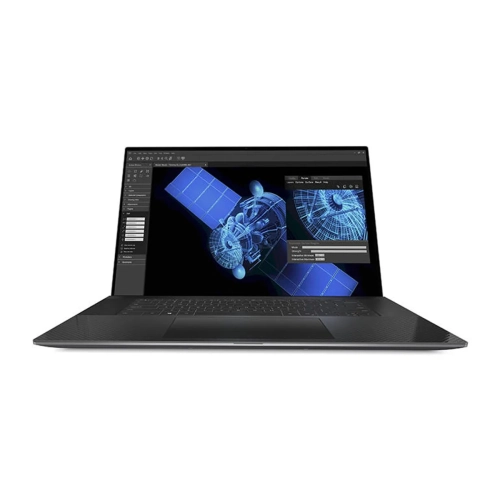
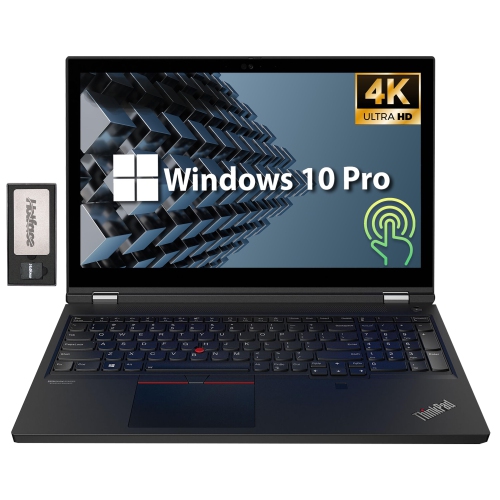
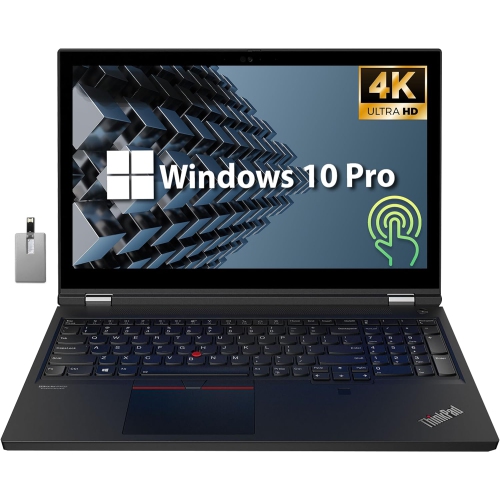
Professional performance for demanding work on the move
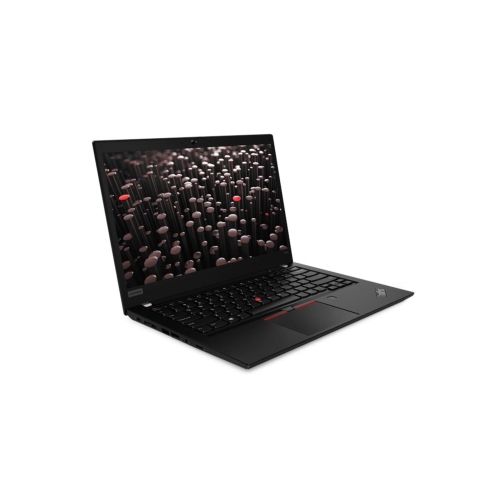
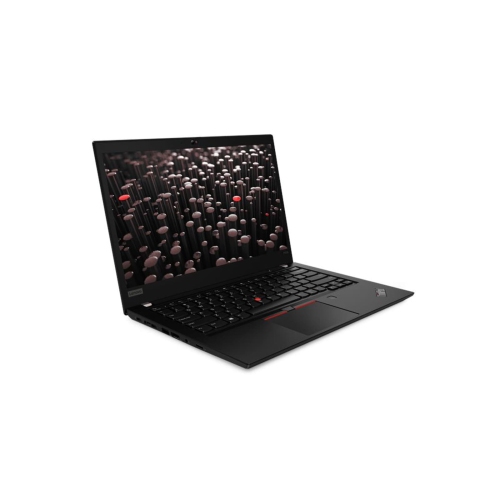
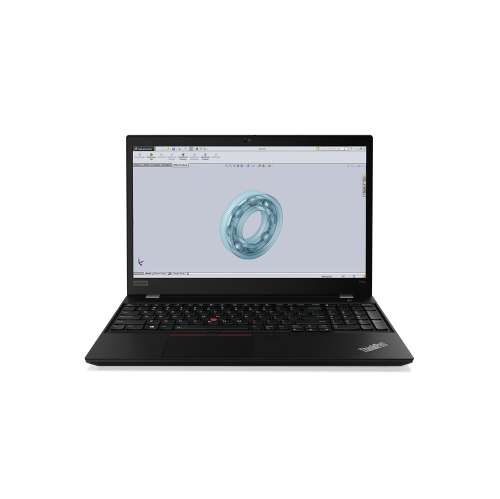
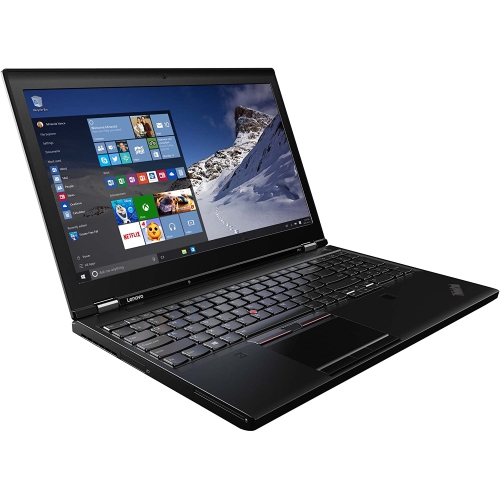
Business laptops with dedicated graphics cards are designed for professionals who need more than standard office performance from a portable computer. A dedicated graphics card, also called a discrete GPU, has its own processing resources and memory rather than relying entirely on the laptop’s central processor and shared system memory. This additional graphics power can make a noticeable difference when working with computer-aided design (CAD), 3D modelling, engineering applications, video editing, animation, architectural visualizations, data analysis, and other demanding software. These laptops can also handle everyday business tasks such as video conferencing, spreadsheets, presentations, web-based applications, and document management with ease. For professionals who move between a home office, a corporate workplace, a client site, and a jobsite, a mobile workstation-style laptop can provide a practical balance of portability and performance. A dedicated GPU is especially useful when software is designed to use GPU acceleration for rendering, simulation, playback, or visual effects. Look for a graphics processor that is compatible with the applications you use, including professional workstation graphics with certified drivers for CAD, 3D design, engineering, and other specialized programs. Gaming-focused graphics cards may also deliver impressive performance, but professional software compatibility and driver certification can be more important than raw specifications in a business environment. Before choosing a configuration, check the requirements published by your software provider and consider the complexity of the files you typically work with. Someone editing short high-definition videos may have different needs from an architect working with large 3D assemblies or an analyst processing detailed visual data. These laptops can be a thoughtful gift for a student entering design, engineering, film production, architecture, or another graphics-intensive programme, although the ideal configuration should be selected around their coursework and preferred software.
When comparing business laptops with dedicated graphics cards, start with the processor, GPU, memory, and storage as a complete system rather than judging one specification in isolation. A modern multi-core processor can help with compiling code, running virtual machines, handling large spreadsheets, and managing background business applications, while the dedicated GPU supports visual workloads. At least 16 GB of RAM may suit general professional use, but 32 GB or more can be a better fit for large design files, complex models, high-resolution media, virtual machines, or multitasking across several specialized applications. Solid-state storage provides quick start-up times and responsive file access; a larger capacity is useful for local video libraries, project archives, design assets, and offline presentations. Consider the amount of dedicated graphics memory as well as the GPU model, since high-resolution textures, multiple displays, and detailed 3D scenes can place greater demands on video memory. The display deserves close attention too. A 14-inch screen can make a mobile workstation easier to carry, while a 16-inch display gives more room for timelines, tool palettes, spreadsheets, and side-by-side documents. A high-resolution panel with accurate colour reproduction can be valuable for photographers, designers, and video editors, whereas a bright, comfortable screen may be the priority for professionals who spend long hours reviewing reports or presenting information. Port selection also affects daily convenience. HDMI, USB-A, USB-C, Thunderbolt compatibility, an SD card reader, and a wired network connection can reduce the need for adapters, depending on the workplace setup. A comfortable keyboard, precise touchpad, reliable webcam, clear microphones, and a strong hinge can matter just as much as benchmark performance when the laptop is used for meetings, travel, and extended work sessions. Since dedicated graphics create additional heat, these systems often use more substantial cooling hardware and may be heavier or louder than thin-and-light office laptops. Battery life can also be shorter during intensive rendering or editing, so review the expected runtime for ordinary productivity and plan for access to a charger when running demanding applications away from a desk.
Security and manageability are central considerations when selecting a business laptop with a dedicated graphics card. Features such as a Trusted Platform Module (TPM), fingerprint reader, facial recognition, privacy controls, secure boot support, and a physical webcam shutter can help protect business information and personal accounts. Some professional environments may also benefit from remote management features, firmware protections, enterprise deployment tools, and processor technologies intended for organizational administration. Check whether the laptop supports the security policies, docking stations, monitors, and authentication systems used by your workplace. A durable chassis, spill-resistant keyboard, reinforced ports, and dependable wireless connectivity can be worthwhile for people who carry their computer between offices or work in changing environments. A suitable dock can turn the laptop into a full workstation with several monitors, external storage, a full-size keyboard, and wired networking, while the built-in screen and battery keep it useful away from the desk. During the warmer months and through the cooler months, professionals may use these laptops in a range of settings, from a bright home office to a conference room or a temporary project space, making screen visibility, cooling, and charging flexibility important. Weigh the full cost of ownership, including memory and storage requirements, accessories, warranty coverage, and any software or service plans needed for work. Buyers seeking a lower-cost way to access this type of performance can also explore Refurbished Laptops With Dedicated Graphics, while carefully reviewing condition, included accessories, warranty details, and return policies. The best choice is the configuration that matches your professional applications, security expectations, work style, and travel habits without paying for capabilities you will not use. A well-matched business laptop with a dedicated graphics card can serve as a capable mobile workstation for design reviews, client presentations, technical projects, media production, and demanding office workflows.
When comparing business laptops with dedicated graphics cards, start with the processor, GPU, memory, and storage as a complete system rather than judging one specification in isolation. A modern multi-core processor can help with compiling code, running virtual machines, handling large spreadsheets, and managing background business applications, while the dedicated GPU supports visual workloads. At least 16 GB of RAM may suit general professional use, but 32 GB or more can be a better fit for large design files, complex models, high-resolution media, virtual machines, or multitasking across several specialized applications. Solid-state storage provides quick start-up times and responsive file access; a larger capacity is useful for local video libraries, project archives, design assets, and offline presentations. Consider the amount of dedicated graphics memory as well as the GPU model, since high-resolution textures, multiple displays, and detailed 3D scenes can place greater demands on video memory. The display deserves close attention too. A 14-inch screen can make a mobile workstation easier to carry, while a 16-inch display gives more room for timelines, tool palettes, spreadsheets, and side-by-side documents. A high-resolution panel with accurate colour reproduction can be valuable for photographers, designers, and video editors, whereas a bright, comfortable screen may be the priority for professionals who spend long hours reviewing reports or presenting information. Port selection also affects daily convenience. HDMI, USB-A, USB-C, Thunderbolt compatibility, an SD card reader, and a wired network connection can reduce the need for adapters, depending on the workplace setup. A comfortable keyboard, precise touchpad, reliable webcam, clear microphones, and a strong hinge can matter just as much as benchmark performance when the laptop is used for meetings, travel, and extended work sessions. Since dedicated graphics create additional heat, these systems often use more substantial cooling hardware and may be heavier or louder than thin-and-light office laptops. Battery life can also be shorter during intensive rendering or editing, so review the expected runtime for ordinary productivity and plan for access to a charger when running demanding applications away from a desk.
Security and manageability are central considerations when selecting a business laptop with a dedicated graphics card. Features such as a Trusted Platform Module (TPM), fingerprint reader, facial recognition, privacy controls, secure boot support, and a physical webcam shutter can help protect business information and personal accounts. Some professional environments may also benefit from remote management features, firmware protections, enterprise deployment tools, and processor technologies intended for organizational administration. Check whether the laptop supports the security policies, docking stations, monitors, and authentication systems used by your workplace. A durable chassis, spill-resistant keyboard, reinforced ports, and dependable wireless connectivity can be worthwhile for people who carry their computer between offices or work in changing environments. A suitable dock can turn the laptop into a full workstation with several monitors, external storage, a full-size keyboard, and wired networking, while the built-in screen and battery keep it useful away from the desk. During the warmer months and through the cooler months, professionals may use these laptops in a range of settings, from a bright home office to a conference room or a temporary project space, making screen visibility, cooling, and charging flexibility important. Weigh the full cost of ownership, including memory and storage requirements, accessories, warranty coverage, and any software or service plans needed for work. Buyers seeking a lower-cost way to access this type of performance can also explore Refurbished Laptops With Dedicated Graphics, while carefully reviewing condition, included accessories, warranty details, and return policies. The best choice is the configuration that matches your professional applications, security expectations, work style, and travel habits without paying for capabilities you will not use. A well-matched business laptop with a dedicated graphics card can serve as a capable mobile workstation for design reviews, client presentations, technical projects, media production, and demanding office workflows.
Top selling and popular products
-
 Your price for this item is $449
 -
 Your price for this item is $3099
 -
 Your price for this item is $299.95
 -
 Your price for this item is $664.05
 -
 Your price for this item is $599.68
 -
 Your price for this item is $869.99
 -
 Your price for this item is $259
 -
 Your price for this item is $418.98
Discover more categories related to Business Laptops With Dedicated Graphics Card


Top Collections:
Pokemon Centers, Kindle Devices, Best Budget Office Chairs, Apple iPhones 16, Best Laptops for Writers, iPhone 15 Apple, Canon G7X Cameras, Refurbished Apple Laptops, Alarm Clock, Motorola Razr Phones
Some products may be subject to Environmental Handling Fees
(EHF) depending on your province.
Learn more about EHFs.