Laptops With Good Graphics Cards
Laptops with good graphics cards deliver the performance needed for smooth visuals, fast rendering, and immersive experiences. Whether you're a gamer, creative professional, or multitasker seeking enhanced graphics capabilities, these laptops are designed to handle demanding applications with ease. Explore a wide range of options that offer impressive graphics power for work and entertainment, making it simple to find the right fit for your needs.
Sort
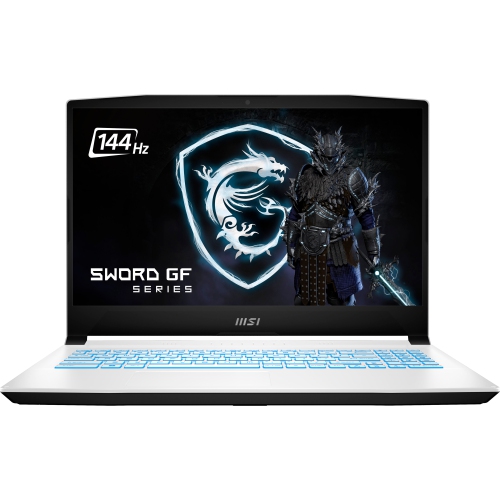
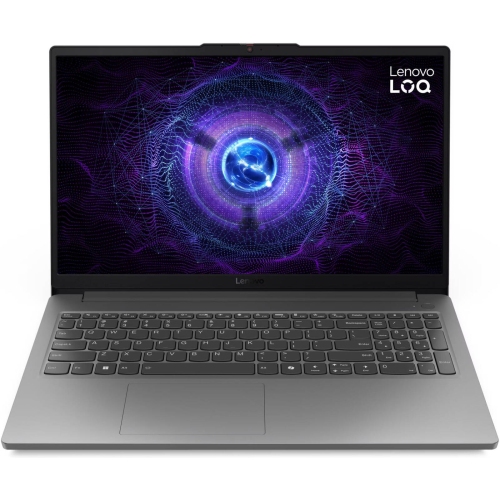
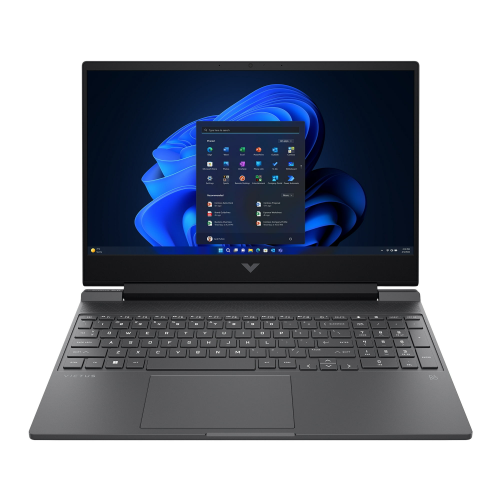
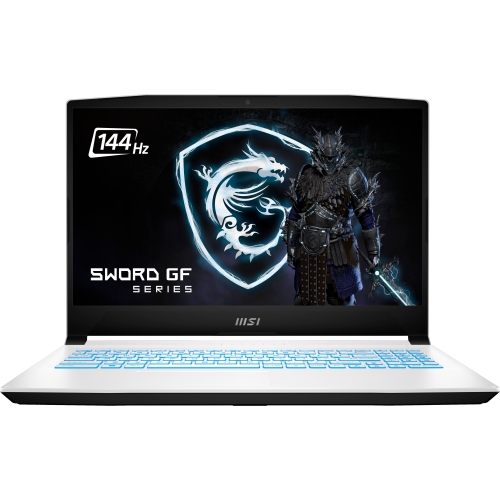

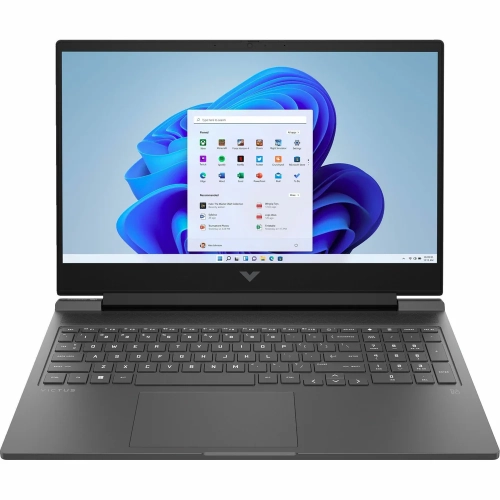
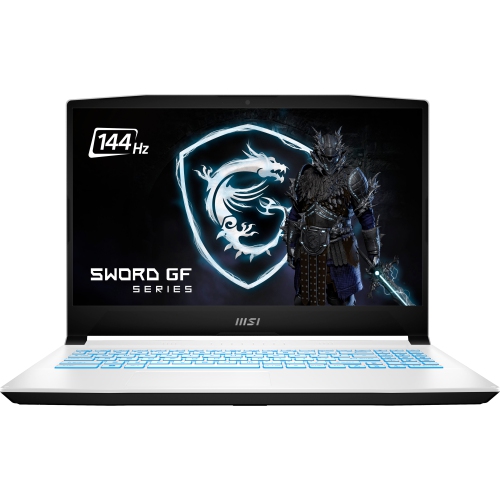
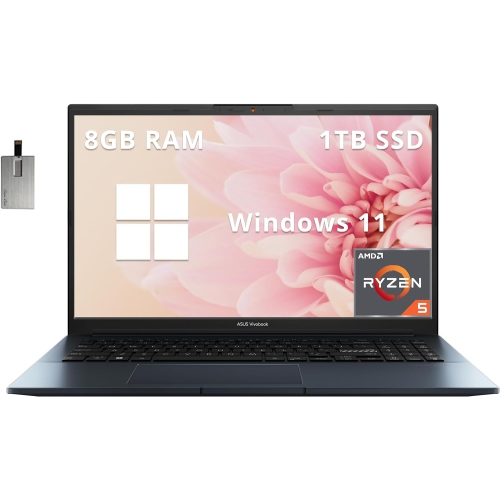
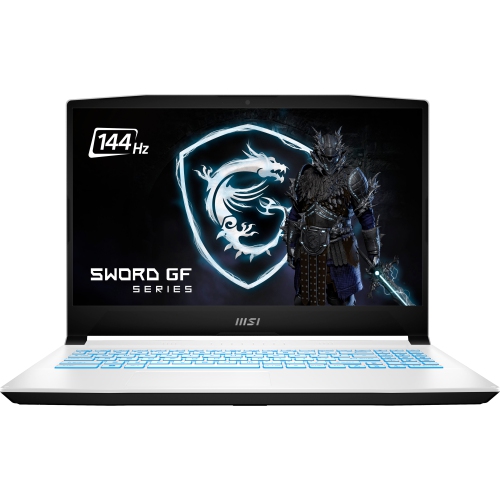
Why laptop graphics performance goes beyond the GPU
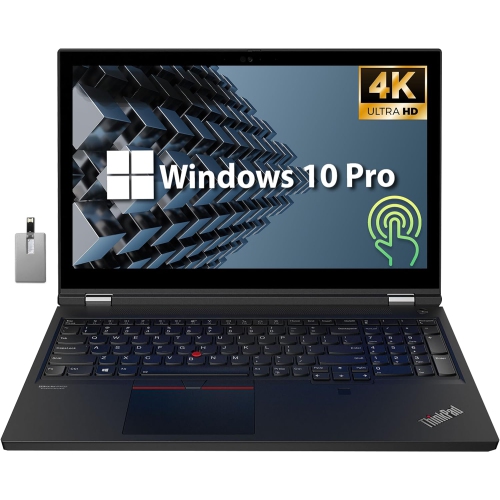
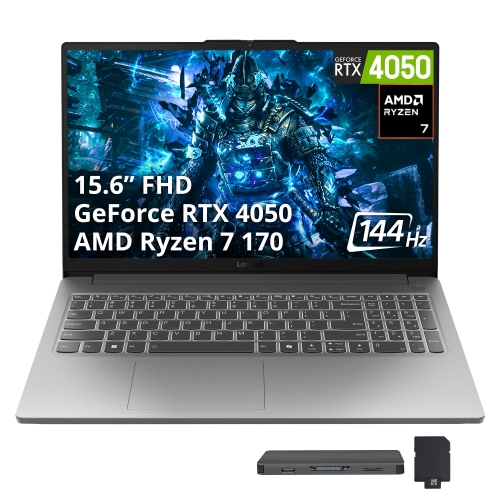
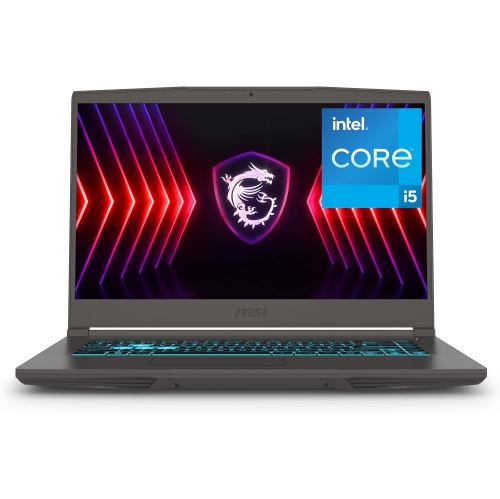
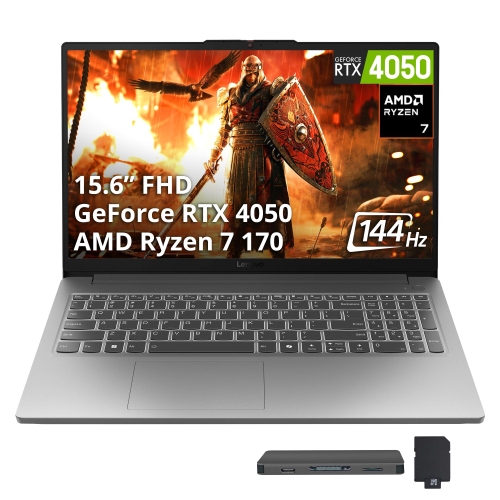
Laptops with good graphics cards pair capable graphics processing with the cooling, memory, and power needed for smooth gaming, detailed creative work, and demanding visual applications. A dedicated graphics processing unit, or GPU, has its own graphics memory and can handle tasks such as rendering a three-dimensional scene, displaying complex game worlds, or accelerating supported video effects. Integrated graphics share system resources and can suit everyday computing, lighter games, and some creative tasks, while dedicated graphics generally offer more headroom for demanding visual workloads. The difference becomes noticeable when a game needs to draw a busy city street, a design project contains intricate lighting and textures, or a video timeline combines several effects. Graphics performance depends on more than the GPU name alone. Its configured power limit, the laptop’s cooling design, and the application being used all influence the results. Two laptops with the same graphics processor can perform differently because their chassis and power settings allow different levels of sustained performance. Video memory, often called VRAM, also matters: it holds resources such as textures, frame buffers, and scene data, and demanding projects can exceed the capacity of a smaller allocation. More VRAM does not automatically make a GPU faster, but adequate capacity helps it handle the intended workload without that particular bottleneck. Some graphics processors also support hardware-accelerated ray tracing, which can create more realistic lighting and reflections in compatible software. Supported upscaling technologies can improve frame rates by reconstructing an image from a lower rendering resolution, though image quality and responsiveness vary by implementation. The broader Laptops With GPU category spans different approaches to graphics capability, making the distinction between everyday visual performance and sustained graphics-intensive computing especially useful. For gaming, animation, architectural visualization, or video editing, a good graphics card is ultimately one that suits the actual software, project complexity, and display resolution rather than simply carrying the most impressive specification.
The rest of the laptop shapes how effectively that graphics capability translates into everyday use. The central processor handles tasks such as game logic, application instructions, and parts of the editing workflow, so an underpowered processor can limit an otherwise capable graphics system. System memory supports active applications and project data; it is separate from VRAM, and having more of one does not replace the other. A solid-state drive helps applications launch quickly and projects load promptly, while storage capacity determines how comfortably large games, source footage, and finished files can live on the same machine. These details matter to someone moving between a class assignment, a group video call, and an evening game session without wanting to reorganize files each time. The screen deserves equal attention because it is where the GPU’s work becomes visible. Higher refresh rates can make motion look smoother when the laptop produces enough frames, while panel response times affect how clearly moving objects appear. Higher resolution can reveal finer detail, but it also increases the graphics workload, so a sharper display does not necessarily mean higher gaming frame rates. For photo editing, illustration, and video work, colour accuracy and colour gamut are important alongside resolution. A matte finish can reduce distracting reflections, while screen brightness affects visibility in brightly lit rooms. Display size also changes the experience: a larger panel gives timelines and toolbars more room, whereas a smaller chassis is easier to fit into a bag or onto a compact desk. External display support, compatible video outputs, and connection bandwidth determine how a laptop fits into a monitor-based workspace. USB-C capabilities vary, so the connector shape alone does not confirm charging, display output, or high-speed data support. Wi-Fi performance, wired networking options, and accessible ports for a mouse, drawing tablet, or external storage round out a setup that feels practical beyond a specification sheet.
Physical design makes a meaningful difference for people carrying a graphics-capable laptop between home, school, a studio, or an office. A powerful system may need a thicker chassis, larger cooling components, and a substantial power adapter, all of which affect the weight carried each day. Battery runtime also depends heavily on the workload: reading documents and streaming video place different demands on a laptop than rendering a scene or running a graphically demanding game. Many performance-focused laptops deliver their strongest sustained graphics performance while connected to the appropriate power adapter, and unplugged operation may reduce performance to manage power use. Cooling fans can become noticeable under heavy workloads, an important consideration in shared study spaces or while recording audio. Chassis materials such as aluminium and reinforced plastic affect weight, feel, and rigidity, but material alone does not establish durability. Hinge construction, keyboard support, and the way the lid resists flex all contribute to everyday handling. A comfortable keyboard and responsive touchpad matter just as much during a long writing session as graphics performance does during a render. Care is straightforward: a firm, flat surface helps keep ventilation openings clear, and a padded sleeve protects the exterior from scuffs during transport. Cleaning should follow the manufacturer’s directions, with liquids kept away from ports and openings. Access to internal memory or storage varies by design, and some components are soldered in place, so future upgrades cannot be assumed. These laptops can suit students working with compatible design software, creators editing footage away from a desktop, and players who want one computer for both entertainment and daily tasks. As a gift, the most suitable configuration depends on the recipient’s applications, preferred games, carrying habits, and existing accessories. Someone building detailed three-dimensional models has different needs from someone editing family videos or playing less demanding games. Matching graphics capability with those routines, along with a comfortable screen and manageable size, gives the laptop a useful role well beyond any single performance figure.
Top selling and popular products
-
 Your price for this item is $449
-
 Your price for this item is $3099
-
 Your price for this item is $1800.68
-
 Your price for this item is $664.05
-
 Your price for this item is $869.99
-
 Your price for this item is $2960.48
-
 Your price for this item is $499.68
-
 Your price for this item is $1951.79
Discover more categories related to Laptops With Good Graphics Cards

Top Collections:
Best Black Friday Deals This Year, Best Black Friday Deals On Electronics, Kindle Devices, Pokemon Centers, Best Black Friday Deals On Apple Products, Best Cameras for Sports Photography, Dyson Airwrap, Pokémon 30th Celebration Cards, Apple iPhone 17 Pro, Canon G7X Cameras
Some products may be subject to Environmental Handling Fees
(EHF) depending on your province.
Learn more about EHFs.